


Kids Tap and Color
เล่นบน PC ผ่าน BlueStacks - Android Gaming Platform ที่ได้รับความไว้วางใจจากเกมเมอร์ 500 ล้านคนทั่วโลก

Page Modified on: Oct 15, 2025
Play Kids Tap and Color on PC or Mac
Kids Tap and Color brings the Educational genre to life, and throws up exciting challenges for gamers. Developed by Intellijoy Educational Games for Kids, this Android game is best experienced on BlueStacks, the World’s #1 app player for PC and Mac users.
About the Game
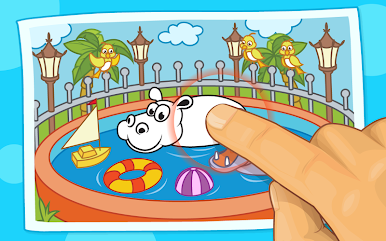
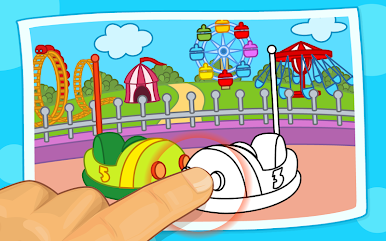
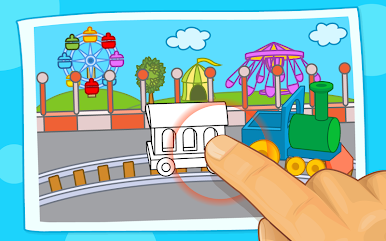
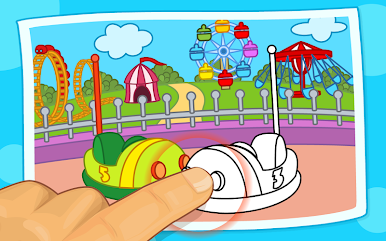
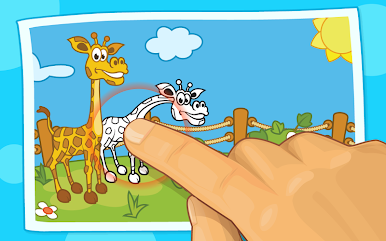
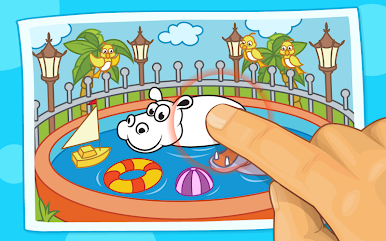
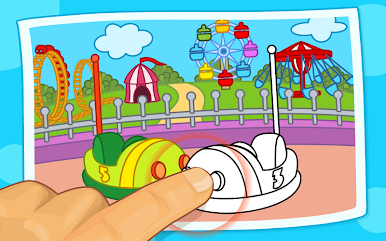
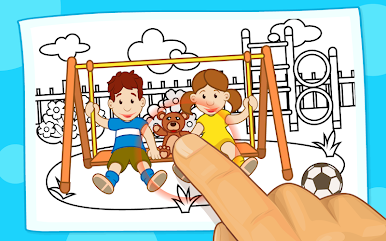
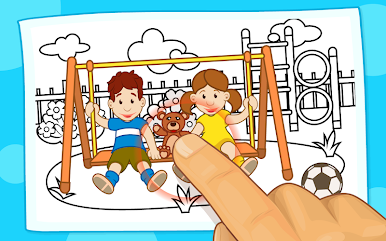
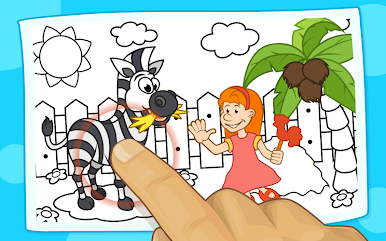
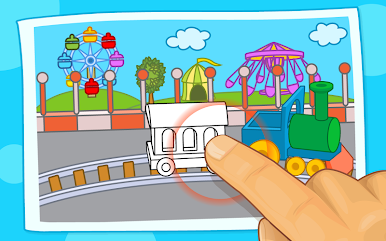
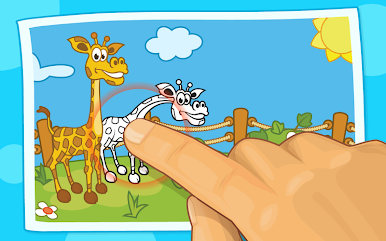
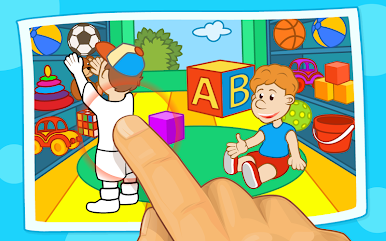
Kids Tap and Color gives young children a fun and gentle introduction to digital coloring. Created by Intellijoy Educational Games for Kids, this educational game is all about easy, mess-free creativity that’s great for toddlers, preschoolers, and even kids with special needs. No more worrying about choosing the right shade or staying inside the lines—kids can simply tap and watch pictures come to life with color.
Game Features
-
Effortless Coloring
There’s no need for kids to fumble with color choices or worry about mistakes. A quick tap fills in each section, making it really easy for even the youngest artists to enjoy. -
Kid-Friendly Themes
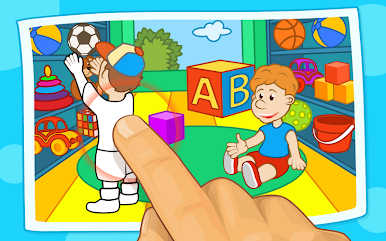
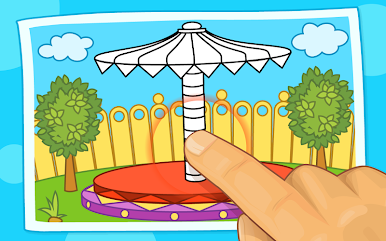
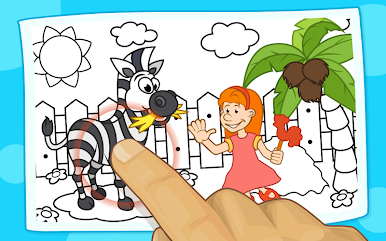
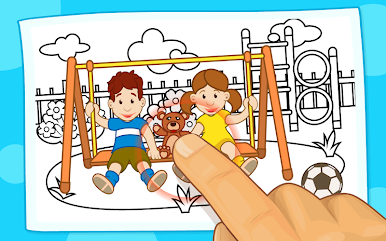
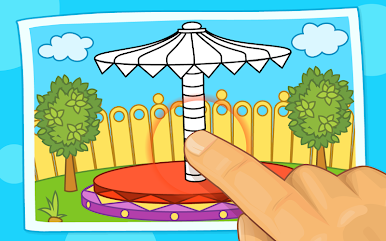
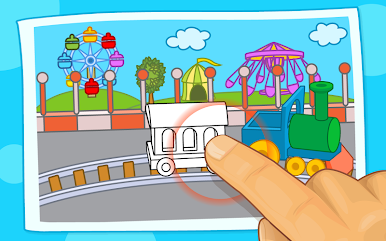
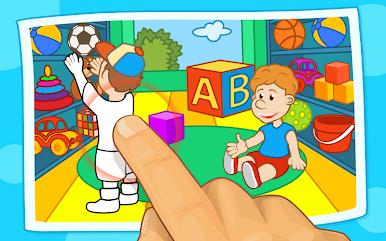
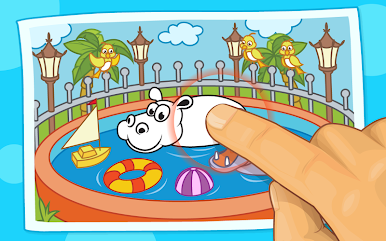
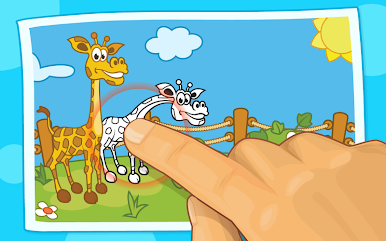
The Lite version lets you explore fun scenes like the Park and the Circus. Upgrade to access even more settings, including a Zoo, Store, Sports, and Playground—plenty of variety to keep things interesting. -
Designed for All Kids
Everything in Kids Tap and Color is super intuitive—there are no confusing menus or extra distractions. Children with or without special needs can play by themselves, with no help required. -
Clean, Distraction-Free Experience
There aren’t any ads, pop-ups, or irrelevant sounds getting in the way. Just thoughtful, focused play that lets kids enjoy coloring their favorite scenes. -
Smooth Play on All Devices
You can give it a try using BlueStacks if you’re interested in using a computer for a bigger, brighter coloring session.
Ready to top the leaderboard? We bet you do. Let precise controls and sharp visuals optimized on BlueStacks lead you to victory.

เล่น Kids Tap and Color บน PC ได้ง่ายกว่า
-
ดาวน์โหลดและติดตั้ง BlueStacks บน PC ของคุณ
-
ลงชื่อเข้าใช้แอคเคาท์ Google เพื่อเข้าสู่ Play Store หรือทำในภายหลัง
-
ค้นหา Kids Tap and Color ในช่องค้นหาด้านขวาบนของโปรแกรม
-
คลิกเพื่อติดตั้ง Kids Tap and Color จากผลการค้นหา
-
ลงชื่อเข้าใช้บัญชี Google Account (หากยังไม่ได้ทำในขั้นที่ 2) เพื่อติดตั้ง Kids Tap and Color
-
คลิกที่ไอคอน Kids Tap and Color ในหน้าจอเพื่อเริ่มเล่น

