


iPLAY-TV TV
Jouez sur PC avec BlueStacks - la plate-forme de jeu Android, approuvée par + 500M de joueurs.

Page Modifiée le: Sep 21, 2026
Aperçu
IMPORTANT ANNOTATION: You will need to enter your Username, Password and Server URL that is provided by your service provider.
App requirements:
- Internet connection of-course (at least 5MBs)
- No Need to Install IPTV Core
- No need to install Third Party Media Player
List of features :
- Built-in powerful player, No need to look for third-party player to support these formats
- Live and VOD Streaming
- Account info
- Very simple and user-friendly App
Disclaimer:
- Iplay-TV does not supply or include any media or content
- Users must provide their own content
- Iplay-TV has no affiliation with any third-party provider what so ever.
- We do not endorse the streaming of copyright protected material without permission of the copyright holder.
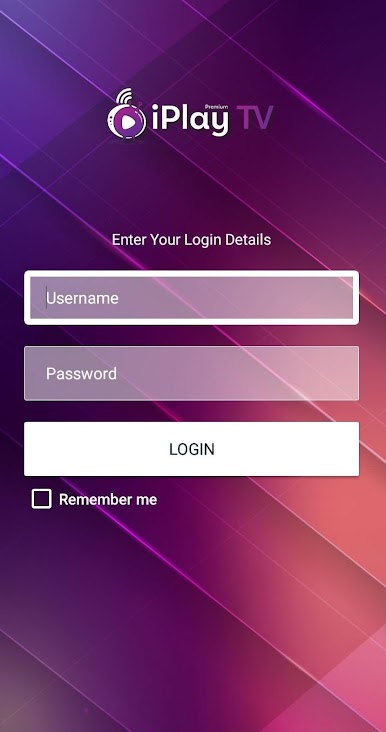
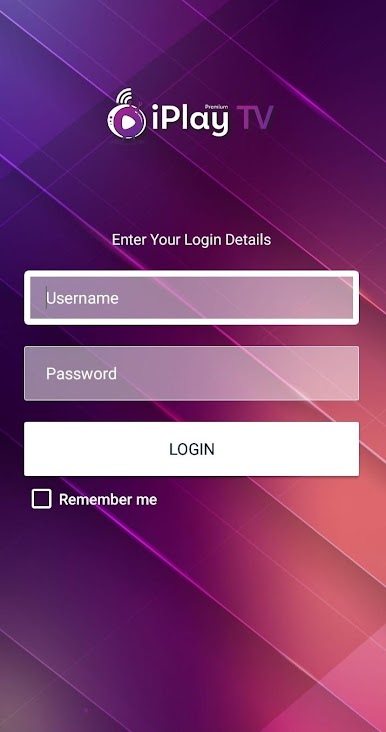
Jouez à iPLAY-TV TV sur PC. C'est facile de commencer.
-
Téléchargez et installez BlueStacks sur votre PC
-
Connectez-vous à Google pour accéder au Play Store ou faites-le plus tard
-
Recherchez iPLAY-TV TV dans la barre de recherche dans le coin supérieur droit
-
Cliquez pour installer iPLAY-TV TV à partir des résultats de la recherche
-
Connectez-vous à Google (si vous avez ignoré l'étape 2) pour installer iPLAY-TV TV
-
Cliquez sur l'icône iPLAY-TV TV sur l'écran d'accueil pour commencer à jouer

