


Blocky Castle: Tower Climb
Jouez sur PC avec BlueStacks - la plate-forme de jeu Android, approuvée par + 500M de joueurs.

Page Modifiée le: Jul 22, 2025
Jouez Blocky Castle: Tower Climb sur PC
Choisissez votre adversaire préféré et surmontez des obstacles difficiles et très dangereux en grimpant jusqu’au sommet de chaque tour. Des pointes acérées, des tonneaux qui roulent, des roches lourdes, des plateformes qui tombent, des pièges de feu et des bombes sont certains des obstacles qui vous attendent pour vous pousser méchamment dans l’abîme. Mais n’ayez crainte, la connaissance de l’environnement et un bon timing vous feront traverser les plus difficiles situations !
Relevez le défi de front !
PRINCIPALES FONCTIONNALITÉS
* Visuels colorés et joyeux
* Des tonnes de personnages hilarants
* Des commandes simples et intuitives
* Jeu clair et addictif
* Prise en charge de l’affichage entier de la rétine
* Assistance Google Play
COMMANDES
* Balayez vers la gauche ou vers la droite pour sauter sur la prochaine plateforme
* Balayez vers le haut pour utiliser un commutateur, entrer par une porte, monter une échelle ou sauter haut
* Balayez vers le bas pour descendre ou descendre d’une échelle
CONSEILS
* Chaque obstacle représente une autre menace, assurez-vous d’apprendre les schémas
* Ne vous précipitez pas, dosez vos actions pour éviter des erreurs inutiles
* Sautez en avant si un baril ou une roche vient vers vous
* Les pièces sont toujours attribuées, même si vous ne parvenez pas à terminer un niveau
* Soyez conscient de tous les obstacles visibles à l’écran, et pas seulement du prochain
Veuillez noter Blocky Castle et nous envoyer vos commentaires pour d'autres améliorations !
Facebook : http://www.facebook.com/IstomGames
Twitter : http://twitter.com/istomgames
isTom Games : https://www.istomgames.com
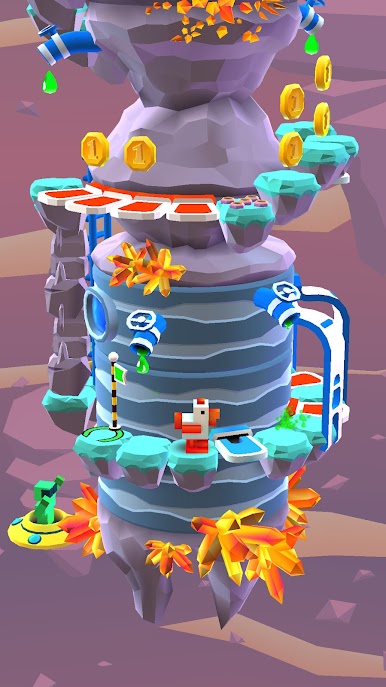
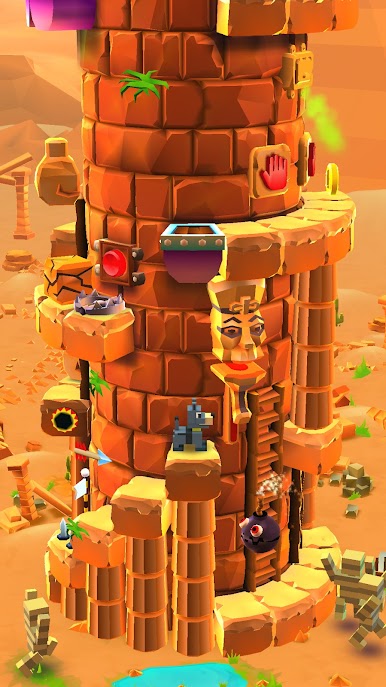
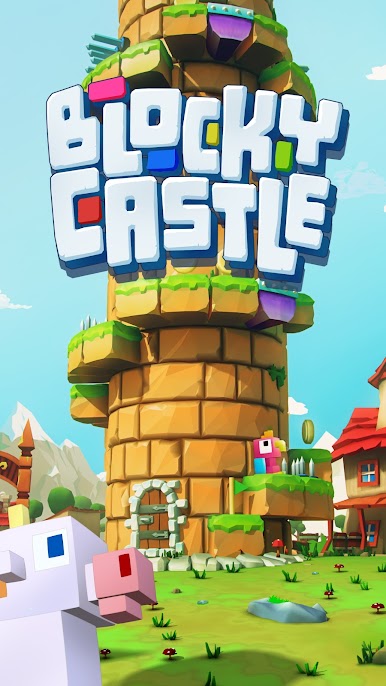
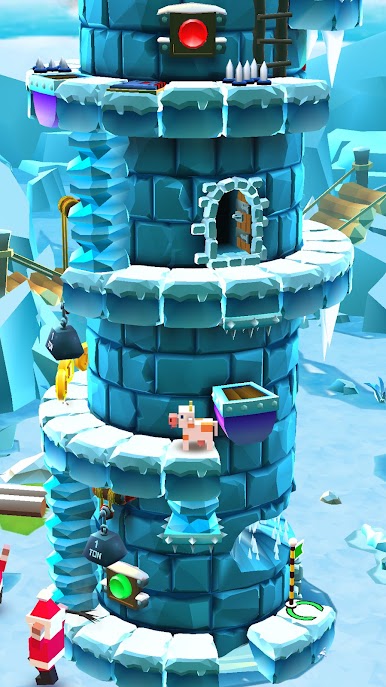
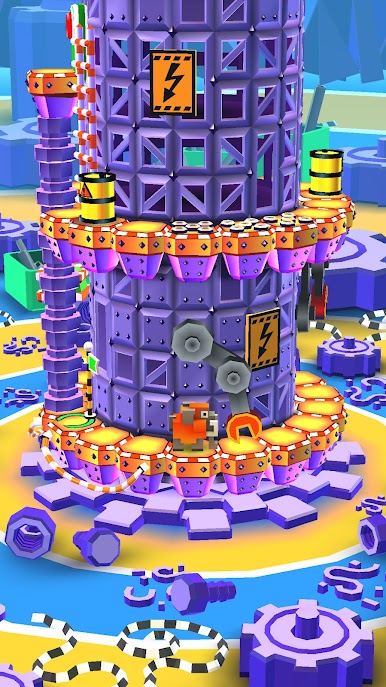

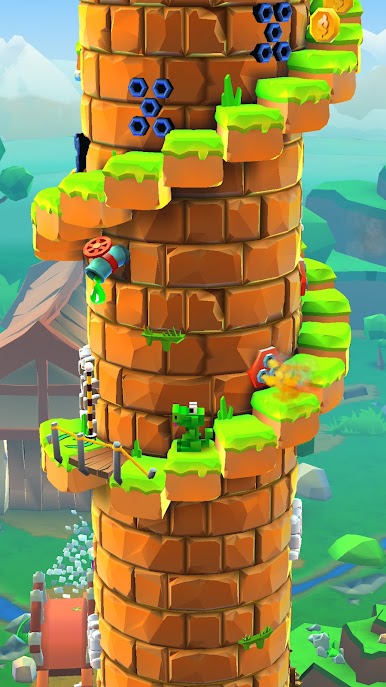
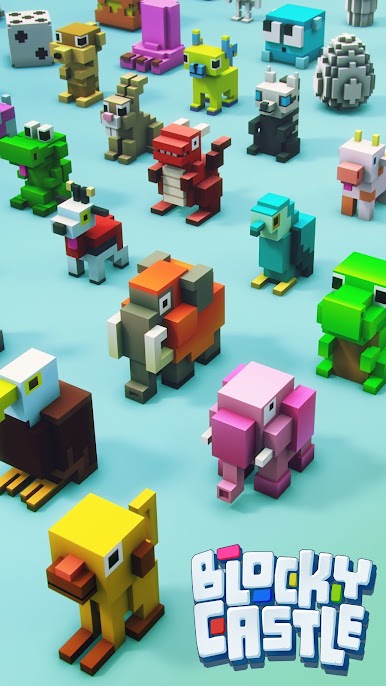
Jouez à Blocky Castle: Tower Climb sur PC. C'est facile de commencer.
-
Téléchargez et installez BlueStacks sur votre PC
-
Connectez-vous à Google pour accéder au Play Store ou faites-le plus tard
-
Recherchez Blocky Castle: Tower Climb dans la barre de recherche dans le coin supérieur droit
-
Cliquez pour installer Blocky Castle: Tower Climb à partir des résultats de la recherche
-
Connectez-vous à Google (si vous avez ignoré l'étape 2) pour installer Blocky Castle: Tower Climb
-
Cliquez sur l'icône Blocky Castle: Tower Climb sur l'écran d'accueil pour commencer à jouer

