


JBL One
Jouez sur PC avec BlueStacks - la plate-forme de jeu Android, approuvée par + 500M de joueurs.

Page Modifiée le: Nov 30, 2025
Run JBL One on PC or Mac
Let BlueStacks turn your PC, Mac, or laptop into the perfect home for JBL One, a fun Music & Audio app from Harman Consumer, Inc..
About the App
JBL One is your go-to spot for managing all your JBL speakers, soundbars, and PartyLight gadgets in one place. Whether you’re fine-tuning your living room sound or getting the party lights just right, this app makes everything feel easy. Expect simple setup, plenty of personalization, and an experience built around you and your favorite music.
App Features
-
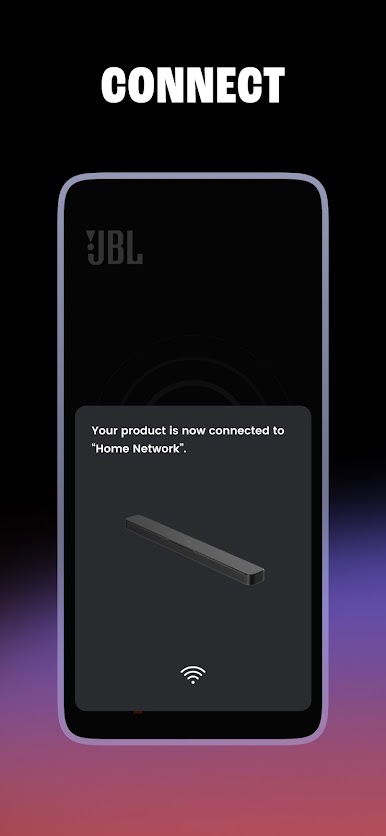
Simple Setup, No Headaches
Getting your new speaker or soundbar up and running is pretty straightforward. The app walks you through setup steps, so you won’t need to guess what’s next. -
Tailored Sound With EQ Controls
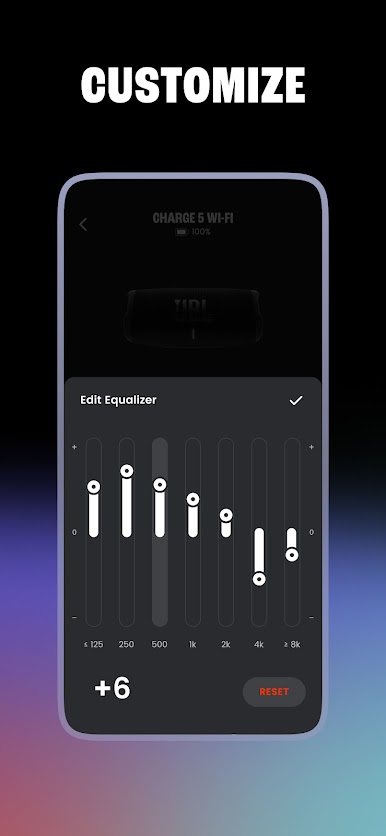
Craving extra bass or want to tweak the treble? The customizable EQ lets you control the audio, so your music always sounds just how you like it. -
Light Up the Room
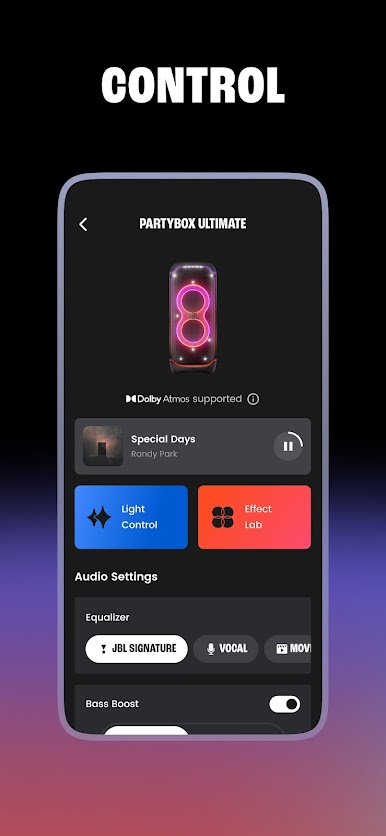
If you’ve got compatible PartyLight products, you can change up the lighting and set the vibe right from your phone. -
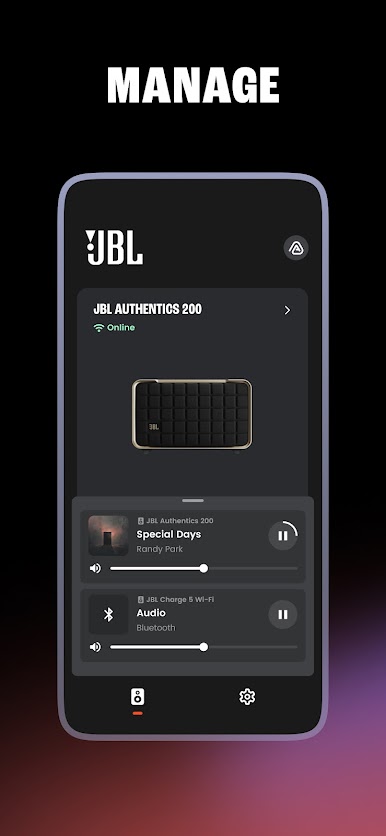
All Devices, One Dashboard
Keep an eye on your devices—check battery, connection, and even see what’s playing, all from a single screen. -
Stereo Pairing & Speaker Groups
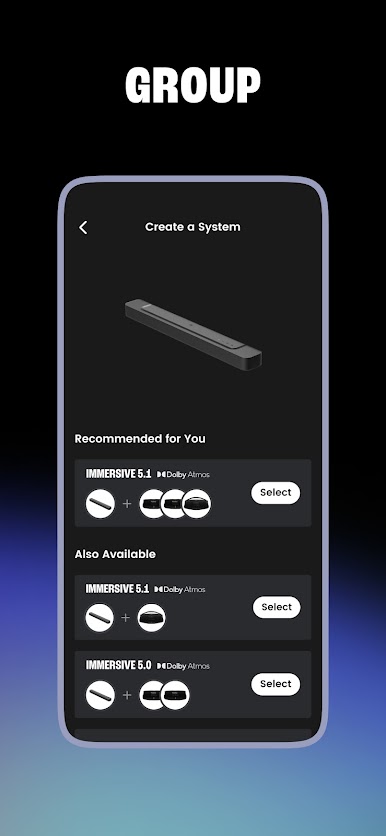
Want bigger sound? Pair two speakers for stereo or group a bunch for a surround-sound effect. It’s great for parties or movie nights. -
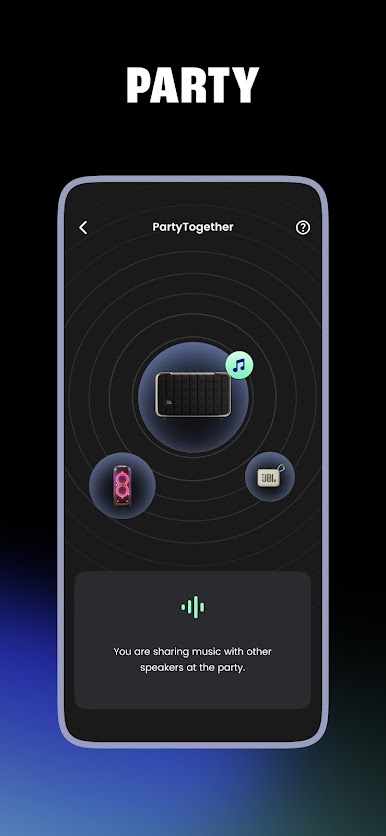
Amp Up With Auracast™
Connect compatible JBL speakers wirelessly to make your music fill the whole place—perfect for large gatherings or just spreading the fun. -
Quick Access to Favorites
Save your favorite playlists or chill-out sounds to jump back in anytime, no digging required. -
Integrated Music Player
Control what’s playing straight from the app, whether you’re lounging inside or running the backyard barbecue. -
Streaming & Podcasts Made Easy
Browse tons of streaming services, Internet radio, and high-def podcasts, all within JBL One. -
Sync Sound and Light
Got a PartyBox and its lighting add-ons? You can create a sound-and-light show worthy of a real party. -
Stay Current With Updates
The app keeps your devices up-to-date so you always have the latest features at your fingertips. -
In-App Product Support
If you hit a snag, you can get help or answers right from the app.
The JBL One app from Harman Consumer, Inc. fits right into your music-audio lifestyle and also works seamlessly through BlueStacks if you prefer managing things from your computer.
BlueStacks gives you the much-needed freedom to experience your favorite apps on a bigger screen. Get it now.
Jouez à JBL One sur PC. C'est facile de commencer.
-
Téléchargez et installez BlueStacks sur votre PC
-
Connectez-vous à Google pour accéder au Play Store ou faites-le plus tard
-
Recherchez JBL One dans la barre de recherche dans le coin supérieur droit
-
Cliquez pour installer JBL One à partir des résultats de la recherche
-
Connectez-vous à Google (si vous avez ignoré l'étape 2) pour installer JBL One
-
Cliquez sur l'icône JBL One sur l'écran d'accueil pour commencer à jouer

