


Parle qui appelle
Jouez sur PC avec BlueStacks - la plate-forme de jeu Android, approuvée par + 500M de joueurs.

Page Modifiée le: Jul 2, 2026
Jouez Parle qui appelle sur PC
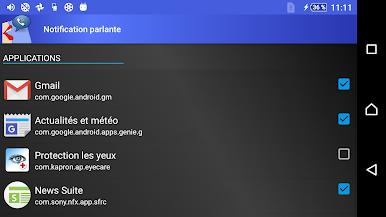
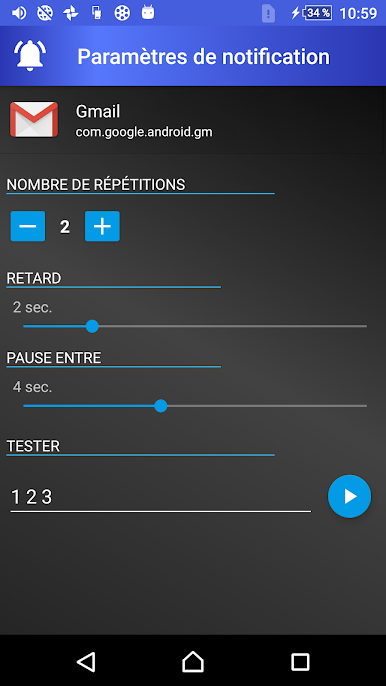
Écoutez les notifications, découvrez qui appelle ou envoie des SMS sans regarder l'écran du téléphone, lorsque vous conduisez, cuisinez ou vous détendez.
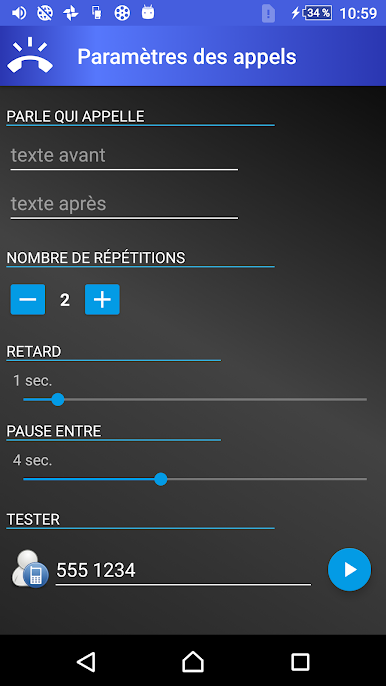
Composez vos propres sonneries vocales en ajoutant du texte à lire avant et après le nom de l'appelant ou le nom de l'expéditeur du message.
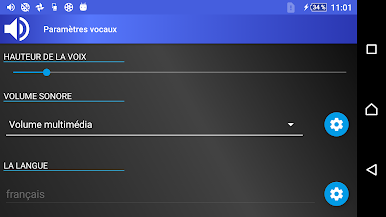
Vous pouvez facilement configurer l'application pour qu'elle ne parle que lorsque le casque ou les écouteurs sont connectés ou à certaines heures de la journée, personnaliser la vitesse de la voix et la tonalité de la parole, elle ne nécessite pas de connexion Internet.
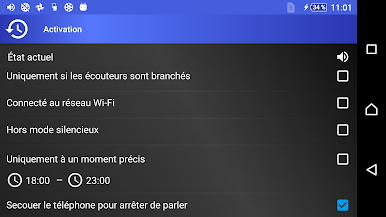
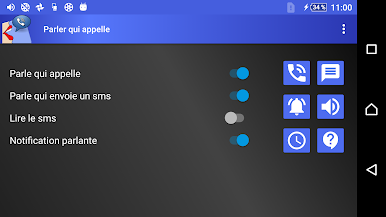
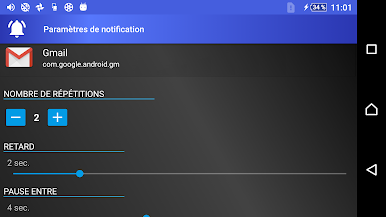
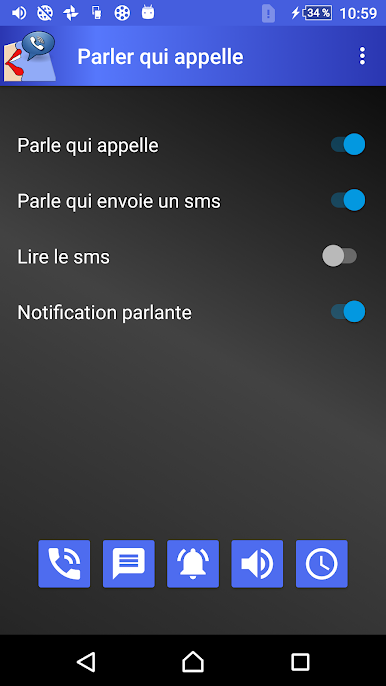
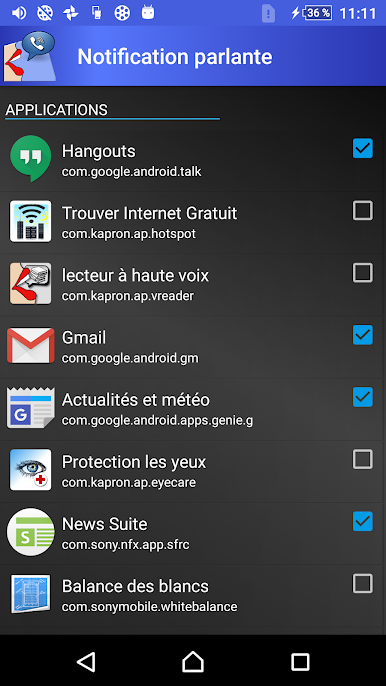
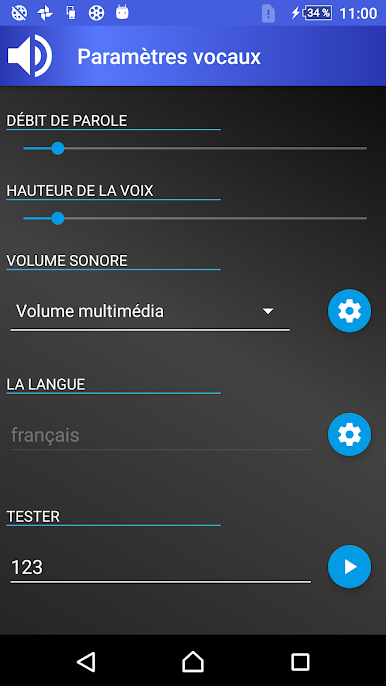
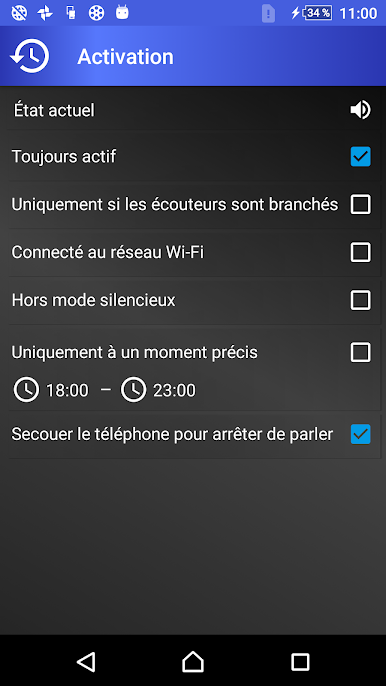
Jouez à Parle qui appelle sur PC. C'est facile de commencer.
-
Téléchargez et installez BlueStacks sur votre PC
-
Connectez-vous à Google pour accéder au Play Store ou faites-le plus tard
-
Recherchez Parle qui appelle dans la barre de recherche dans le coin supérieur droit
-
Cliquez pour installer Parle qui appelle à partir des résultats de la recherche
-
Connectez-vous à Google (si vous avez ignoré l'étape 2) pour installer Parle qui appelle
-
Cliquez sur l'icône Parle qui appelle sur l'écran d'accueil pour commencer à jouer

