

Kargin Blot: Bazar blot
เล่นบน PC ผ่าน BlueStacks - Android Gaming Platform ที่ได้รับความไว้วางใจจากเกมเมอร์ 500 ล้านคนทั่วโลก

Page Modified on: Dec 26, 2023
Play Kargin Blot: Armenian bazar blot 🇦🇲 on PC or Mac
From the innovators and creators at Steadfast, Kargin Blot: Armenian bazar blot 🇦🇲 is another fun addition to the World of Card games. Go beyond your mobile screen and play it bigger and better on your PC or Mac. An immersive experience awaits you.
About the Game
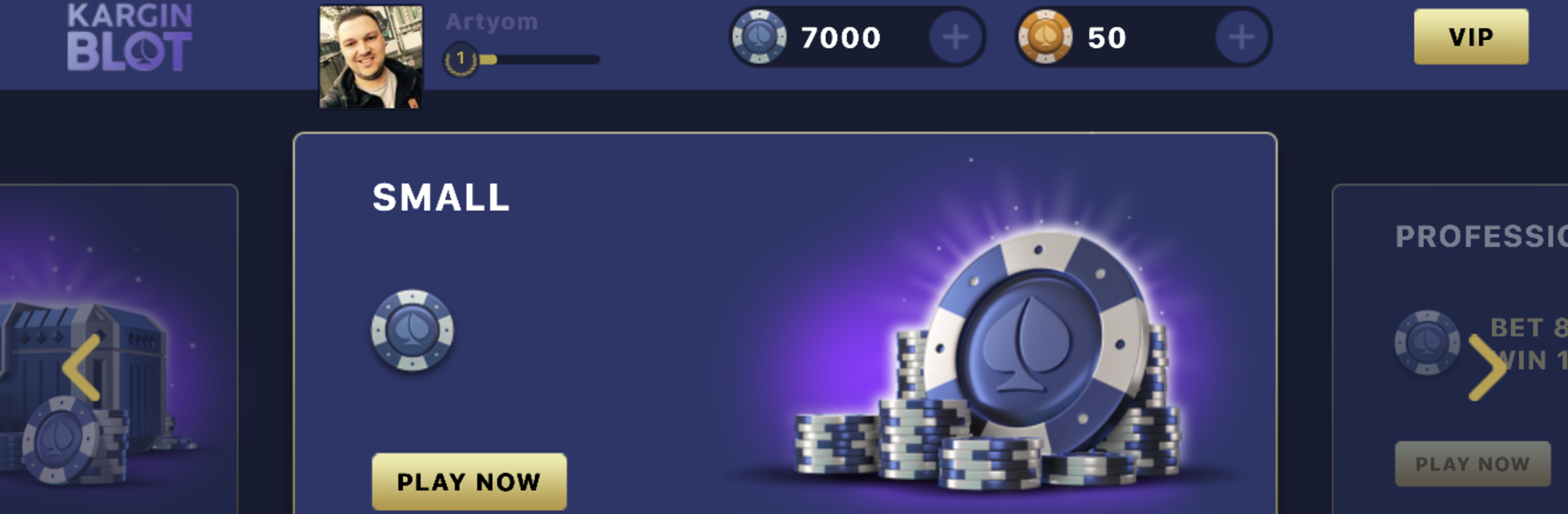
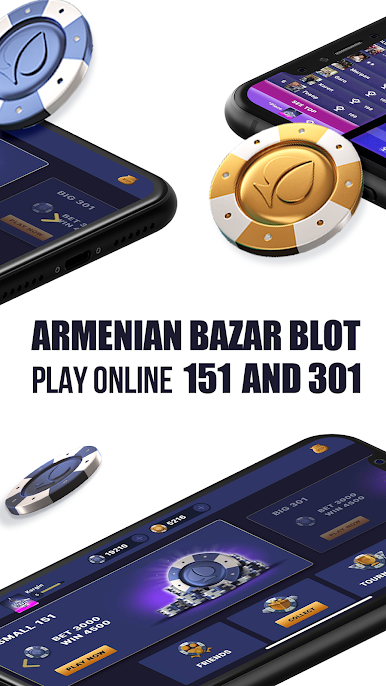
If you’ve ever sat around a table, cards in hand, ready to dive into a heated round of bazar blot, you’ll feel right at home with Kargin Blot: Armenian bazar blot 🇦🇲 from Steadfast. This game brings that classic Armenian card gameplay straight to your device, making it easy to challenge friends, sharpen your strategy, or just pass the time in a way that feels both familiar and fresh.
Game Features
-
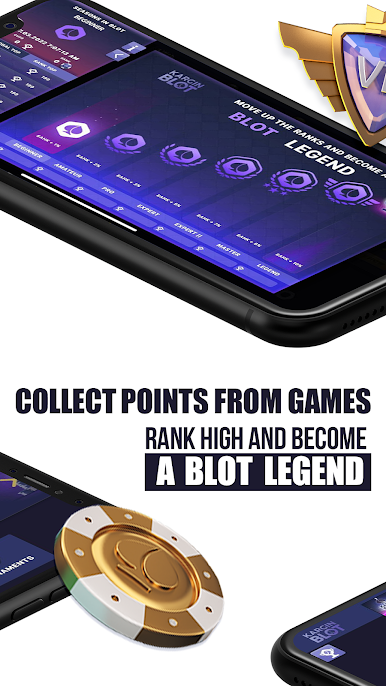
Faithful Blot Gameplay
Enjoy the bazar blot experience you know and love, adapted for the digital age. Play rounds that capture all the excitement and tactics of the real card game. -
Smart Matchmaking
Looking for a worthy opponent? The game finds players near your skill level, so every match is a test of your wit—not just luck. -
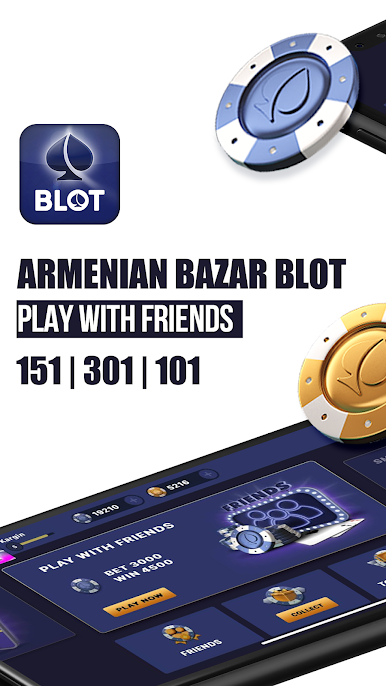
Social Play
Connect with friends or meet new folks who share your love for Armenian card games. Quick rematches and friendly rivalries are just a tap away. -
Clean and Intuitive Interface
No confusing menus or cluttered screens. The layout keeps things simple, letting you focus on the game—whether you’re new to bazar blot or a seasoned pro. -
Smooth Desktop Experience with BlueStacks
Want a bigger view or easier controls? You can play Kargin Blot: Armenian bazar blot 🇦🇲 on your computer using BlueStacks for an even smoother experience.
No matter where you are or who you’re up against, Kargin Blot: Armenian bazar blot 🇦🇲 makes sure you’ve always got a seat at the virtual card table.
Start your journey now. Download the game on BlueStacks, invite your friends, and march on a new adventure.





เล่น Kargin Blot: Bazar blot บน PC ได้ง่ายกว่า
-
ดาวน์โหลดและติดตั้ง BlueStacks บน PC ของคุณ
-
ลงชื่อเข้าใช้แอคเคาท์ Google เพื่อเข้าสู่ Play Store หรือทำในภายหลัง
-
ค้นหา Kargin Blot: Bazar blot ในช่องค้นหาด้านขวาบนของโปรแกรม
-
คลิกเพื่อติดตั้ง Kargin Blot: Bazar blot จากผลการค้นหา
-
ลงชื่อเข้าใช้บัญชี Google Account (หากยังไม่ได้ทำในขั้นที่ 2) เพื่อติดตั้ง Kargin Blot: Bazar blot
-
คลิกที่ไอคอน Kargin Blot: Bazar blot ในหน้าจอเพื่อเริ่มเล่น

