

KanaOrigin - Learn Japanese
เล่นบน PC ผ่าน BlueStacks - Android Gaming Platform ที่ได้รับความไว้วางใจจากเกมเมอร์ 500 ล้านคนทั่วโลก

Page Modified on: Aug 30, 2025
Run KanaOrigin - Learn Japanese on PC or Mac
Why limit yourself to your small screen on the phone? Run KanaOrigin – Learn Japanese, an app by Myoland Studio, best experienced on your PC or Mac with BlueStacks, the world’s #1 Android emulator.
About the App
KanaOrigin – Learn Japanese makes learning hiragana and katakana feel clear and approachable. Created by Myoland Studio (Genre: Education), it blends simple explanations, visual cues, and practice you’ll actually remember. Expect a relaxed, study-at-your-pace flow with smart reviews, quick lookups, and a few clever surprises. Prefer a bigger screen study session? It runs smoothly on BlueStacks on your PC or Mac.
App Features
- Origins, not just shapes: See how kana grew from kanji, so characters aren’t random squiggles—they have a backstory that helps them stick.
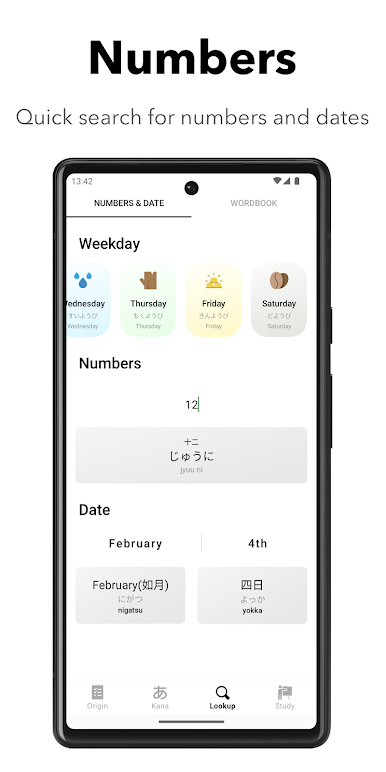
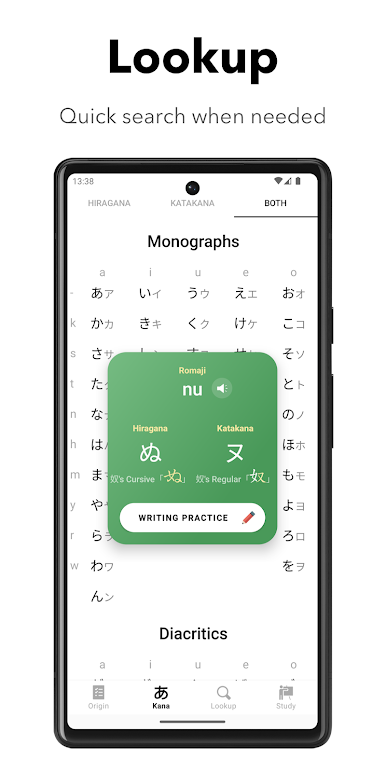
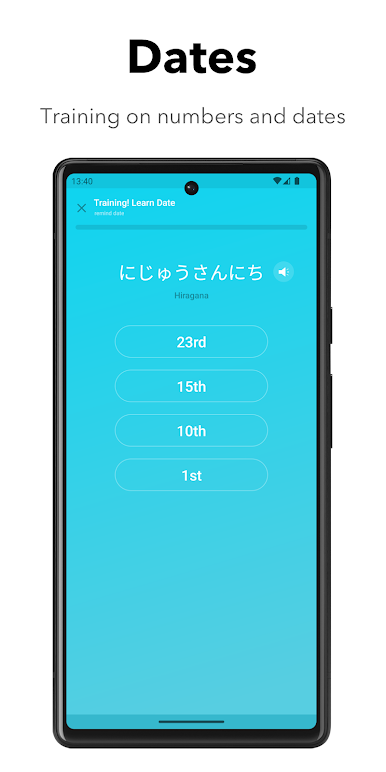
- Quick Search & Checklists: Need a kana right now? Pop it in and get instant info. Handy lists also cover common dates and numbers for fast reference.
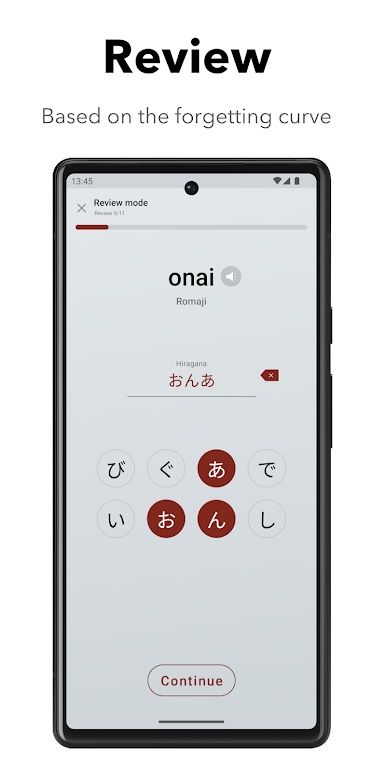
- Smart Review Timing: Practice cycles are tuned around the forgetting curve, adapting to your proficiency so you review just before things fade.
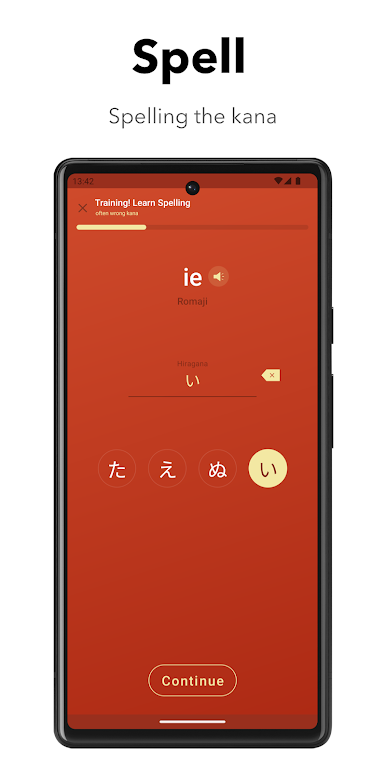
- Spelling Tests that work: Reinforce recognition by typing out readings and spellings—great for moving from “I recognize it” to “I can recall it.”
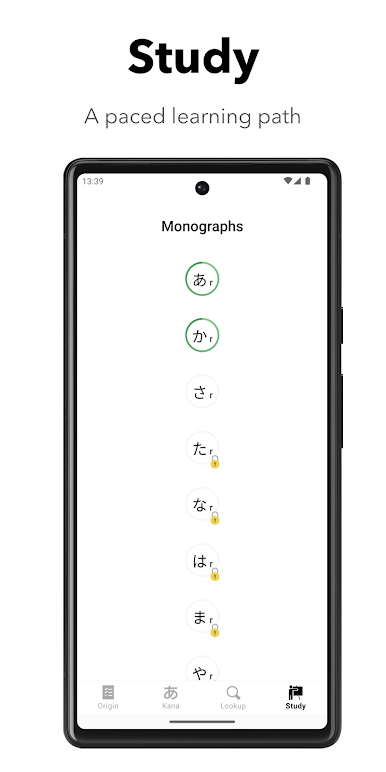
- Vocabulary that grows with you: Learn useful words that match your progress, so new terms show up when you’re ready for them.
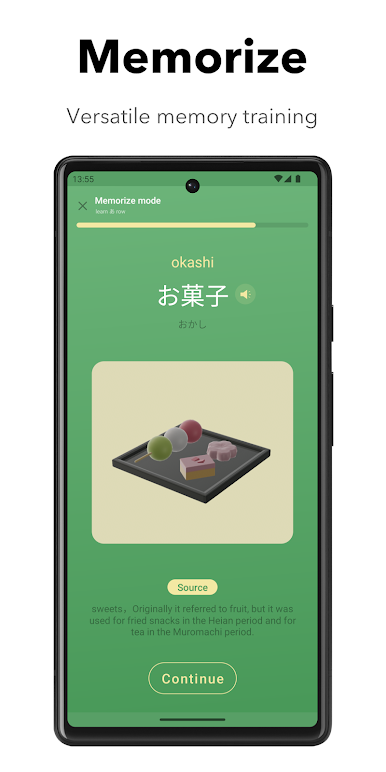
- 3D Word Models: Vivid 3D visuals help you connect meanings to real objects, making new vocabulary easier to remember and more fun to study.
Ready to experience KanaOrigin – Learn Japanese on a bigger screen, in all its glory? Download BlueStacks now.

เล่น KanaOrigin - Learn Japanese บน PC ได้ง่ายกว่า
-
ดาวน์โหลดและติดตั้ง BlueStacks บน PC ของคุณ
-
ลงชื่อเข้าใช้แอคเคาท์ Google เพื่อเข้าสู่ Play Store หรือทำในภายหลัง
-
ค้นหา KanaOrigin - Learn Japanese ในช่องค้นหาด้านขวาบนของโปรแกรม
-
คลิกเพื่อติดตั้ง KanaOrigin - Learn Japanese จากผลการค้นหา
-
ลงชื่อเข้าใช้บัญชี Google Account (หากยังไม่ได้ทำในขั้นที่ 2) เพื่อติดตั้ง KanaOrigin - Learn Japanese
-
คลิกที่ไอคอน KanaOrigin - Learn Japanese ในหน้าจอเพื่อเริ่มเล่น

