


การควบคุมโดยผู้ปกครอง-Kidslox
เล่นบน PC ผ่าน BlueStacks - Android Gaming Platform ที่ได้รับความไว้วางใจจากเกมเมอร์ 500 ล้านคนทั่วโลก

Page Modified on: Dec 12, 2025
Run Parental Control - Kidslox on PC or Mac
Multitask effortlessly on your PC or Mac as you try out Parental Control – Kidslox, a Tools app by Kidslox, Inc. on BlueStacks.
About the App
Parental Control – Kidslox is a comprehensive app by Kidslox, Inc. that empowers parents to manage their kids’ screen time while ensuring a balanced digital life. Monitor screen usage, track locations, block inappropriate content, and set unique schedules for each device in your household.
App Features
-
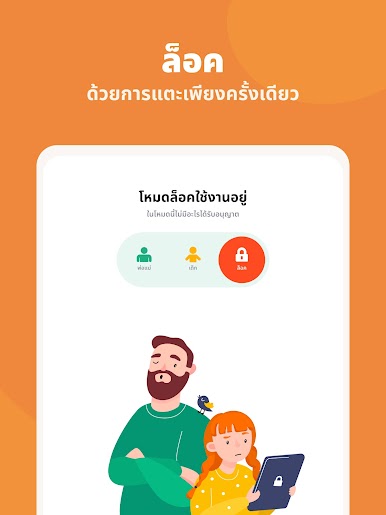
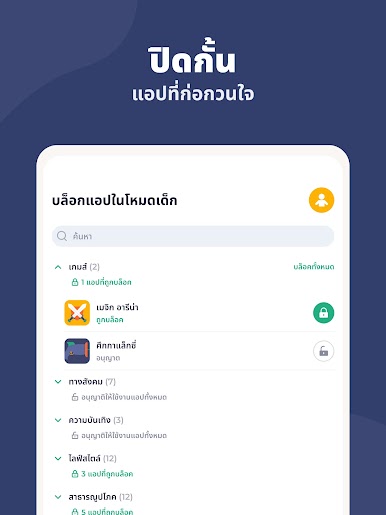
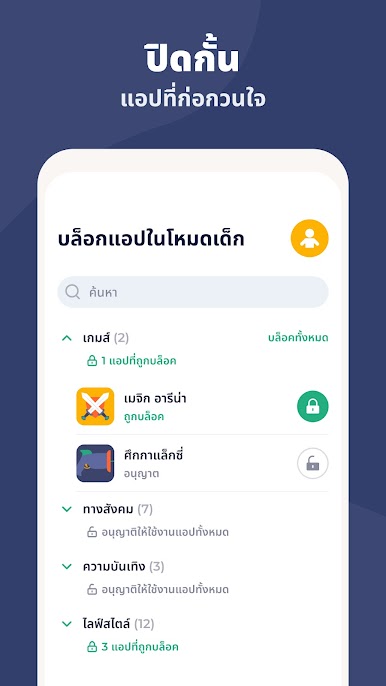
Instant Control: Block your kids’ apps instantly, whether they’re using Android or iPhone, from wherever you are.
-
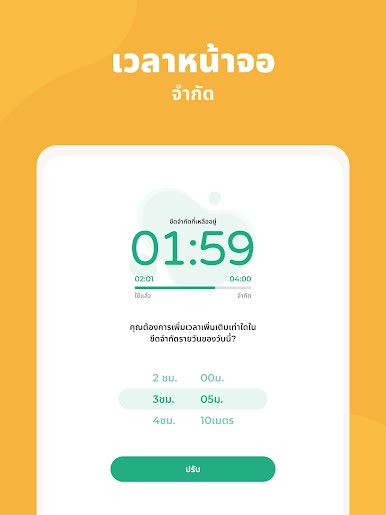
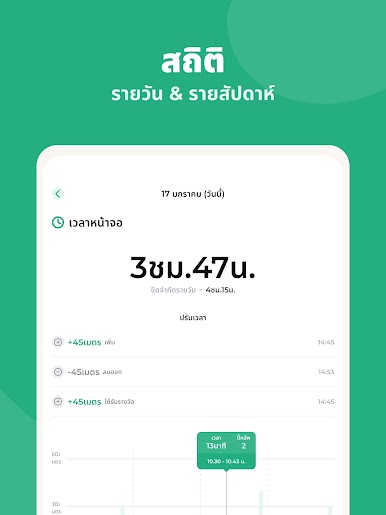
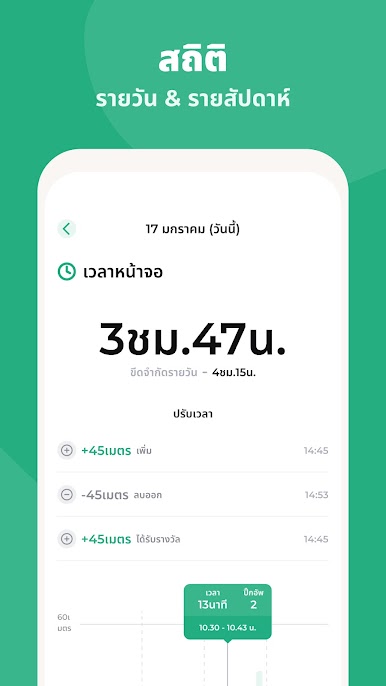
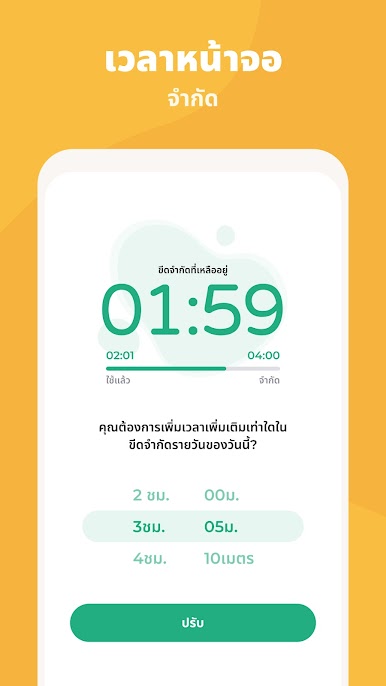
Screen Time Management: Create custom schedules and daily limits to guide your children towards a healthy digital routine. Curfews, anyone?
-
Rewards System: Encourage good habits—reward extra screen time for completing chores or homework.
-
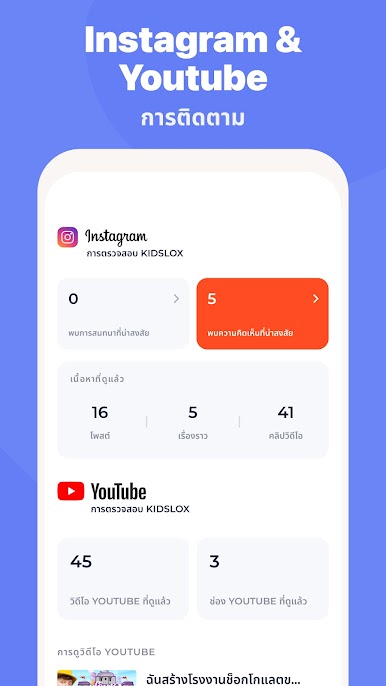
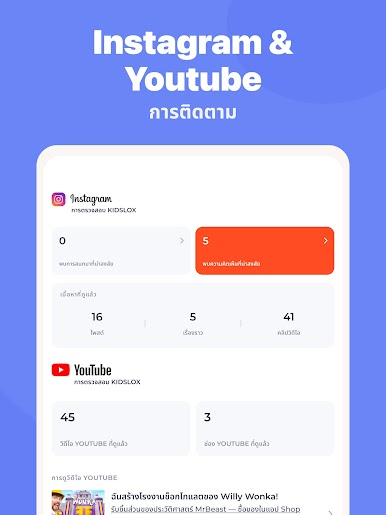
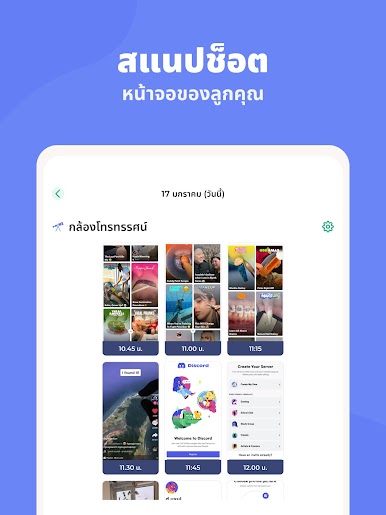
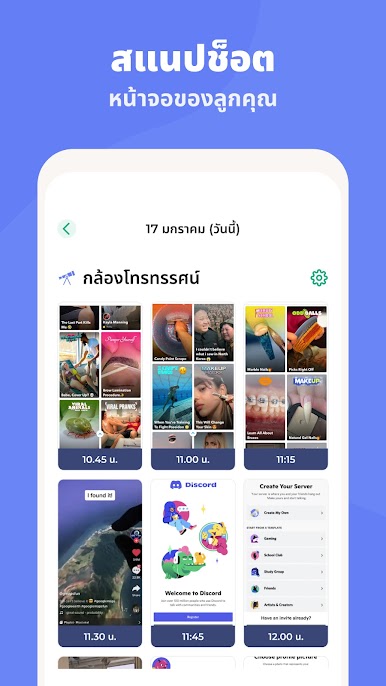
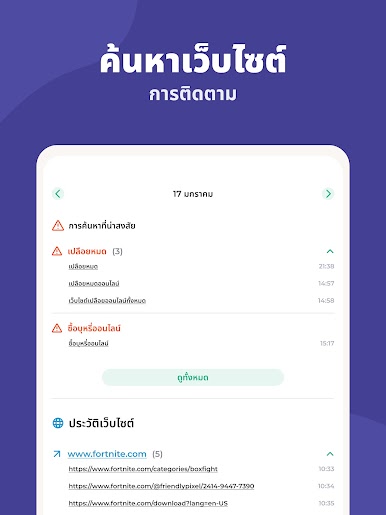
Activity Monitoring: See what’s happening on your child’s device with detailed app usage, web activity insights, and more.
-
Custom Modes: Allow educational apps during homework while keeping games for free time, all with the tap of a button.
-
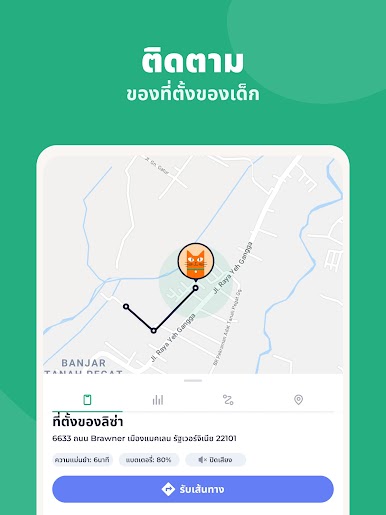
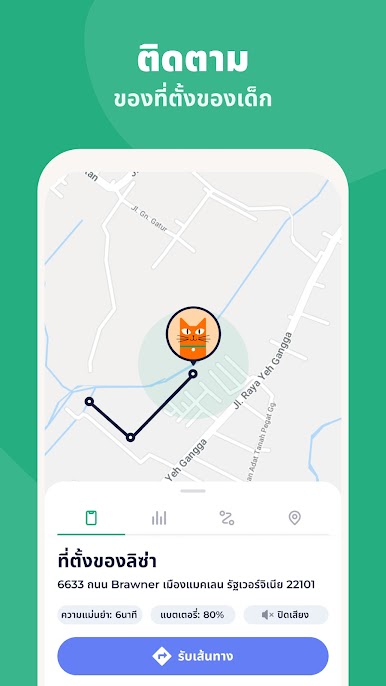
Location Tracking: Use GPS to know your child’s whereabouts, receive notifications for geo-fenced zones, and access location history.
-
Content Blocking & Filtering: Block explicit content, in-app purchases, and enforce safe searches across browsers.
-
Cross-Platform Support: Control all devices effortlessly—be it Android, iOS, Windows, or Mac, and even through your browser using BlueStacks for an easy desktop experience.
BlueStacks brings your apps to life on a bigger screen—seamless and straightforward.


เล่น การควบคุมโดยผู้ปกครอง-Kidslox บน PC ได้ง่ายกว่า
-
ดาวน์โหลดและติดตั้ง BlueStacks บน PC ของคุณ
-
ลงชื่อเข้าใช้แอคเคาท์ Google เพื่อเข้าสู่ Play Store หรือทำในภายหลัง
-
ค้นหา การควบคุมโดยผู้ปกครอง-Kidslox ในช่องค้นหาด้านขวาบนของโปรแกรม
-
คลิกเพื่อติดตั้ง การควบคุมโดยผู้ปกครอง-Kidslox จากผลการค้นหา
-
ลงชื่อเข้าใช้บัญชี Google Account (หากยังไม่ได้ทำในขั้นที่ 2) เพื่อติดตั้ง การควบคุมโดยผู้ปกครอง-Kidslox
-
คลิกที่ไอคอน การควบคุมโดยผู้ปกครอง-Kidslox ในหน้าจอเพื่อเริ่มเล่น

