


Accordeur violon-Violin Tuner
Jouez sur PC avec BlueStacks - la plate-forme de jeu Android, approuvée par + 500M de joueurs.

Page Modifiée le: Dec 26, 2023
Run ViolinTuner - Tuner for Violin on PC or Mac
What’s better than using ViolinTuner – Tuner for Violin by KME Software? Well, try it on a big screen, on your PC or Mac, with BlueStacks to see the difference.
About the App
ViolinTuner – Tuner for Violin by KME Software offers an easy way to keep your violin sounding just right, whether you’re still learning the basics or fine-tuning before a performance. It’s built for folks who want something straightforward but precise—no confusing extras, just clean tuning and useful features. Expect helpful visual cues, responsive controls, and extras like a built-in metronome to keep your practice on tempo.
App Features
-
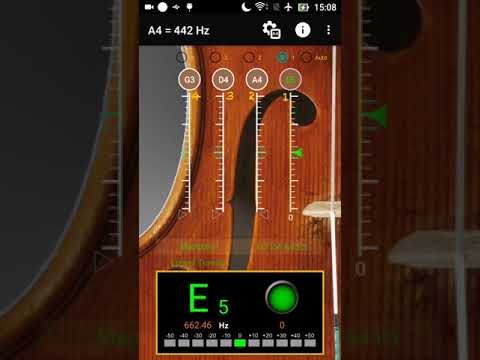
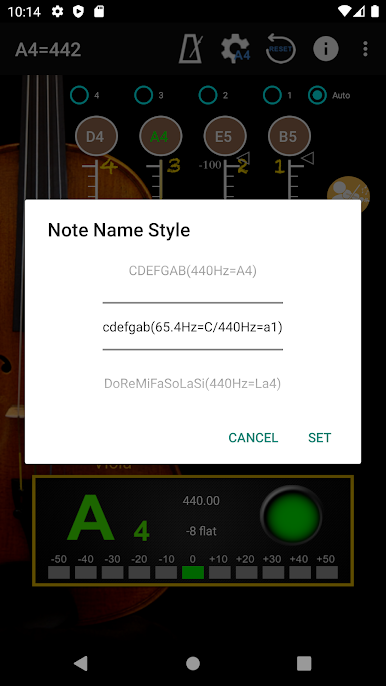
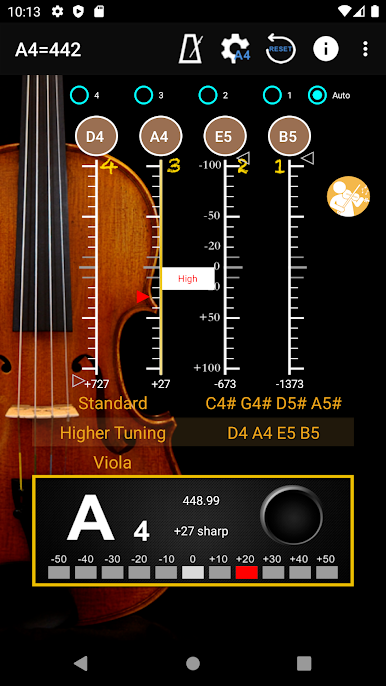
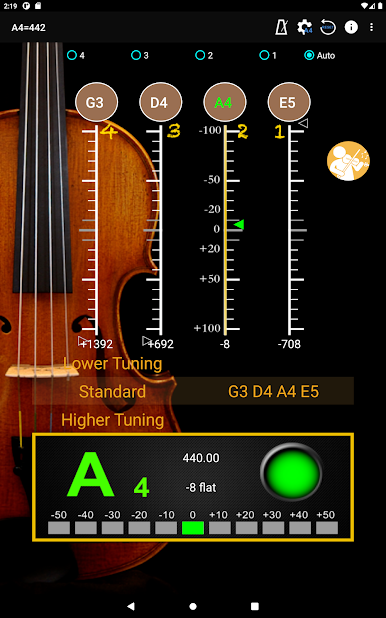
Accurate Tuning with Visual Feedback
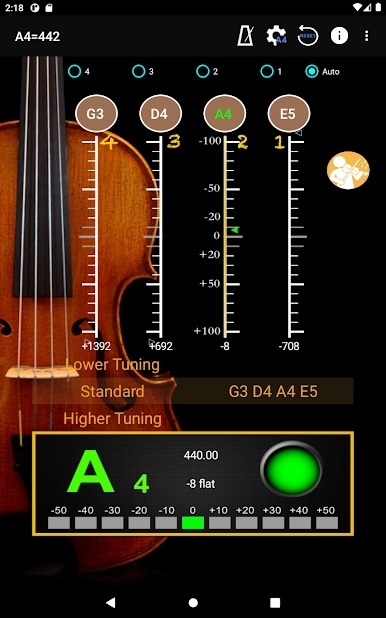
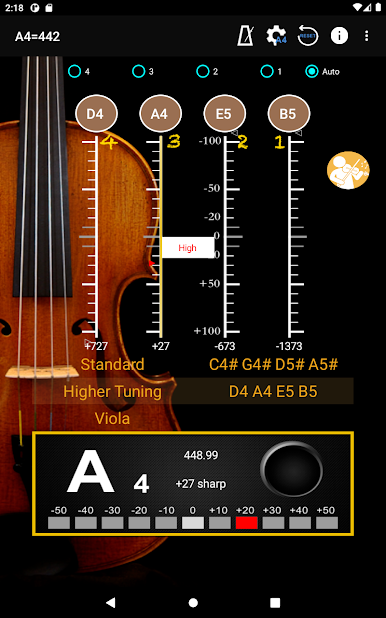
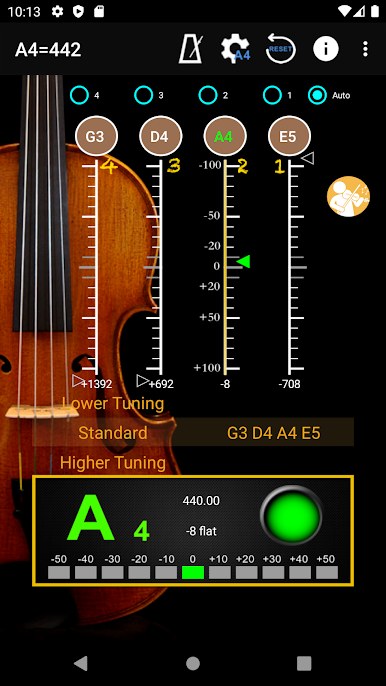
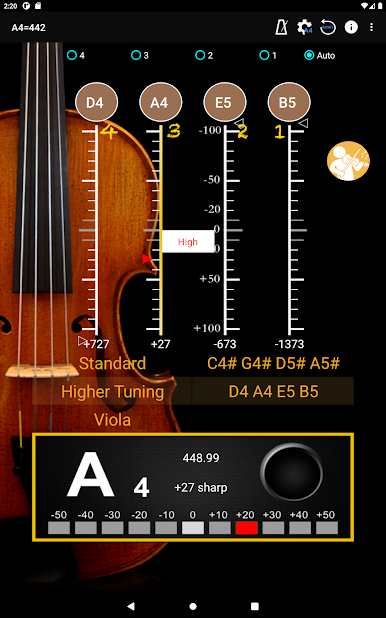
Tune each violin string with confidence using clear signal indicators. The app visually lets you know if your pitch is too high, too low, or spot-on—no second-guessing during practice. -
Automatic Noise Filtering
No need to find a perfectly quiet room. The tuner intelligently filters background noise so you get accurate feedback even if there’s a bit of life happening around you. -
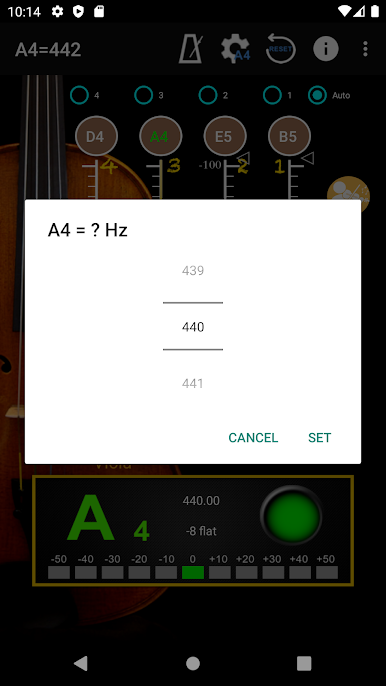
Pitch Range and Frequency Settings
You can quickly pick your preferred A4 frequency (anywhere from 428 up to 452 Hz). Handy if you’re working with different groups or just have specific tuning preferences. -
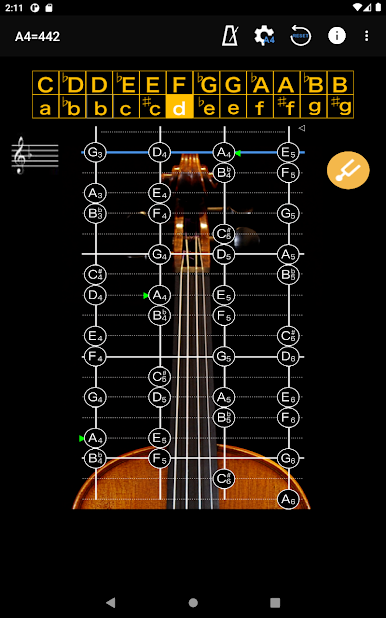
Full Position Pitch Training
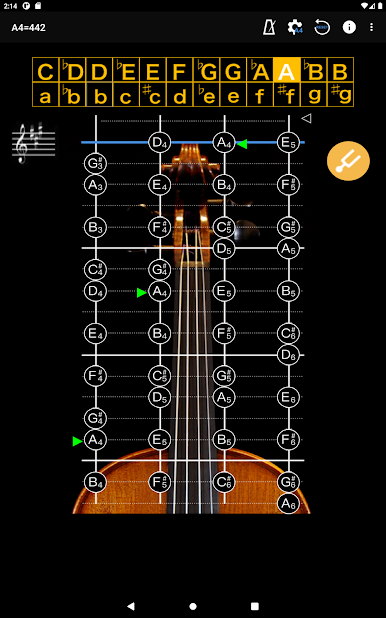
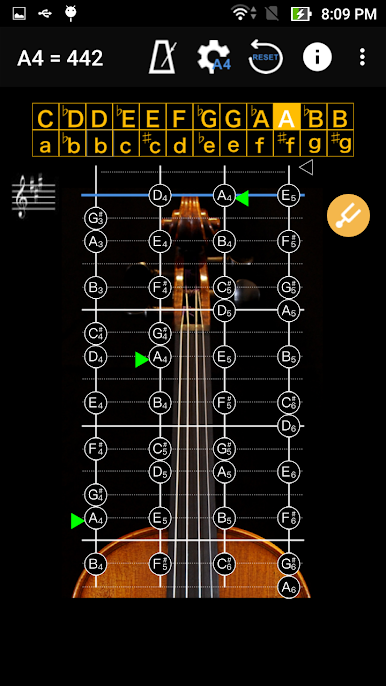
Practice not just with open strings, but across the notes you find as you move up the fingerboard—A, B, C, you name it. The app tells you immediately if each note is spot-on, helping you learn accurate intonation everywhere. -
Piano Sound Calibration
Hear a reference piano tone for each open string and match your violin to it. The app’s A4 defaults to 442 Hz but you can change this to suit your needs. -
Precise Tune Meter
The tuning meter divides pitches down to tiny increments (10 cents per sub-bit). A green arrow means you’ve nailed the note; if it flips to white, you know it’s time for a small adjustment. -
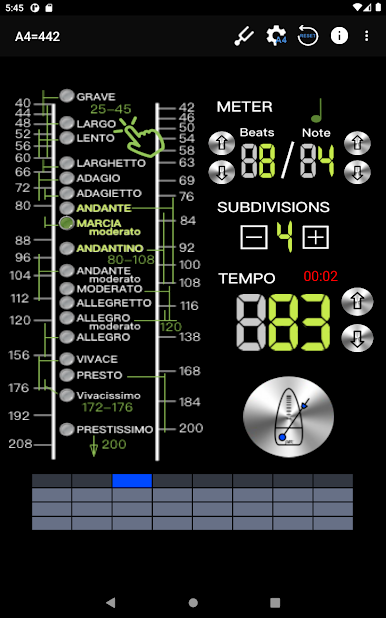
Intuitive Metronome
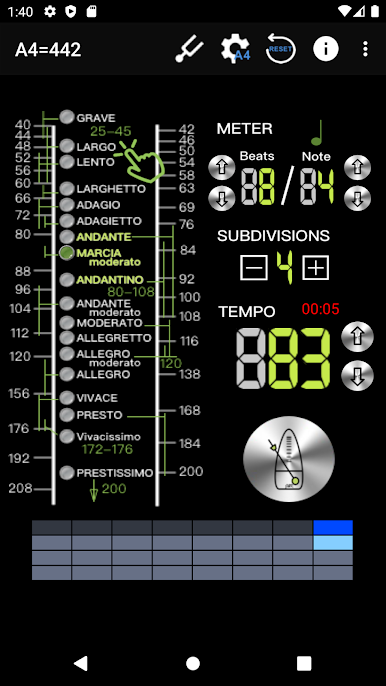
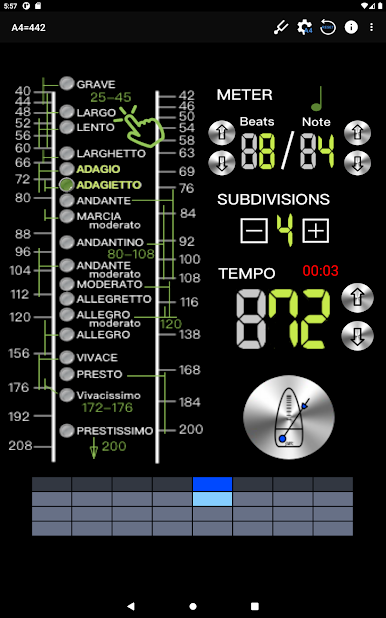
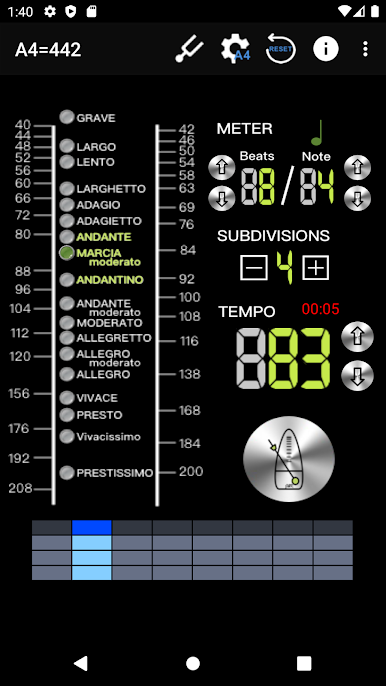
Pick from 18 tempo styles, ranging from slow and steady (Grave) up to blazing fast Prestissimo, or anywhere between. All metronome settings live on one simple page—easy to adjust while you play. -
Practice Tools for Every Player
Use features like segment beat (for double, triple, or quadruple subdivisions), pendulum display, and a timing tracker so you can measure your practice sessions. -
Real Time Playback and Dynamic Beat Shift
Switch to RTP (Real Time Playback) for precise, live beats. Shift tempo dynamically mid-practice without stopping—perfect for ramping up difficulty. -
Seamless Experience with BlueStacks
For those who prefer a bigger screen and even more control, try the app on your PC with BlueStacks. Your violin practice just got a little more comfortable.
Eager to take your app experience to the next level? Start right away by downloading BlueStacks on your PC or Mac.
Jouez à Accordeur violon-Violin Tuner sur PC. C'est facile de commencer.
-
Téléchargez et installez BlueStacks sur votre PC
-
Connectez-vous à Google pour accéder au Play Store ou faites-le plus tard
-
Recherchez Accordeur violon-Violin Tuner dans la barre de recherche dans le coin supérieur droit
-
Cliquez pour installer Accordeur violon-Violin Tuner à partir des résultats de la recherche
-
Connectez-vous à Google (si vous avez ignoré l'étape 2) pour installer Accordeur violon-Violin Tuner
-
Cliquez sur l'icône Accordeur violon-Violin Tuner sur l'écran d'accueil pour commencer à jouer

