

PathPix Max
Jouez sur PC avec BlueStacks - la plate-forme de jeu Android, approuvée par + 500M de joueurs.

Page Modifiée le: Jul 24, 2018
Play PathPix Max on PC or Mac
Bring your A-game to PathPix Max, the Puzzle game sensation from Kris Pixton. Give your gameplay the much-needed boost with precise game controls, high FPS graphics, and top-tier features on your PC or Mac with BlueStacks.
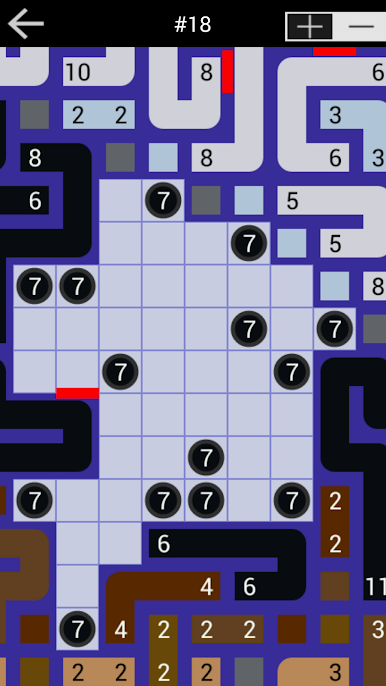
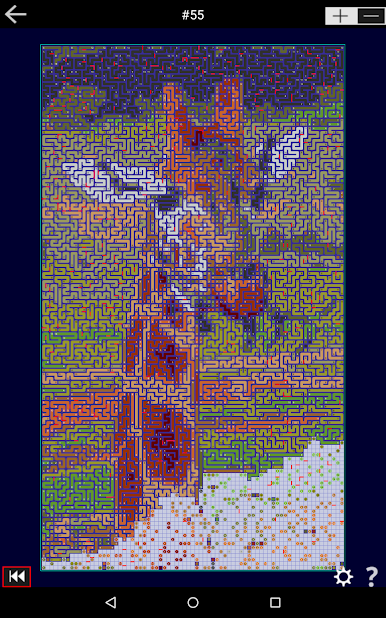
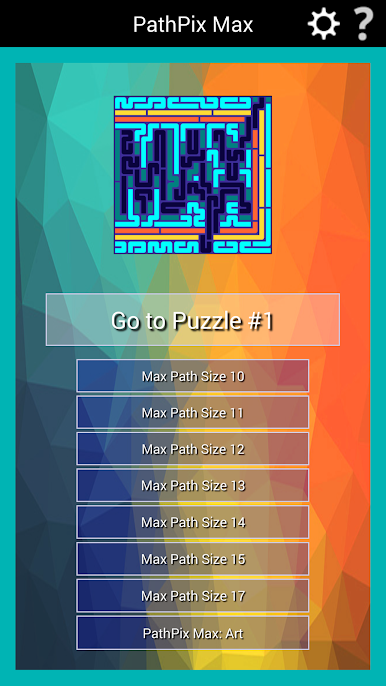
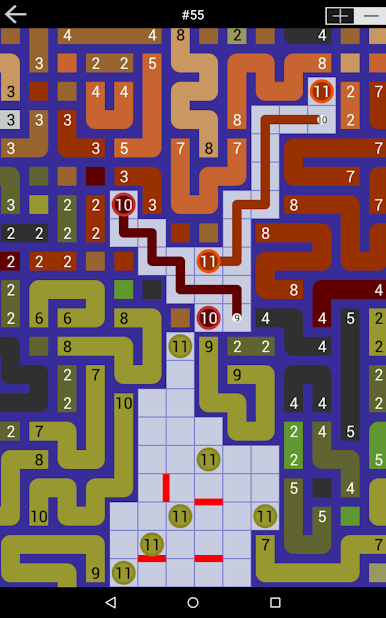
PathPix Max is that huge connect-the-numbers puzzle where the board slowly turns into a picture as you draw colored paths. Each number tells you how long the path should be, so you snake lines across the grid until everything clicks and a big image pops out, plus a little quote as a bonus. The twist is scale. These boards are enormous, like thousands and thousands of squares, and a single puzzle can feel like working on a mural. Sections inside the same board shift from easy to medium to hard, so there is always a corner to poke at when the tricky bit will not budge. There is a helpful check button too, which cleans up wrong paths so the mess does not pile up.
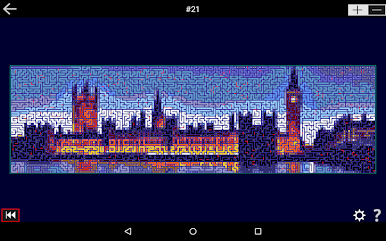
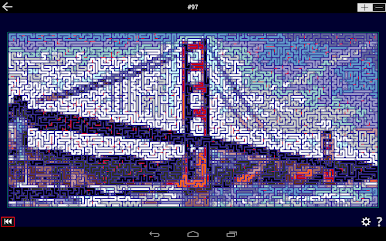
What stands out is the patience it asks for and how satisfying it feels when the colors finally lock into place. It is made for people who like long, steady puzzles rather than quick wins. There is a special set based on famous art that plays like a pixel-by-pixel restoration project, very cool once the picture comes into focus. Across everything there are over a million squares to fill, so there is no shortage. On PC through BlueStacks, the mouse helps a lot with those long lines, and the bigger screen makes the giant grids feel more manageable without squinting. It is calm, methodical, and clearly aimed at experienced PathPix fans who want something massive to chew on.
Start your journey now. Download the game on BlueStacks, invite your friends, and march on a new adventure.

Jouez à PathPix Max sur PC. C'est facile de commencer.
-
Téléchargez et installez BlueStacks sur votre PC
-
Connectez-vous à Google pour accéder au Play Store ou faites-le plus tard
-
Recherchez PathPix Max dans la barre de recherche dans le coin supérieur droit
-
Cliquez pour installer PathPix Max à partir des résultats de la recherche
-
Connectez-vous à Google (si vous avez ignoré l'étape 2) pour installer PathPix Max
-
Cliquez sur l'icône PathPix Max sur l'écran d'accueil pour commencer à jouer

