


SkEye Pro
Jouez sur PC avec BlueStacks - la plate-forme de jeu Android, approuvée par + 500M de joueurs.

Page Modifiée le: Nov 17, 2025
Play SkEye Pro on PC
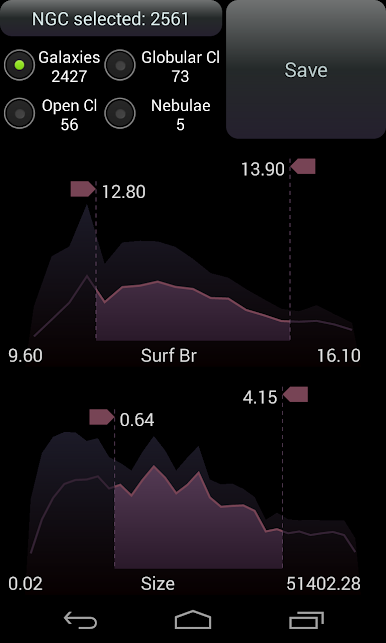
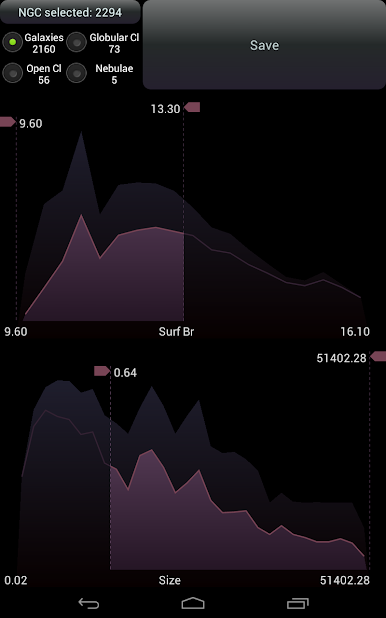
• Complete NGC, IC catalog with a powerful object filter
• Custom Catalog, that can be imported from a CSV file
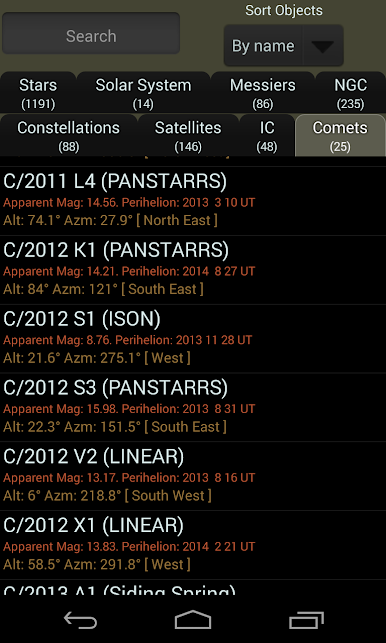
• Support for Comets and Artificial Satellites.
Note that TLE data is currently not automatically updated to avoid an extra permission: Internet access. Alternate mechanism is being designed.
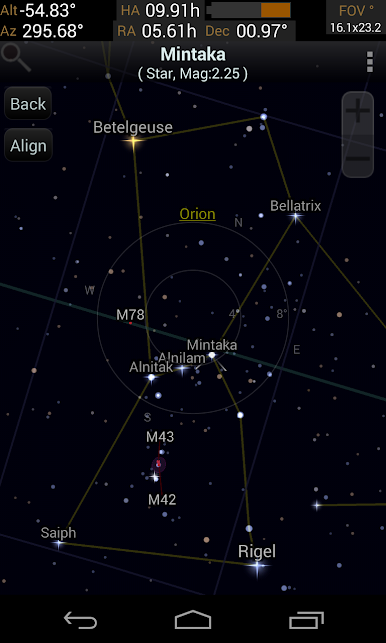
• All stars from Tycho2 catalog which goes up to mag 11.5.
• Meteor showers, including Perseids, Geminids, Leonids
‣ Queries
Send an email to hi.skeye@gmail.com
‣ App Permissions
• Location: to determine accurate position of celestial objects
• Bluetooth: to support remote sensors
‣ Links
Feedback: https://skeye.uservoice.com/
Documentation: https://lavadip.com/skeye/docs.html
Google Group: https://groups.google.com/forum/#!forum/skeye
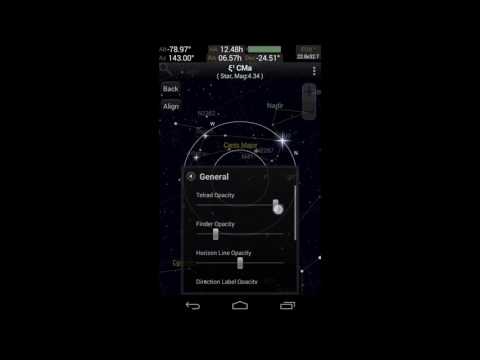
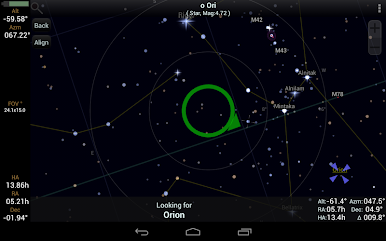
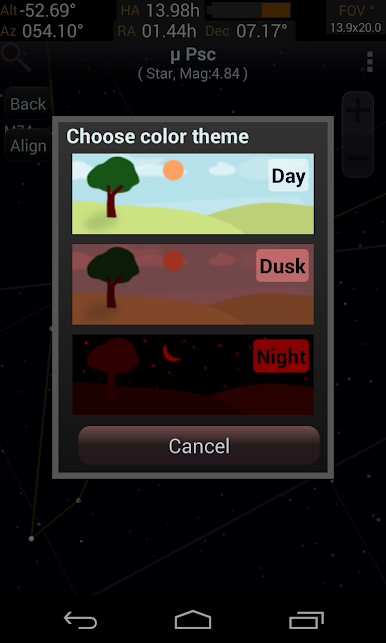
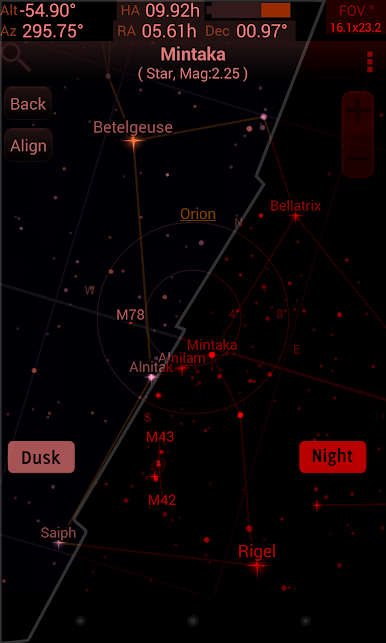
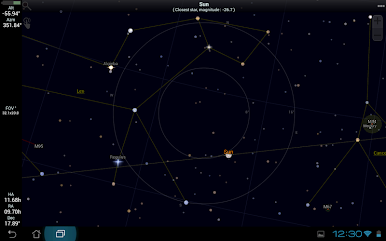
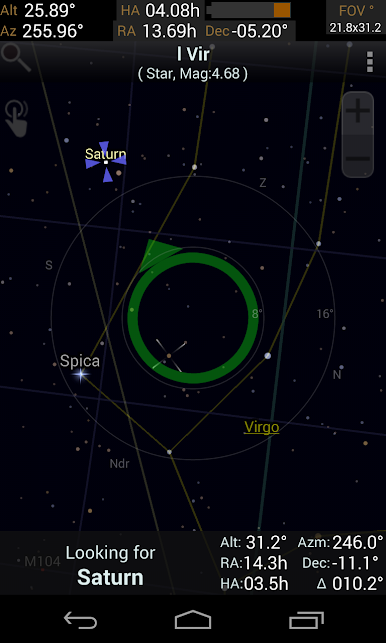
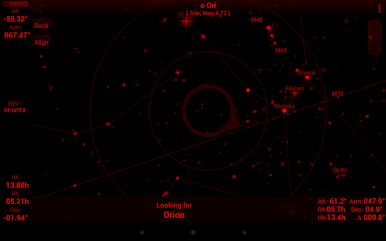
Just like the SkEye app, this app provides a star chart for Astronomy observations and easy PushTo guidance for Binoculars or Telescopes.
Jouez à SkEye Pro sur PC. C'est facile de commencer.
-
Téléchargez et installez BlueStacks sur votre PC
-
Connectez-vous à Google pour accéder au Play Store ou faites-le plus tard
-
Recherchez SkEye Pro dans la barre de recherche dans le coin supérieur droit
-
Cliquez pour installer SkEye Pro à partir des résultats de la recherche
-
Connectez-vous à Google (si vous avez ignoré l'étape 2) pour installer SkEye Pro
-
Cliquez sur l'icône SkEye Pro sur l'écran d'accueil pour commencer à jouer

