


Programming Hero: coding fun
เล่นบน PC ผ่าน BlueStacks - Android Gaming Platform ที่ได้รับความไว้วางใจจากเกมเมอร์ 500 ล้านคนทั่วโลก

Page Modified on: Oct 29, 2025
Run Programming Hero: Coding Fun on PC or Mac
What’s better than using Programming Hero: Coding Fun by Programming, Coding, and Coding Games? Well, try it on a big screen, on your PC or Mac, with BlueStacks to see the difference.
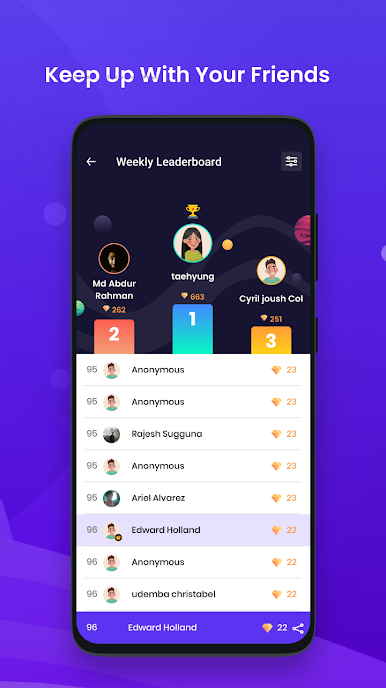
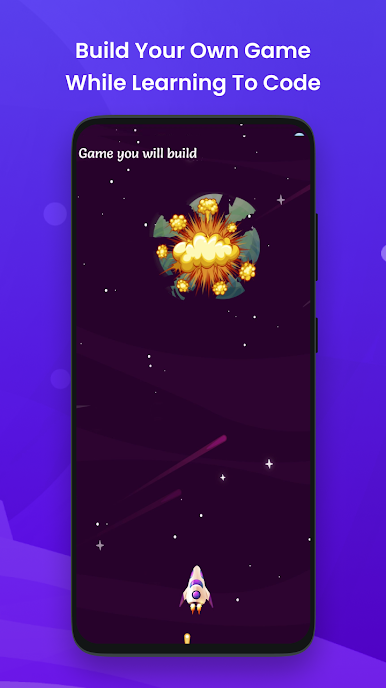
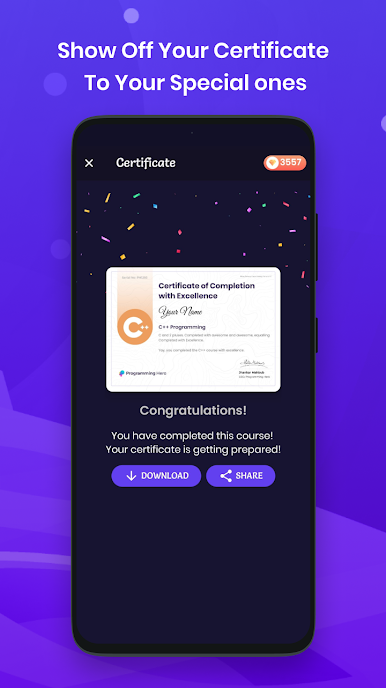
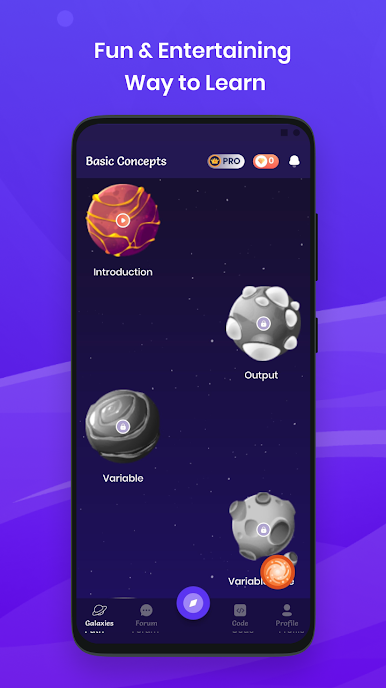
Programming Hero: Coding Fun feels like one of those apps where learning to code doesn’t get boring or intimidating. It mixes real coding lessons with game-like challenges, so there’s always something different popping up — sometimes it’s a game to explain a programming topic, other times you’re pulled into a quiz that feels more like a mini-game about burgers or pizza than a regular test. It isn’t just about reading and watching — you actually build small games and projects right after picking up a new idea, which helps make things stick without just sitting through explanations or lectures.
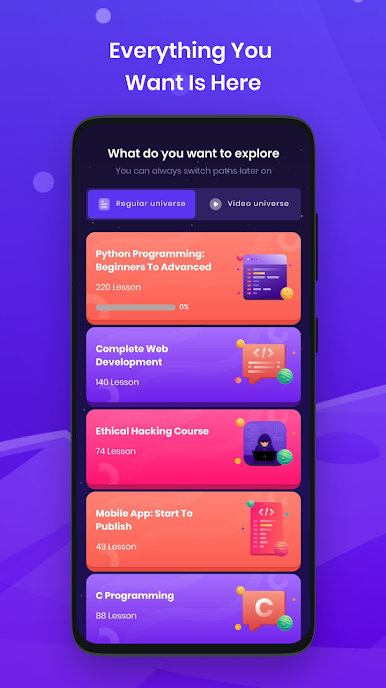
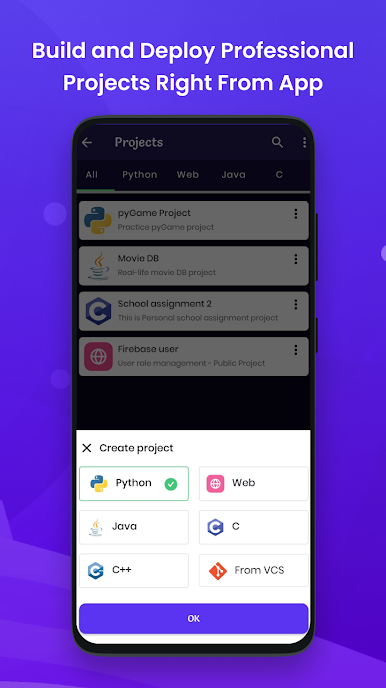
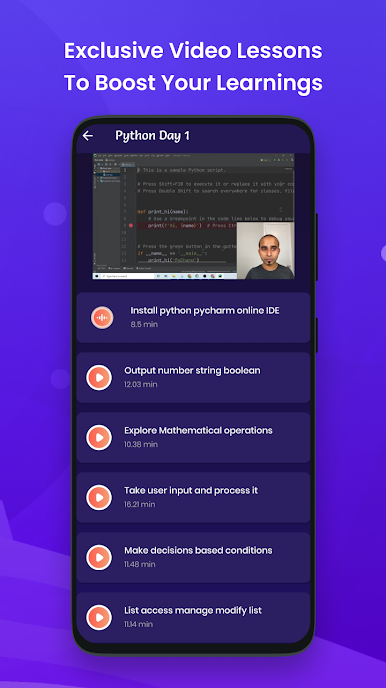
The app covers a good range of basics, like Python, web stuff (HTML, CSS, JavaScript), and even some hands-on app development with Java and Kotlin. There are code playgrounds for testing what you pick up and spots to share your projects if showing off is your thing. What’s fun is that a lot of concepts—like data structures and algorithms—are introduced through little games or quirky visuals. There’s also a forum built in, so asking questions doesn’t feel like shouting out into the void. Using BlueStacks on PC makes moving between lessons, coding, and checking solutions smoother, especially when juggling several ideas or projects at once. For someone looking for a way to learn programming that won’t feel like homework, and maybe even wants a shot at building a game or website by the weekend, this feels like the right place to poke around.
Eager to take your app experience to the next level? Start right away by downloading BlueStacks on your PC or Mac.

เล่น Programming Hero: coding fun บน PC ได้ง่ายกว่า
-
ดาวน์โหลดและติดตั้ง BlueStacks บน PC ของคุณ
-
ลงชื่อเข้าใช้แอคเคาท์ Google เพื่อเข้าสู่ Play Store หรือทำในภายหลัง
-
ค้นหา Programming Hero: coding fun ในช่องค้นหาด้านขวาบนของโปรแกรม
-
คลิกเพื่อติดตั้ง Programming Hero: coding fun จากผลการค้นหา
-
ลงชื่อเข้าใช้บัญชี Google Account (หากยังไม่ได้ทำในขั้นที่ 2) เพื่อติดตั้ง Programming Hero: coding fun
-
คลิกที่ไอคอน Programming Hero: coding fun ในหน้าจอเพื่อเริ่มเล่น

