


Shortcutter Premium Key
Jouez sur PC avec BlueStacks - la plate-forme de jeu Android, approuvée par + 500M de joueurs.

Page Modifiée le: Oct 15, 2019
Play Shortcutter Premium Key on PC
Full app link:
https://play.google.com/store/apps/details?id=com.leedroid.shortcutter
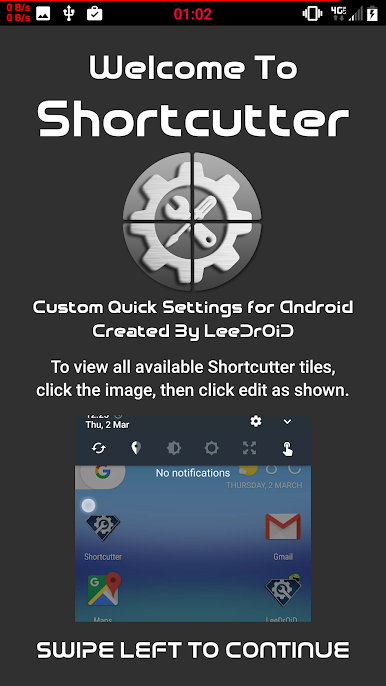
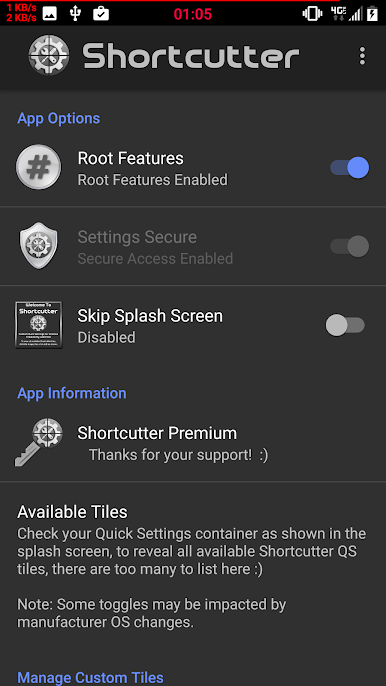
This app its self has no standalone functionality and needs to be installed in conjunction with Shortcutter Quick Settings.
This is a backup premium key option, the main app utilises in app billing.
Jouez à Shortcutter Premium Key sur PC. C'est facile de commencer.
-
Téléchargez et installez BlueStacks sur votre PC
-
Connectez-vous à Google pour accéder au Play Store ou faites-le plus tard
-
Recherchez Shortcutter Premium Key dans la barre de recherche dans le coin supérieur droit
-
Cliquez pour installer Shortcutter Premium Key à partir des résultats de la recherche
-
Connectez-vous à Google (si vous avez ignoré l'étape 2) pour installer Shortcutter Premium Key
-
Cliquez sur l'icône Shortcutter Premium Key sur l'écran d'accueil pour commencer à jouer

