
Carte de la Terre en direct
Jouez sur PC avec BlueStacks - la plate-forme de jeu Android, approuvée par + 500M de joueurs.

Page Modifiée le: Mar 31, 2025
Run Live Earth Map - World Map 3D on PC or Mac
Multitask effortlessly on your PC or Mac as you try out Live Earth Map – World Map 3D, a Maps & Navigation app by TarrySoft on BlueStacks.
About the App
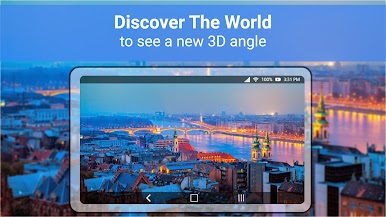
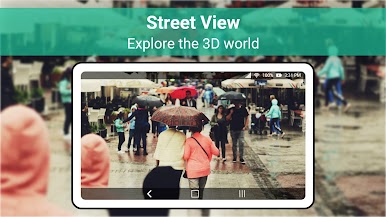
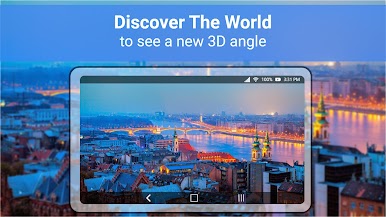
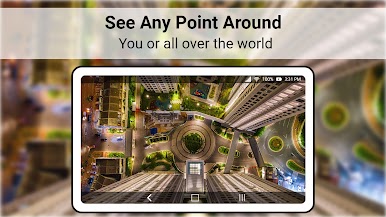
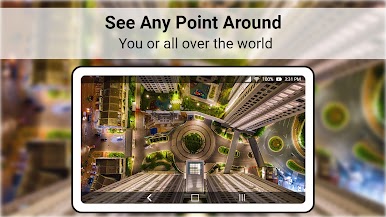
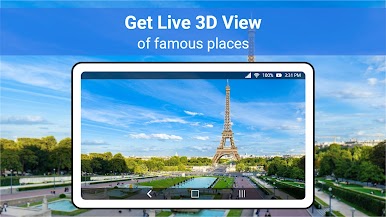
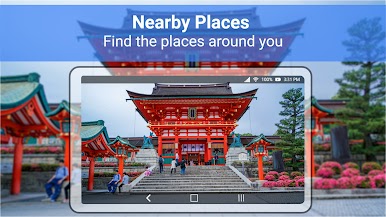
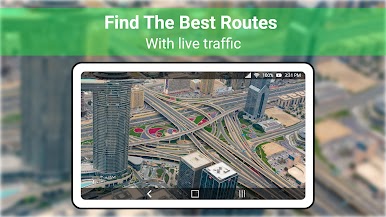
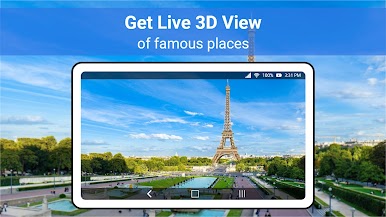
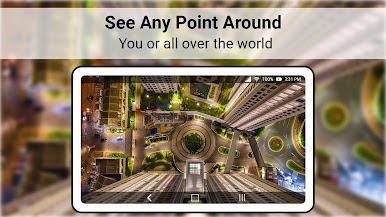
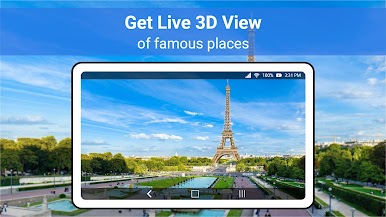
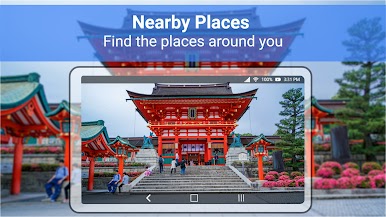
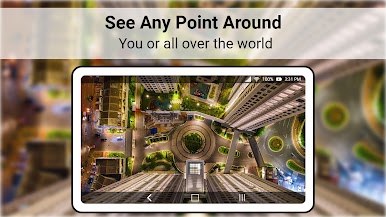
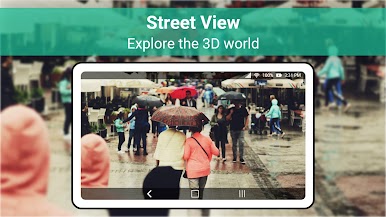
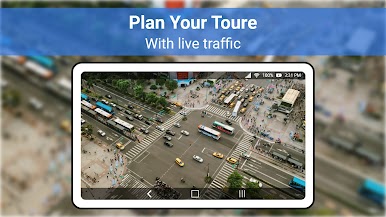
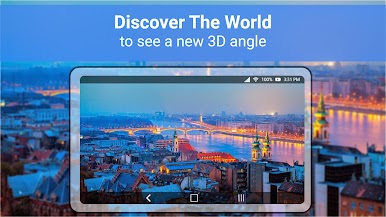
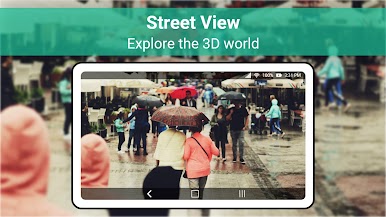
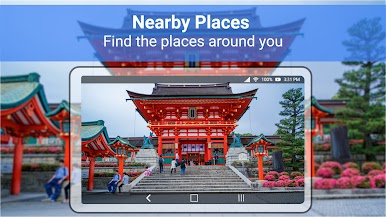
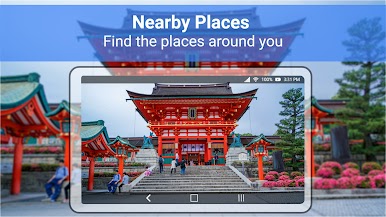
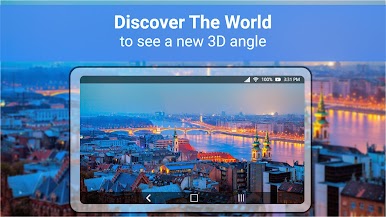
Dive into a bird’s-eye view with “Live Earth Map – World Map 3D” by TarrySoft, a dynamic Maps & Navigation app offering a live satellite view, 3D terrain, and stunning panoramas of the entire globe. With real-time 360-degree street views and HD photos of famous landmarks, this app is your go-to for exploring the world without leaving your spot.
App Features
-
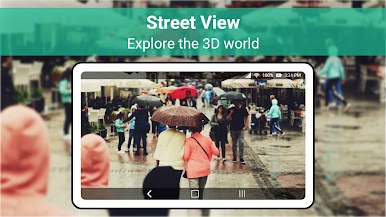
Realistic Views: Experience the world from above with a high-quality satellite view and detailed street views right on your screen.
-
360 Panorama: Explore with an immersive 360-degree panorama that brings locations to life with vivid imagery.
-
24/7 Access: Enjoy live earth real-time maps, available anytime, anywhere.
-
User-Friendly Interface: Navigate effortlessly with a simple, intuitive design suitable for any user.
-
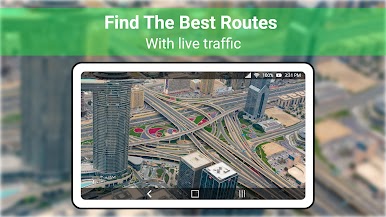
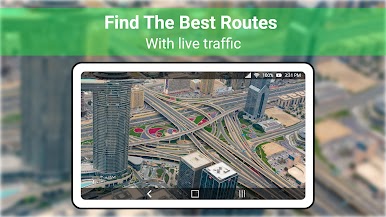
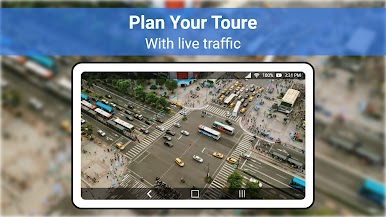
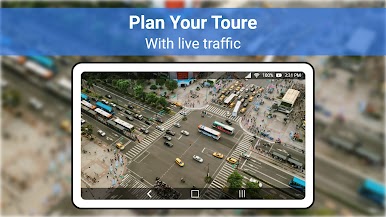
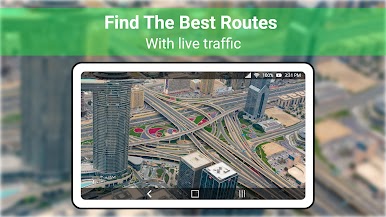
Comprehensive Navigation: Find routes easily with live GPS navigation, helping you reach destinations like ATMs, restaurants, or parks quickly.
-
Stay Updated: Access the up-to-date world map and GPS satellite views to explore new places or navigate familiar ones.
Experience the world in a new way on your mobile or even enhance your view on a bigger screen using BlueStacks.
Switch to BlueStacks and make the most of your apps on your PC or Mac.
Jouez à Carte de la Terre en direct sur PC. C'est facile de commencer.
-
Téléchargez et installez BlueStacks sur votre PC
-
Connectez-vous à Google pour accéder au Play Store ou faites-le plus tard
-
Recherchez Carte de la Terre en direct dans la barre de recherche dans le coin supérieur droit
-
Cliquez pour installer Carte de la Terre en direct à partir des résultats de la recherche
-
Connectez-vous à Google (si vous avez ignoré l'étape 2) pour installer Carte de la Terre en direct
-
Cliquez sur l'icône Carte de la Terre en direct sur l'écran d'accueil pour commencer à jouer