


Loecsen : 40 langues en voyage
Jouez sur PC avec BlueStacks - la plate-forme de jeu Android, approuvée par + 500M de joueurs.

Page Modifiée le: Sep 19, 2025
Run Loecsen - Audio PhraseBook on PC or Mac
What’s better than using Loecsen – Audio PhraseBook by Loecsen? Well, try it on a big screen, on your PC or Mac, with BlueStacks to see the difference.
About the App
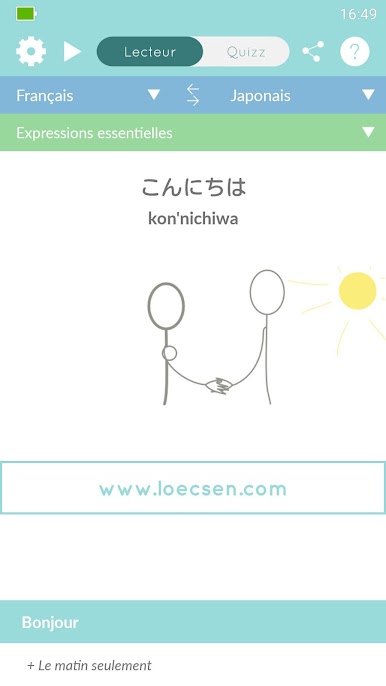
Ever wished you could chat with locals or just get around more easily on your next big adventure? Loecsen – Audio PhraseBook by Loecsen is here to make learning travel phrases feel simple—even if you’re starting from scratch. Whether you’re preparing for a trip or right in the middle of it, this handy phrasebook gives you quick, easy access to 400 must-know phrases in 40 different languages. No fluff, just the essentials you’ll actually use.
App Features
-
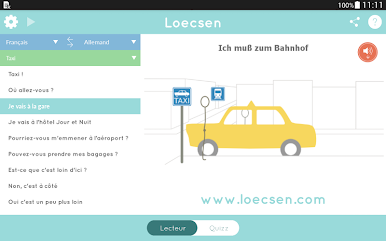
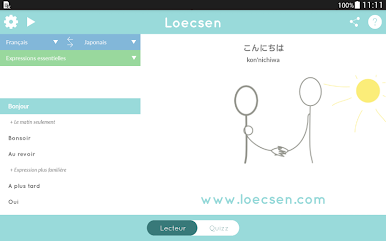
Huge Language Selection
Cover all your destinations—jump between 40 languages, everything from Spanish to Mandarin or even Breton, and find ready-to-use words and expressions for real-life situations. -
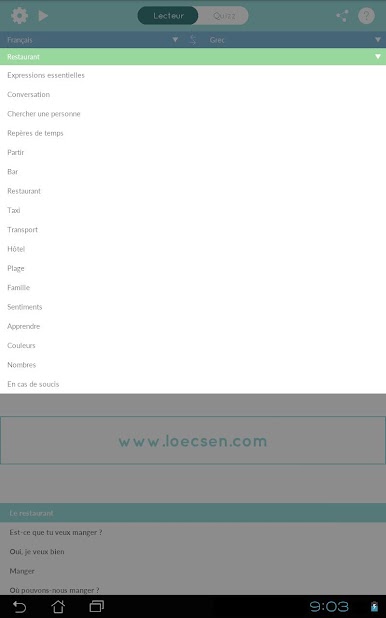
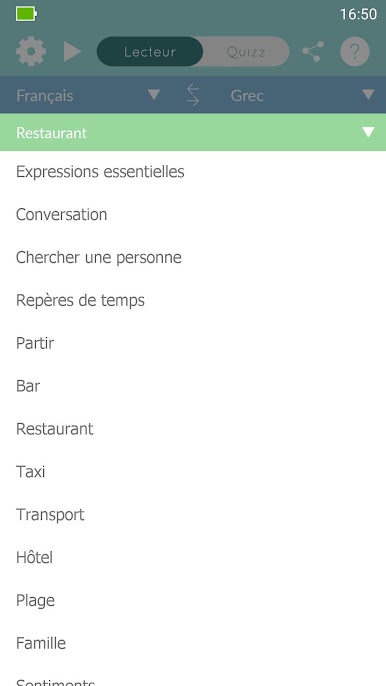
Grouped by Useful Themes
Phrases are neatly organized under 17 everyday topics, so you can find what you need whether you’re ordering at a restaurant, catching a taxi, or just making friendly conversation. -
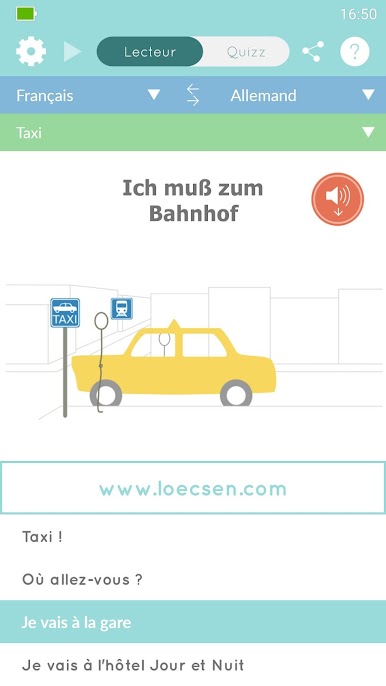
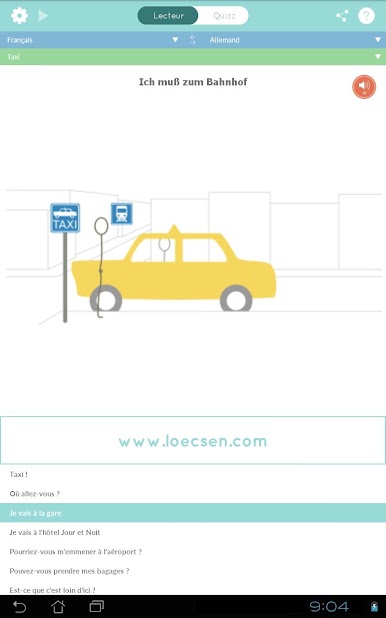
Genuine Audio Recordings
No monotone, robotic voices here. Listen to natural, clear recordings from native speakers to really get the hang of each phrase’s pronunciation and rhythm. -
Works Offline
Roaming fees? Forget about ‘em. Once you’ve downloaded your languages, you can use Loecsen – Audio PhraseBook anywhere, no internet required. -
Quick Navigation
Jumping around the app is straightforward—find the phrase you want fast with a simple, no-nonsense interface. Short on time? There’s no getting stuck or bogged down here. -
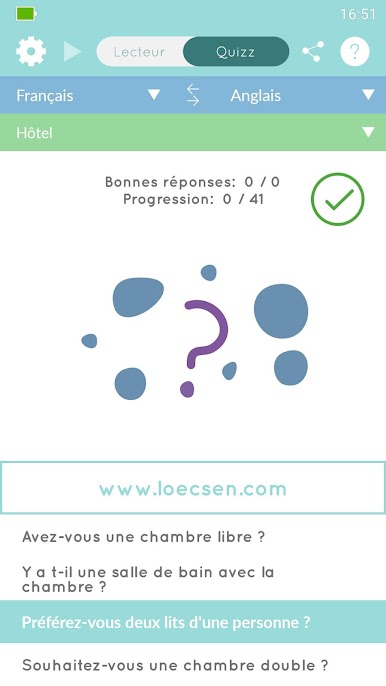
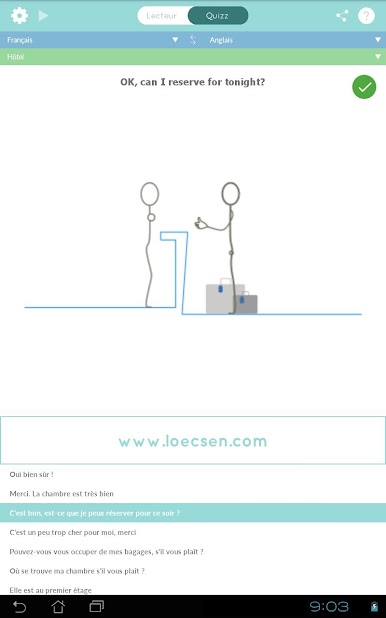
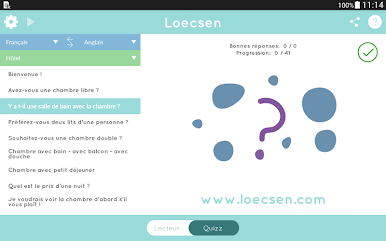
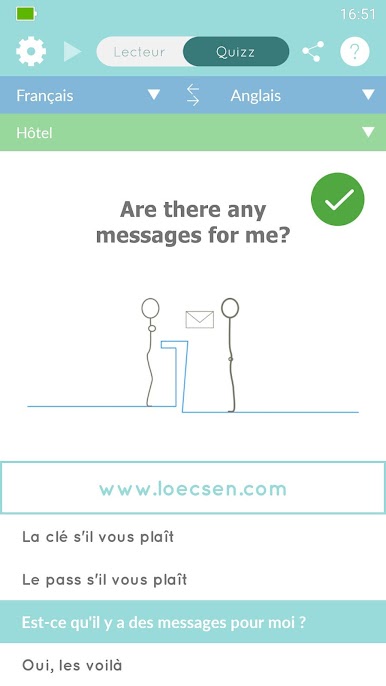
Fun Learning Quiz
Want to remember what you just learned? Try the built-in quiz—it’s an easy way to lock down those new words (and makes language learning a bit more interesting). -
No Hidden Costs
Everything’s unlocked right from the start. No in-app purchases, no subscriptions—just install and go.
If you like running your favorite tools on BlueStacks, you’ll find this app works smoothly that way too. Just one tip: if your device is super low on memory, the app might close right after you open it, so make sure you’ve got a little free space before starting.
Ready to experience Loecsen – Audio PhraseBook on a bigger screen, in all its glory? Download BlueStacks now.
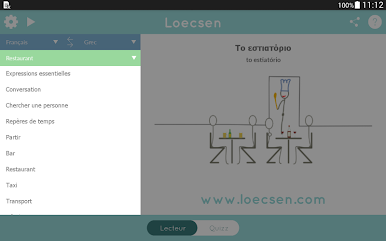
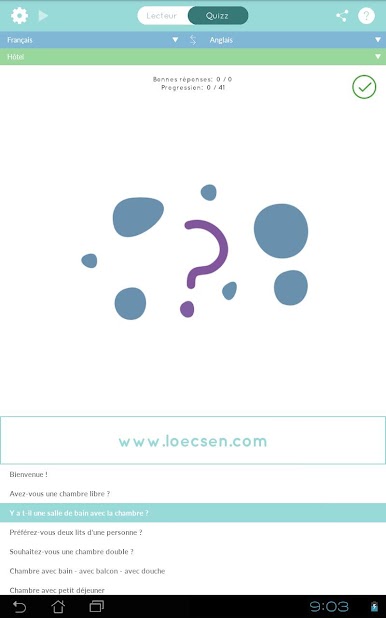
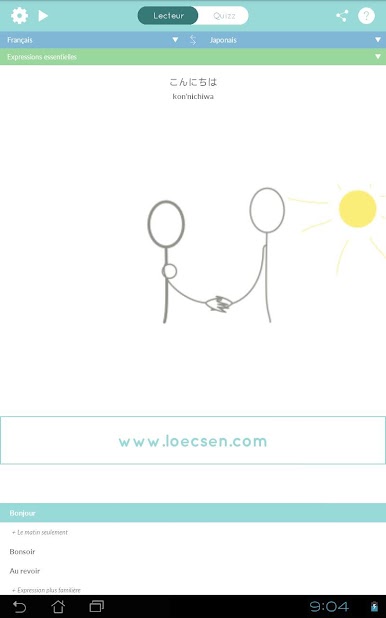
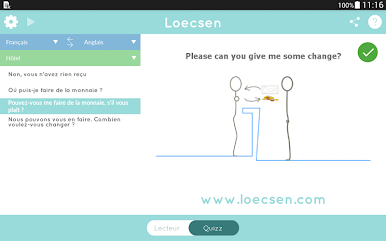
Jouez à Loecsen : 40 langues en voyage sur PC. C'est facile de commencer.
-
Téléchargez et installez BlueStacks sur votre PC
-
Connectez-vous à Google pour accéder au Play Store ou faites-le plus tard
-
Recherchez Loecsen : 40 langues en voyage dans la barre de recherche dans le coin supérieur droit
-
Cliquez pour installer Loecsen : 40 langues en voyage à partir des résultats de la recherche
-
Connectez-vous à Google (si vous avez ignoré l'étape 2) pour installer Loecsen : 40 langues en voyage
-
Cliquez sur l'icône Loecsen : 40 langues en voyage sur l'écran d'accueil pour commencer à jouer

