


Speak English with Loora AI
Jouez sur PC avec BlueStacks - la plate-forme de jeu Android, approuvée par + 500M de joueurs.

Page Modifiée le: Dec 9, 2025
Run Speak English with Loora AI on PC or Mac
Get freedom from your phone’s obvious limitations. Use Speak English with Loora AI, made by Loora AI, a Educational app on your PC or Mac with BlueStacks, and level up your experience.
About the App
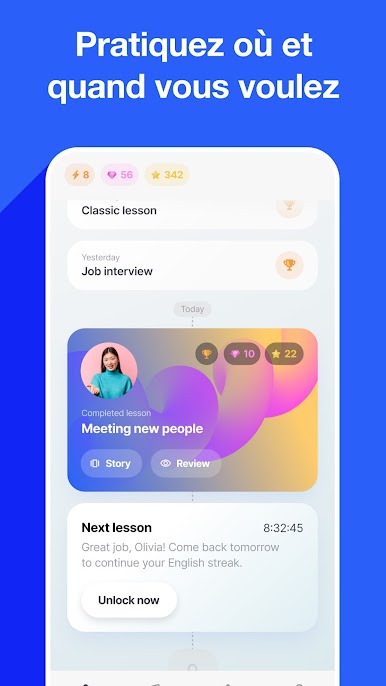
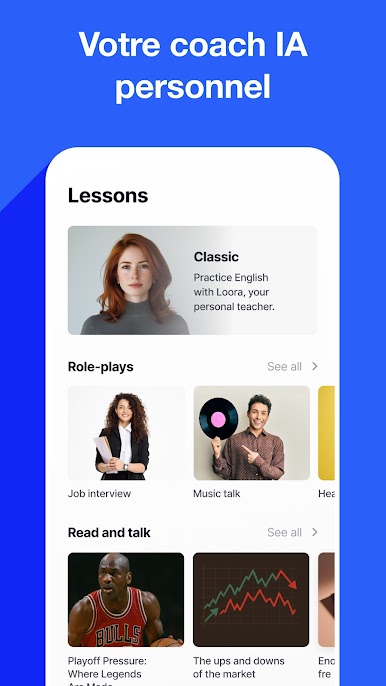
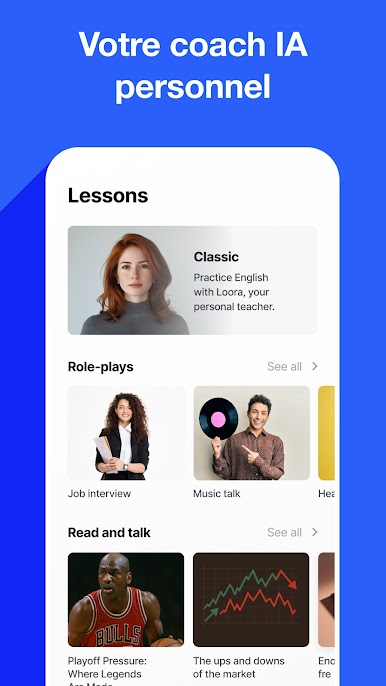
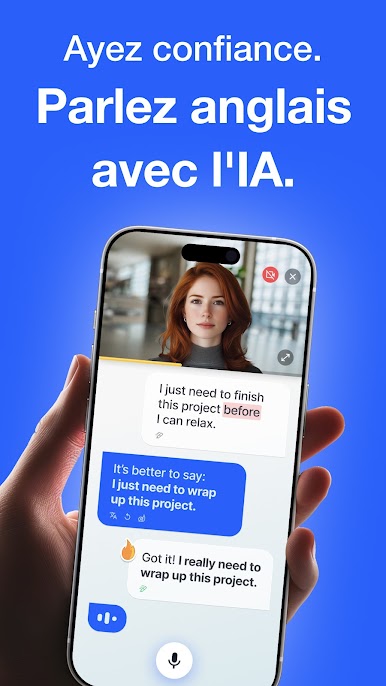
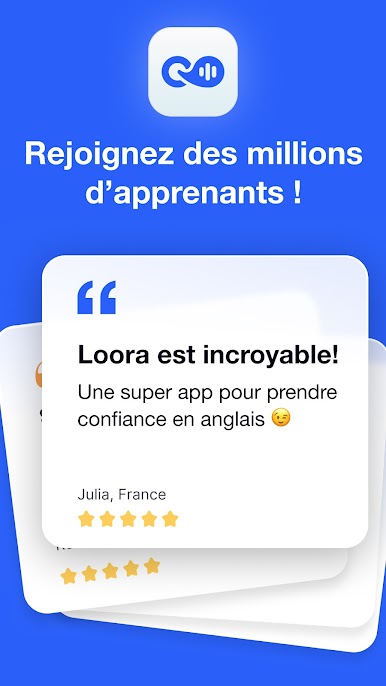
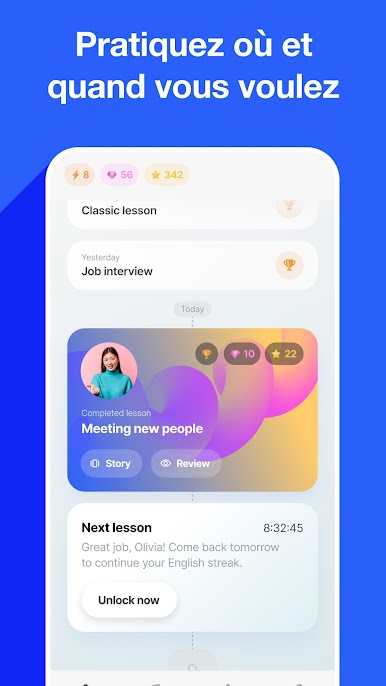
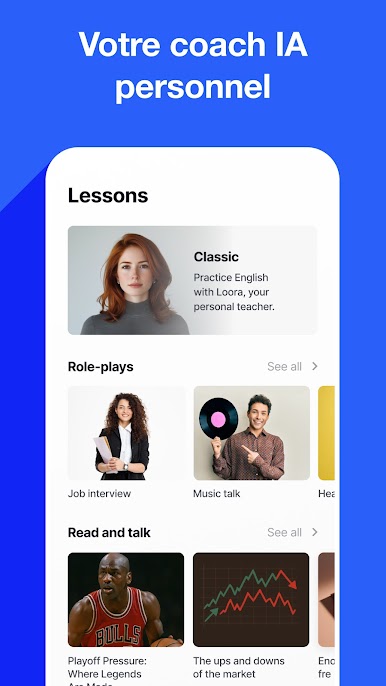
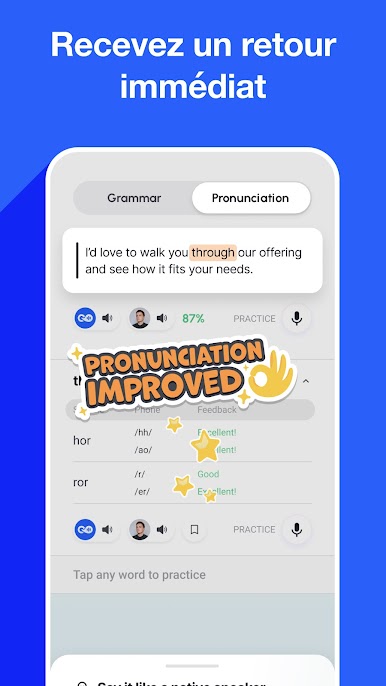
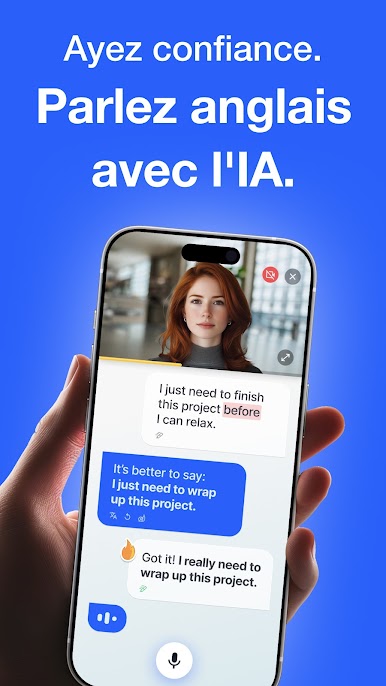
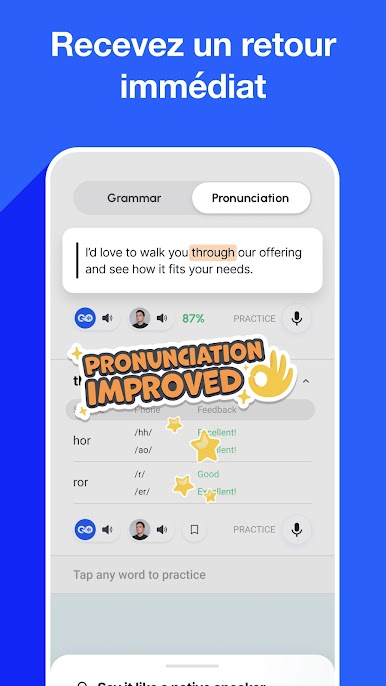
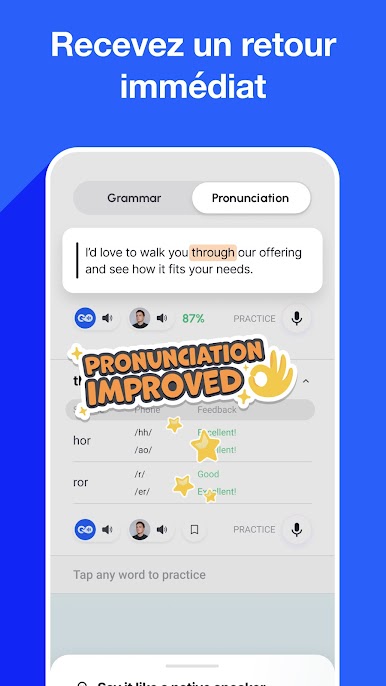
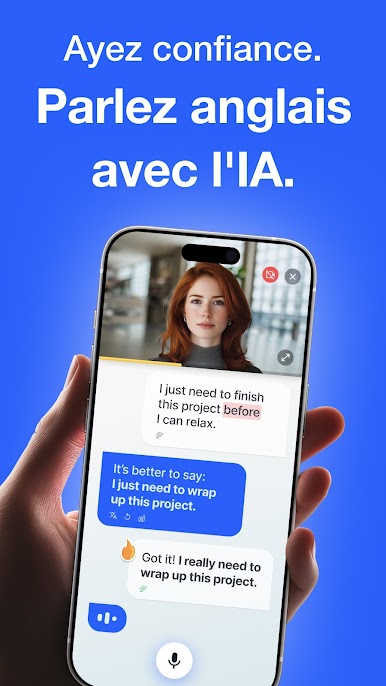
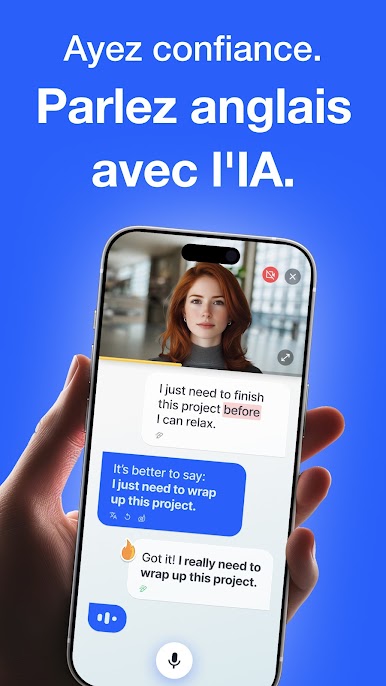
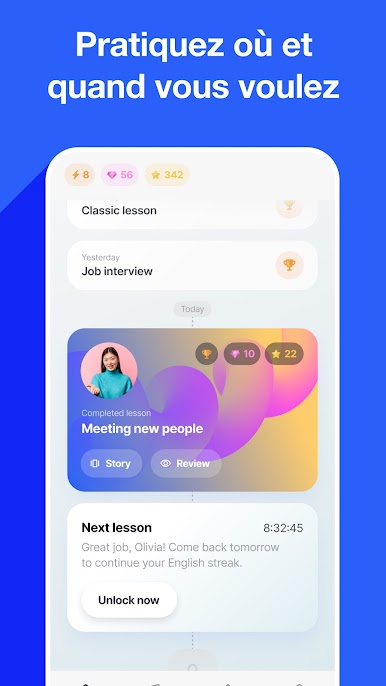
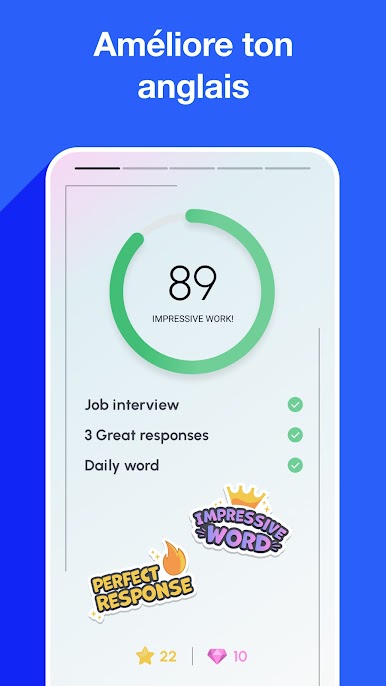
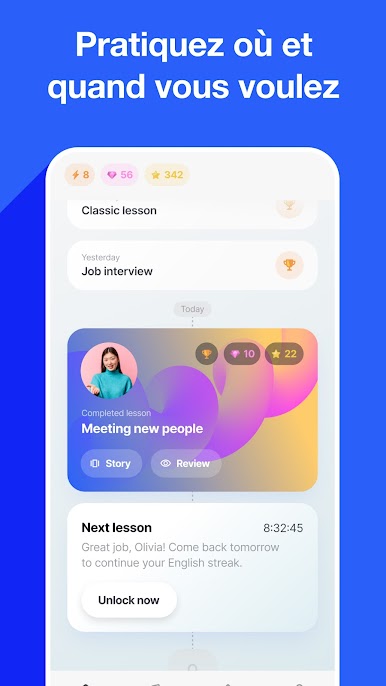
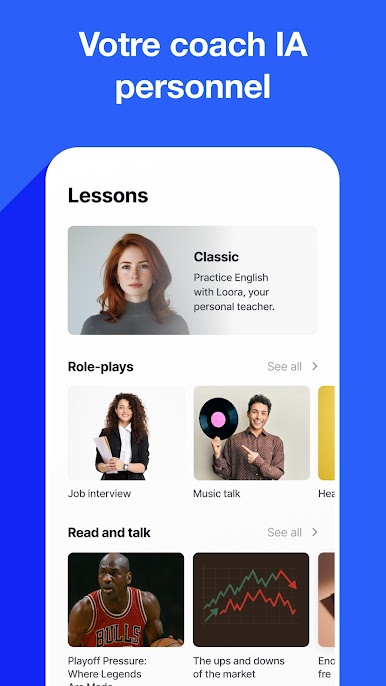
Speak English with Loora AI is your personal AI English coach bringing “as real as it gets” conversations straight to your screen. Anytime, anywhere, practice English with interactive, conversation-based sessions—perfect for squeezing in a quick chat or diving into a midnight monolog. Expect real-time feedback on grammar, pronunciation, and fluency tailored to your level.
App Features
-
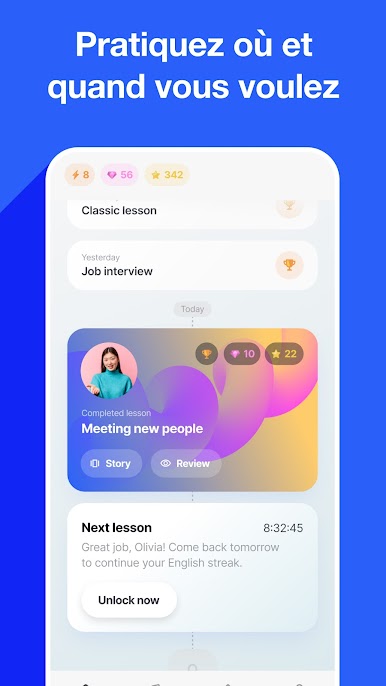
24/7 Availability: Loora is always ready, never sleeping, so you get to practice on your terms—just 5 minutes or an hour.
-
Friendly Environment: Guaranteed non-judgmental chat space where no mistake is too big. Learn fearlessly!
-
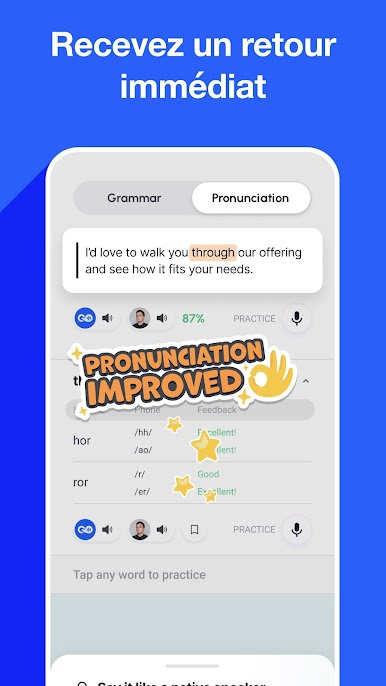
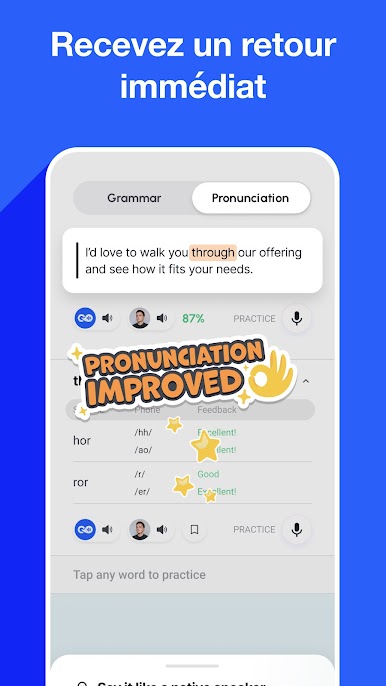
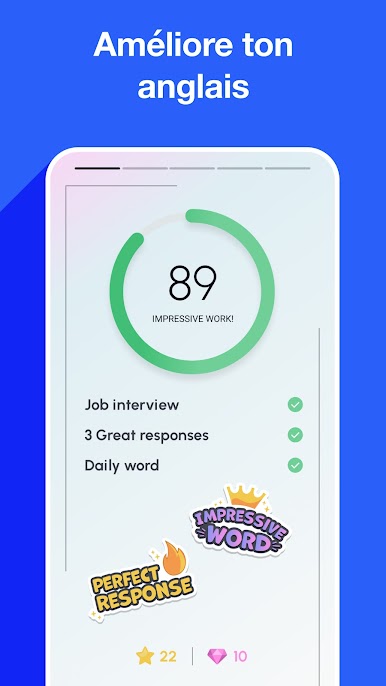
Real-Time Feedback: With speech recognition and translation, improve pronunciation and grammar instantly.
-
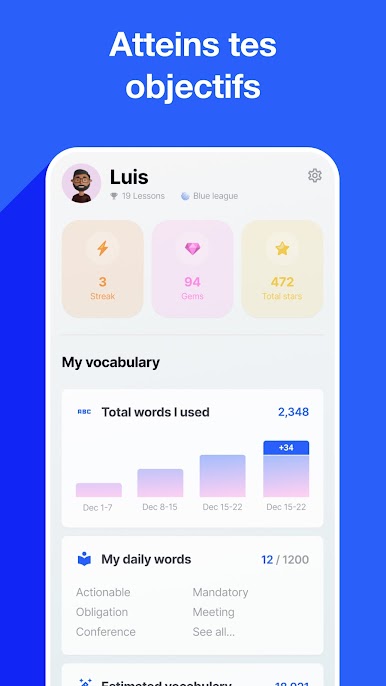
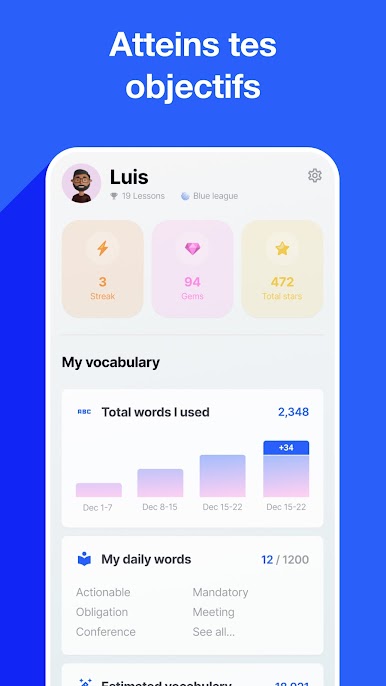
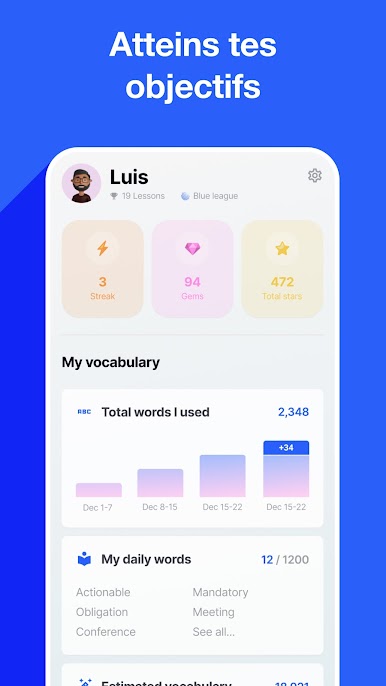
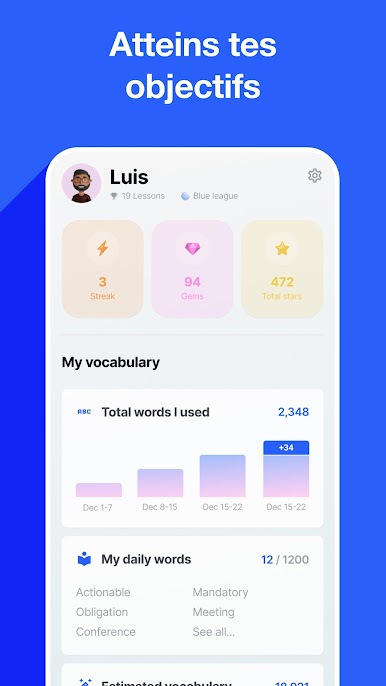
Progress Tracking: Visualize your learning trends to perfect pronunciation and beat weekly fluency goals.
-
Personalized Conversations: Engage in topics that matter to you, matching your speaking level and life interests.
Play on BlueStacks for a seamless experience.
BlueStacks gives you the much-needed freedom to experience your favorite apps on a bigger screen. Get it now.



Jouez à Speak English with Loora AI sur PC. C'est facile de commencer.
-
Téléchargez et installez BlueStacks sur votre PC
-
Connectez-vous à Google pour accéder au Play Store ou faites-le plus tard
-
Recherchez Speak English with Loora AI dans la barre de recherche dans le coin supérieur droit
-
Cliquez pour installer Speak English with Loora AI à partir des résultats de la recherche
-
Connectez-vous à Google (si vous avez ignoré l'étape 2) pour installer Speak English with Loora AI
-
Cliquez sur l'icône Speak English with Loora AI sur l'écran d'accueil pour commencer à jouer

