


3DLUT mobile
Jouez sur PC avec BlueStacks - la plate-forme de jeu Android, approuvée par + 500M de joueurs.

Page Modifiée le: Jul 29, 2024
Run 3DLUT mobile on PC or Mac
Let BlueStacks turn your PC, Mac, or laptop into the perfect home for 3DLUT mobile, a fun Photography app from Oleg Sharonov.
About the App
Ever wanted to add those movie-like colors or eye-catching tones to your photos and videos—without fussing around with complicated software? 3DLUT mobile by Oleg Sharonov brings creative color grading right to your phone. Whether you’re snapping something quick or editing gallery favorites, this Photography app puts a bunch of pro-level filters and adjustments at your fingertips.
App Features
-
Pick from Gallery or Shoot On the Spot
Grab any photo or video that’s already on your device, or shoot something new with your camera straight from the app. -
Essential Color Tweaks
Messing with the basics? Adjust things like brightness, contrast, saturation, and white balance until the vibe is just right. -
Advanced LUT-Based Presets
Upgrade your edit game with a range of ready-made LUT (Look Up Table) presets. Polish your look instantly, or try out different moods and styles without having to make a million manual changes. -
Fresh LUT Packs Regularly
Love finding new tones? The app brings in updated LUT packages from the 3D LUT Creator server, so you’ll keep getting new filters to play with as long as you’re online. -
Make Your Own Filters
If you’ve cooked up something cool in the desktop version of 3D LUT Creator, you can upload your personal filters and use them right in 3DLUT mobile. -
Easy Sharing
Done editing? Share your masterpiece with friends through all your favorite social platforms straight from the app—no hassle.
And hey, if you like editing on a bigger screen, you can always run 3DLUT mobile on your PC using BlueStacks.
Big screen. Bigger performance. Use BlueStacks on your PC or Mac to run your favorite apps.
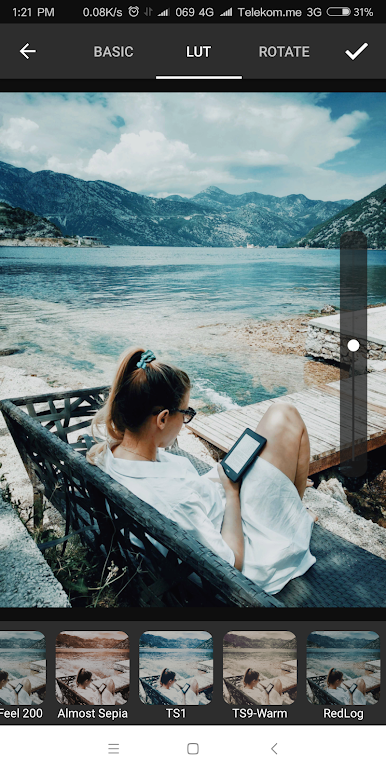
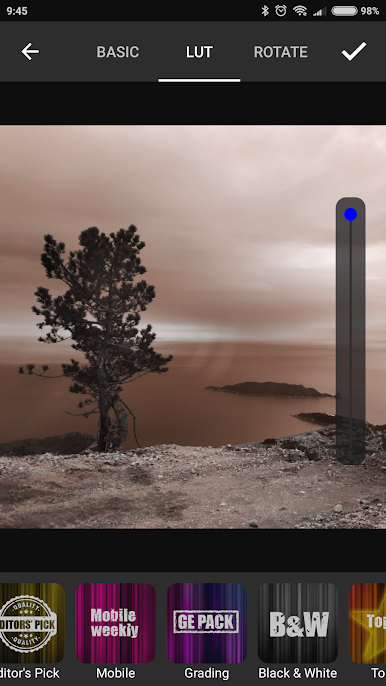
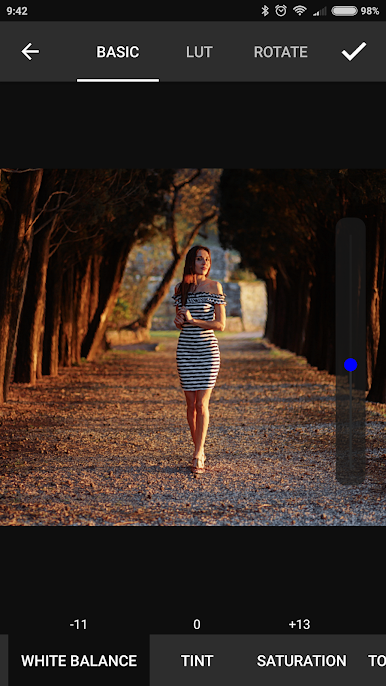
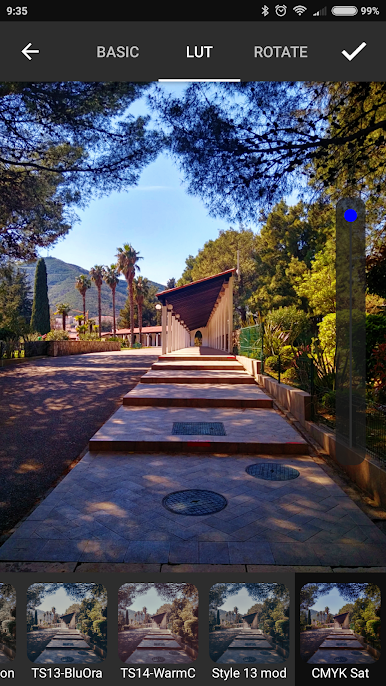
Jouez à 3DLUT mobile sur PC. C'est facile de commencer.
-
Téléchargez et installez BlueStacks sur votre PC
-
Connectez-vous à Google pour accéder au Play Store ou faites-le plus tard
-
Recherchez 3DLUT mobile dans la barre de recherche dans le coin supérieur droit
-
Cliquez pour installer 3DLUT mobile à partir des résultats de la recherche
-
Connectez-vous à Google (si vous avez ignoré l'étape 2) pour installer 3DLUT mobile
-
Cliquez sur l'icône 3DLUT mobile sur l'écran d'accueil pour commencer à jouer

