

Safe Family
Jouez sur PC avec BlueStacks - la plate-forme de jeu Android, approuvée par + 500M de joueurs.

Page Modifiée le: Jul 22, 2025
Run Safe Family – Screen Time & Parental Control App on PC or Mac
Upgrade your experience. Try Safe Family – Screen Time & Parental Control App, the fantastic Productivity app from McAfee LLC, from the comfort of your laptop, PC, or Mac, only on BlueStacks.
About the App
Juggling busy schedules while making sure your kids stay safe online isn’t easy—but Safe Family – Screen Time & Parental Control App makes things a whole lot more manageable. Designed by McAfee LLC, this app gives parents an easy, straightforward way to keep tabs on their kids’ digital world. Whether your child is home or out and about, you get real-time updates, controls, and peace of mind, all in one tidy spot. If you’re looking for a tool to help strike that tricky balance between freedom and safety, this one’s worth checking out—especially since BlueStacks lets you use it on your favorite device.
App Features
-
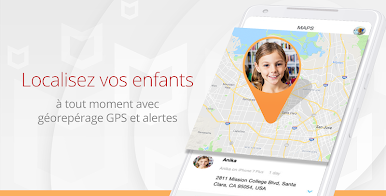
Real-Time Location Tracking
Stay in the loop with live GPS updates. You’ll always know where your children are without having to pester them for constant check-ins. -
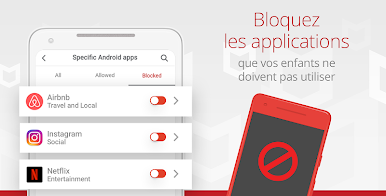
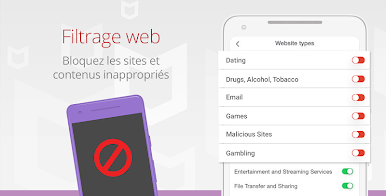
Smart App & Web Blocking
It’s simple to block specific apps, games, or even whole categories you think are off-limits. Setting these restrictions doesn’t have to be a battle of wills. -
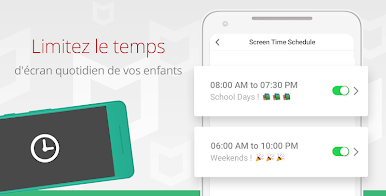
Custom Screen Time Limits
Set up daily time limits or a bedtime curfew, keeping device use in check—less late-night scrolling, more restful sleep. -
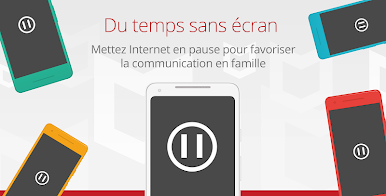
Instant Digital Time-Outs
Need a quick, no-fuss break from screens? Pause internet access and most apps with just one tap—perfect for homework, dinnertime, or family chats. -
Easy-to-Read Activity Reports
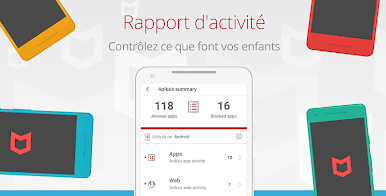
See exactly what’s happening on your kids’ devices, from app history to alerts. It’s a clear window into their digital habits, all in one place. -
Geofence Alerts
Get notified automatically when your child arrives at or leaves familiar places, like school, parks, or the neighbor’s house. -
Uninstall Protection
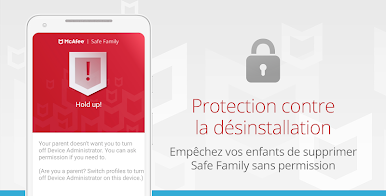
Kids can be pretty tech-savvy, but this feature keeps Safe Family – Screen Time & Parental Control App running, even if they try to remove it. -
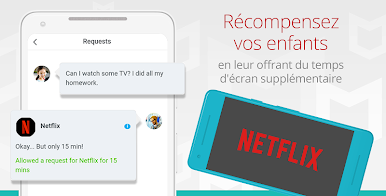
Flexible Permissions
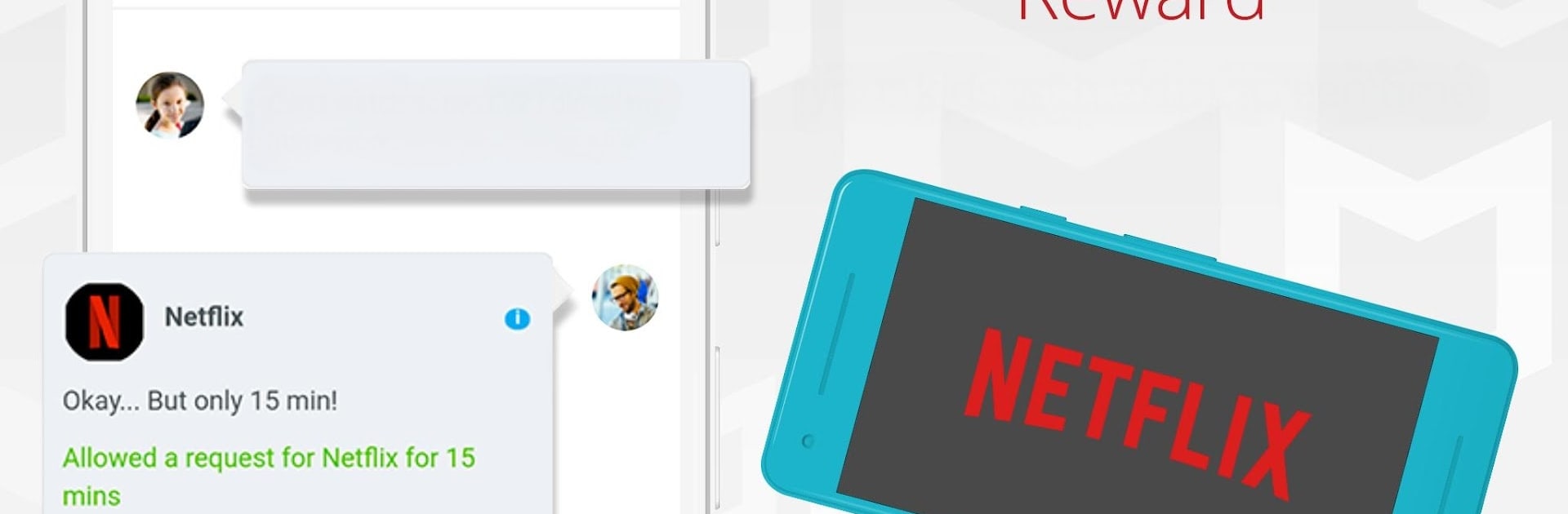
Hand out extra app time or unlock something for special occasions; you’re in control, but it’s never all or nothing. -
Supports All Devices
Whether they use a phone, tablet, or even a laptop, you can manage all your kids’ devices in one spot. Works smoothly, even if you’re running things through BlueStacks.
Big screen. Bigger performance. Use BlueStacks on your PC or Mac to run your favorite apps.

Jouez à Safe Family sur PC. C'est facile de commencer.
-
Téléchargez et installez BlueStacks sur votre PC
-
Connectez-vous à Google pour accéder au Play Store ou faites-le plus tard
-
Recherchez Safe Family dans la barre de recherche dans le coin supérieur droit
-
Cliquez pour installer Safe Family à partir des résultats de la recherche
-
Connectez-vous à Google (si vous avez ignoré l'étape 2) pour installer Safe Family
-
Cliquez sur l'icône Safe Family sur l'écran d'accueil pour commencer à jouer

