


MDS Tournament Manager
Jouez sur PC avec BlueStacks - la plate-forme de jeu Android, approuvée par + 500M de joueurs.

Page Modifiée le: Dec 13, 2025
Play Best Tournament Manager on PC or Mac
Join millions to experience Best Tournament Manager, an exciting Sports game from MDS Game Zone. With BlueStacks App Player, you are always a step ahead of your opponent, ready to outplay them with faster gameplay and better control with the mouse and keyboard on your PC or Mac.
About the Game
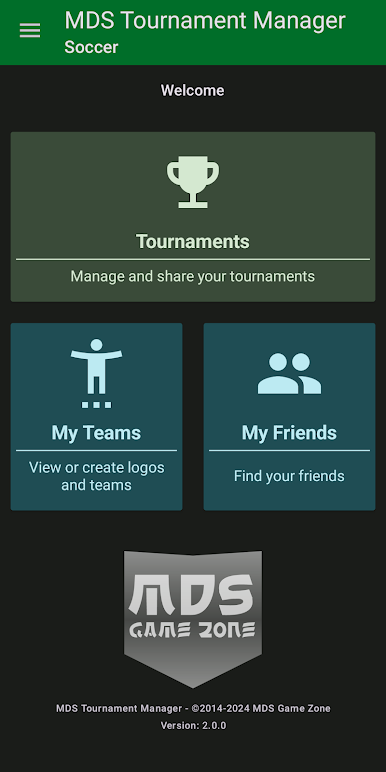
If you’re the friend who always ends up organizing the championship—no matter the sport—Best Tournament Manager might just be your new favorite tool. Created by MDS Game Zone, this app is all about letting you build the ultimate tournaments, whether it’s a casual weekend soccer league, a ping pong round robin, or even something more complex. From simple group stages to wild double elimination brackets, things stay totally in your hands. Expect plenty of customization and enough flexibility to handle almost any idea you or your friends throw out.
Game Features
-
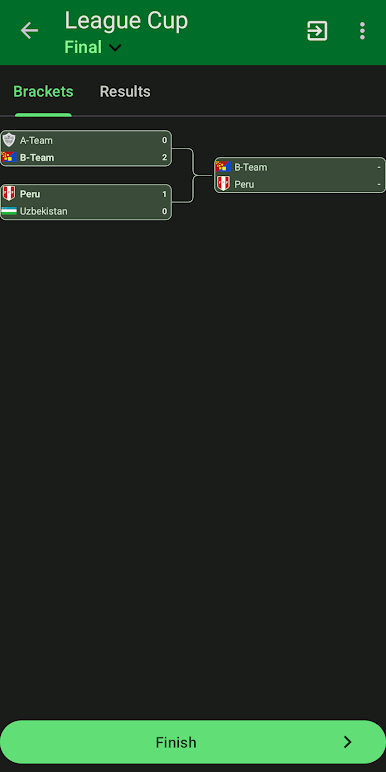
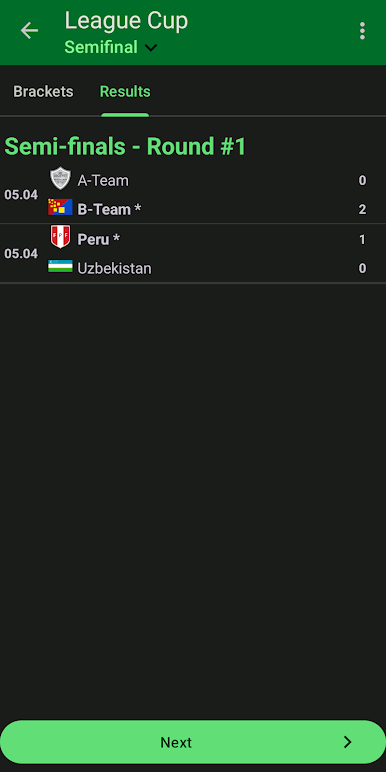
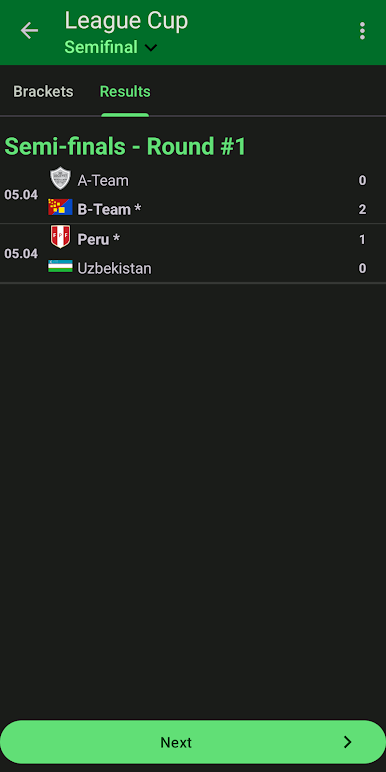
Tournament Style Variety
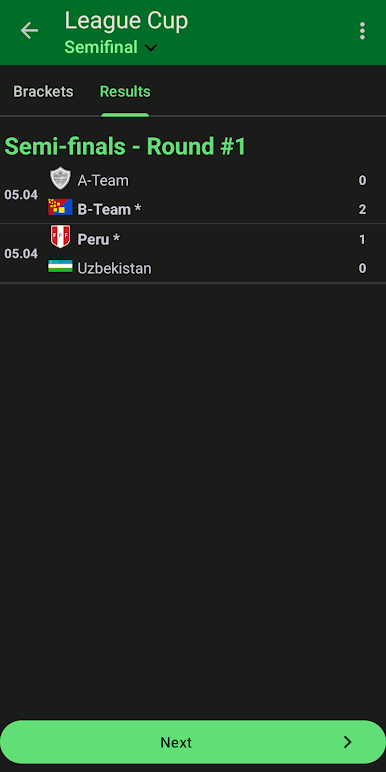
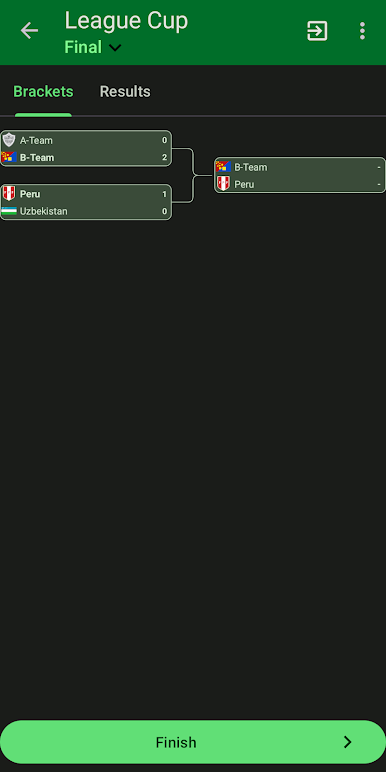
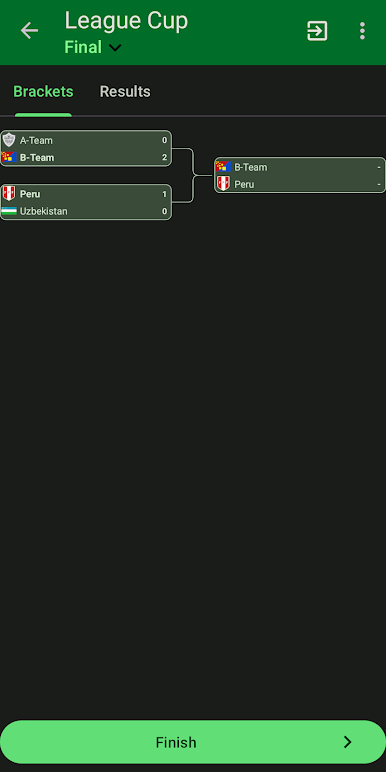
Whether you need a single group battle or a multi-stage setup with both preliminaries and finals, you get full control. Want double elimination or a mix of formats in the same event? Totally doable. -
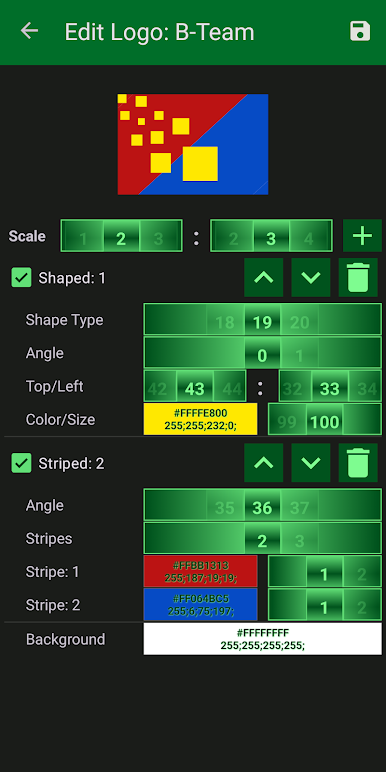
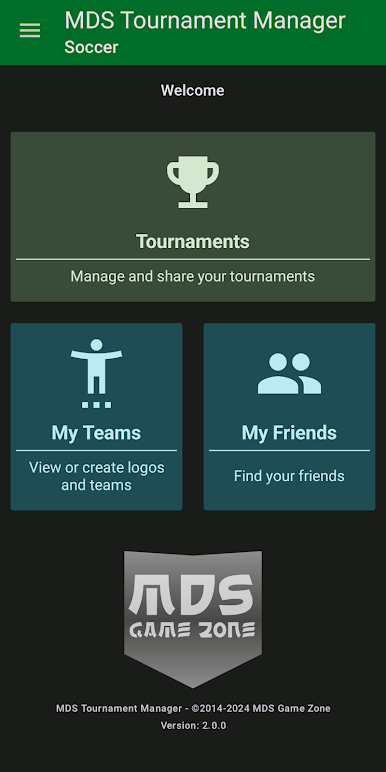
Custom Team Creation
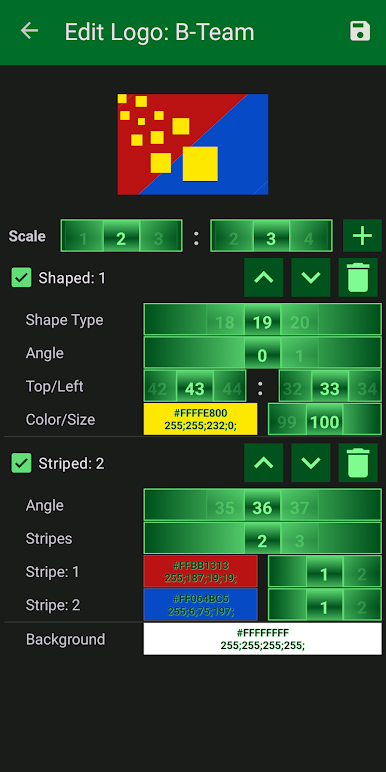
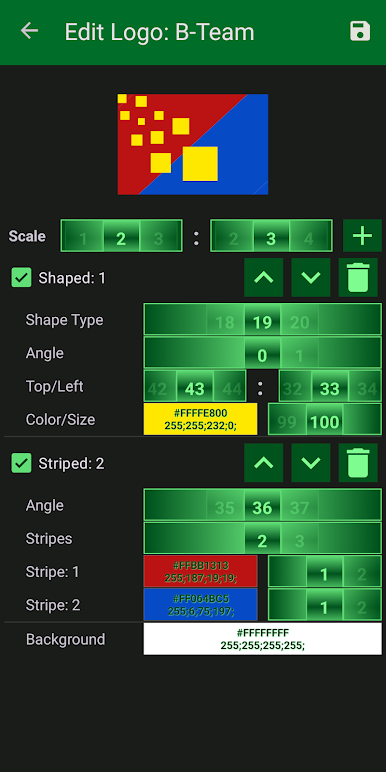
You can set up your own teams, pick logos, and even name them however you like. Have a theme or an inside joke? Go for it. -
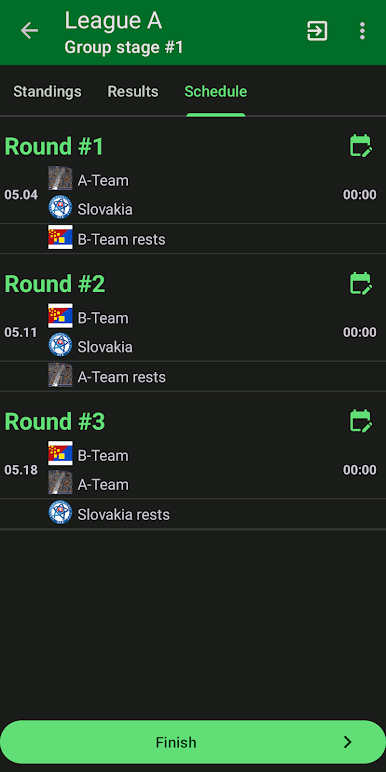
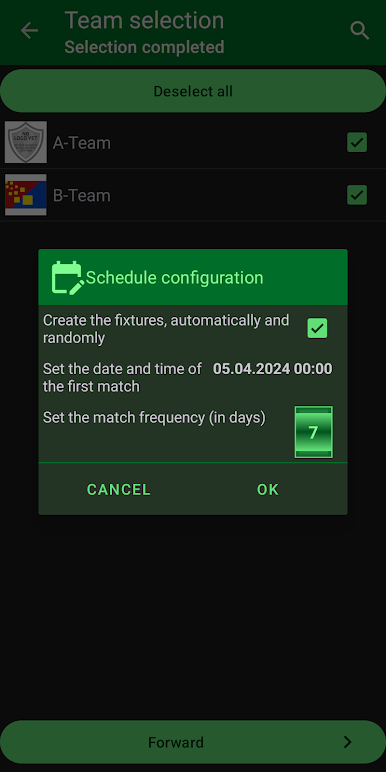
Flexible Scheduling
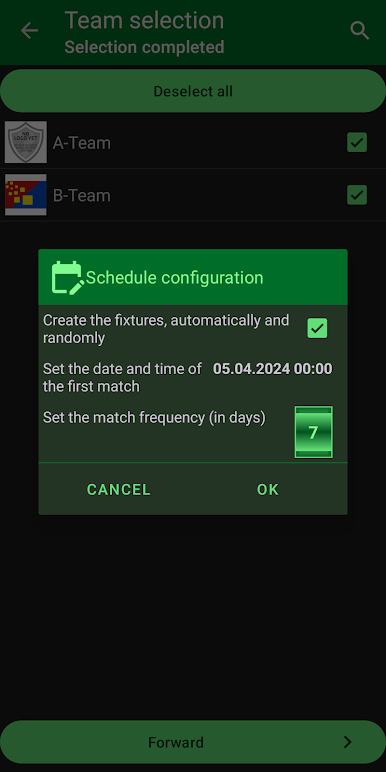
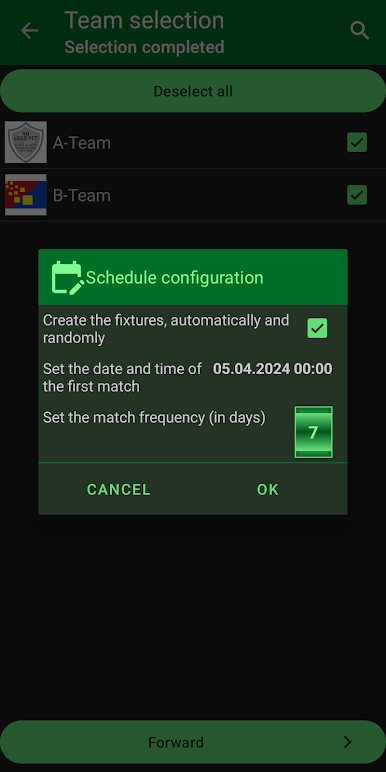
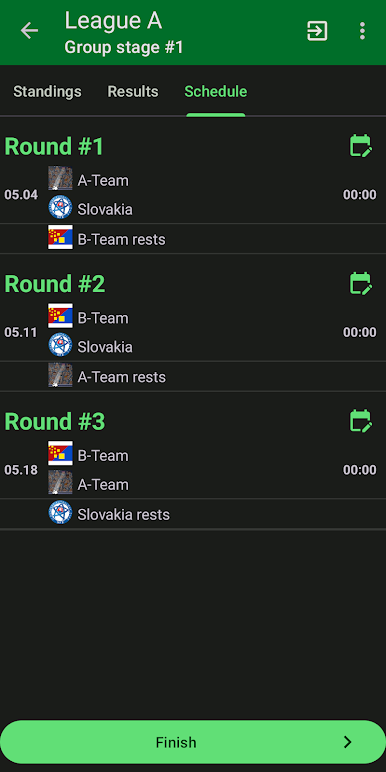
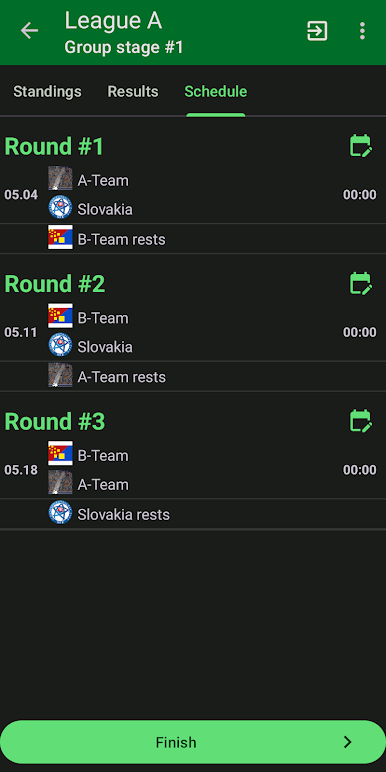
The app doesn’t force you into anything—arrange schedules manually if you’re picky or randomize things if you’re laid-back. -
Odd Numbers? No Problem
Got an uneven number of teams? The game easily adapts, so you won’t need to leave anyone out. -
Detailed Standings and Stats
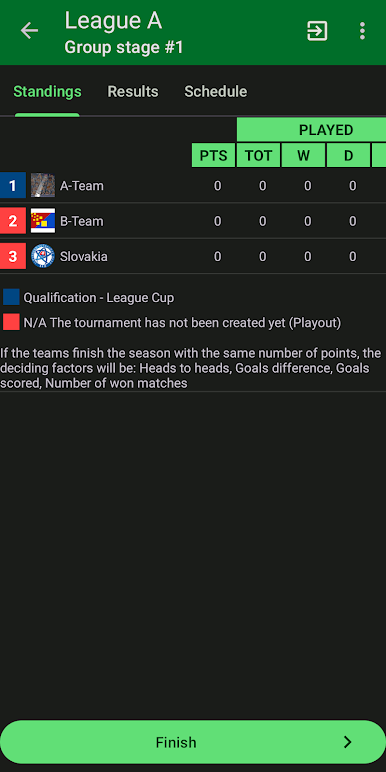
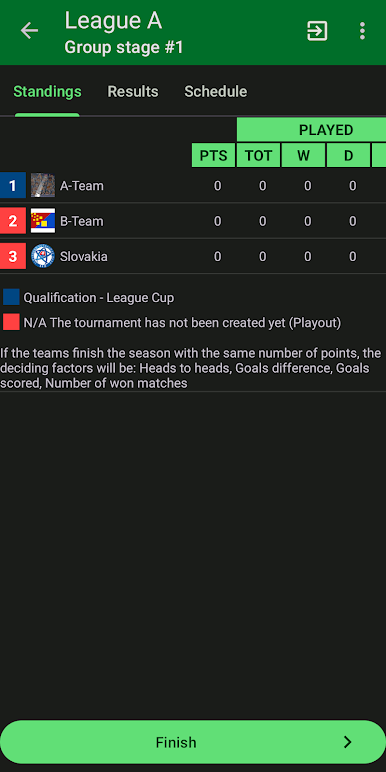
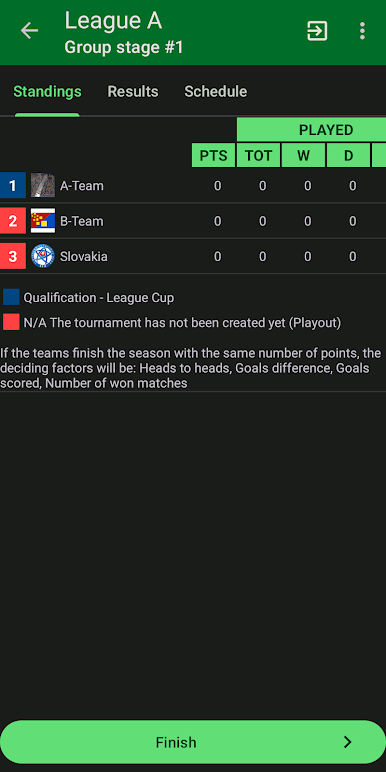
Track home and away records, fiddle with tie-breaker rules, and see real-time standings. You get all the details, automatically updated as results come in. -
Sharing & Social Features
Need input or help updating scores? Invite your friends, share manager access, and let multiple people update results at once. You can also export brackets, standings, or snapshots to your favorite social platforms whenever you want. -
Edit and Clone Tournaments
Love last year’s format? Just clone the whole thing, tweak what you need, and you’re ready for a new season. -
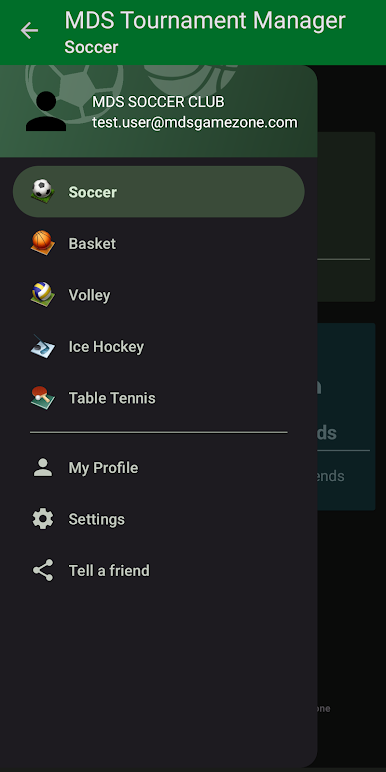
Supports a Bunch of Sports
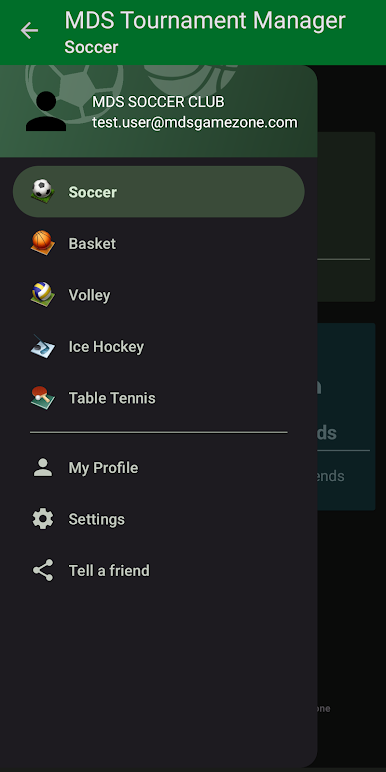
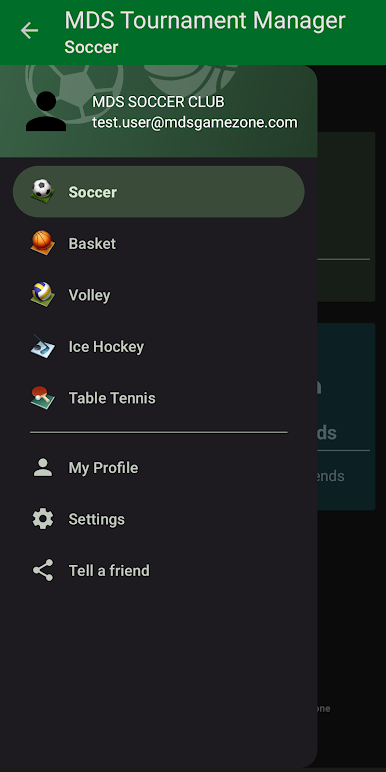
Not just the usual suspects—soccer, basketball, volleyball, ice hockey, table tennis, and more. -
Logo Customization
Bring your personality in by uploading your own logos for teams, or mix things up by adding custom artwork to pre-existing teams. -
Easy Export Options
Save or share results, tables, or brackets as images or HTML pages—great for group chats, social posts, or keeping everyone in the loop.
Oh, and if you like managing from your laptop, you’ll find Best Tournament Manager works smoothly with BlueStacks, too.
Start your journey now. Download the game on BlueStacks, invite your friends, and march on a new adventure.
Jouez à MDS Tournament Manager sur PC. C'est facile de commencer.
-
Téléchargez et installez BlueStacks sur votre PC
-
Connectez-vous à Google pour accéder au Play Store ou faites-le plus tard
-
Recherchez MDS Tournament Manager dans la barre de recherche dans le coin supérieur droit
-
Cliquez pour installer MDS Tournament Manager à partir des résultats de la recherche
-
Connectez-vous à Google (si vous avez ignoré l'étape 2) pour installer MDS Tournament Manager
-
Cliquez sur l'icône MDS Tournament Manager sur l'écran d'accueil pour commencer à jouer

