


vSite AR
Jouez sur PC avec BlueStacks - la plate-forme de jeu Android, approuvée par + 500M de joueurs.

Page Modifiée le: Dec 4, 2025
Play vSite AR on PC
Real-time visibility into progress, quantities, and profitability.
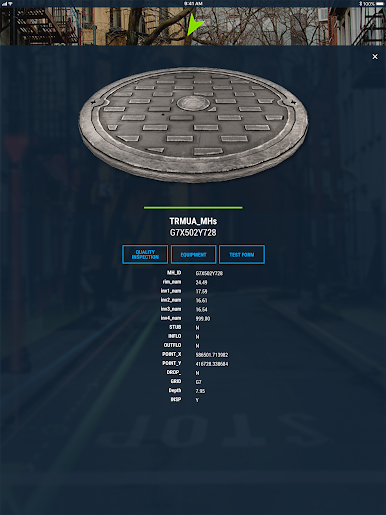
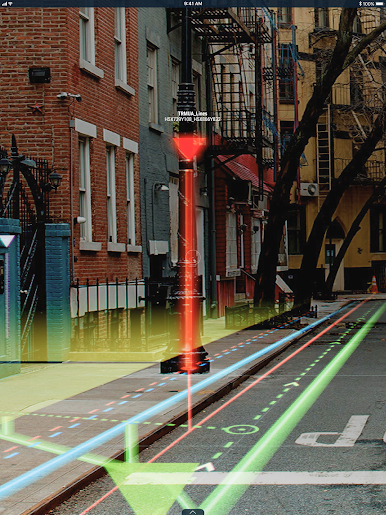
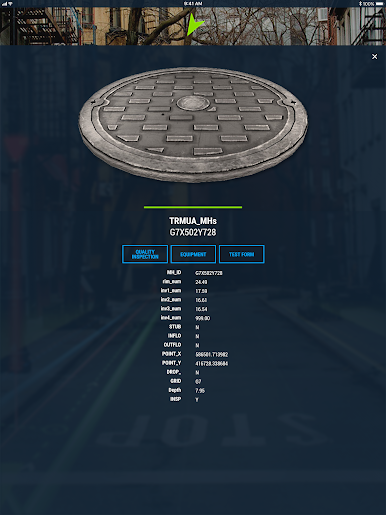
vSite simplifies and de-risks underground utility work by making it easy to understand, document, and track projects in the field. On the back end, it delivers real-time insights—powered by AI, AR, and phone-based 3D capture—to keep quantities, costs, and updates accurate and current.
What teams can do with vSite:
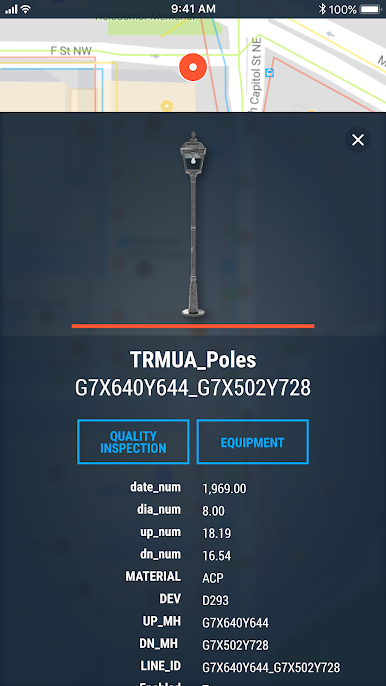
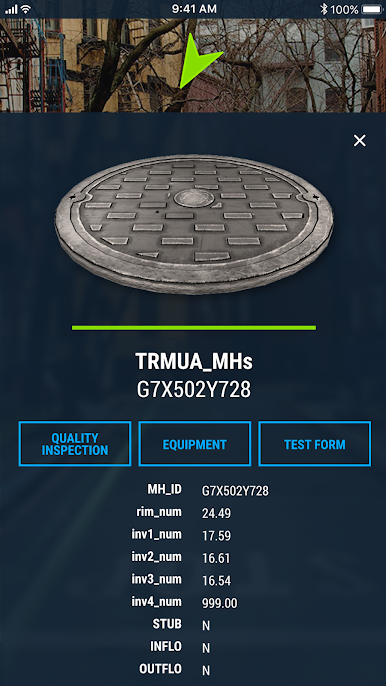
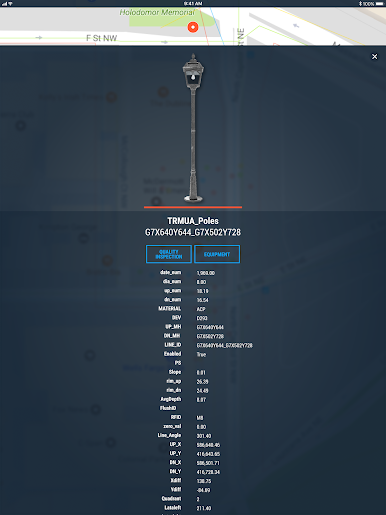
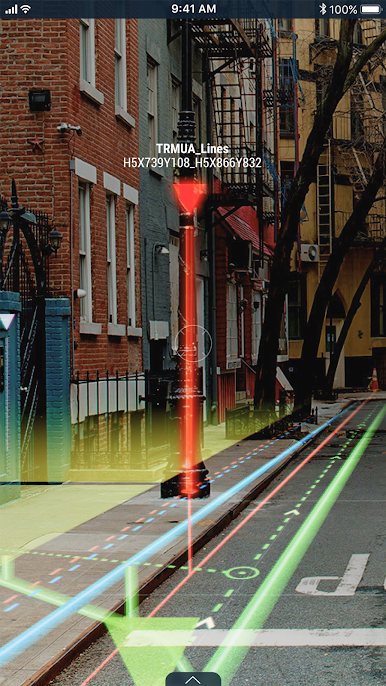
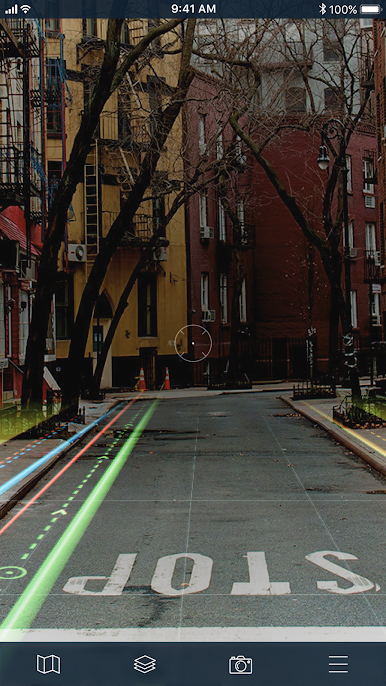
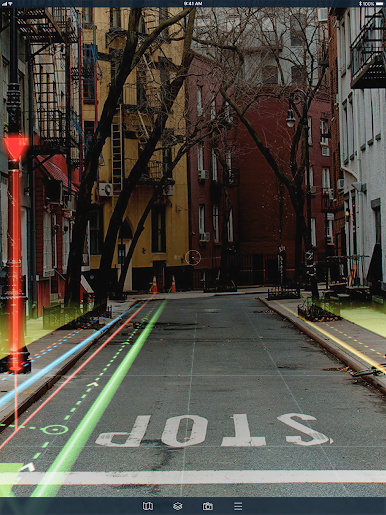
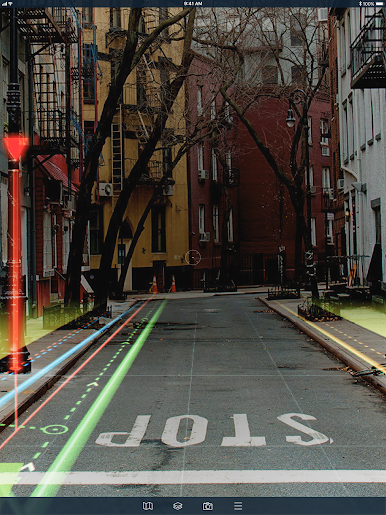
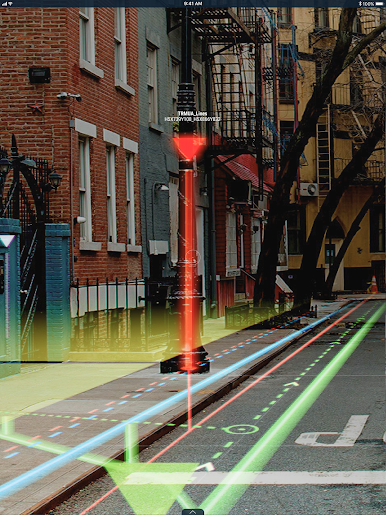
✅ Get instant answers in the field — open the latest drawings and utility data, visualize with AR, and capture 3D test pits/as-builts in minutes.
✅ Track production & costs automatically — reconcile utilization, quantities, and spend against estimates without spreadsheets.
✅ Stay on schedule with fewer errors — AI-powered QA/QC, tolerance checks, and alerts reduce rework and delays.
✅ Collaborate seamlessly — owners, engineers, locators, and contractors work from the same source of truth via web and mobile.
A single easy-to-use toolbox:
Stop juggling scanning apps, data collectors, BIM viewers, time sheets, and CSV exports. vSite unifies them into a single, intuitive platform that integrates with Autodesk Construction Cloud, Bentley iTwin, Esri ArcGIS, and other leading systems, simplifying your stack and boosting efficiency.
AI-Powered efficiency, AR-grade precision:
vSite’s AI automates manual documentation and performs real-time quality checks, while construction-grade AR guides field operations with trench-ready accuracy.
Used on hundreds of utility projects, vSite helps teams track progress, ensure quality, reduce line-strike risk, and prevent delays, so jobs finish on time and on budget.


Jouez à vSite AR sur PC. C'est facile de commencer.
-
Téléchargez et installez BlueStacks sur votre PC
-
Connectez-vous à Google pour accéder au Play Store ou faites-le plus tard
-
Recherchez vSite AR dans la barre de recherche dans le coin supérieur droit
-
Cliquez pour installer vSite AR à partir des résultats de la recherche
-
Connectez-vous à Google (si vous avez ignoré l'étape 2) pour installer vSite AR
-
Cliquez sur l'icône vSite AR sur l'écran d'accueil pour commencer à jouer

