

Black Goat City Adventure 3D
Jouez sur PC avec BlueStacks - la plate-forme de jeu Android, approuvée par + 500M de joueurs.

Page Modifiée le: Jan 28, 2025
Play Mega Shooting Gun Strike on PC or Mac
Mega Shooting Gun Strike brings the Strategy genre to life, and throws up exciting challenges for gamers. Developed by Play Zee, this Android game is best experienced on BlueStacks, the World’s #1 app player for PC and Mac users.
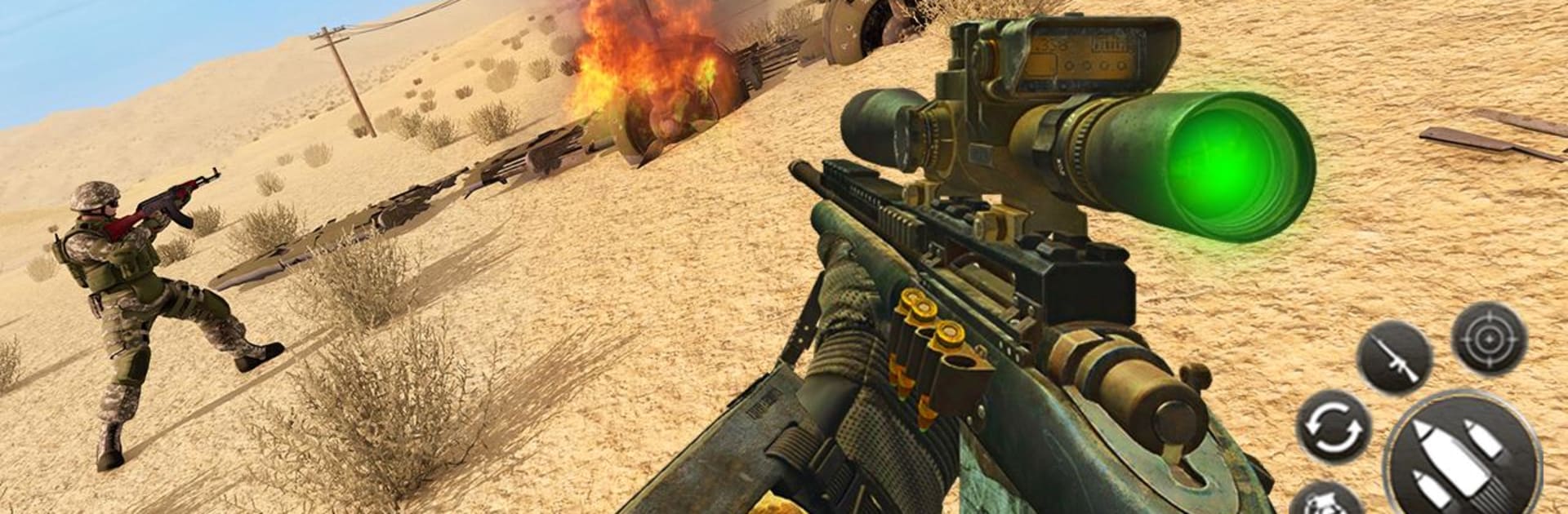
It plays like a straightforward commando shooter where the player is dropped into tight missions and told to clear out hostile zones. Controls feel simple and the focus is on aiming, picking the right gun for the job, and hitting targets before time runs out. Some stages ask for quiet, careful moves with a sniper rifle while others are full-on assault sections with rifles and close combat shooting. The maps are the thing that stands out — snowy rooftops, a dusty desert outpost, a ruined castle and thick forest areas all pop up, so it rarely feels like the same corridor again.
The presentation is basic but serviceable, with 3D visuals that give the environments some weight and gunshots that sound solid enough to feel satisfying. There is a training mode to learn the ropes and a ranking display so players can track progress as they clear tougher missions. Unlocking new weapons matters because each gun changes how a mission is played, and some tasks really reward patience and accuracy while others punish slow reactions. It runs okay on PC using BlueStacks, which helps if someone prefers keyboard and mouse or a bigger screen. This will appeal to players who want a no-nonsense shooter with varied settings and weapon choices rather than something story heavy or overly complicated.
Slay your opponents with your epic moves. Play it your way on BlueStacks and dominate the battlefield.
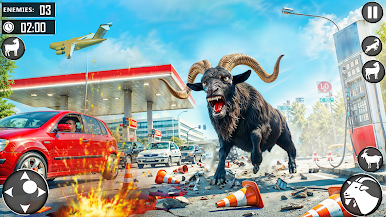
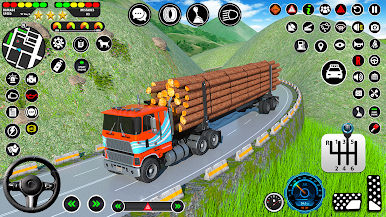
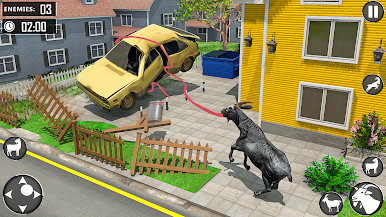
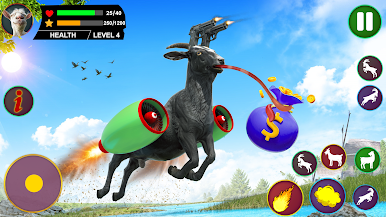
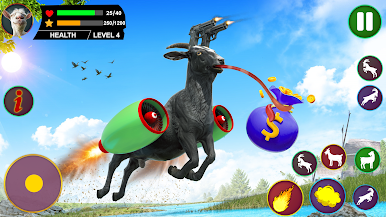
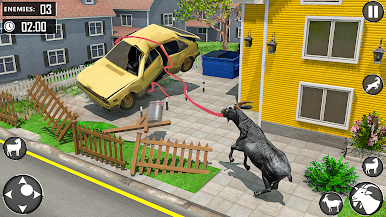
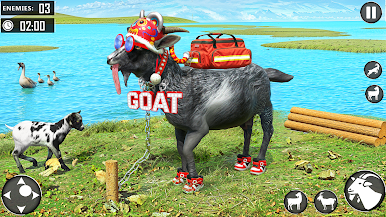
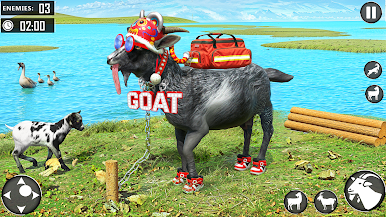
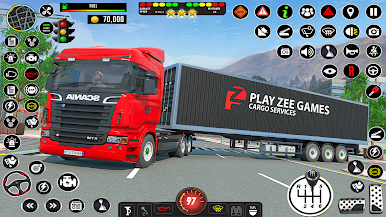
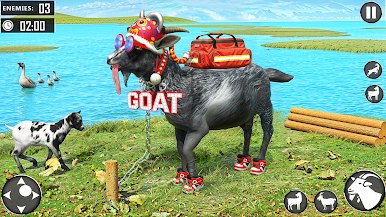
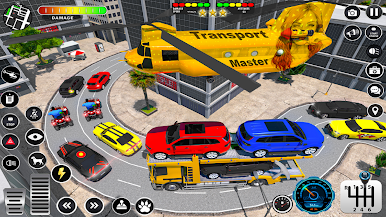
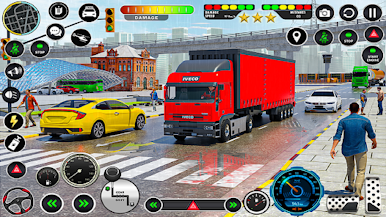
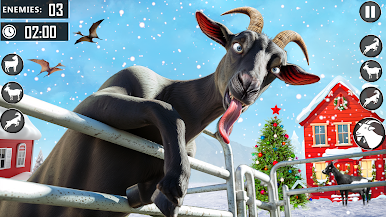
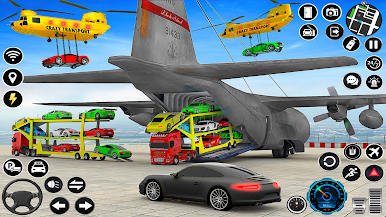
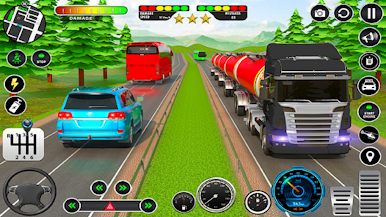
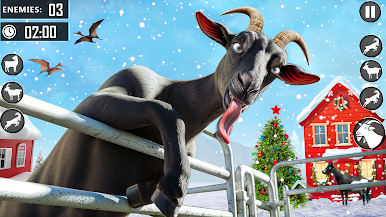
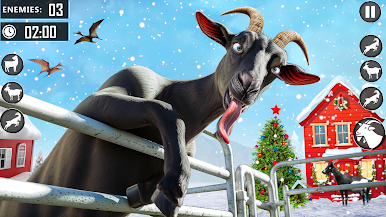
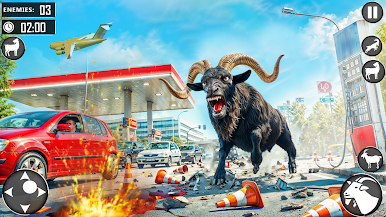
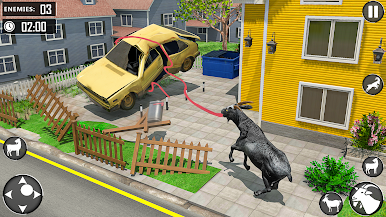
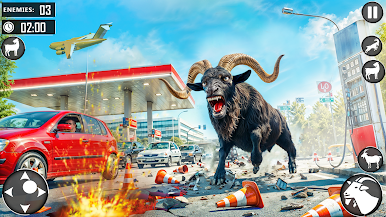
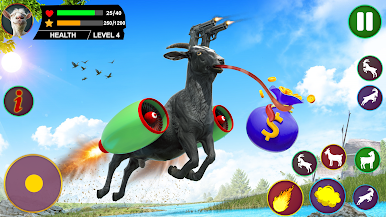
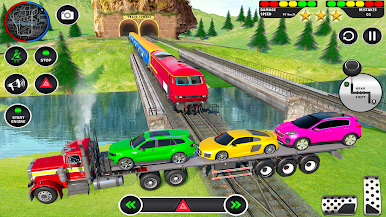
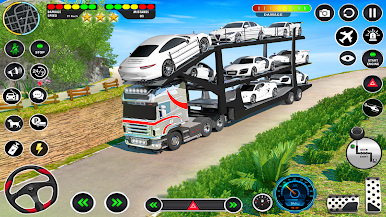
Jouez à Black Goat City Adventure 3D sur PC. C'est facile de commencer.
-
Téléchargez et installez BlueStacks sur votre PC
-
Connectez-vous à Google pour accéder au Play Store ou faites-le plus tard
-
Recherchez Black Goat City Adventure 3D dans la barre de recherche dans le coin supérieur droit
-
Cliquez pour installer Black Goat City Adventure 3D à partir des résultats de la recherche
-
Connectez-vous à Google (si vous avez ignoré l'étape 2) pour installer Black Goat City Adventure 3D
-
Cliquez sur l'icône Black Goat City Adventure 3D sur l'écran d'accueil pour commencer à jouer

