


MQTT Terminal
เล่นบน PC ผ่าน BlueStacks - Android Gaming Platform ที่ได้รับความไว้วางใจจากเกมเมอร์ 500 ล้านคนทั่วโลก

Page Modified on: Mar 26, 2021
Run MQTT Terminal on PC or Mac
What’s better than using MQTT Terminal by mightyIT? Well, try it on a big screen, on your PC or Mac, with BlueStacks to see the difference.
About the App
Ever wanted a hassle-free way to connect and chat with your IoT devices? MQTT Terminal by mightyIT is your handy sidekick when it comes to working with MQTT protocols. Whether you’re tinkering with smart gadgets, monitoring sensors, or just learning how MQTT messaging works, this tool keeps it simple. Expect a straightforward, flexible experience where you can easily publish or subscribe to messages and watch your IoT network in action.
App Features
-
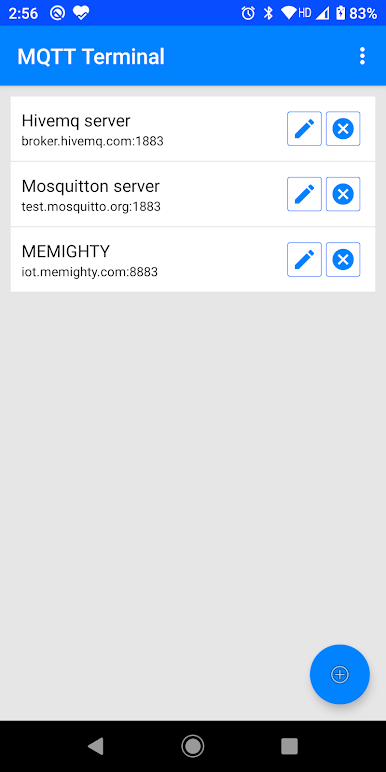
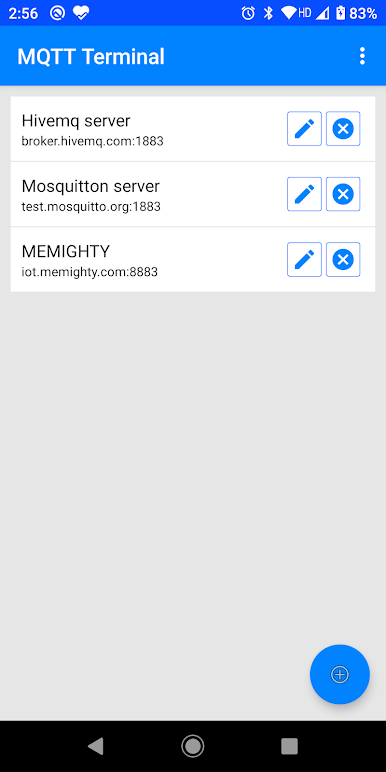
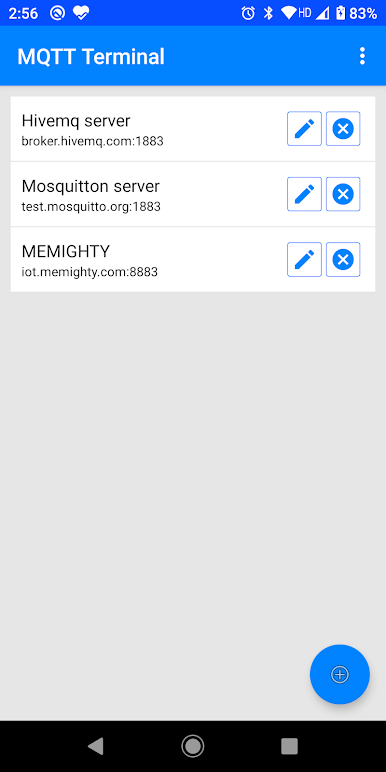
Save Your Broker List
Got several brokers you work with? Just save them right in the app—no need to constantly re-enter details every session. Makes switching between setups feel effortless. -
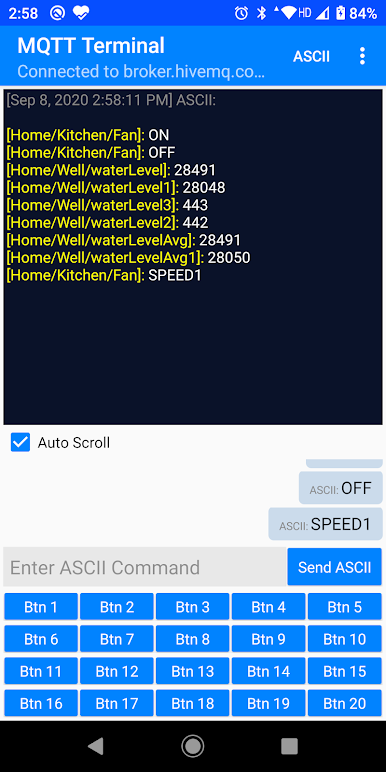
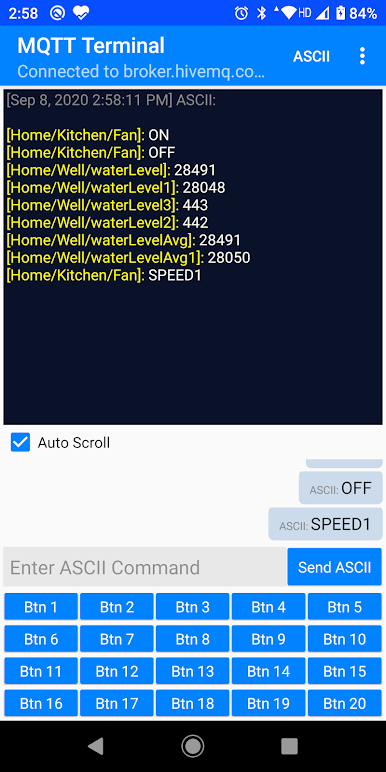
Separate Subscribe & Publish Panels
Keep things tidy. There are dedicated spaces for both subscribing to topics and publishing data, so you can see what’s coming in and what you’re sending, all without a mess. -
Custom Quick-Send Buttons
If you’re always sending the same command (we’ve all been there), just make your own shortcut buttons. One tap, and your message is out—no extra typing. -
Monitor IoT Devices
Use MQTT Terminal to control and keep tabs on any MQTT-enabled device or sensor you’re working with. Great for testing ideas or just keeping things running smoothly. -
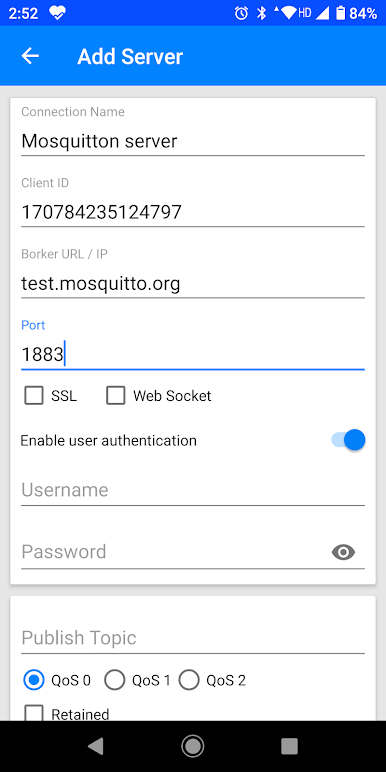
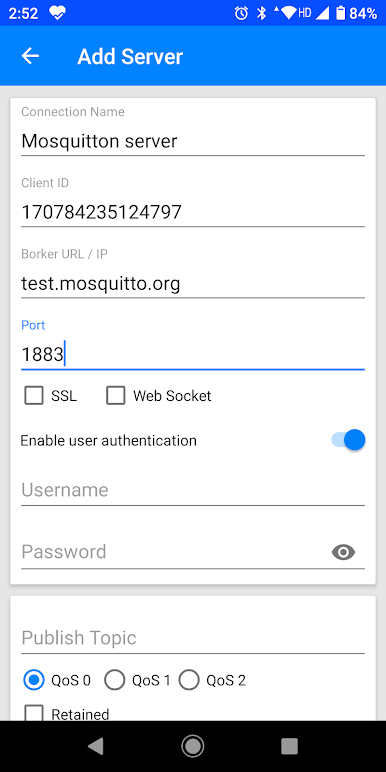
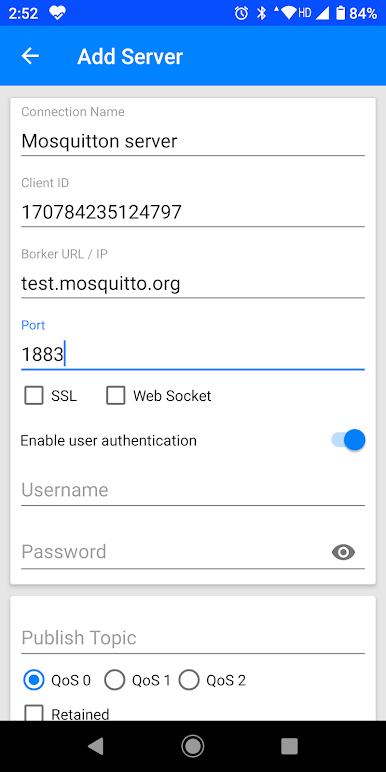
Simple Connection Setup
Connecting to your broker takes just moments. With a couple taps, you’re talking to your network in no time.
Perfect for folks who want flexible MQTT messaging and a little extra convenience, whether you’re running this on your mobile device or taking advantage of BlueStacks for a bigger screen.
Eager to take your app experience to the next level? Start right away by downloading BlueStacks on your PC or Mac.
เล่น MQTT Terminal บน PC ได้ง่ายกว่า
-
ดาวน์โหลดและติดตั้ง BlueStacks บน PC ของคุณ
-
ลงชื่อเข้าใช้แอคเคาท์ Google เพื่อเข้าสู่ Play Store หรือทำในภายหลัง
-
ค้นหา MQTT Terminal ในช่องค้นหาด้านขวาบนของโปรแกรม
-
คลิกเพื่อติดตั้ง MQTT Terminal จากผลการค้นหา
-
ลงชื่อเข้าใช้บัญชี Google Account (หากยังไม่ได้ทำในขั้นที่ 2) เพื่อติดตั้ง MQTT Terminal
-
คลิกที่ไอคอน MQTT Terminal ในหน้าจอเพื่อเริ่มเล่น

