

Yale Smart Living Alarm
Jouez sur PC avec BlueStacks - la plate-forme de jeu Android, approuvée par + 500M de joueurs.

Page Modifiée le: Oct 13, 2025
Run Yale Smart Living Home on PC or Mac
Multitask effortlessly on your PC or Mac as you try out Yale Smart Living Home, a Tools app by Assa Abloy Ltd on BlueStacks.
About the App
Yale Smart Living Home puts your Yale Smart Home Alarm in your pocket so you can keep an eye on things without hovering over a control panel. From quick check-ins to full system tweaks, it’s built to be simple, fast, and reliable. It’s a Tools app from Assa Abloy Ltd, and if you like a bigger screen, you can also use it on your PC with BlueStacks.
App Features
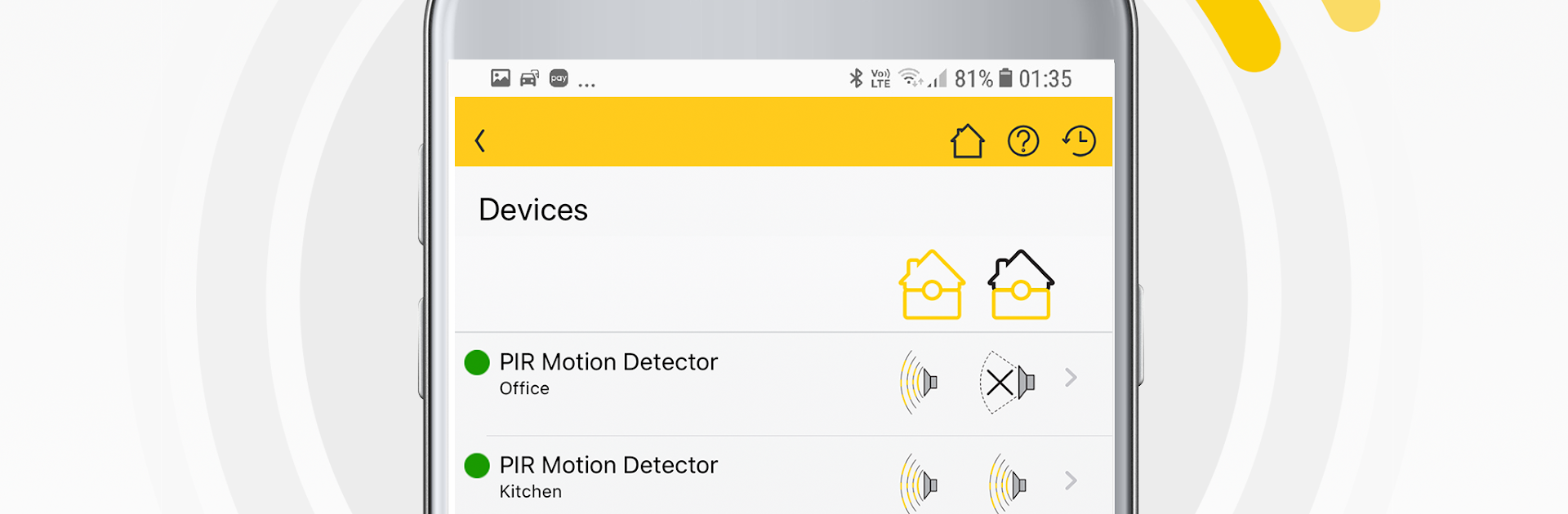
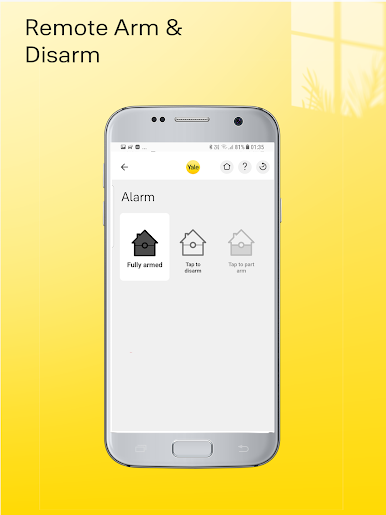
- Remote arming and status: Arm or disarm your alarm and see what’s happening at home from virtually anywhere. An internet connection is required.
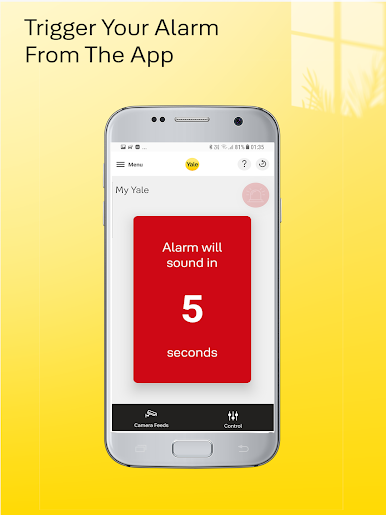
- Real-time alerts: Get notified the moment something changes—alarm triggers, mode switches, or activity from connected sensors.
- Straightforward setup: Add new devices, rename rooms, and fine-tune your settings right in the app—no hassle, no mystery menus.
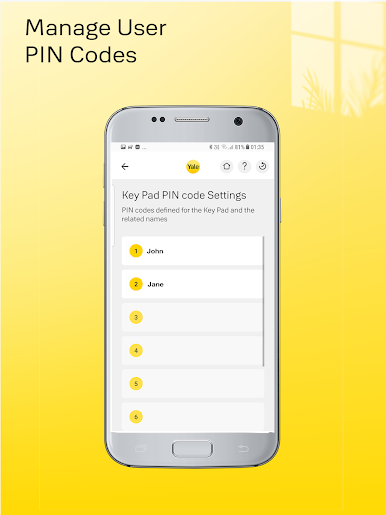
- Access control made easy: Decide who can disarm at the keypad by managing individual PINs. Handy for family, guests, or a trusted neighbor.
- Image snapshots: Using the Yale PIR Image Camera with compatible systems, peek at quick snapshots to confirm what set off a sensor.
- Smart power control: Pair a Yale Power Switch to turn appliances on or off remotely—lamps, fans, you name it.
- Unlock from your phone: When connected to a Yale Smart Lock fitted with a Yale Module, you can unlock the door through the app.
- Works with key systems: Designed for Sync, SR Smart Home Alarm Range, EF-KIT3, and EF3000i. You can expand your setup with additional accessories sold separately.
Eager to take your app experience to the next level? Start right away by downloading BlueStacks on your PC or Mac.
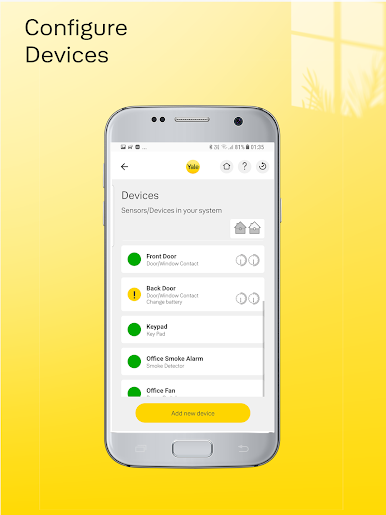
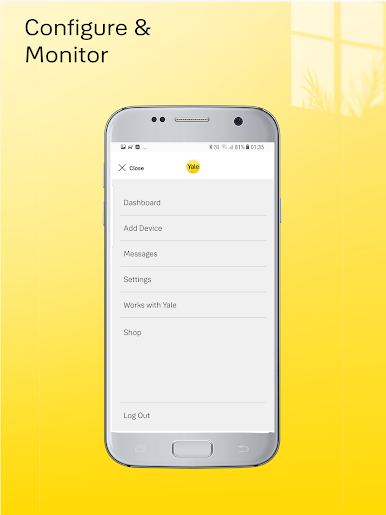
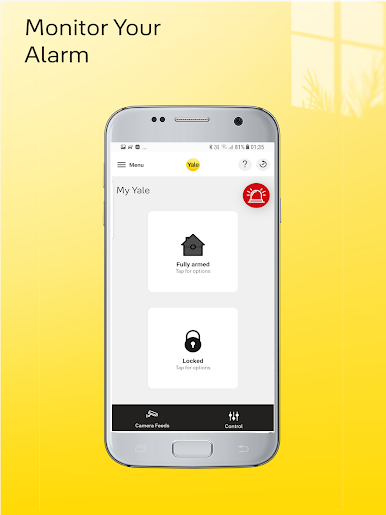
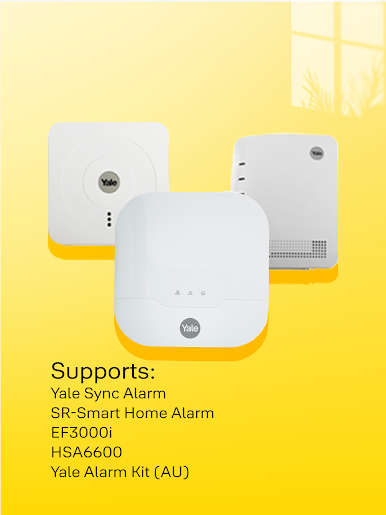
Jouez à Yale Smart Living Alarm sur PC. C'est facile de commencer.
-
Téléchargez et installez BlueStacks sur votre PC
-
Connectez-vous à Google pour accéder au Play Store ou faites-le plus tard
-
Recherchez Yale Smart Living Alarm dans la barre de recherche dans le coin supérieur droit
-
Cliquez pour installer Yale Smart Living Alarm à partir des résultats de la recherche
-
Connectez-vous à Google (si vous avez ignoré l'étape 2) pour installer Yale Smart Living Alarm
-
Cliquez sur l'icône Yale Smart Living Alarm sur l'écran d'accueil pour commencer à jouer

