

trainchinese Dictionary
เล่นบน PC ผ่าน BlueStacks - Android Gaming Platform ที่ได้รับความไว้วางใจจากเกมเมอร์ 500 ล้านคนทั่วโลก

Page Modified on: Oct 13, 2025
Run trainchinese Dictionary on PC or Mac
Multitask effortlessly on your PC or Mac as you try out trainchinese Dictionary, a Education app by trainchinese on BlueStacks.
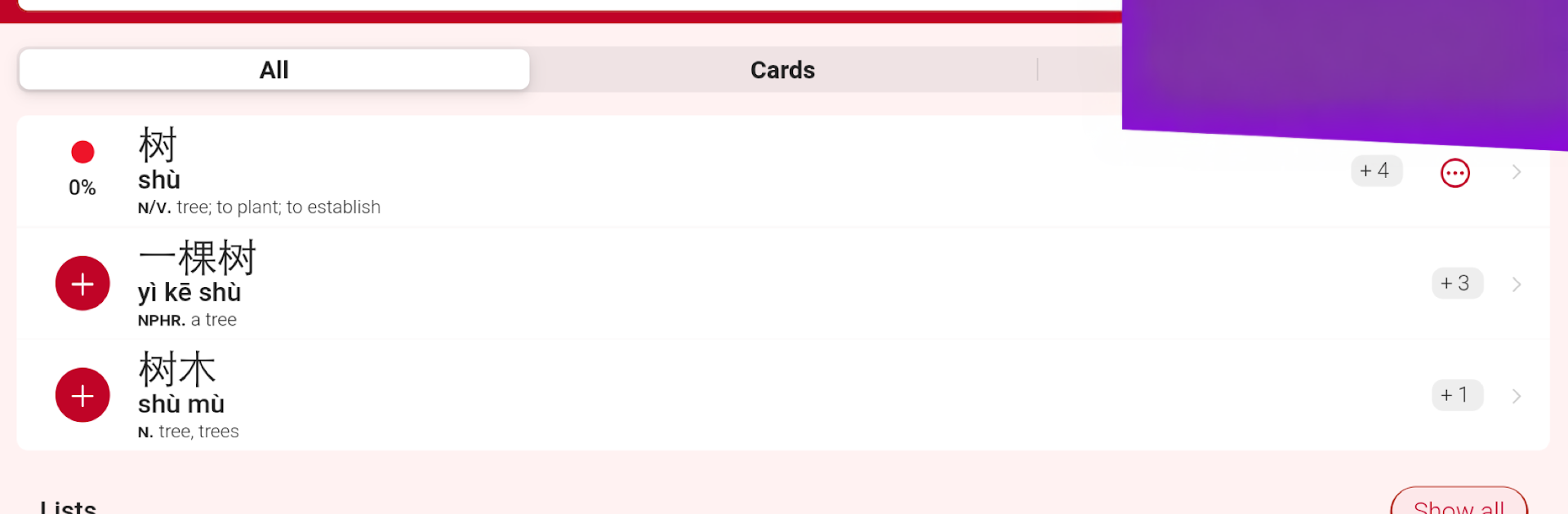
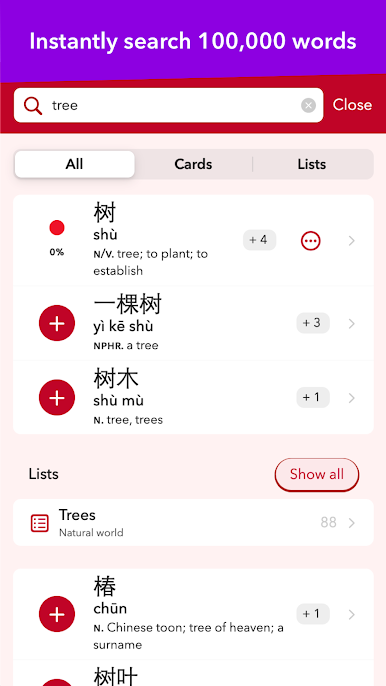
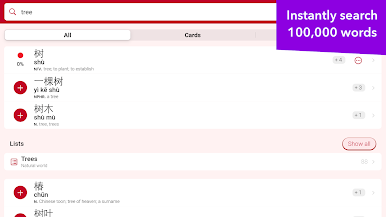
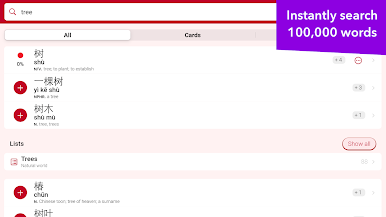
trainchinese Dictionary feels like a proper study kit, not just a lookup tool. The search is smart and actually returns the word someone needs, not random single characters. Type “tree” and it gives 树 first, then 一棵树 with the right measure word. Results come with example sentences, audio, and those neat character animations that show stroke order. It even breaks characters into parts, which makes tough ones less scary. Typing a partial word starts showing matches right away, and small spelling mistakes get nudged in the right direction rather than giving nothing.
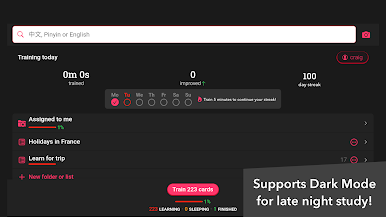
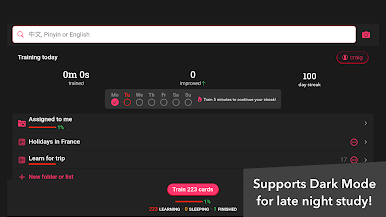
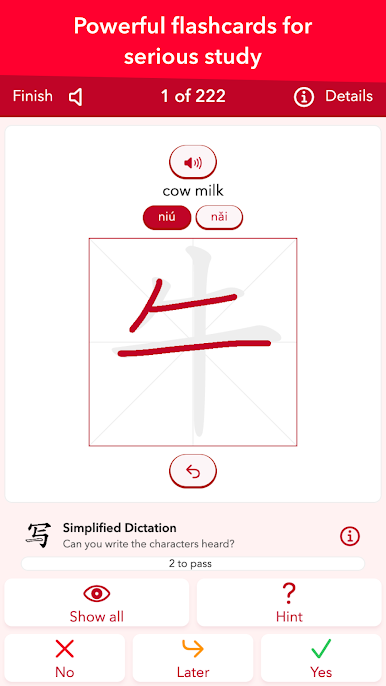
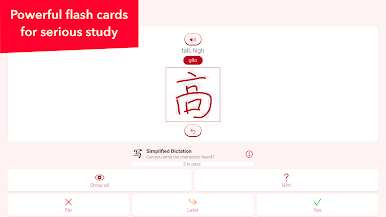
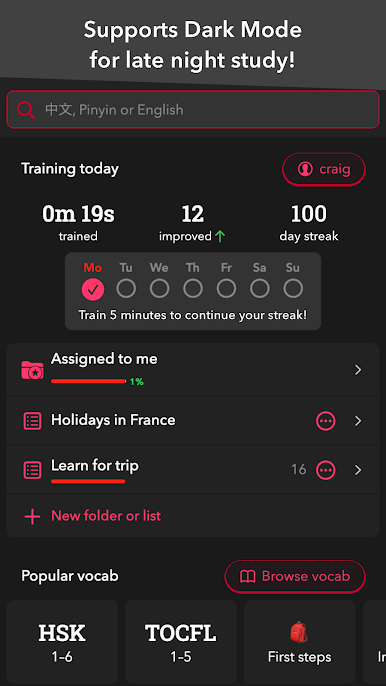
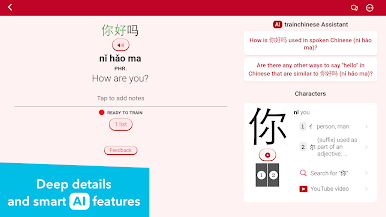
The study side is where it clicks. There are loads of ready-made vocab lists, from test prep like HSK, TOCFL and YCT to very specific topics. Users can switch between Simplified and Traditional or show both, and every dictionary entry can become a flash card with audio and animation. The spaced repetition does the scheduling so words come back just before they are forgotten, and there are multiple training modes that swap between Chinese, Pinyin, and English. Handwriting practice runs next to a stroke-order animation, so it is easy to compare and fix sloppy strokes. Cards can be sorted into lists, shared with friends or students, and synced with their website so progress does not go missing. On a PC with BlueStacks, the bigger screen makes browsing lists and writing practice feel roomier, even using a mouse for strokes works better than expected. Users can add notes to cards too, which helps lock in odd meanings or tricky measure words.
BlueStacks gives you the much-needed freedom to experience your favorite apps on a bigger screen. Get it now.


เล่น trainchinese Dictionary บน PC ได้ง่ายกว่า
-
ดาวน์โหลดและติดตั้ง BlueStacks บน PC ของคุณ
-
ลงชื่อเข้าใช้แอคเคาท์ Google เพื่อเข้าสู่ Play Store หรือทำในภายหลัง
-
ค้นหา trainchinese Dictionary ในช่องค้นหาด้านขวาบนของโปรแกรม
-
คลิกเพื่อติดตั้ง trainchinese Dictionary จากผลการค้นหา
-
ลงชื่อเข้าใช้บัญชี Google Account (หากยังไม่ได้ทำในขั้นที่ 2) เพื่อติดตั้ง trainchinese Dictionary
-
คลิกที่ไอคอน trainchinese Dictionary ในหน้าจอเพื่อเริ่มเล่น

