


Dissolvant de voix AI: séparat
Jouez sur PC avec BlueStacks - la plate-forme de jeu Android, approuvée par + 500M de joueurs.

Page Modifiée le: Jul 13, 2025
Run Vocal Remover for karaoke & dance: Music Separator on PC or Mac
Multitask effortlessly on your PC or Mac as you try out Vocal Remover for karaoke & dance: Music Separator, a Music & Audio app by Saifee Software Solution on BlueStacks.
About the App
Ever wanted to sing karaoke or practice dance moves with just the music, minus the vocals? Vocal Remover for karaoke & dance: Music Separator from Saifee Software Solution takes your favorite songs and lets you strip out the vocals or instruments in just a few taps. It’s an easy way to get custom tracks, whether you’re prepping for a performance or just want to jam out with the backing beats.
App Features
-
AI-Powered Vocal Removal
Quickly separate vocals from music tracks using clever artificial intelligence—whether you’ve got audio or video files, this app is up for the job. -
Music Part Extraction
Need just the piano, drums, or bass? Grab them as separate files so you can focus on your favorite instrument, or practice along as you like. -
Smooth Queue System
Add multiple songs to the queue and let the app process them one after another—you don’t have to sit around waiting to handle each one. -
Karaoke-Ready Exports
After you remove the vocals, save the new karaoke tracks directly to your device, ready to use whenever you need. -
Works Online & Offline
Use the app while you’re connected and download your processed files to access them anywhere, even when there’s no signal. -
Totally Free
All features are available for free, so go ahead and try out every tool without worrying about hidden costs. -
Tailored for Creatives
Whether you’re a singer, dancer, musician, or just someone who likes tinkering with tracks, there’s a feature here that supports your creative process. -
Perfect Pairing with BlueStacks
If you enjoy working on your PC, you can use Vocal Remover for karaoke & dance: Music Separator with BlueStacks for an even easier editing flow.
BlueStacks brings your apps to life on a bigger screen—seamless and straightforward.

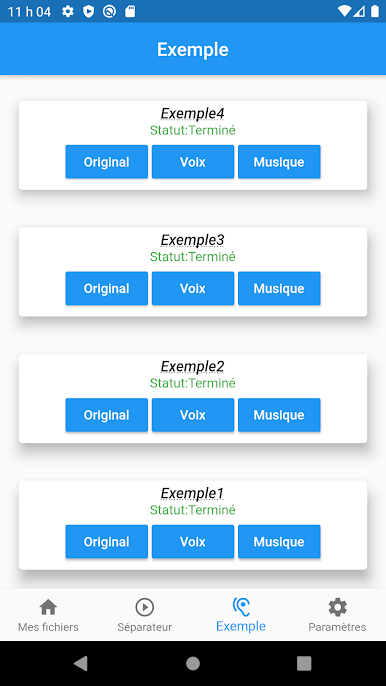
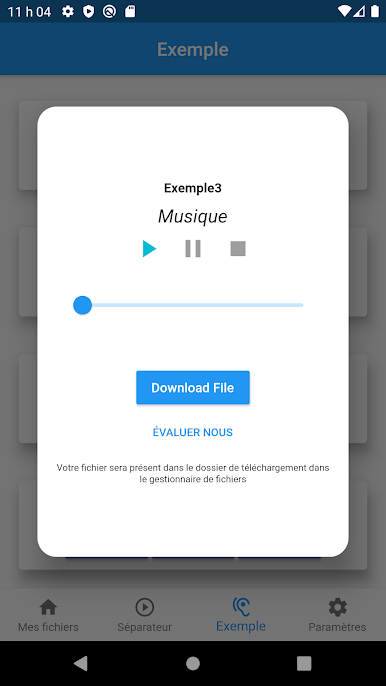
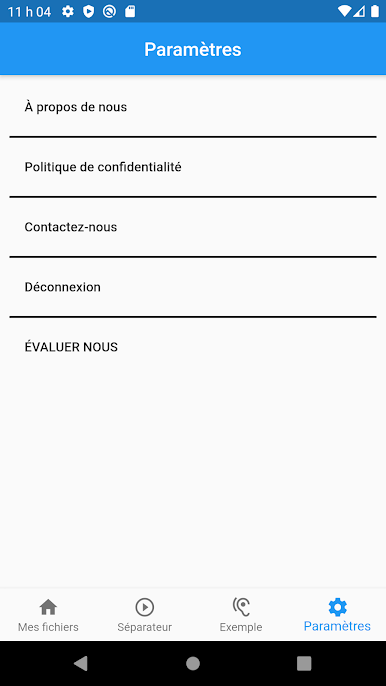
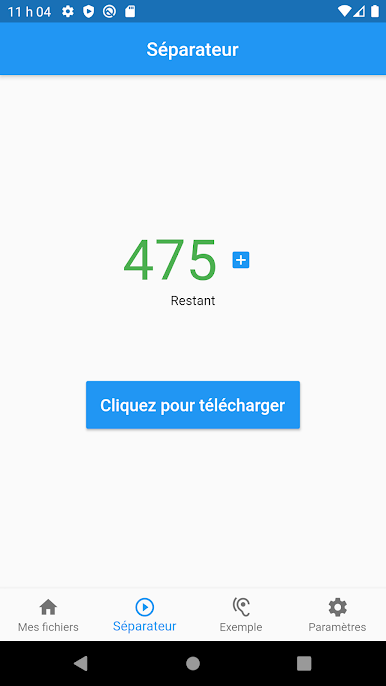
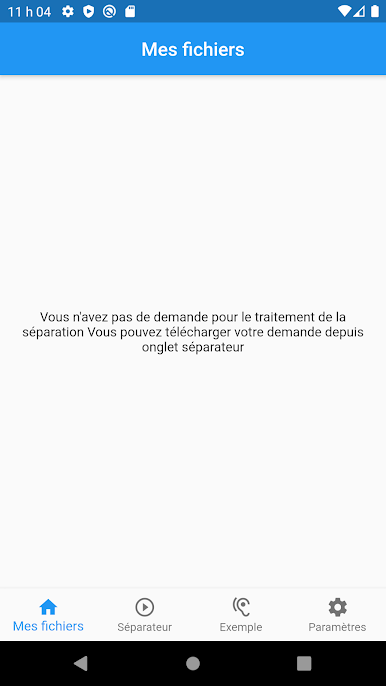
Jouez à Dissolvant de voix AI: séparat sur PC. C'est facile de commencer.
-
Téléchargez et installez BlueStacks sur votre PC
-
Connectez-vous à Google pour accéder au Play Store ou faites-le plus tard
-
Recherchez Dissolvant de voix AI: séparat dans la barre de recherche dans le coin supérieur droit
-
Cliquez pour installer Dissolvant de voix AI: séparat à partir des résultats de la recherche
-
Connectez-vous à Google (si vous avez ignoré l'étape 2) pour installer Dissolvant de voix AI: séparat
-
Cliquez sur l'icône Dissolvant de voix AI: séparat sur l'écran d'accueil pour commencer à jouer

