


Scanner facile-Créateur de PDF
Jouez sur PC avec BlueStacks - la plate-forme de jeu Android, approuvée par + 500M de joueurs.

Page Modifiée le: Feb 8, 2026
Jouez Scanner facile-Créateur de PDF sur PC
Téléchargez gratuitement et profitez de toutes les fonctionnalités!
* Numérisation rapide des documents
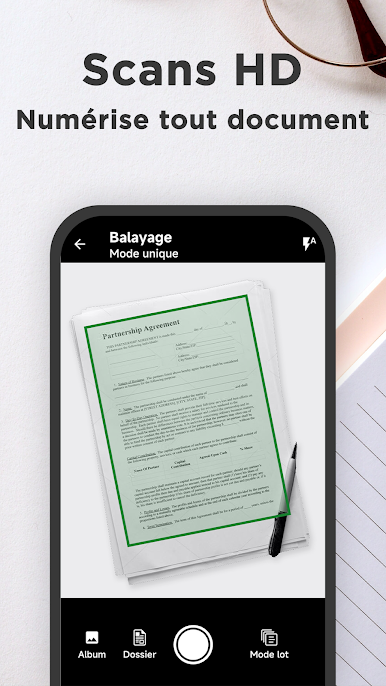
Numériser et numériser divers documents papier à l'aide d'une caméra sur l'appareil: notes, procès - verbaux de réunion, reçus, notes, factures, tableaux blancs, cartes de visite, certificats, etc.
* Optimisation de la qualité de balayage
La coupe intelligente et l'amélioration automatique garantissent que le texte et les graphiques sont clairs dans la numérisation, avec des couleurs et des résolutions haute définition.
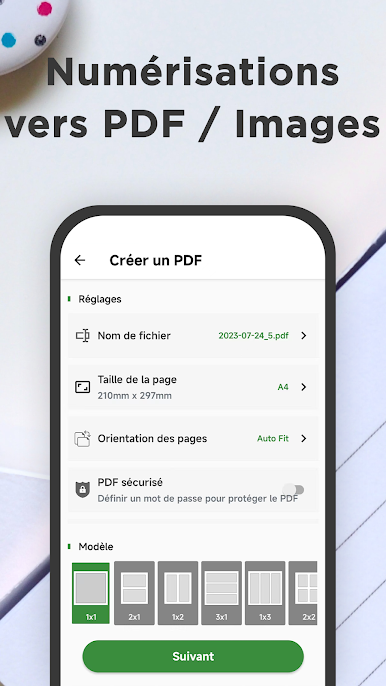
* Numériser en PDF / image
Créer facilement des PDF, partager ou imprimer, ajouter du texte, des filigranes, des mosaïques, des graffitis, etc.
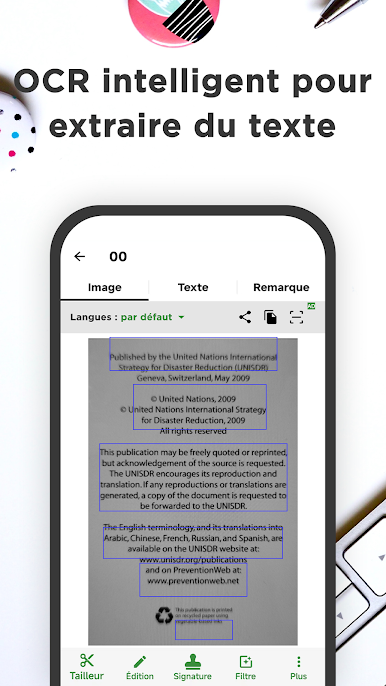
* Extraire le texte de scan / pdf
La reconnaissance optique des caractères (ROC) vous permet de reconnaître le texte dans une image. Vous pouvez extraire du texte pour la recherche, l'édition ou le partage futurs.
* Classeurs portatifs
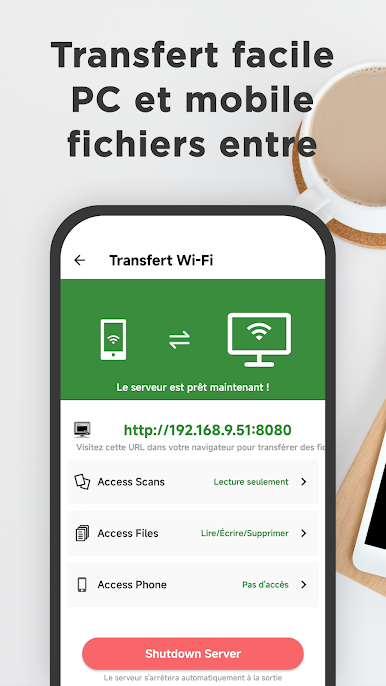
Gérer et protéger vos fichiers critiques en toute sécurité et facilement, y compris les serrures d'application, le stockage dédié aux fichiers et d'autres fonctionnalités pour assurer la sécurité et la confidentialité de vos fichiers
* Recherche en texte intégral
Rechercher des copies numérisées et des documents par mot - clé pour trouver rapidement l'information requise et la récupérer plus facilement et plus efficacement. Vous pouvez même rechercher n'importe quel document sur votre téléphone, prendre en charge PDF, Word, Excel, ppt, et plus encore.
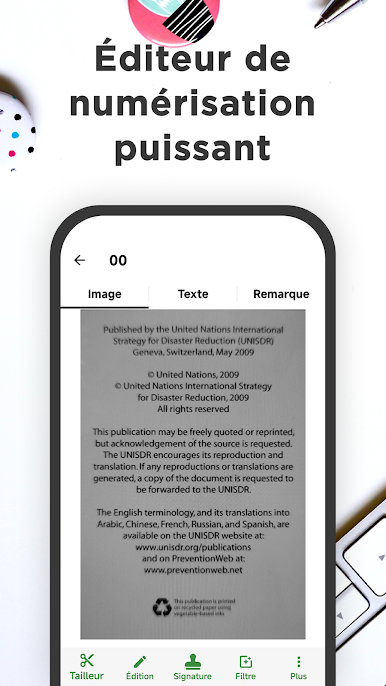
* Puissant éditeur de scan
Il est facile d'éditer des copies numérisées, d'ajouter du texte, des filigranes, des mosaïques, des textures, des signatures, etc. bien sûr, vous pouvez également dessiner librement dessus
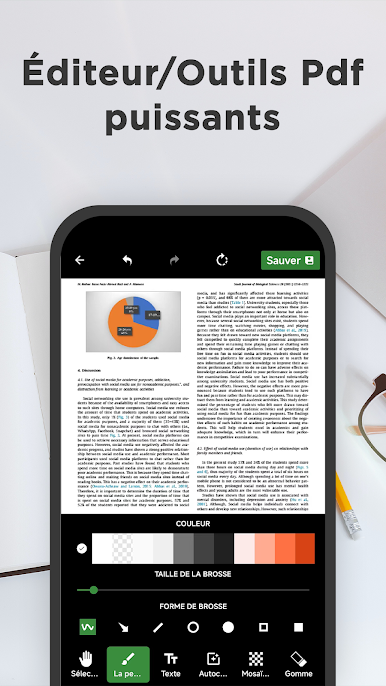
* Puissant outil d'édition PDF
L'application dispose également d'une puissante boîte à outils PDF qui peut être convertie en images, coupure, signature, impression, fusion, etc.

Jouez à Scanner facile-Créateur de PDF sur PC. C'est facile de commencer.
-
Téléchargez et installez BlueStacks sur votre PC
-
Connectez-vous à Google pour accéder au Play Store ou faites-le plus tard
-
Recherchez Scanner facile-Créateur de PDF dans la barre de recherche dans le coin supérieur droit
-
Cliquez pour installer Scanner facile-Créateur de PDF à partir des résultats de la recherche
-
Connectez-vous à Google (si vous avez ignoré l'étape 2) pour installer Scanner facile-Créateur de PDF
-
Cliquez sur l'icône Scanner facile-Créateur de PDF sur l'écran d'accueil pour commencer à jouer

