

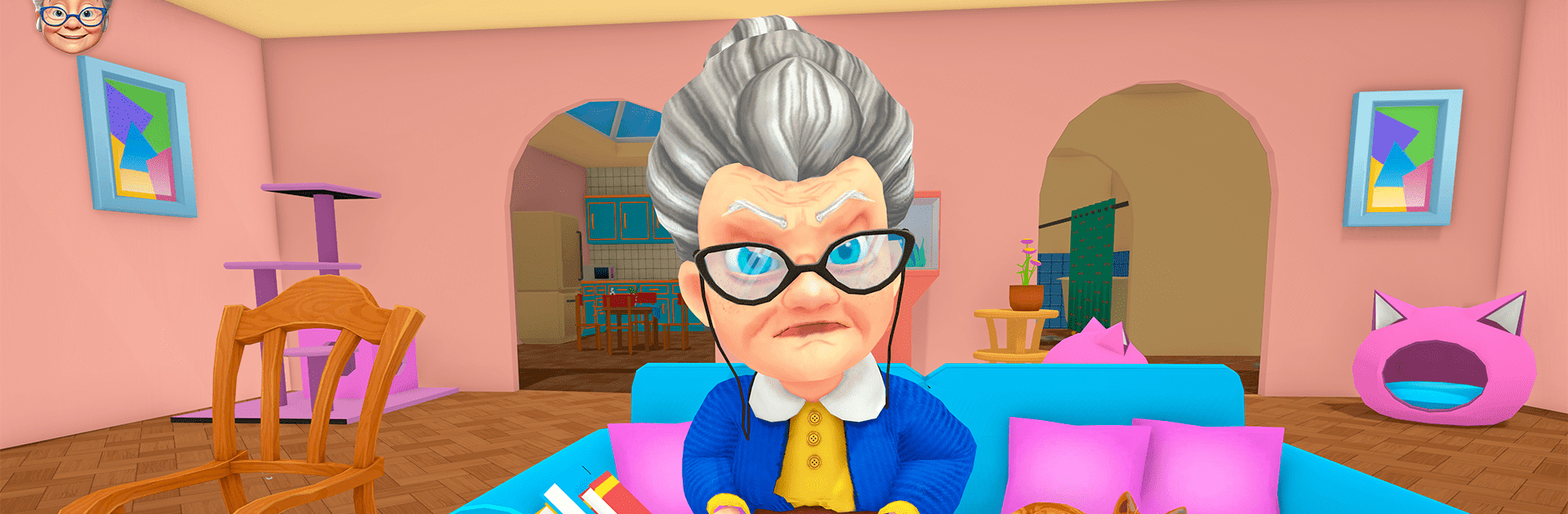
Bad Cat Simulator: Prank Gran
Jouez sur PC avec BlueStacks - la plate-forme de jeu Android, approuvée par + 500M de joueurs.

Page Modifiée le: Nov 27, 2025
Play Bad Cat Simulator: Prank Gran on PC or Mac
Bad Cat Simulator: Prank Gran brings the Simulation genre to life, and throws up exciting challenges for gamers. Developed by Falcon Gamerz, this Android game is best experienced on BlueStacks, the World’s #1 app player for PC and Mac users.
About the Game
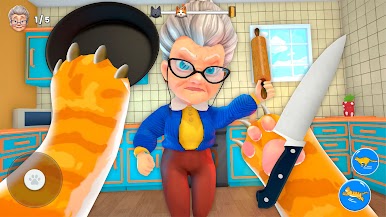
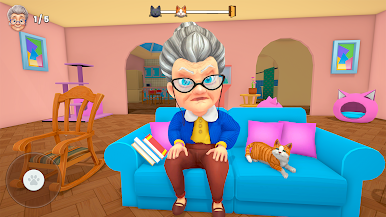
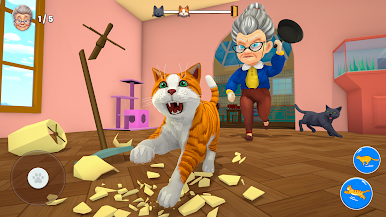
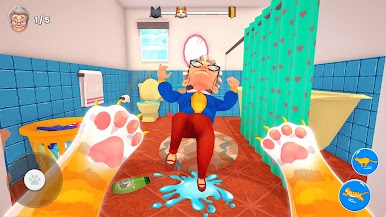
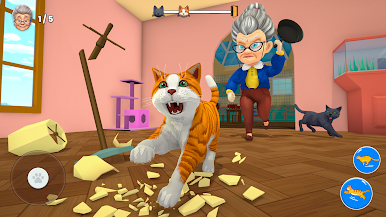
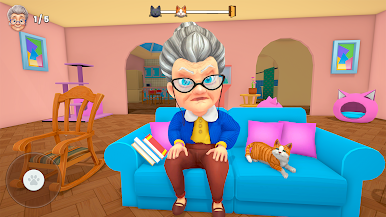
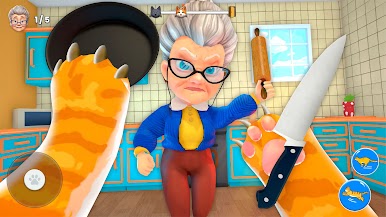
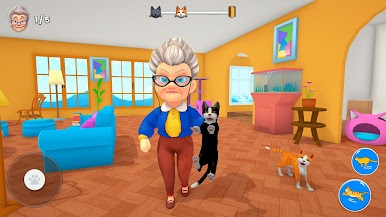
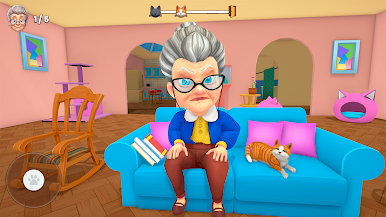
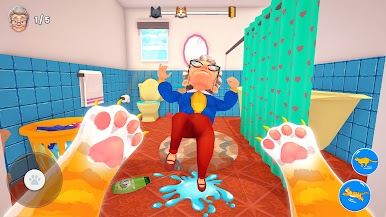
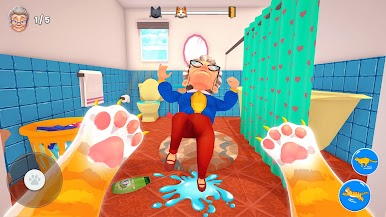
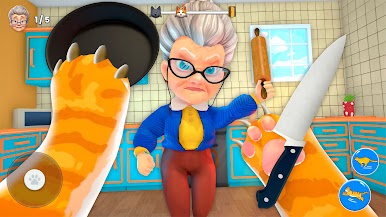
Ever wondered what it’s like to be a cat with an attitude? Bad Cat Simulator: Prank Gran from Falcon Gamerz lets you take control of a feisty feline on a mission to turn Granny’s peaceful house upside down. It’s a Simulation game packed with shenanigans, cheeky antics, and a touch of harmless chaos. Play as a mischievous kitty and see just how much trouble you can stir up while keeping one step ahead of Granny.
Game Features
-
Mischief Everywhere
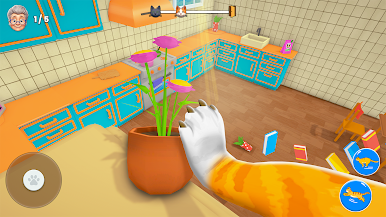
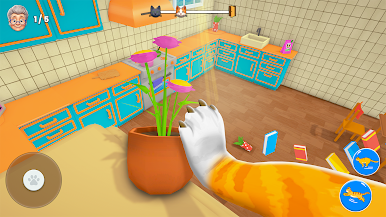
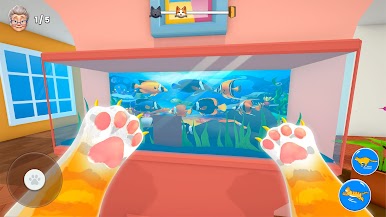
Wreak havoc by scratching up furniture, knocking over plants, and leaving a trail of chaos. If you spot something that looks fragile, chances are—it needs a little cat-induced mayhem. -
Granny’s On Patrol
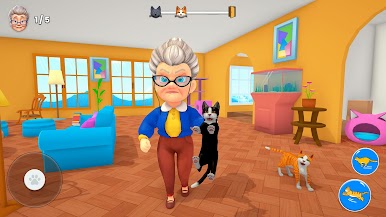
You’re not alone in the house. Granny keeps a sharp eye, so you’ll need to be clever. Duck under tables, dash behind doors, and keep your whiskers out of trouble when she comes looking. -
Fully Interactive Home
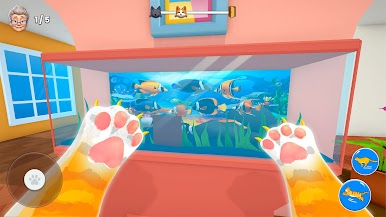
Every corner of this 3D house is packed with things to mess with. Explore each room—find new objects to pounce on and fresh pranks to pull. -
Unlockable Upgrades
As you rack up points, more rooms and new cat tricks become available. Test your feline skills and see what kind of chaos you can unleash next. -
Ridiculously Fun Simulation
The Simulation genre has never been this lighthearted—or this naughty. It’s all about being playful, creative, and sometimes just a little bit pesky. -
Optimized for BlueStacks
If you’re looking for smoother controls and quicker reflexes, playing with BlueStacks is a smart move—helps those cat-speed reflexes stay sharp. -
Fun, Lighthearted Atmosphere
No need to take anything too seriously. It’s all about laughs, unexpected moments, and seeing just how much a little kitty can get away with.
Get ready for a buttery smooth, high-performance gaming action only on BlueStacks.






Jouez à Bad Cat Simulator: Prank Gran sur PC. C'est facile de commencer.
-
Téléchargez et installez BlueStacks sur votre PC
-
Connectez-vous à Google pour accéder au Play Store ou faites-le plus tard
-
Recherchez Bad Cat Simulator: Prank Gran dans la barre de recherche dans le coin supérieur droit
-
Cliquez pour installer Bad Cat Simulator: Prank Gran à partir des résultats de la recherche
-
Connectez-vous à Google (si vous avez ignoré l'étape 2) pour installer Bad Cat Simulator: Prank Gran
-
Cliquez sur l'icône Bad Cat Simulator: Prank Gran sur l'écran d'accueil pour commencer à jouer

