


RedRetro - Terminal Theme
เล่นบน PC ผ่าน BlueStacks - Android Gaming Platform ที่ได้รับความไว้วางใจจากเกมเมอร์ 500 ล้านคนทั่วโลก

Page Modified on: Aug 21, 2025
Play RedRetro - Terminal Theme on PC
QUICK TIPS
You can manually edit icons in most launchers by long-pressing the icon you'd like to edit.
Widgets: If your widget stops updating, check your system or battery settings to make sure the app is exempt from battery optimization. More info at https://dontkillmyapp.com/
DISCLAIMER
You may need an non-stock or alternative launcher to apply the icon pack. Please download a launcher (Nova, Evie, Microsoft, etc.) before installing.
HOW-TO GUIDE
http://natewren.com/apply
FEATURES
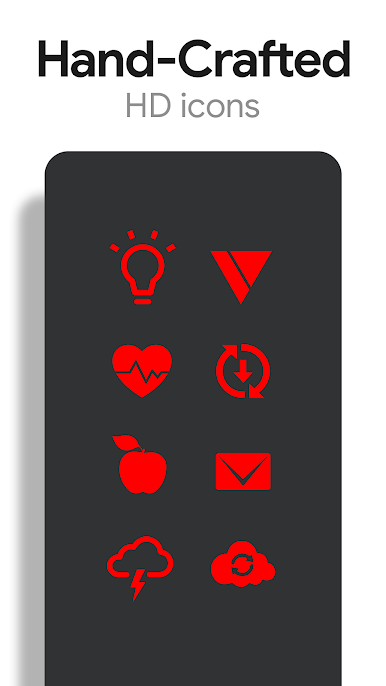
• 5,000+ Hand-crafted HD red icons
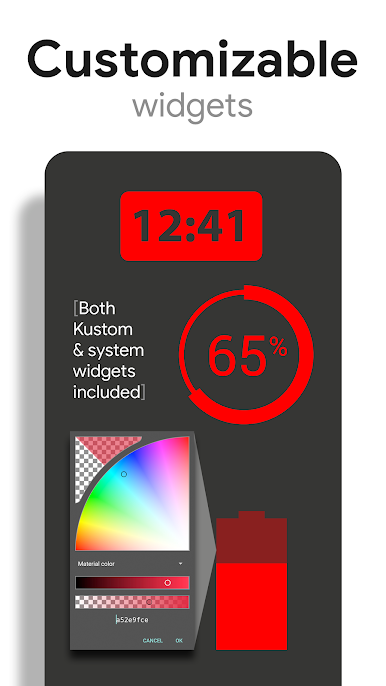
• Digital Clock Widget with date options
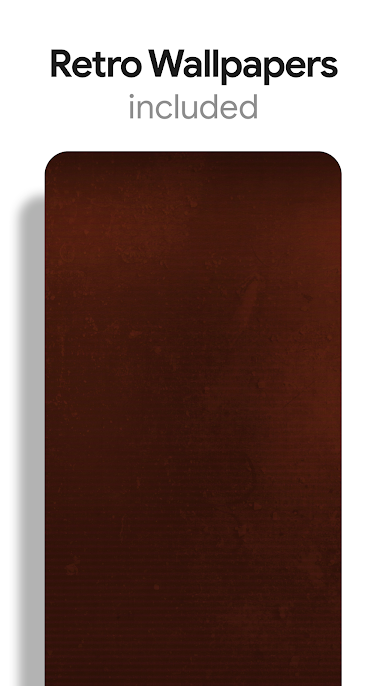
• HD wallpapers - Hosted on the cloud. Choose and save the ones you want. (All wallpapers shown are included)
• Icons updated regularly.
• All Icons are high resolution (192x192).
• Wallpaper picker.
• Easy link to request more outline icons.
• Clean icons work best with dark wallpapers.
HOW TO APPLY ICONS VIA ICON PACK
1. Open the app after installing
2. Navigate to "Apply" tab
3. Select your Launcher
HOW TO APPLY ICONS VIA LAUNCHER
1. Open Launcher settings by tapping + holding on an empty area of home screen
2. Select personalization options
3. Select icon pack
HEX CODE
Red: FF0000
FOLLOW ME
Twitter: https://twitter.com/natewren
QUESTIONS/COMMENTS
natewren@gmail.com
http://www.natewren.com
เล่น RedRetro - Terminal Theme บน PC ได้ง่ายกว่า
-
ดาวน์โหลดและติดตั้ง BlueStacks บน PC ของคุณ
-
ลงชื่อเข้าใช้แอคเคาท์ Google เพื่อเข้าสู่ Play Store หรือทำในภายหลัง
-
ค้นหา RedRetro - Terminal Theme ในช่องค้นหาด้านขวาบนของโปรแกรม
-
คลิกเพื่อติดตั้ง RedRetro - Terminal Theme จากผลการค้นหา
-
ลงชื่อเข้าใช้บัญชี Google Account (หากยังไม่ได้ทำในขั้นที่ 2) เพื่อติดตั้ง RedRetro - Terminal Theme
-
คลิกที่ไอคอน RedRetro - Terminal Theme ในหน้าจอเพื่อเริ่มเล่น

