

Nepali Keyboard
Jouez sur PC avec BlueStacks - la plate-forme de jeu Android, approuvée par + 500M de joueurs.

Page Modifiée le: Dec 10, 2025
Run Nepali Keyboard on PC or Mac
Upgrade your experience. Try Nepali Keyboard, the fantastic Tools app from Desh Global, from the comfort of your laptop, PC, or Mac, only on BlueStacks.
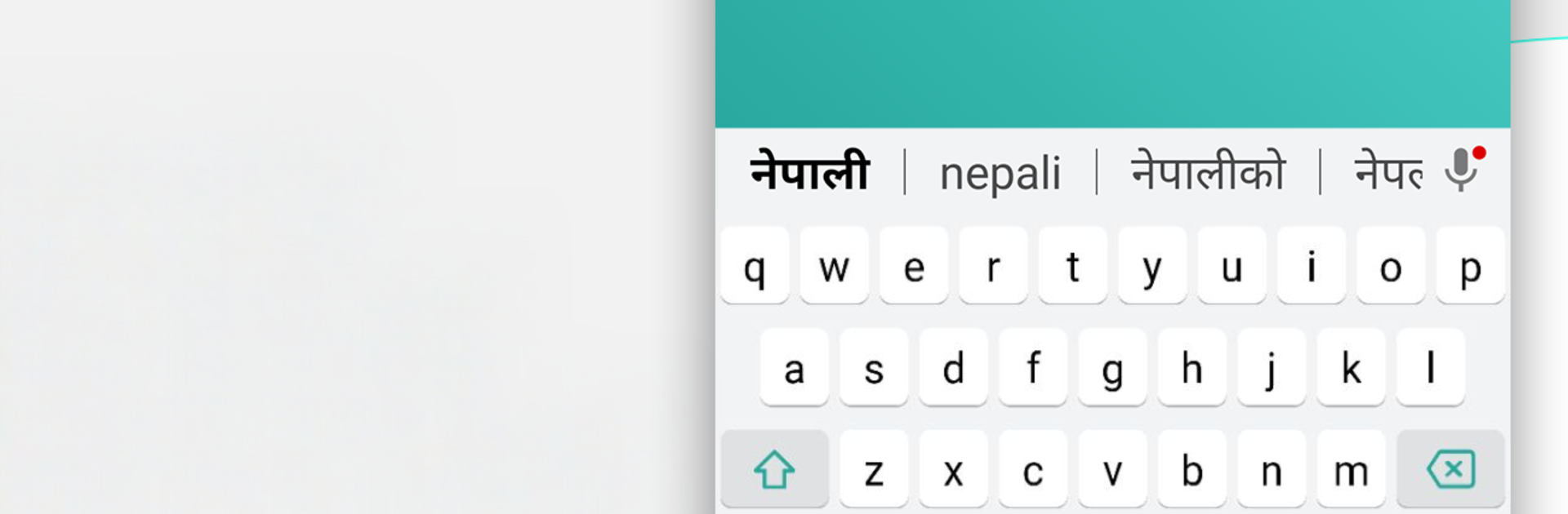
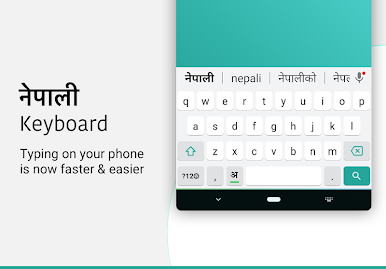
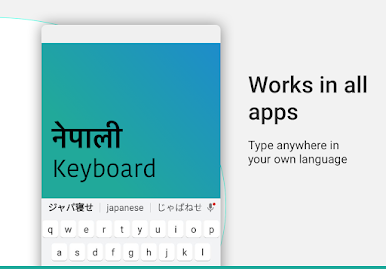
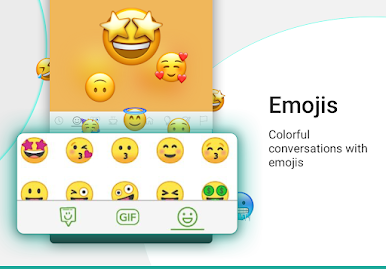
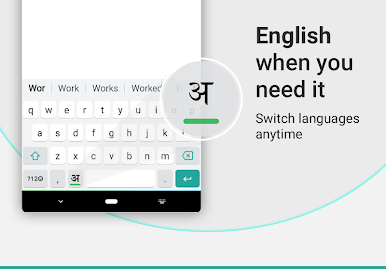
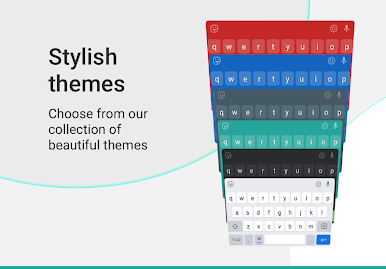
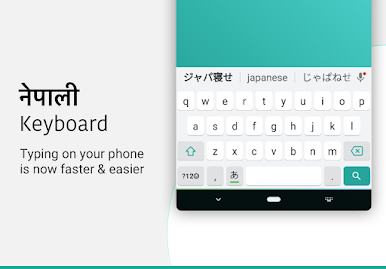
Nepali Keyboard is one of those tools that just makes typing in Nepali feel easy. It uses phonetic transliteration, so someone types words in English letters like namaste or sanchai and it suggests the Nepali versions instantly. The suggestions show up inside any app, so there is no copy paste shuffle. Switching between Nepali and English is a single button, and it can be turned off when not needed. The layout is clean, with 21 plus color themes to pick from if they want the keyboard to match the mood. Emojis are tucked under the 123 key, press and hold to get three pages of them, which is simple and quick.
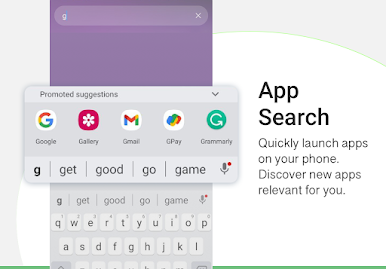
Setup is straightforward. Enable it, set as default, choose a theme, done. It even has an app search built into the keyboard, so opening installed apps without leaving the screen is handy. On PC with BlueStacks, the whole thing feels faster because a full keyboard pairs nicely with the predictive Nepali suggestions, great for chatting with family or posting on social apps. It is not overloaded with features, just focused on getting Nepali text out fast. Offline support is mentioned as coming soon, so at the moment it mostly leans on being online. The app also states that it does not collect personal info, only anonymous stats, which is reassuring.
Eager to take your app experience to the next level? Start right away by downloading BlueStacks on your PC or Mac.
Jouez à Nepali Keyboard sur PC. C'est facile de commencer.
-
Téléchargez et installez BlueStacks sur votre PC
-
Connectez-vous à Google pour accéder au Play Store ou faites-le plus tard
-
Recherchez Nepali Keyboard dans la barre de recherche dans le coin supérieur droit
-
Cliquez pour installer Nepali Keyboard à partir des résultats de la recherche
-
Connectez-vous à Google (si vous avez ignoré l'étape 2) pour installer Nepali Keyboard
-
Cliquez sur l'icône Nepali Keyboard sur l'écran d'accueil pour commencer à jouer

