


NexHT Cam
Jouez sur PC avec BlueStacks - la plate-forme de jeu Android, approuvée par + 500M de joueurs.

Page Modifiée le: Aug 24, 2023
Run NexHT Cam on PC or Mac
Why limit yourself to your small screen on the phone? Run NexHT Cam, an app by inland Products Inc., best experienced on your PC or Mac with BlueStacks, the world’s #1 Android emulator.
NexHT Cam feels more like a solid security buddy than a flashy app. It is built for checking cameras at home or work, and it keeps things simple. Live view loads fast, and swapping to old footage does not feel like a maze. The video adjusts to sketchy Wi‑Fi without a bunch of stutters, and motion alerts show up as straightforward notifications. Two‑way audio is baked in, so talking through the camera to a delivery person or checking in on a pet actually works, not just a checkbox feature. Setup is not fussy either. Adding a camera through a quick WiFi hotspot or that sound wave trick gets someone from box to view in a few minutes, even if they do not love networking settings.
Security stuff is handled quietly in the background with cloud storage and encryption, which is the kind of boring detail that matters. Local TF card recording with looping is there too, so there is backup even if the internet drops. The interface is clean, switching between multiple spots is straightforward, and the timeline scrub feels responsive enough for hunting a moment. On a PC with BlueStacks it is nice to see a bigger feed and click around the timeline with a mouse, so monitoring a shop or a couple rooms feels a bit less cramped. It is not trying to be clever, it just gets the job done without yelling for attention.
Big screen. Bigger performance. Use BlueStacks on your PC or Mac to run your favorite apps.
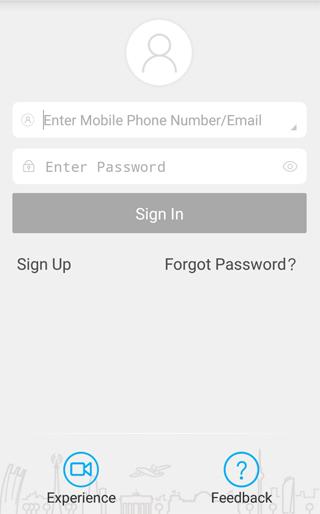
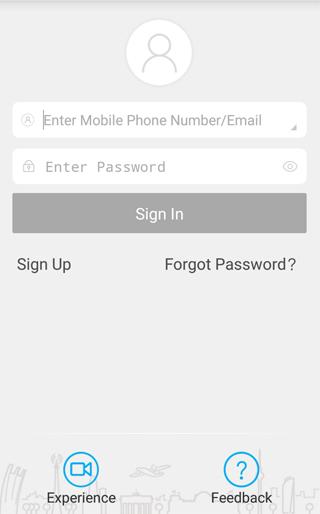
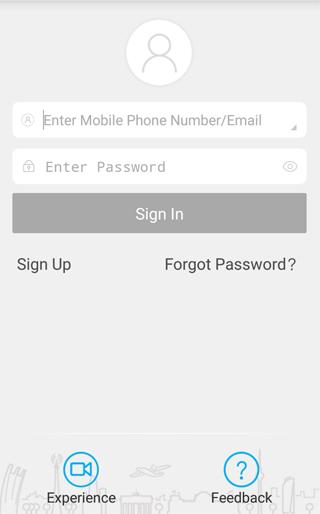
Jouez à NexHT Cam sur PC. C'est facile de commencer.
-
Téléchargez et installez BlueStacks sur votre PC
-
Connectez-vous à Google pour accéder au Play Store ou faites-le plus tard
-
Recherchez NexHT Cam dans la barre de recherche dans le coin supérieur droit
-
Cliquez pour installer NexHT Cam à partir des résultats de la recherche
-
Connectez-vous à Google (si vous avez ignoré l'étape 2) pour installer NexHT Cam
-
Cliquez sur l'icône NexHT Cam sur l'écran d'accueil pour commencer à jouer

