


KineMaster - แอพตัดต่อวิดีโอ
เล่นบน PC ผ่าน BlueStacks - Android Gaming Platform ที่ได้รับความไว้วางใจจากเกมเมอร์ 500 ล้านคนทั่วโลก

Page Modified on: Jul 7, 2026
ใช้ KineMaster - สร้าง&แก้ไขวิดีโอ บน PC หรือ Mac
KineMaster – สร้าง&แก้ไขวิดีโอ เป็นแอพแนว Video Players & Editors พัฒนาโดย KineMaster, Video Editor Experts Group BlueStacks แอพเพลเยอร์เป็นแพลทฟอร์มที่ให้คุณสามารถเล่นเกม Android บนเครื่อง PC หรือ MAC เพื่อประสบการณ์การเล่นเกมที่เหนือระดับ
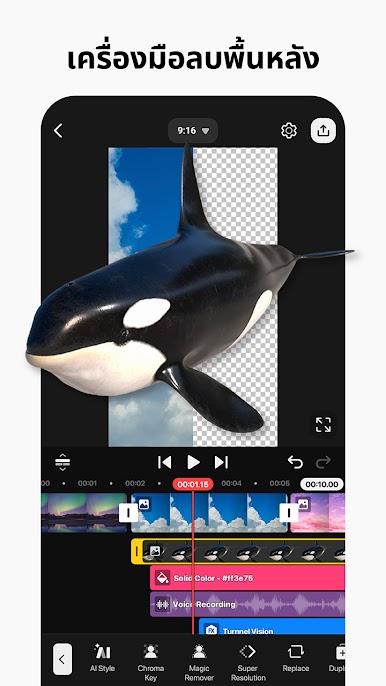
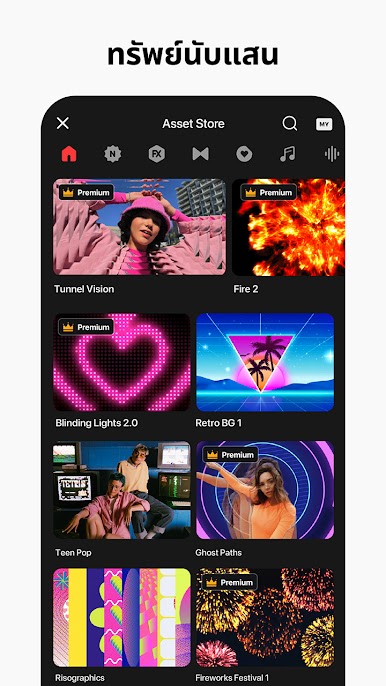
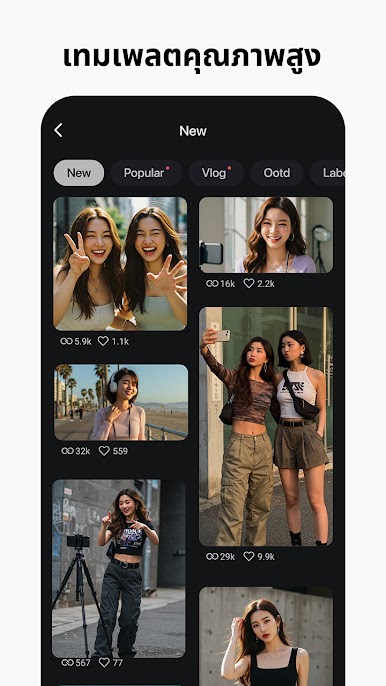
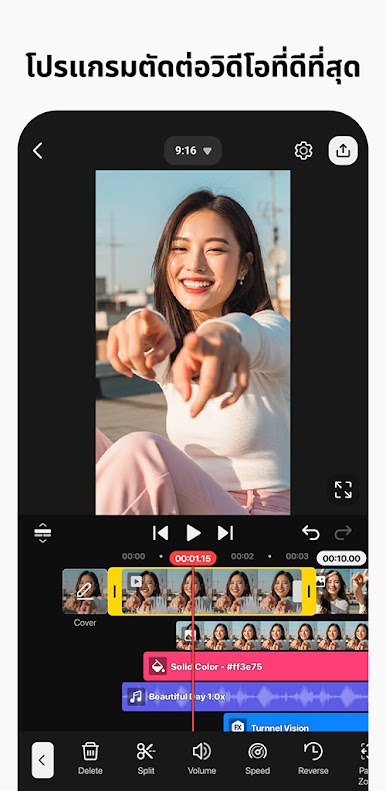
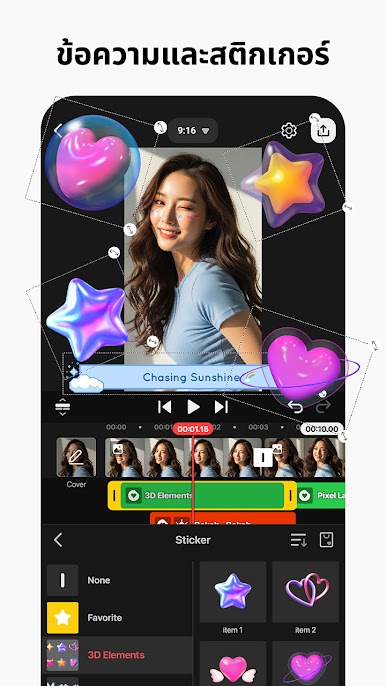
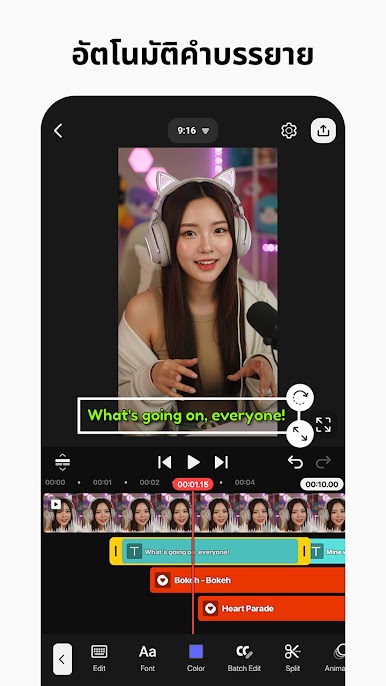
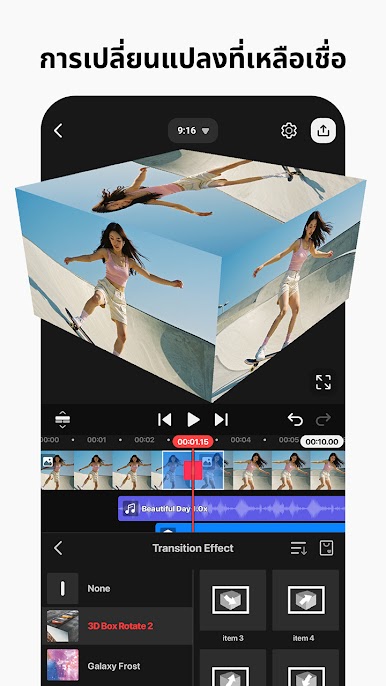
KineMaster – สร้าง&แก้ไขวิดีโอ เป็นแอพแนว Video Players & Editors เป็นแอปที่ทำให้การตัดต่อวิดีโอบนโทรศัพท์ แท็บเล็ต หรือ Chromebook เป็นเรื่องสนุก! KineMaster ทำให้การตัดต่อวิดีโอเป็นเรื่องง่ายด้วยเครื่องมืออันทรงพลัง เนื้อหาที่ดาวน์โหลดได้ และอีกมากมาย ดาวน์โหลดและแก้ไขโปรเจ็กต์ใหม่จากเมนูรับโปรเจ็กต์ นำเข้าและส่งออกไฟล์โครงการ เครื่องมือในการตัด ประกบ และครอบตัดวิดีโอของคุณ รวมและแก้ไขวิดีโอ รูปภาพ สติ๊กเกอร์ เอฟเฟกต์พิเศษ ข้อความ และอื่นๆ เพิ่มเพลง เสียงพากย์ เอฟเฟกต์เสียง และโปรแกรมเปลี่ยนเสียง ทรานสิชั่น เอฟเฟกต์ วิดีโอและรูปภาพ สติ๊กเกอร์ ฟอนต์ และแอนิเมชั่นที่ดาวน์โหลดได้มากกว่า 2,500 รายการจาก KineMaster Asset Store
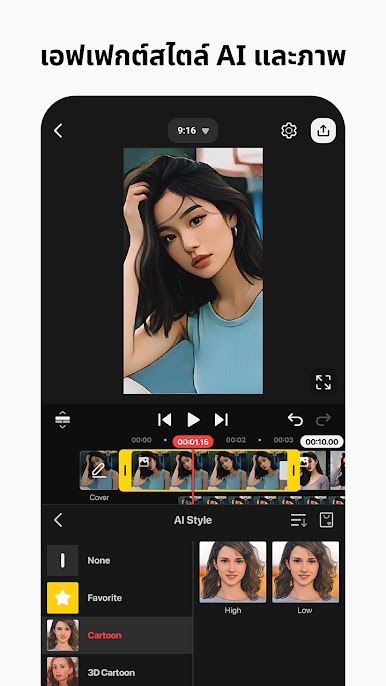
สร้างเอฟเฟกต์ภาพที่น่าทึ่งด้วยการย้อนกลับ เร่งความเร็ว เพิ่มสโลว์โมชั่น และใช้โหมดการผสม ใช้ฟิลเตอร์สีและการปรับสีเพื่อทำให้วิดีโอของคุณโดดเด่น เครื่องมือปรับแต่งสีเพื่อแก้ไขและปรับปรุงวิดีโอและรูปภาพ เครื่องมือตั้งค่าล่วงหน้า EQ การหลบเลี่ยง และระดับเสียงเพื่อเสียงที่สมจริง เครื่องมือแอนิเมชั่นคีย์เฟรมเพื่อเพิ่มการเคลื่อนไหวให้กับเลเยอร์ บันทึกวิดีโอของคุณใน 4K 2160p ที่ 30FPS แชร์บน YouTube, TikTok, ฟีด Facebook และเรื่องราว, ฟีด Instagram, Reels, เรื่องราว และอีกมากมาย ดาวน์โหลด KineMaster – สร้าง&แก้ไขวิดีโอ บน PC และ MAC ในโปรแกรม BlueStacks
เล่น KineMaster - แอพตัดต่อวิดีโอ บน PC ได้ง่ายกว่า
-
ดาวน์โหลดและติดตั้ง BlueStacks บน PC ของคุณ
-
ลงชื่อเข้าใช้แอคเคาท์ Google เพื่อเข้าสู่ Play Store หรือทำในภายหลัง
-
ค้นหา KineMaster - แอพตัดต่อวิดีโอ ในช่องค้นหาด้านขวาบนของโปรแกรม
-
คลิกเพื่อติดตั้ง KineMaster - แอพตัดต่อวิดีโอ จากผลการค้นหา
-
ลงชื่อเข้าใช้บัญชี Google Account (หากยังไม่ได้ทำในขั้นที่ 2) เพื่อติดตั้ง KineMaster - แอพตัดต่อวิดีโอ
-
คลิกที่ไอคอน KineMaster - แอพตัดต่อวิดีโอ ในหน้าจอเพื่อเริ่มเล่น

