

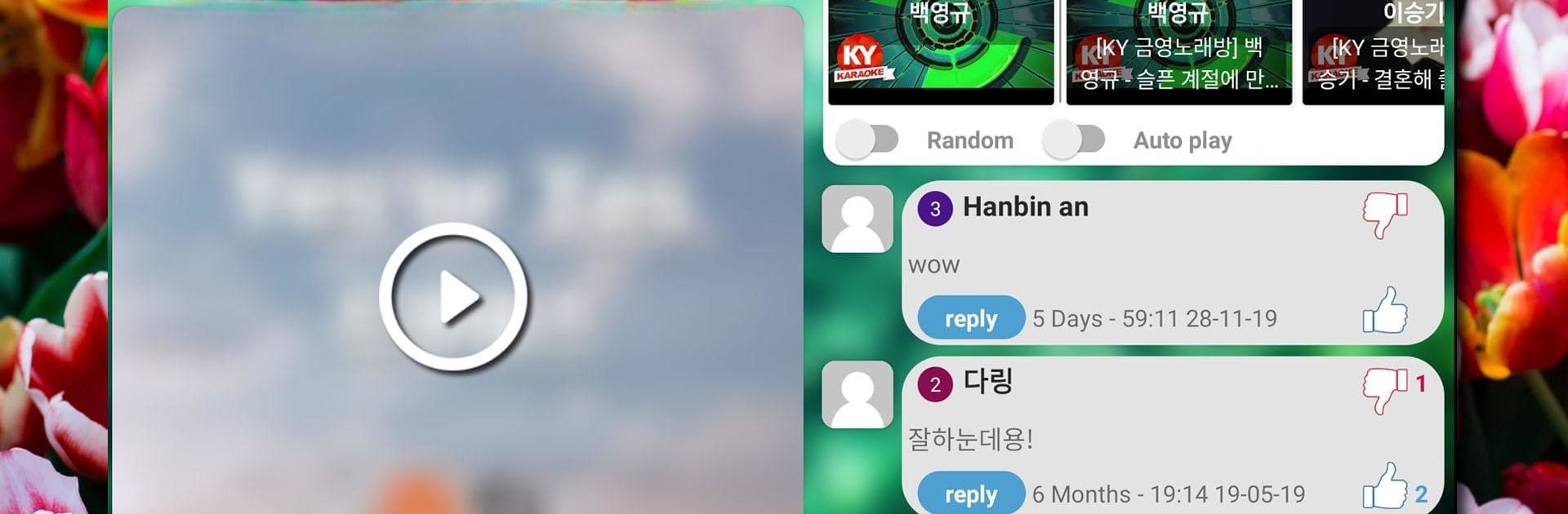
Karaoke
เล่นบน PC ผ่าน BlueStacks - Android Gaming Platform ที่ได้รับความไว้วางใจจากเกมเมอร์ 500 ล้านคนทั่วโลก

Page Modified on: Aug 2, 2025
Run Kakoke - sing karaoke, voice recorder, singing app on PC or Mac
Why limit yourself to your small screen on the phone? Run Kakoke – sing karaoke, voice recorder, singing app, an app by 9xgeneration, best experienced on your PC or Mac with BlueStacks, the world’s #1 Android emulator.
About the App
Ever wish you could belt out your favorite tunes anytime, anywhere—and maybe even share those moments with friends who get your music taste? Kakoke – sing karaoke, voice recorder, singing app, brought to you by 9xgeneration, covers everything for music lovers who like to sing, record, and connect. Whether you’re warming up your vocal cords in the shower or planning to wow a crowd, this Entertainment app makes it easy to put your voice out there and join a like-minded community.
App Features
-
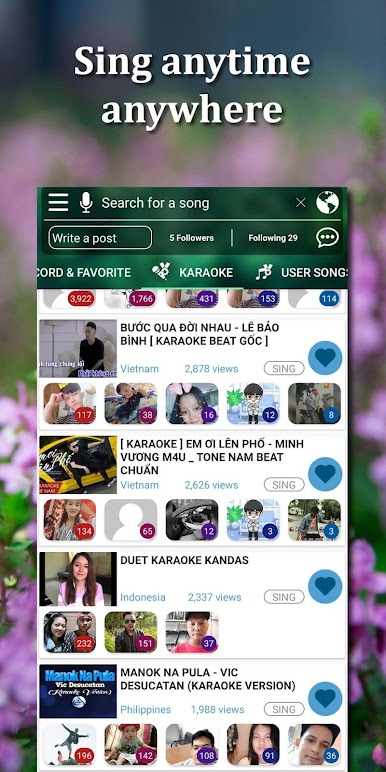
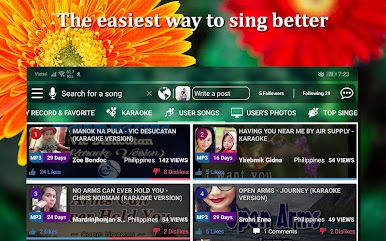
Endless Karaoke Library
Scroll through an enormous selection of karaoke songs. If there’s a song you love, chances are, you’ll find it here. -
High-Quality Voice Recording
Record your singing with clear, crisp sound—no weird background fuzz or tech headaches. -
Studio-Level Audio Tools
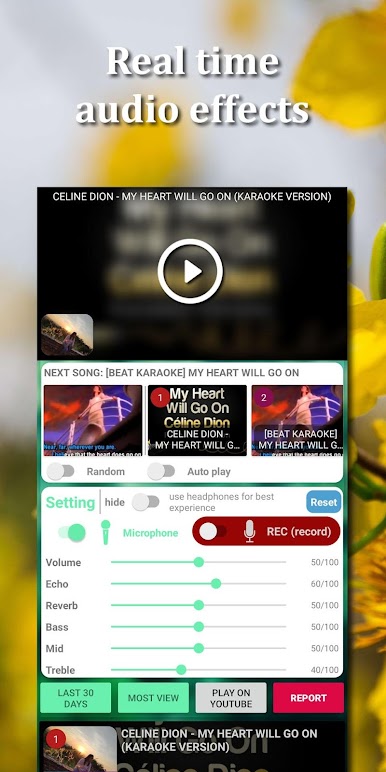
Add some polish with built-in effects like echo, reverb, and more. Tweak the bass, mid, and treble until it sounds just right. -
Vocal Editing
Fix up your vocals both before and after recording. Want to check how you sound before sharing? Just play with the built-in tools. -
Live Mic Mode
Turn on your mic to hear your voice live—great for practicing or just having a little fun. -
Active Social Community
Post your songs, photos, or updates. Jump into a space that feels like your favorite social app, only with more music lovers. -
Connect and Share
Make new friends, chat, or even follow people who inspire you. You can message others, comment, and see how your posts are doing. -
Personalized Feed & Notifications
Get notified whenever someone likes your posts, leaves a comment, or follows your updates. You’ll always know what’s happening in your music circle. -
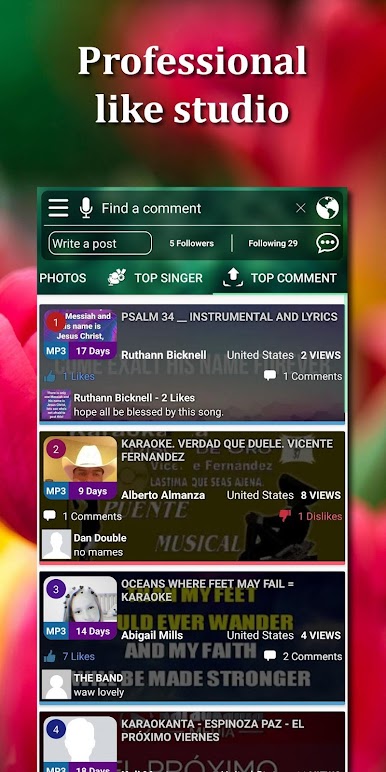
Rankings and Downloads
Check out the top singers, most popular karaoke tracks, and trending posts—maybe even spot yourself on the charts. Download your favorite performances or idol photos with a tap.
You can even enjoy singing on your computer by using BlueStacks, giving you a bigger screen (and maybe a bit of confidence).
BlueStacks gives you the much-needed freedom to experience your favorite apps on a bigger screen. Get it now.
เล่น Karaoke บน PC ได้ง่ายกว่า
-
ดาวน์โหลดและติดตั้ง BlueStacks บน PC ของคุณ
-
ลงชื่อเข้าใช้แอคเคาท์ Google เพื่อเข้าสู่ Play Store หรือทำในภายหลัง
-
ค้นหา Karaoke ในช่องค้นหาด้านขวาบนของโปรแกรม
-
คลิกเพื่อติดตั้ง Karaoke จากผลการค้นหา
-
ลงชื่อเข้าใช้บัญชี Google Account (หากยังไม่ได้ทำในขั้นที่ 2) เพื่อติดตั้ง Karaoke
-
คลิกที่ไอคอน Karaoke ในหน้าจอเพื่อเริ่มเล่น

