


Sutom - Jeux de mots du jour
Jouez sur PC avec BlueStacks - la plate-forme de jeu Android, approuvée par + 500M de joueurs.

Page Modifiée le: Oct 5, 2026
Joue à Sutom - Puzzle de mots du jour sur PC ou Mac
Entre dans le Monde de Sutom – Puzzle de mots du jour, un excitant jeu de Jeux littéraires développé par Lexi. Joue à ce jeu Android sur l’App Player BlueStacks et profite d’une expérience de jeu immersive sur PC ou Mac.
À propos du jeu
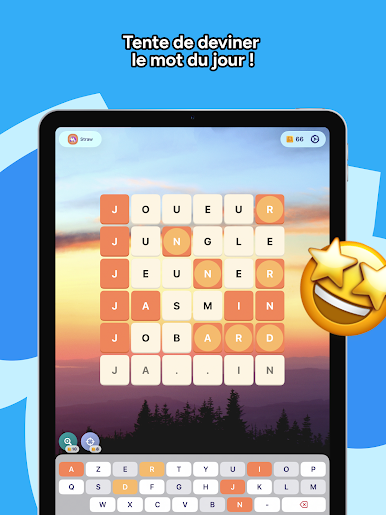
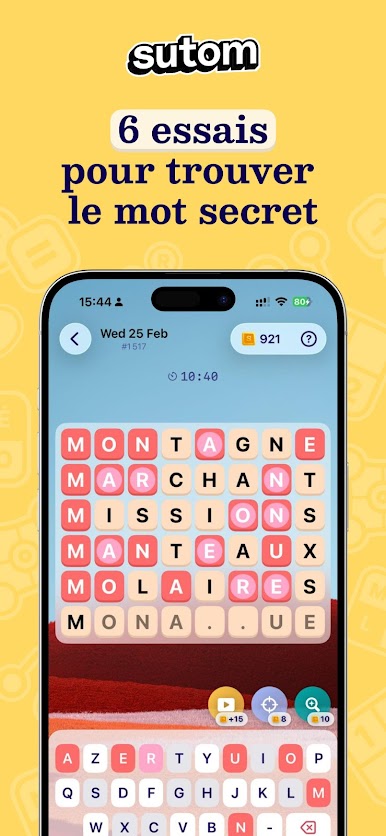
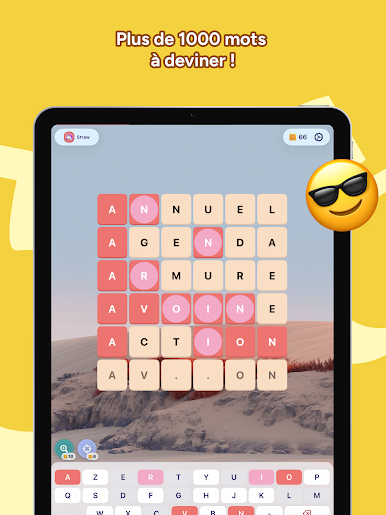
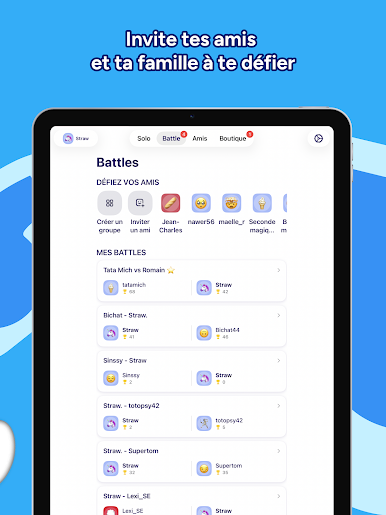
Sutom – Puzzle de mots du jour est un jeu captivant qui met à l’épreuve votre amour pour les mots, chaque jour et en seulement six essais ! Essayez de deviner le mot du jour qui est le même pour tout le monde. Invitez vos amis à se joindre à ce défi quotidien et gardez votre secret jusqu’à ce qu’ils aient joué.
Caractéristiques du jeu
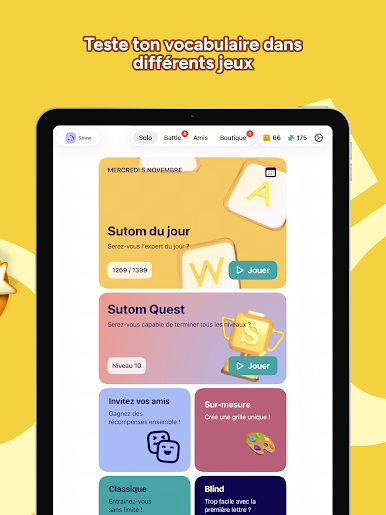
- Mot du jour : Un mot unique par jour pour tout le monde.
- Modes Classiques : Entraînez-vous pour affiner vos compétences langagières.
- Mode Blind : Oubliez la première lettre pour augmenter le défi.
- Mode Chrono : Découvrez combien de mots vous pouvez déchiffrer à toute vitesse.
- Accès hors ligne : Jouez n’importe où, même sans connexion WiFi, que vous soyez en avion ou en train.
- Répertoire Imposant : Plus de 300 000 mots disponibles en français et en anglais.
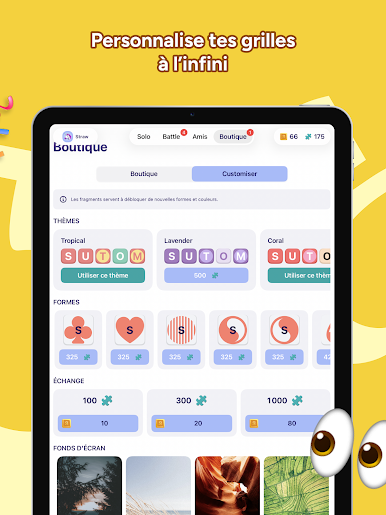
- Personnalisation : Changez les couleurs et personnalisez votre expérience de jeu.
Jouez à Sutom sur BlueStacks pour profiter d’une expérience encore plus enrichissante et intuitive.
Commence ton aventure maintenant. Télécharge le jeu sur BlueStacks, invite tes amis et embarque pour une nouvelle aventure.

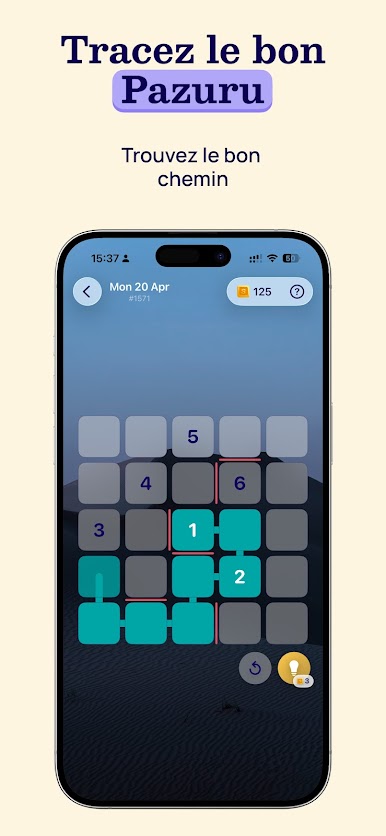
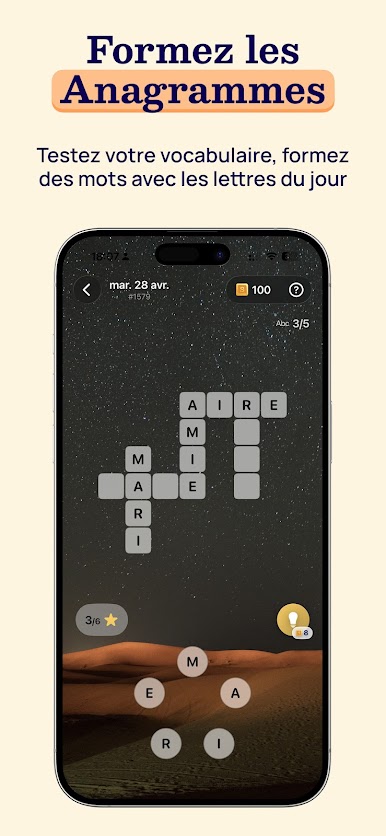

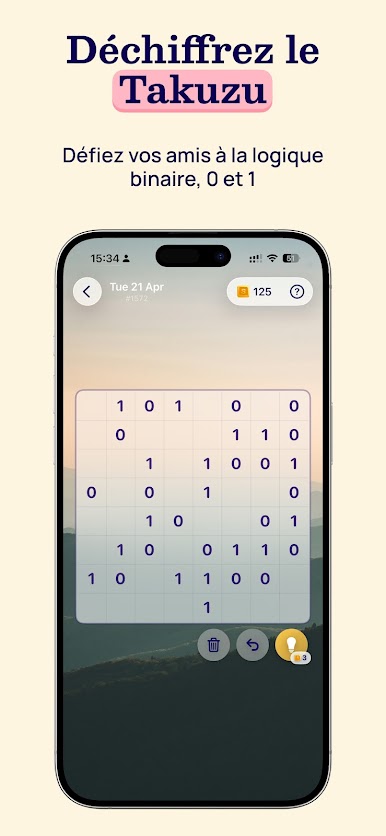
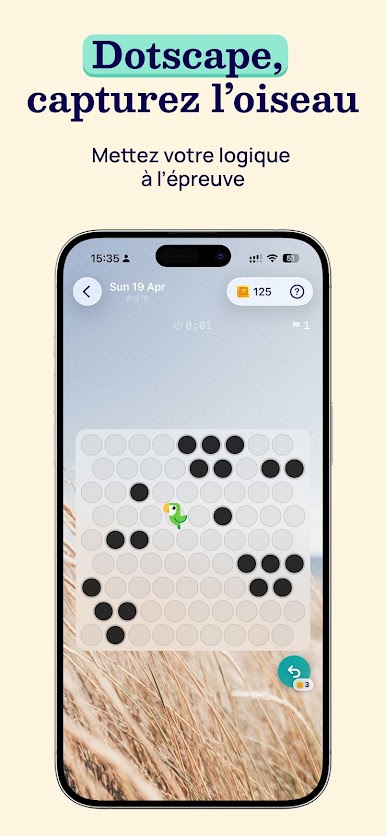
Jouez à Sutom - Jeux de mots du jour sur PC. C'est facile de commencer.
-
Téléchargez et installez BlueStacks sur votre PC
-
Connectez-vous à Google pour accéder au Play Store ou faites-le plus tard
-
Recherchez Sutom - Jeux de mots du jour dans la barre de recherche dans le coin supérieur droit
-
Cliquez pour installer Sutom - Jeux de mots du jour à partir des résultats de la recherche
-
Connectez-vous à Google (si vous avez ignoré l'étape 2) pour installer Sutom - Jeux de mots du jour
-
Cliquez sur l'icône Sutom - Jeux de mots du jour sur l'écran d'accueil pour commencer à jouer

