


OnePageCRM - Simple CRM System
Jouez sur PC avec BlueStacks - la plate-forme de jeu Android, approuvée par + 500M de joueurs.

Page Modifiée le: Oct 29, 2025
Play OnePageCRM - Simple CRM System on PC
Built for consulting and professional services businesses, OnePageCRM adjusts to your needs and works as both—a personal CRM and a team collaboration tool.
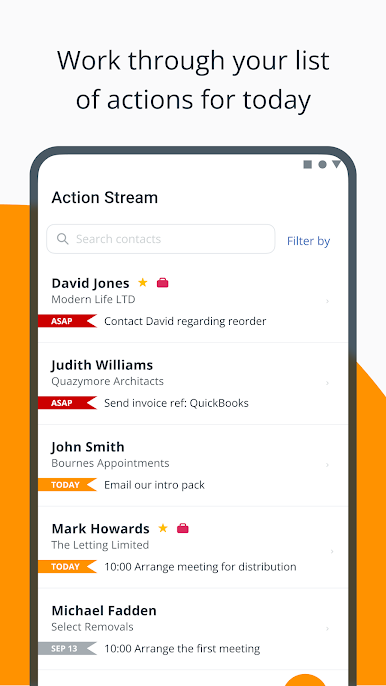
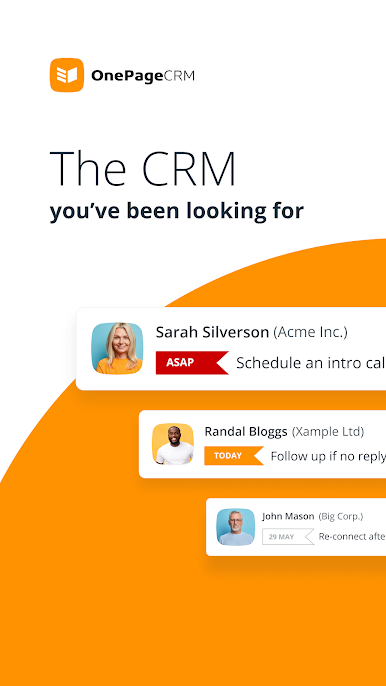
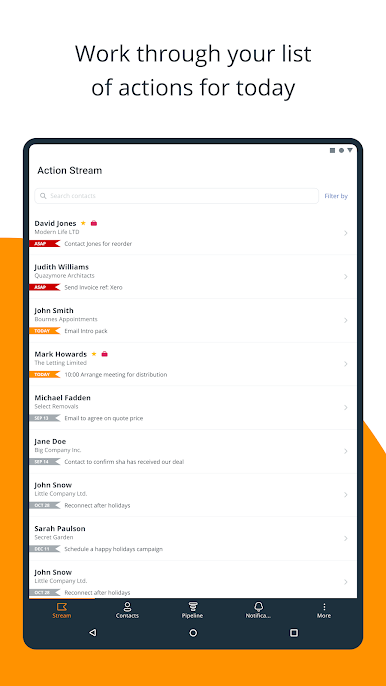
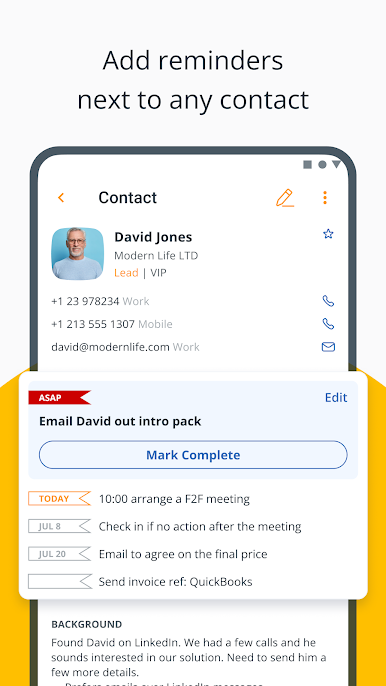
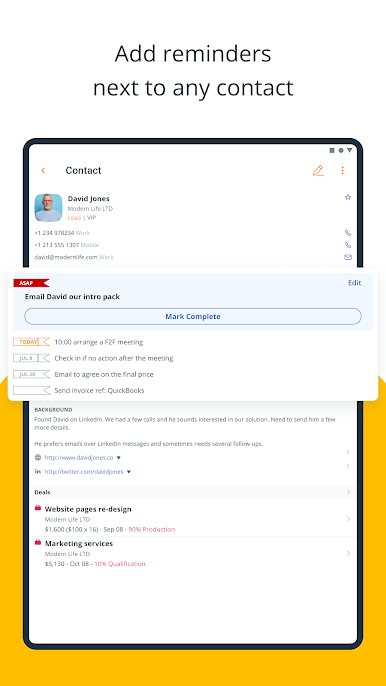
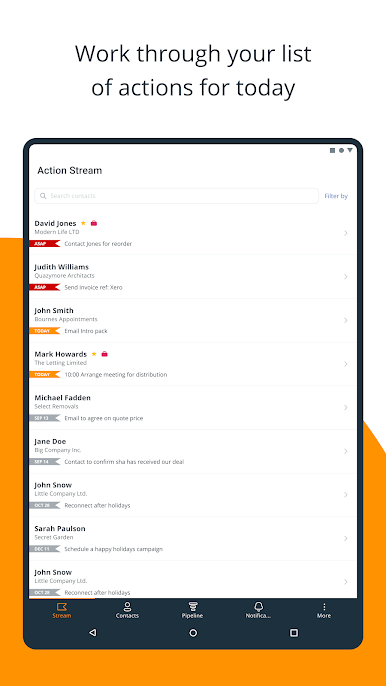
⚫ Set reminders to follow up and stay in touch
— Add follow-up reminders next to any contact
— Create a reusable list of consecutive actions
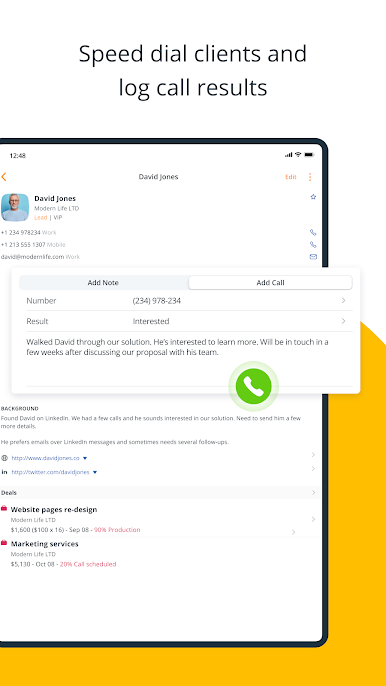
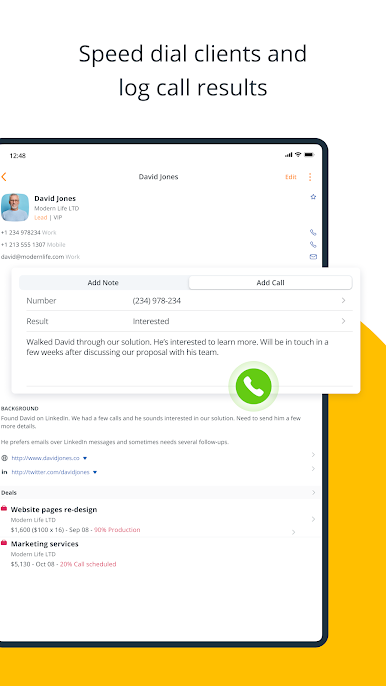
— Dial contacts straight from within your CRM
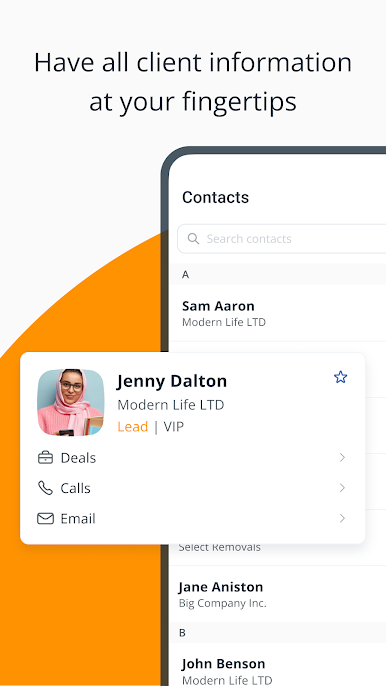
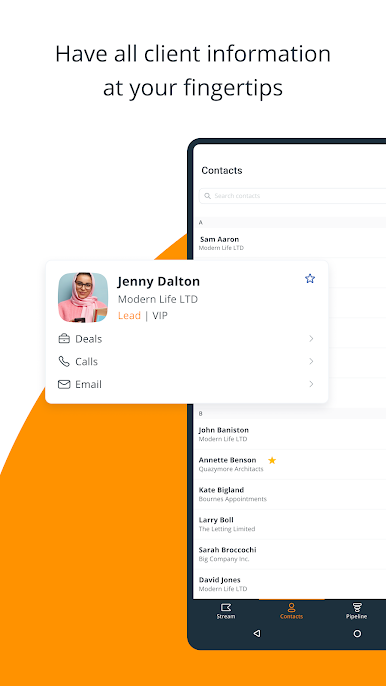
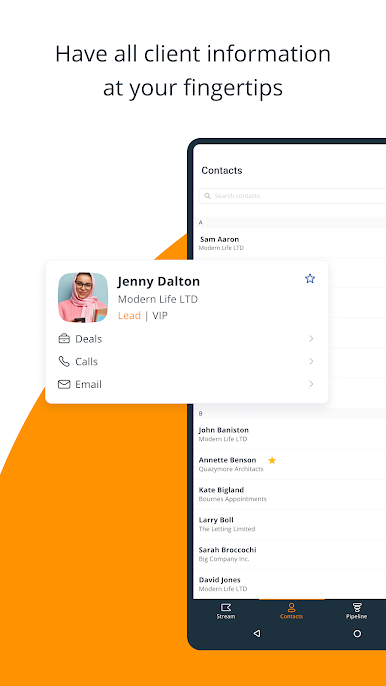
⚫ Keep complete client information within CRM
— Previous email conversations
— Call and meeting notes (with file attachments)
— Upcoming interactions, sales deals, and more
⚫ Call clients in just one click
— Connect your CRM to WhatsApp, Skype, Viber, FaceTime, etc.
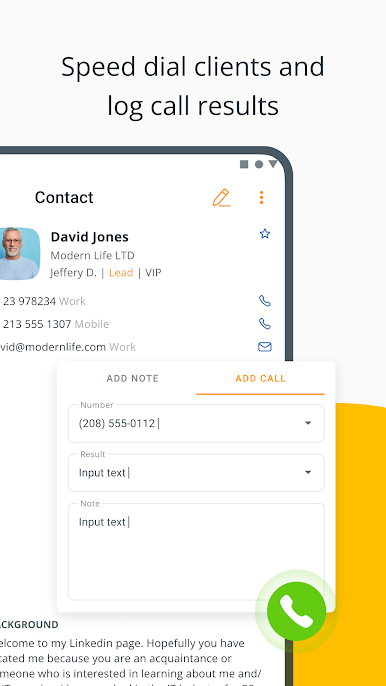
— Speed dial any contact from within your mobile CRM
— Add call results and notes with the voice-to-text feature
⚫ Send and store client emails
— Send emails without leaving OnePageCRM
— Automatically save a copy of these emails in your CRM
— See all previous email communication
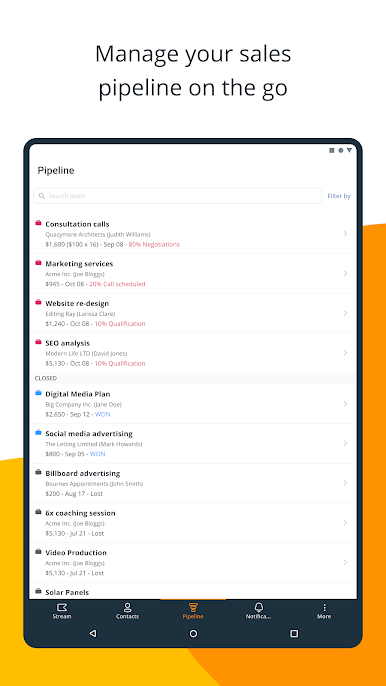
⚫ Grow sales in a proactive way
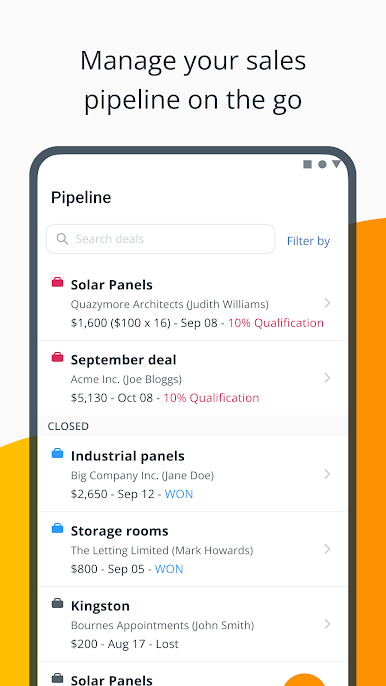
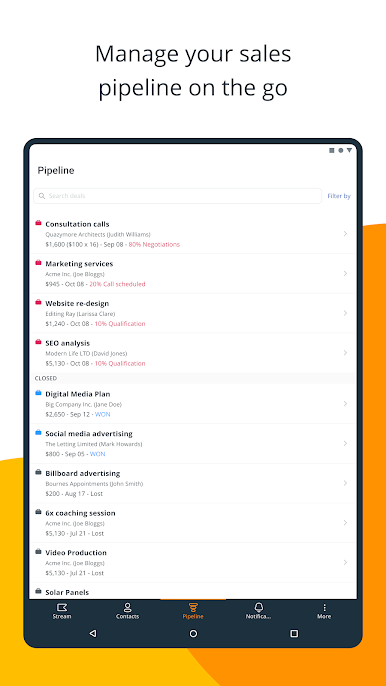
— Manage your sales pipeline on the go
— Create and update deals in a few clicks
— Add notes and attachments to any deal
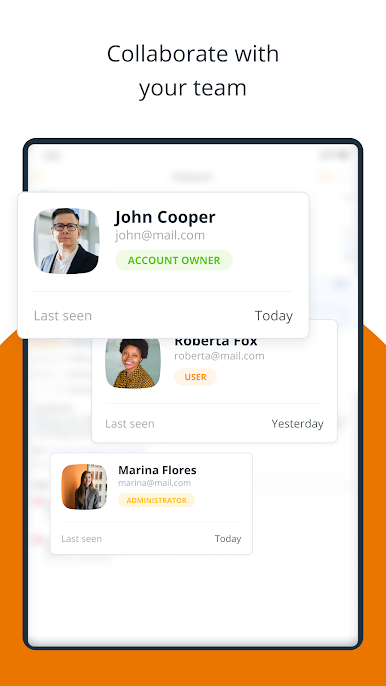
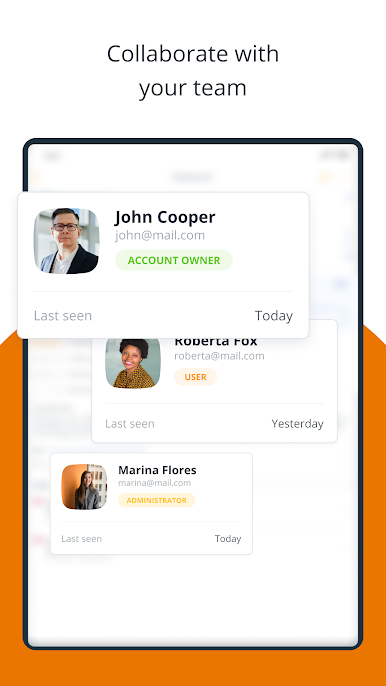
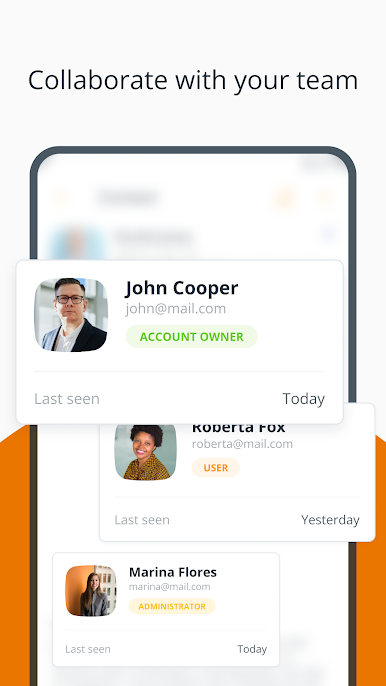
⚫ Keep the whole team aligned
— Assign contacts to other team members
— @mention your teammates and notify them about changes
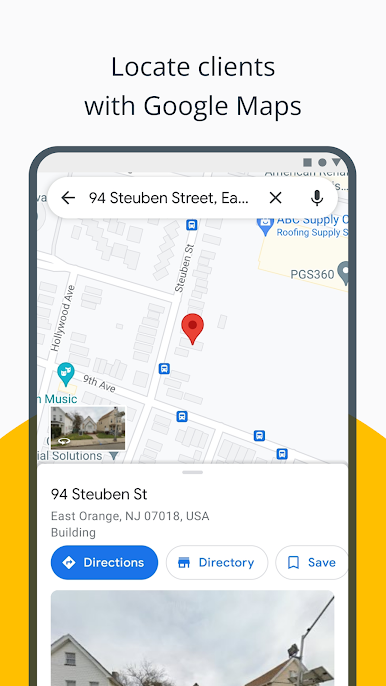
— Integrate with other business apps
CONTACT US
To use OnePageCRM on your mobile device, you need to create a OnePageCRM account first. Please go to www.onepagecrm.com for more information.
If you have any questions or comments, please contact us at support@onepagecrm.com. We’re always happy to help.

Jouez à OnePageCRM - Simple CRM System sur PC. C'est facile de commencer.
-
Téléchargez et installez BlueStacks sur votre PC
-
Connectez-vous à Google pour accéder au Play Store ou faites-le plus tard
-
Recherchez OnePageCRM - Simple CRM System dans la barre de recherche dans le coin supérieur droit
-
Cliquez pour installer OnePageCRM - Simple CRM System à partir des résultats de la recherche
-
Connectez-vous à Google (si vous avez ignoré l'étape 2) pour installer OnePageCRM - Simple CRM System
-
Cliquez sur l'icône OnePageCRM - Simple CRM System sur l'écran d'accueil pour commencer à jouer

