


OutShot : Événements Partage De Photos Privées
Jouez sur PC avec BlueStacks - la plate-forme de jeu Android, approuvée par + 500M de joueurs.

Page Modifiée le: 12 janvier 2020
Play OutShot : Events Private Photos Sharing on PC
Be There. Anytime, Anywhere
What is OutShot ?
• You cannot attend your son birthday, your best friend wedding or a family party? Don't miss a thing and get in real-time photos taken and shared by guests.
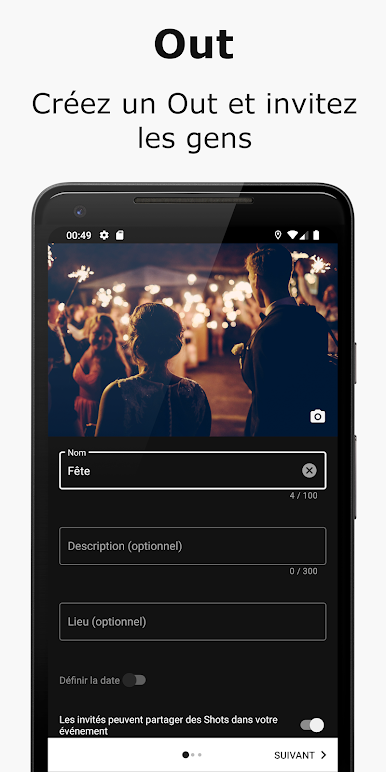
• Create your event and invite friends and family to attend and share photos.
• Your events photos collected, organised and available in one safe place.
How does OutShot work ?
• Event : Create an event, share photos and invite friends and family.
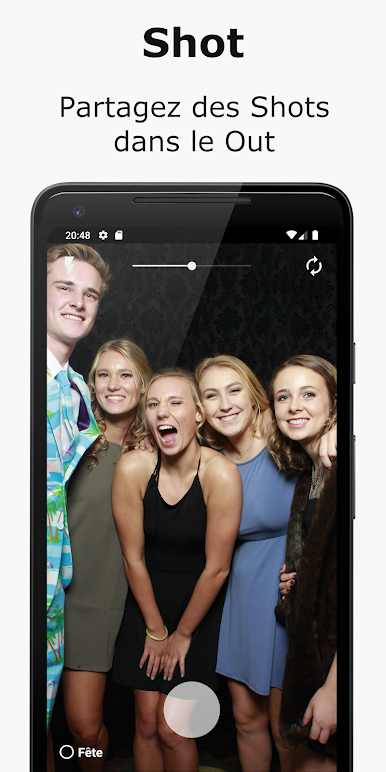
• Photo : Share photos in your event or an event you are invited to with guests and people who cannot attend.
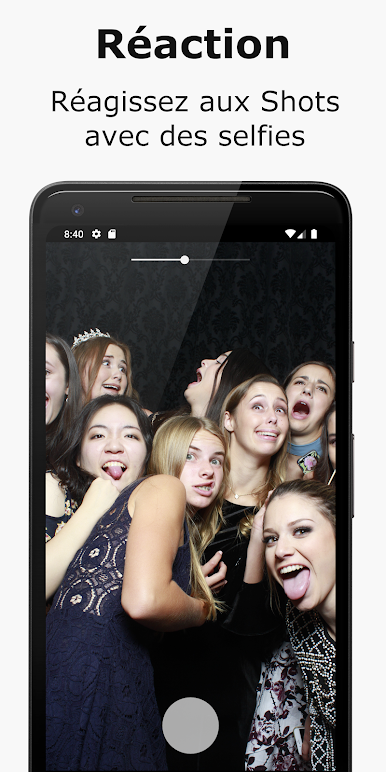
• Reaction : React to photos by taking and sharing Selfies.
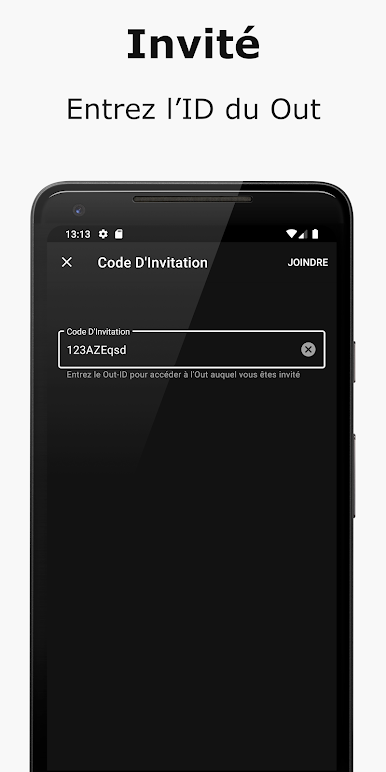
• Invitation : Search and invite people by username or share an invitation code via SMS, email or social networks.
What are OutShot core features ?
• Events : See your events and events you have been invited to.
• Photos : See your photos, photos from your event and photos from events you have been invited to.
• Reactions : See your reactions and reactions on your photos.
• Guests : See who is joining and invited to your event or events you have been invited to.
• Camera : Share photos in your event or an event you are attending or react to photos by taking selfies.
• New Event From : Enter your event informations, create your event and invite your friends and family.
• Invitation Code Form : Enter the invitation code shared to you by the event organiser or a guest and start interacting with the event.
• Profile : Manage your profile informations and your notifications settings.
Jouez à OutShot : Événements Partage De Photos Privées sur PC. C'est facile de commencer.
-
Téléchargez et installez BlueStacks sur votre PC
-
Connectez-vous à Google pour accéder au Play Store ou faites-le plus tard
-
Recherchez OutShot : Événements Partage De Photos Privées dans la barre de recherche dans le coin supérieur droit
-
Cliquez pour installer OutShot : Événements Partage De Photos Privées à partir des résultats de la recherche
-
Connectez-vous à Google (si vous avez ignoré l'étape 2) pour installer OutShot : Événements Partage De Photos Privées
-
Cliquez sur l'icône OutShot : Événements Partage De Photos Privées sur l'écran d'accueil pour commencer à jouer

