

Parrot Teleprompter
Jouez sur PC avec BlueStacks - la plate-forme de jeu Android, approuvée par + 500M de joueurs.

Page Modifiée le: Sep 13, 2024
Run Parrot Teleprompter on PC or Mac
What’s better than using Parrot Teleprompter by ParrotTeleprompter? Well, try it on a big screen, on your PC or Mac, with BlueStacks to see the difference.
About the App
Ever stared into a camera, wishing you could remember your lines without getting flustered? Parrot Teleprompter makes that whole process a breeze. Designed by ParrotTeleprompter, this handy tool turns your device into a pro-level teleprompter, so whether you’re shooting a vlog, recording a tutorial, or working on your next documentary, you’ll always have your script right where you need it. If you’re after smooth production and want to avoid awkward pauses, this one’s worth a shot.
App Features
-
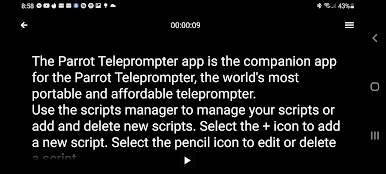
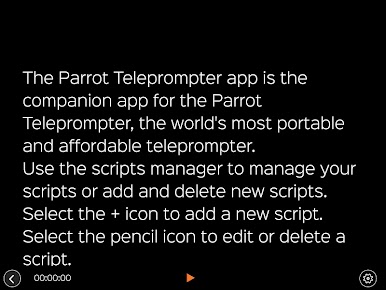
Flexible Script Scrolling
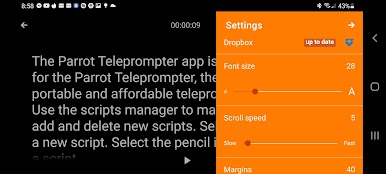
Choose landscape, portrait, or mirror mode—whichever fits your setup. The app’s smooth scroll keeps your script easy to follow, no matter the angle. -
Customizable Speed and Text
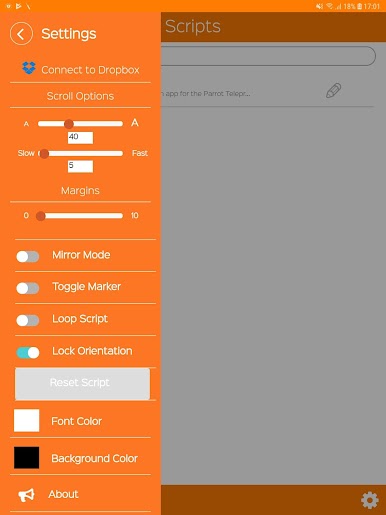
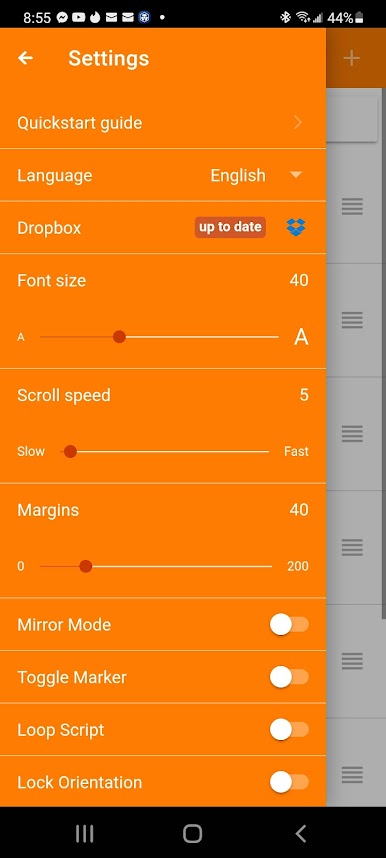
Adjust how fast the script moves. Make the words bigger or smaller to match your reading comfort. Just drag a slider or tap a button, and you’re set. -
Easy Navigation
Need to skip ahead or jump back in your text? No need to start over—move anywhere in your script with simple tap controls. -
Focusing Markers
Drop a marker to keep track of important lines. Handy for those moments when you want to nail a particular message or punchline. -
Color Adjustments
Change up your background and text colors so you get maximum clarity, even in weird lighting. If you need bold text or a muted background, you’ve got options. -
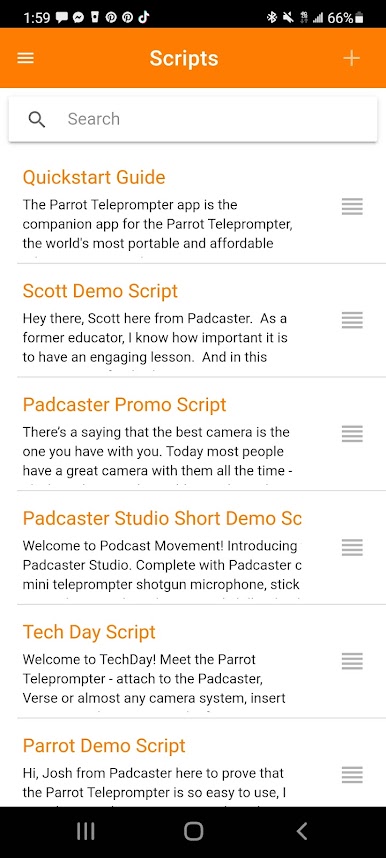
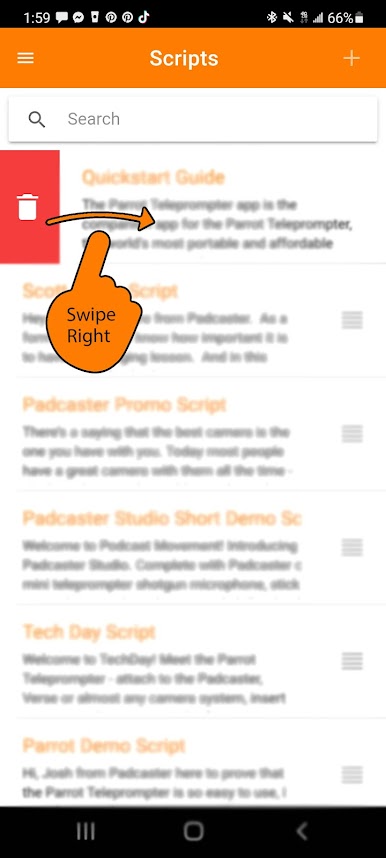
On-the-Spot Script Editing
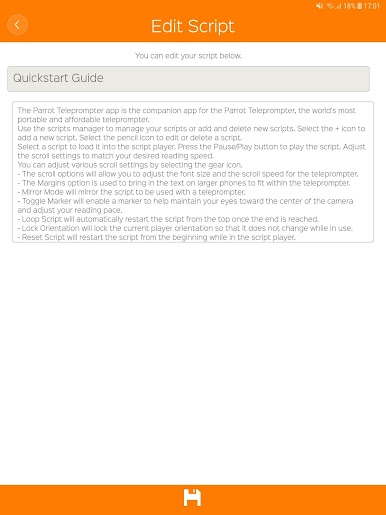
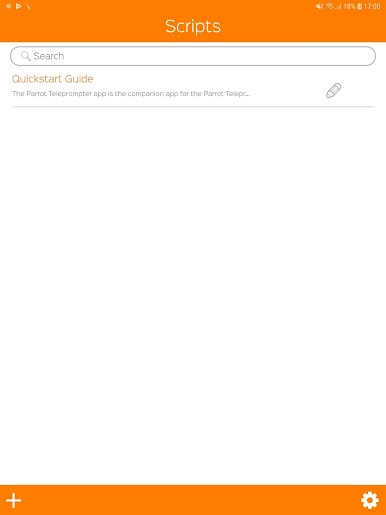
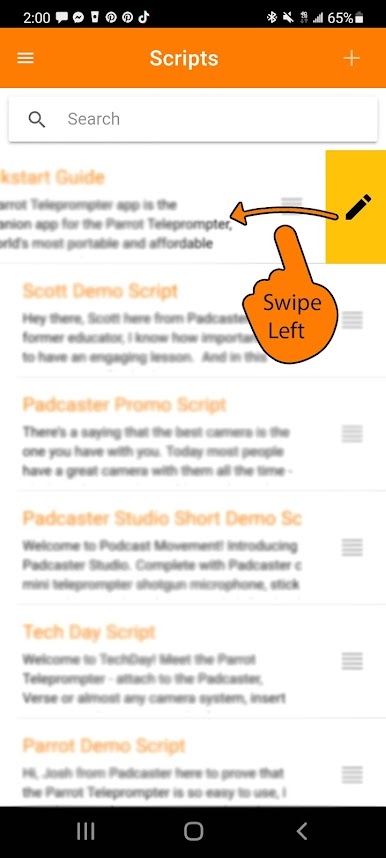
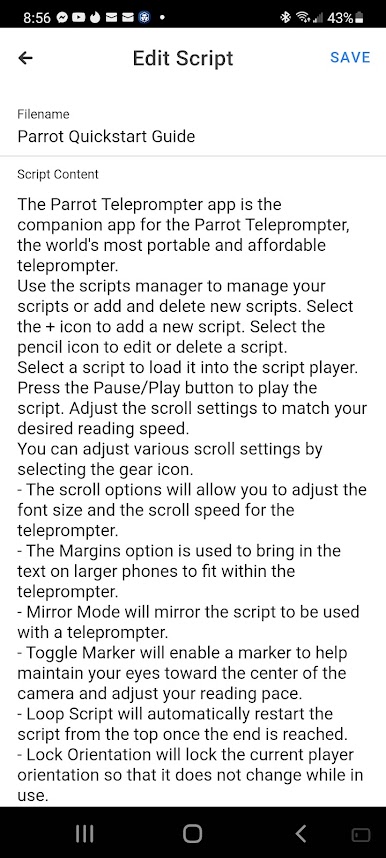
Type up a new script, tweak an old one, or import files from Dropbox (yep, .txt files work). All your scripts live in one spot. -
Remote Control Support
With the Parrot Pro Teleprompter remote accessory, you can control everything without stepping away from the camera. -
Unlimited Scripts and Looping
Store as many scripts as you like. Got a part you want on repeat? Loop it so you can rehearse till you’re happy. -
Perfect for Photography Pros
Whether you’re shooting with a DSLR, a camcorder, or just using your phone, Parrot Teleprompter fits right in. Great for podcasts, interviews, speeches—basically, any scenario where you need to keep your lines on track. -
Seamless Large-Screen Support
You can even run Parrot Teleprompter on your computer using BlueStacks, if you prefer working with bigger screens.
Ready to experience Parrot Teleprompter on a bigger screen, in all its glory? Download BlueStacks now.
Jouez à Parrot Teleprompter sur PC. C'est facile de commencer.
-
Téléchargez et installez BlueStacks sur votre PC
-
Connectez-vous à Google pour accéder au Play Store ou faites-le plus tard
-
Recherchez Parrot Teleprompter dans la barre de recherche dans le coin supérieur droit
-
Cliquez pour installer Parrot Teleprompter à partir des résultats de la recherche
-
Connectez-vous à Google (si vous avez ignoré l'étape 2) pour installer Parrot Teleprompter
-
Cliquez sur l'icône Parrot Teleprompter sur l'écran d'accueil pour commencer à jouer

