


Pearson Go
Jouez sur PC avec BlueStacks - la plate-forme de jeu Android, approuvée par + 500M de joueurs.

Page Modifiée le: Sep 25, 2025
Aperçu
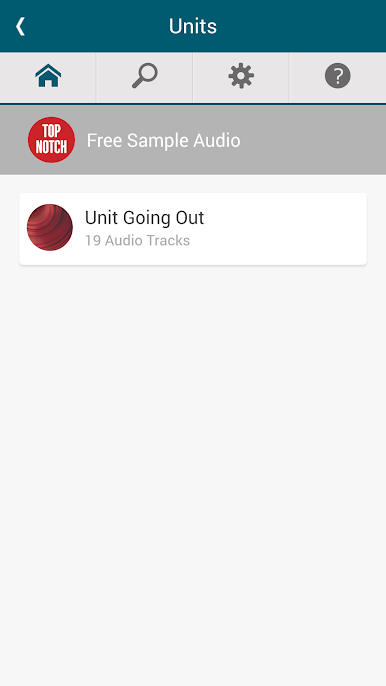
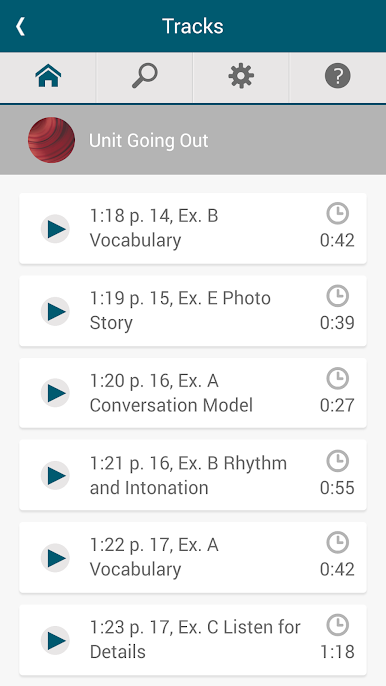
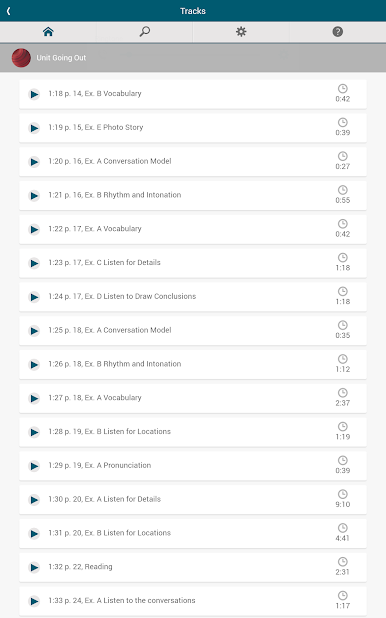
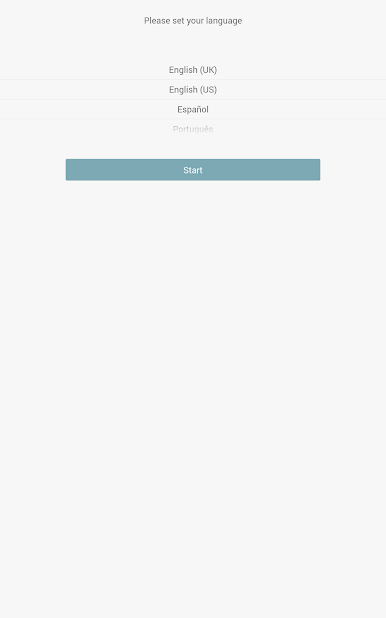
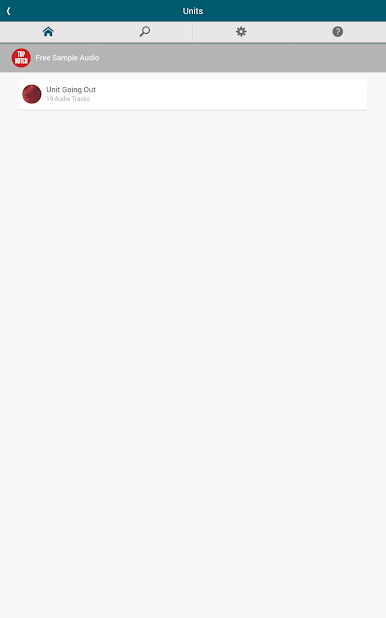
Be in charge of your own learning—Navigate through the audio clips with ease and use the speed controls for playback.
Practice at your own pace—Click on the audio transcript and listen to the section you want, as often as you want.
Get the songs—Listen to the Pearson Go Pop songs and karaoke while you’re on the go.
Purchase the app that audio-enhances your learning!

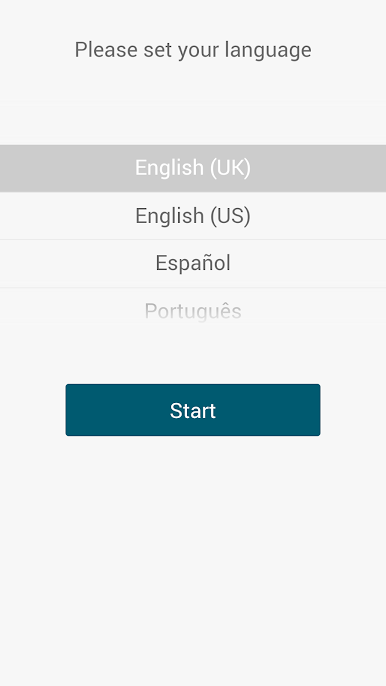
Jouez à Pearson Go sur PC. C'est facile de commencer.
-
Téléchargez et installez BlueStacks sur votre PC
-
Connectez-vous à Google pour accéder au Play Store ou faites-le plus tard
-
Recherchez Pearson Go dans la barre de recherche dans le coin supérieur droit
-
Cliquez pour installer Pearson Go à partir des résultats de la recherche
-
Connectez-vous à Google (si vous avez ignoré l'étape 2) pour installer Pearson Go
-
Cliquez sur l'icône Pearson Go sur l'écran d'accueil pour commencer à jouer

