


LearningPlace
Jouez sur PC avec BlueStacks - la plate-forme de jeu Android, approuvée par + 500M de joueurs.

Page Modifiée le: Sep 8, 2025
Run LearningPlace on PC or Mac
Get freedom from your phone’s obvious limitations. Use LearningPlace, made by Pearson Education, Inc., a Education app on your PC or Mac with BlueStacks, and level up your experience.
About the App
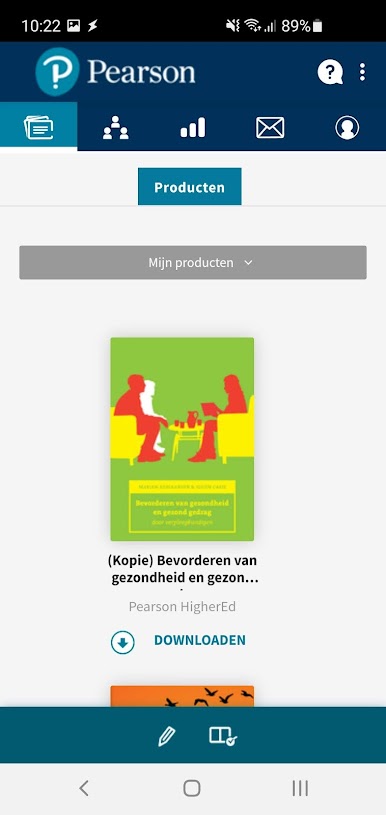
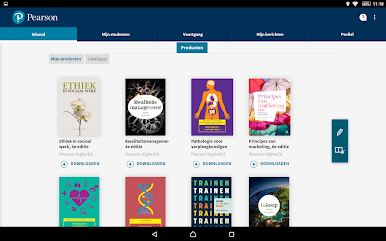
LearningPlace is a student-focused Education app from Pearson Education, Inc. that keeps your coursework close at hand. Open units, review lessons, and keep tabs on how you’re doing—whether you’re online or completely offline. It’s built for real-life study moments, like cramming on the bus or catching up where the Wi‑Fi drops.
App Features
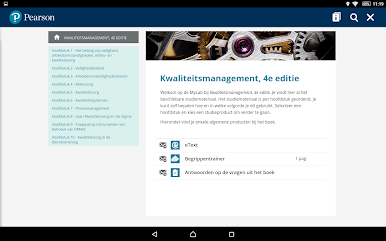
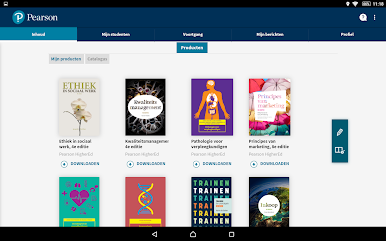
- Offline course access: Download your course materials so you can read and study without an internet connection. Head out, open the app, and keep going.
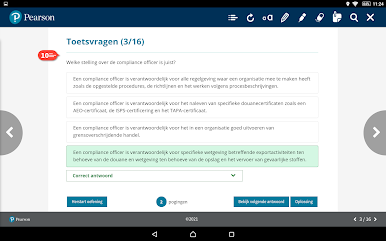
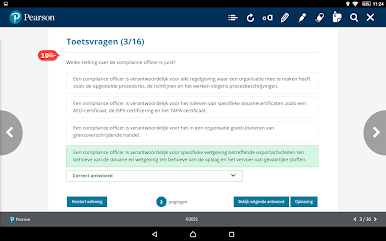
- Self‑grading activities: Practice with quick checks that score themselves on the spot. See what you nailed and what needs another look without waiting.
- Performance at a glance: Track scores and activity in one place. When you reconnect, your work and grades update automatically.
- Notes that stick: Jot down thoughts, summaries, or reminders while you study—even offline. Your notes stay tied to the material you’re working on.
- Smart syncing: Content, activity, and grade updates queue up while you’re offline and sync as soon as you’re back online—no extra steps needed.
- Built for students: This app is made for learners only. Lecturers aren’t supported here, so everything’s streamlined for studying.
- Study on a bigger screen: Prefer a desktop setup? You can run LearningPlace with BlueStacks to read and review comfortably on your computer.
BlueStacks gives you the much-needed freedom to experience your favorite apps on a bigger screen. Get it now.

Jouez à LearningPlace sur PC. C'est facile de commencer.
-
Téléchargez et installez BlueStacks sur votre PC
-
Connectez-vous à Google pour accéder au Play Store ou faites-le plus tard
-
Recherchez LearningPlace dans la barre de recherche dans le coin supérieur droit
-
Cliquez pour installer LearningPlace à partir des résultats de la recherche
-
Connectez-vous à Google (si vous avez ignoré l'étape 2) pour installer LearningPlace
-
Cliquez sur l'icône LearningPlace sur l'écran d'accueil pour commencer à jouer

