


Perfect Soccer
Jouez sur PC avec BlueStacks - la plate-forme de jeu Android, approuvée par + 500M de joueurs.

Page Modifiée le: Mar 5, 2025
Play Perfect Soccer on PC or Mac
From the innovators and creators at Simface Games – Football, Perfect Soccer is another fun addition to the World of Sports games. Go beyond your mobile screen and play it bigger and better on your PC or Mac. An immersive experience awaits you.
About the Game
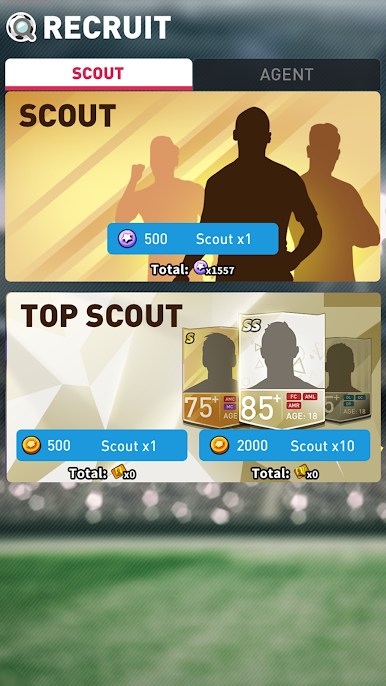
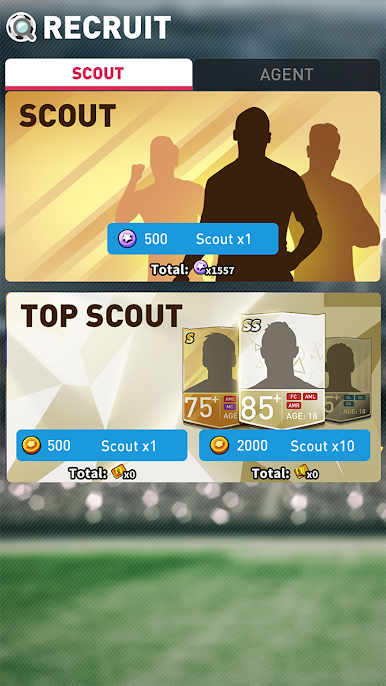
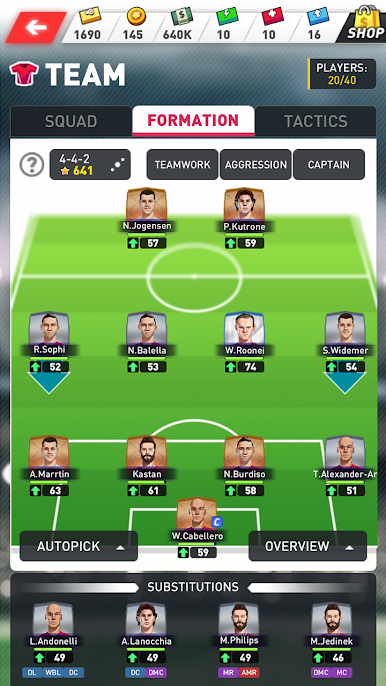
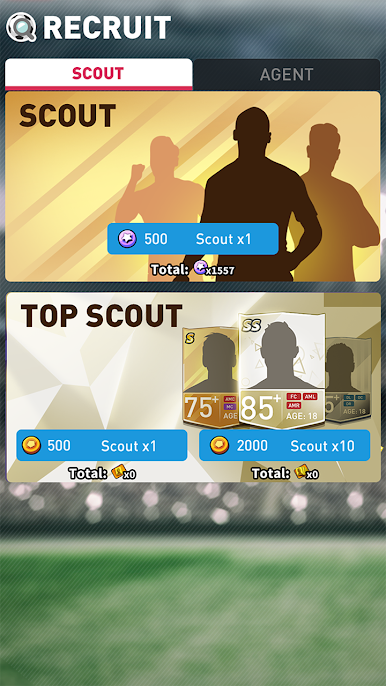
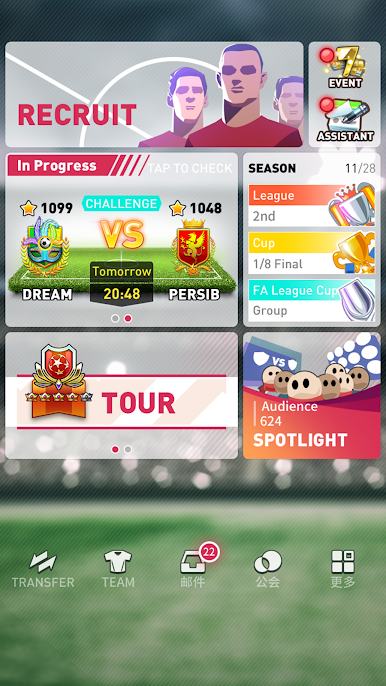
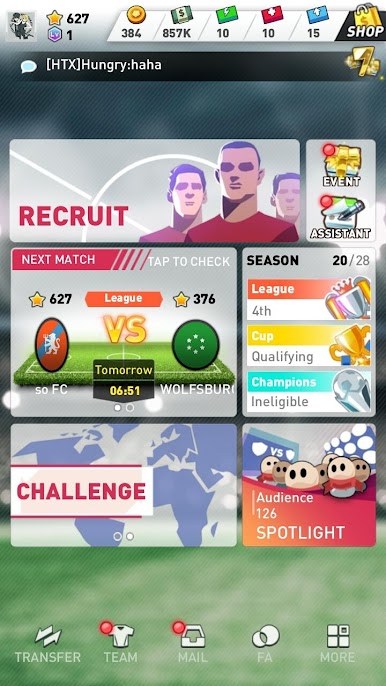
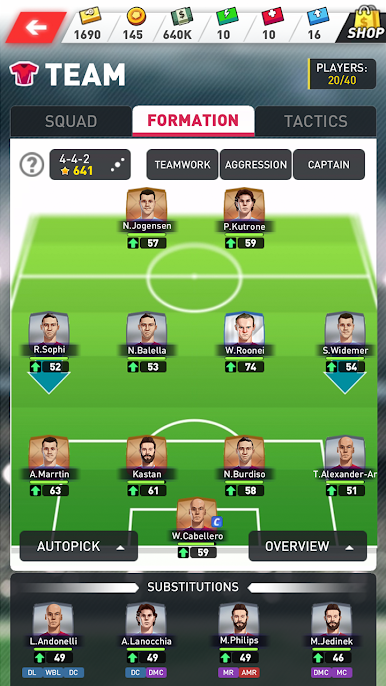
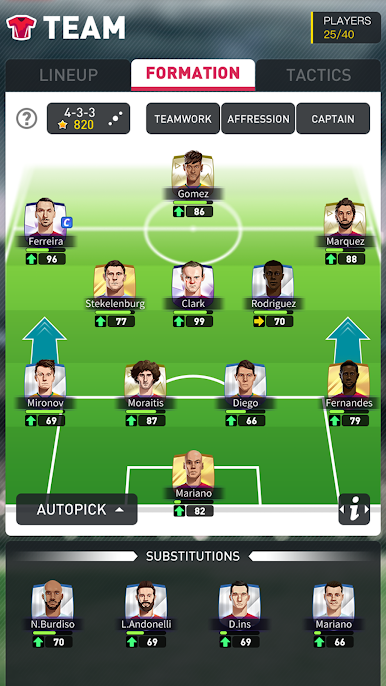
Perfect Soccer hands you the reins of your own football club, putting you in charge of every tactical decision. Fancy building your dream team and taking them to the top? Whether you’re itching to face real rivals online or just love the thrill of soccer strategy, this Sports game from Simface Games – Football has you managing lineups, scouting new talent, and going head-to-head in matches that actually feel lively and challenging.
Game Features
-
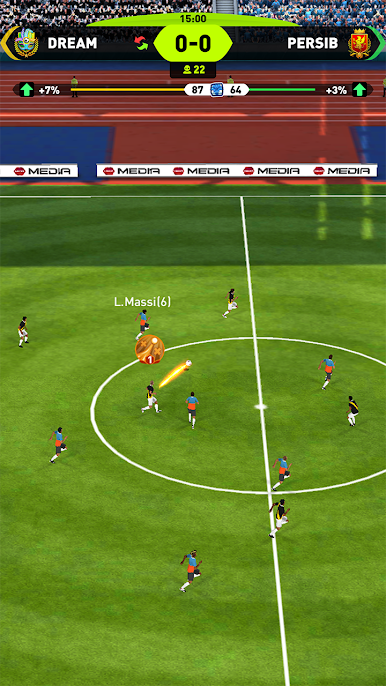
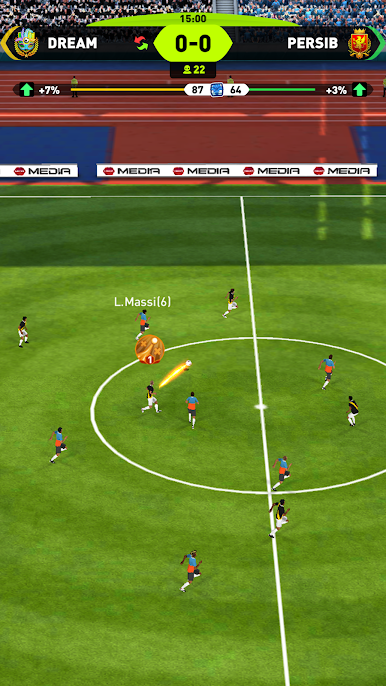
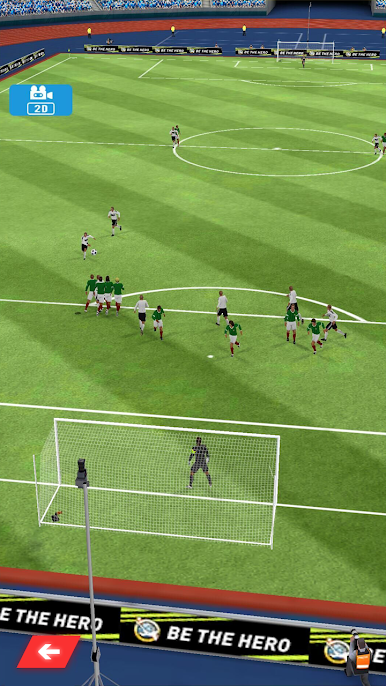
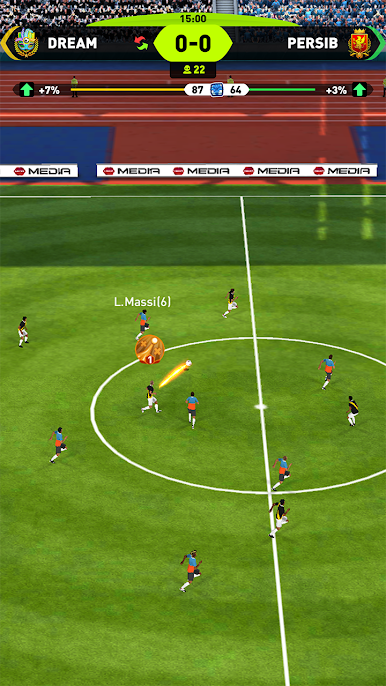
Realistic 3D Match Action: Follow every play from lively full 3D perspectives that make matches feel almost like watching a real broadcast.
-
Smart A.I. Opponents: Taking on the computer isn’t a pushover—the A.I. adapts and pushes you to rethink your tactics, especially in tense Champions League showdowns.
-
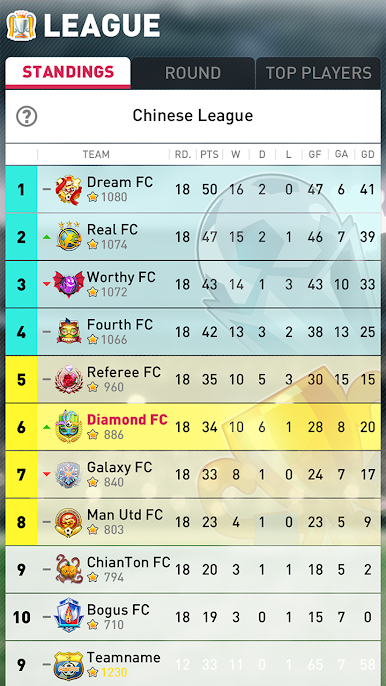
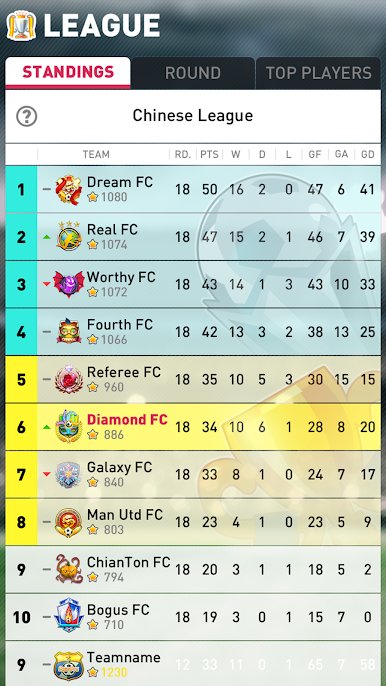
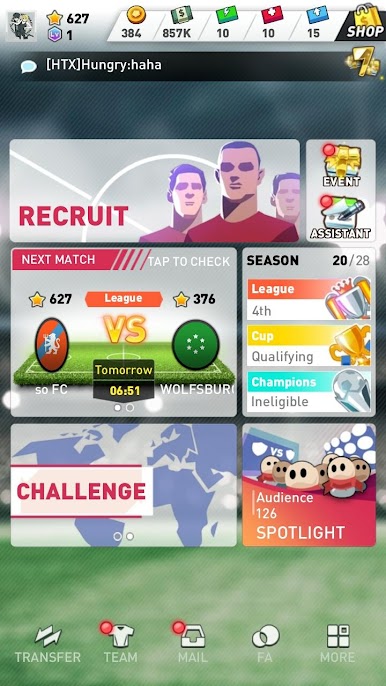
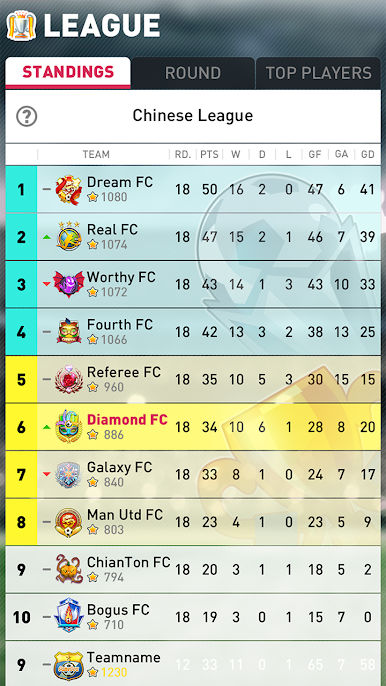
Online Competitions: Test your skills against real players in League, Cup, and Champions League matches. Every opponent brings fresh formations and surprises, keeping you on your toes.
-
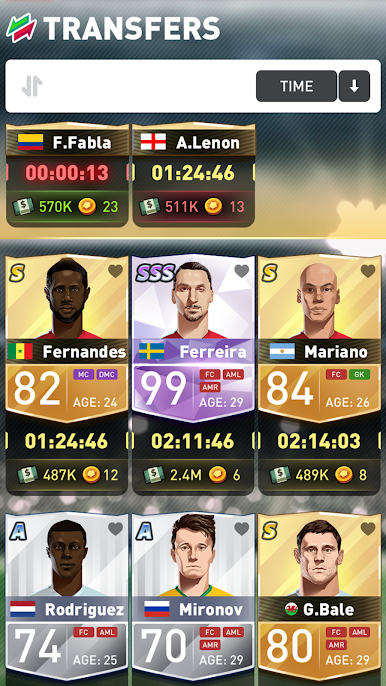
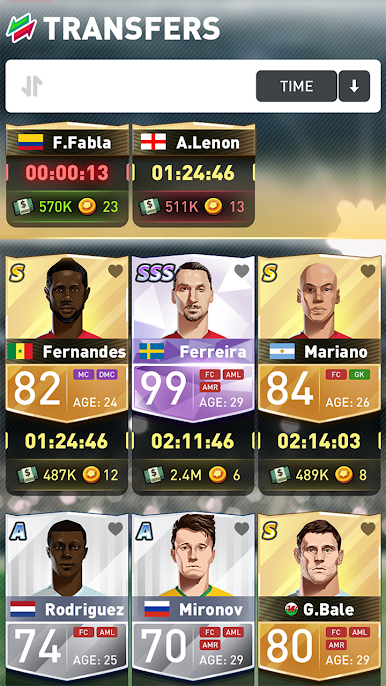
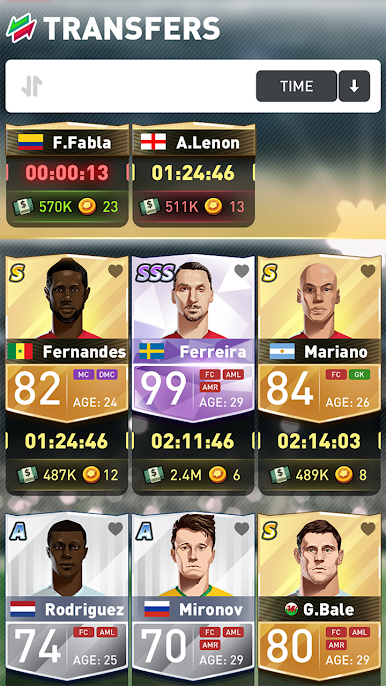
Build & Manage Your Squad: Search the transfer market for young football stars, hand-pick your top eleven, and craft a team that suits your playing style.
-
Club Development: Beyond just winning games, boost your stadium, upgrade club facilities, and keep your fans pumped with each victory.
-
Play Anywhere: Enjoy the action right on your phone or, if you want sharper visuals and smoother controls, try playing on your computer with BlueStacks.
If you’ve ever caught yourself yelling at the TV thinking you could run the team better, Perfect Soccer is your chance to prove it!
Start your journey now. Download the game on BlueStacks, invite your friends, and march on a new adventure.
Jouez à Perfect Soccer sur PC. C'est facile de commencer.
-
Téléchargez et installez BlueStacks sur votre PC
-
Connectez-vous à Google pour accéder au Play Store ou faites-le plus tard
-
Recherchez Perfect Soccer dans la barre de recherche dans le coin supérieur droit
-
Cliquez pour installer Perfect Soccer à partir des résultats de la recherche
-
Connectez-vous à Google (si vous avez ignoré l'étape 2) pour installer Perfect Soccer
-
Cliquez sur l'icône Perfect Soccer sur l'écran d'accueil pour commencer à jouer

