


Kids Daycare game
Jouez sur PC avec BlueStacks - la plate-forme de jeu Android, approuvée par + 500M de joueurs.

Page Modifiée le: Dec 24, 2025
Jouez Kids Daycare game sur PC
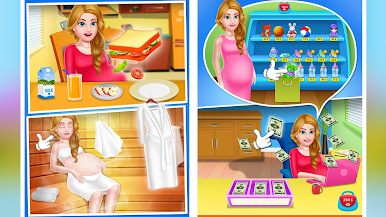
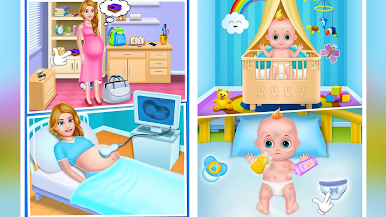
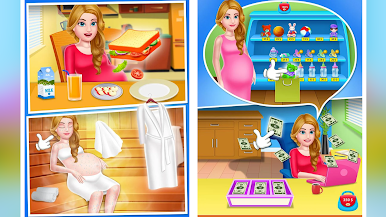
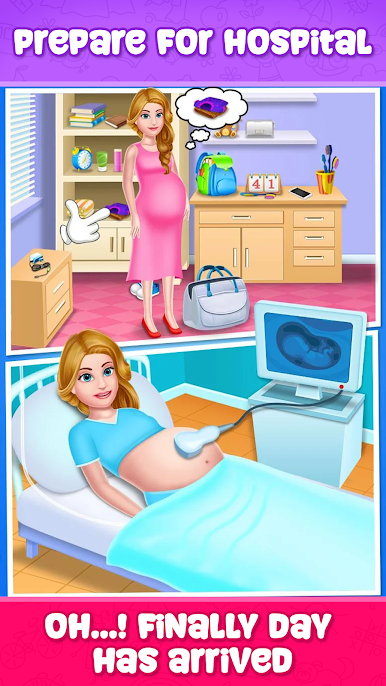
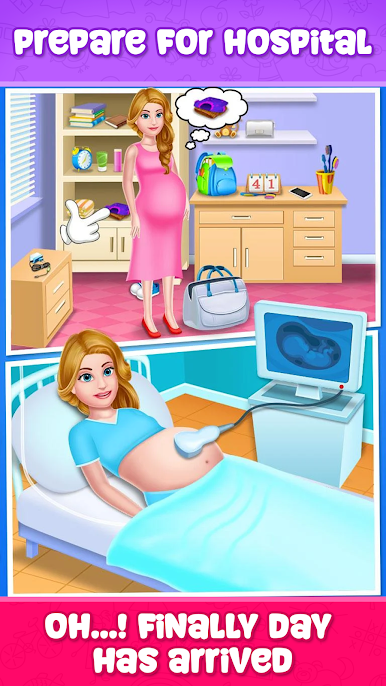
Start with the mommy’s journey by helping with pregnancy checkups, gentle mom care, relaxing baths, spa time, and healthy eating. Take care of mommy step by step and make sure she feels happy and comfortable.
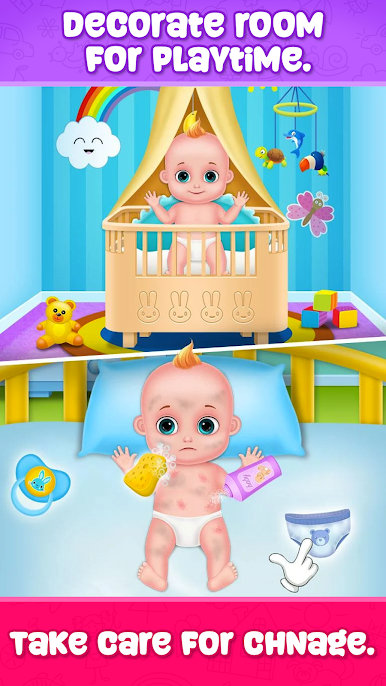
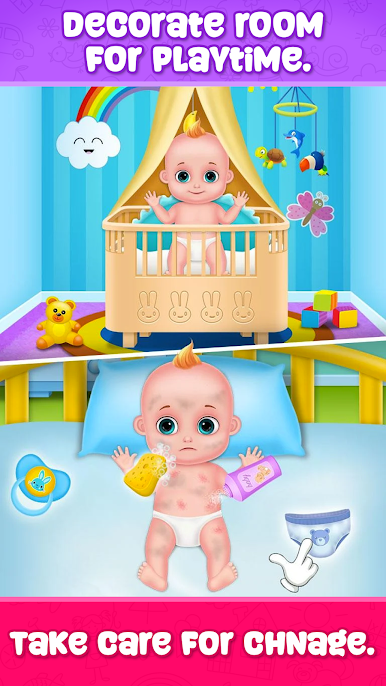
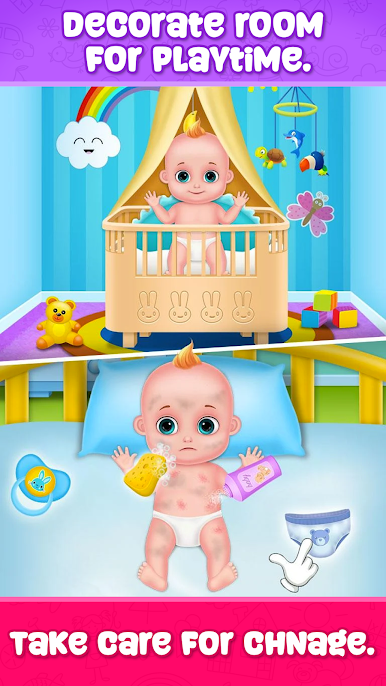
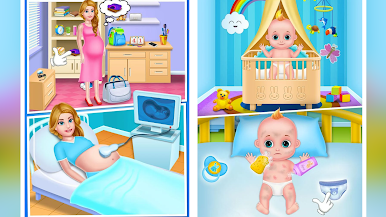
After the baby is born, the fun continues with cute baby care activities. Feed the baby, give a warm bath, dress the baby in adorable outfits, and enjoy playful moments. The game also includes many fun kids activities that keep young players engaged and entertained.
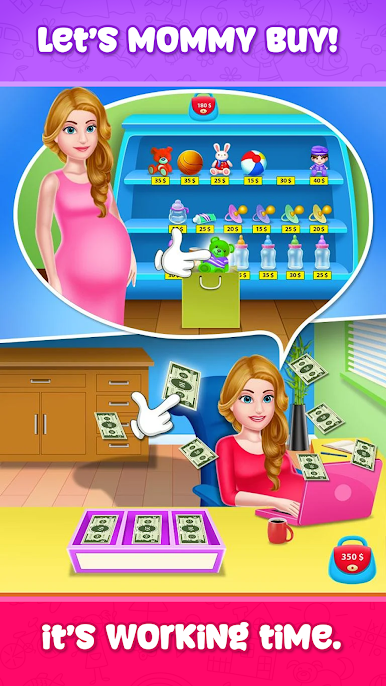
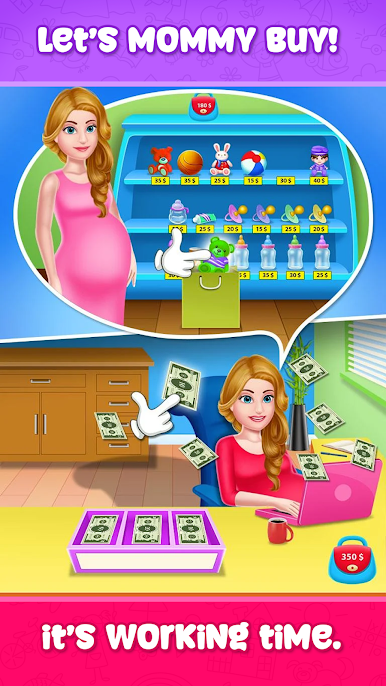
With bright colors, smooth animations, and easy controls, Kids Daycare Game offers a safe and joyful environment for kids to play, learn, and have fun. Each activity is simple, interactive, and full of cute reactions that make the gameplay enjoyable.
Game Features:
• Pregnancy checkup and mom care activities
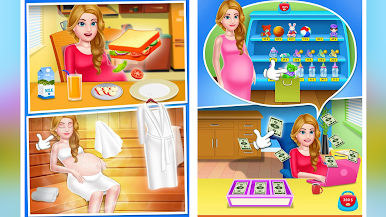
• Mom bath, spa, and food care
• Baby birth and newborn care
• Baby feeding, bathing, and dress up
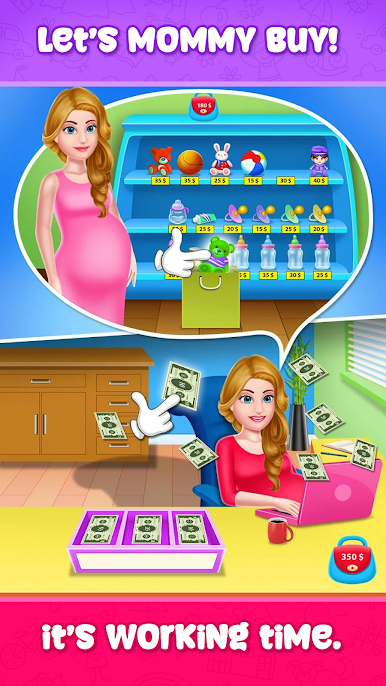
• Fun kids activities and mini-games
• Simple controls and colorful graphics
• Safe and family-friendly gameplay
Kids Daycare Game is perfect for children who love caring games, baby games, and creative play. Download now and enjoy a complete daycare adventure full of love and fun!



Jouez à Kids Daycare game sur PC. C'est facile de commencer.
-
Téléchargez et installez BlueStacks sur votre PC
-
Connectez-vous à Google pour accéder au Play Store ou faites-le plus tard
-
Recherchez Kids Daycare game dans la barre de recherche dans le coin supérieur droit
-
Cliquez pour installer Kids Daycare game à partir des résultats de la recherche
-
Connectez-vous à Google (si vous avez ignoré l'étape 2) pour installer Kids Daycare game
-
Cliquez sur l'icône Kids Daycare game sur l'écran d'accueil pour commencer à jouer

