


Compteur avec bouton
Jouez sur PC avec BlueStacks - la plate-forme de jeu Android, approuvée par + 500M de joueurs.

Page Modifiée le: Oct 25, 2025
Run A Counter on PC or Mac
Why limit yourself to your small screen on the phone? Run A Counter, an app by Apperoan, best experienced on your PC or Mac with BlueStacks, the world’s #1 Android emulator.
About the App
Need to keep track of stuff—anything, really? A Counter by Apperoan keeps things easy and organized, letting you tally events, people, ideas, or just your daily habits with a few quick taps. No complicated setup or confusing menus here. Whether you’re using it on your phone or through BlueStacks on your computer, A Counter is all about getting the counting done fast, distraction-free, and with a bit of fun.
App Features
-
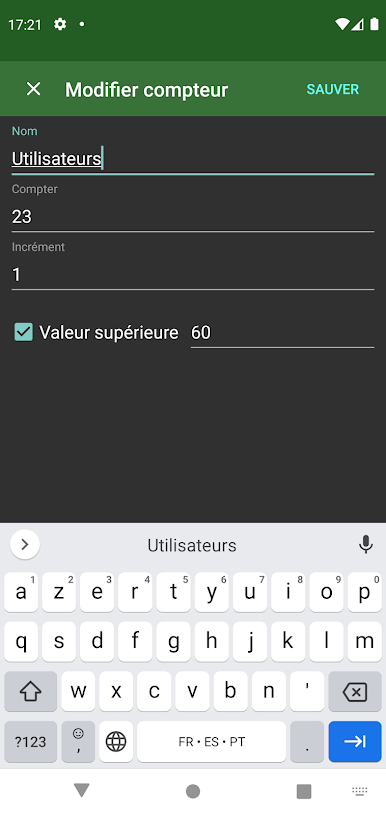
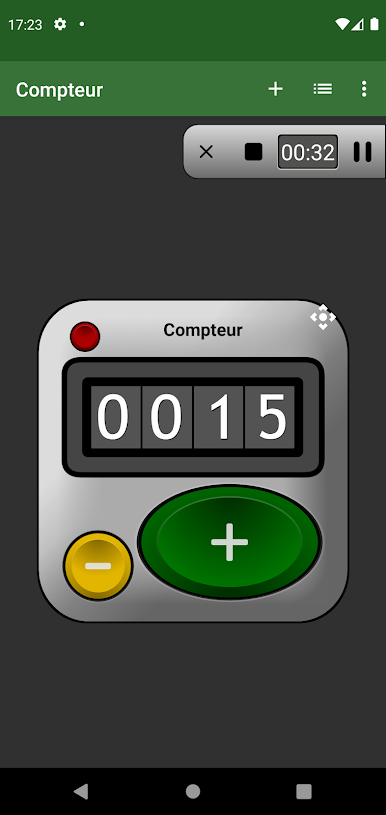
Super Simple Counting
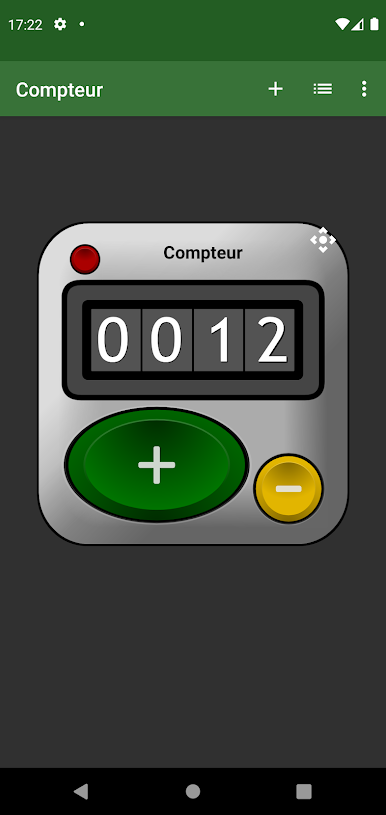
Just tap the big button on your screen to add to your count. That’s it—no learning curve, just instant results. -
Volume Button Control
If tapping the screen isn’t your thing, you can quickly nudge your count up using your device’s physical volume buttons. -
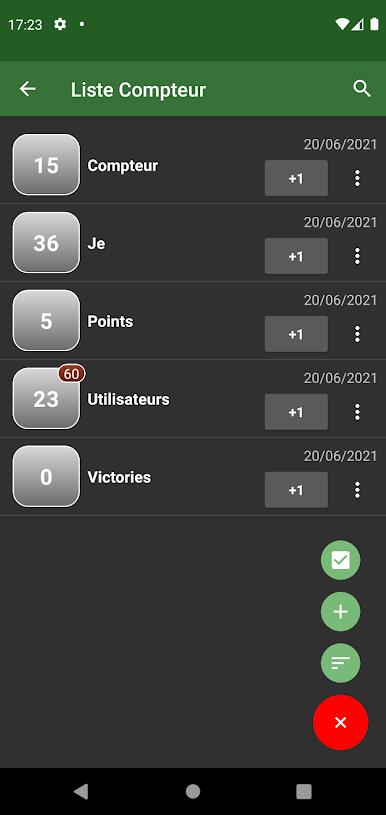
Multiple Counters
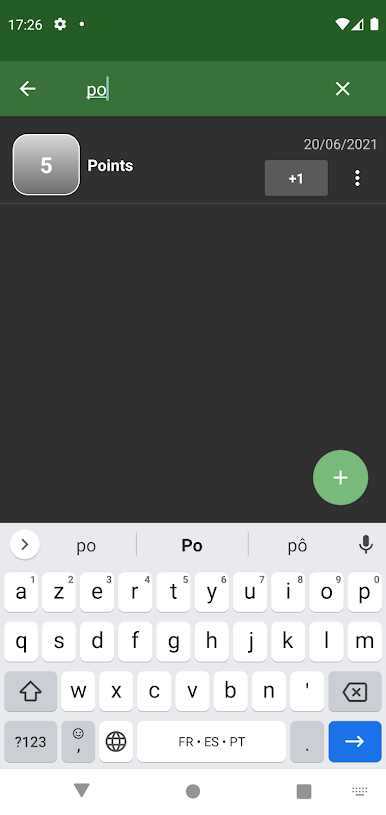
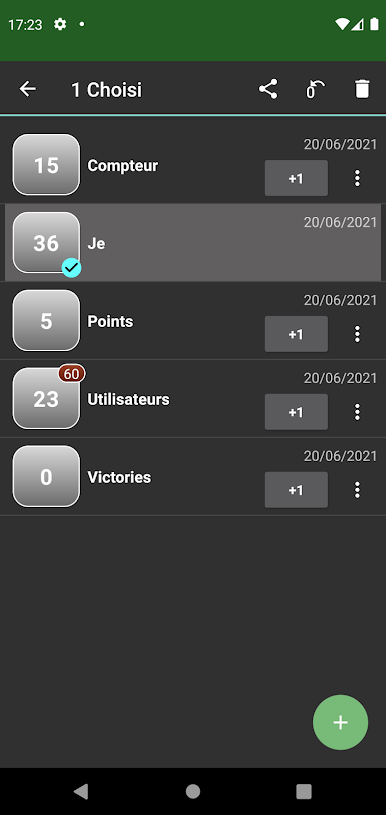
Keep tabs on several things at once. Create as many counters as you want and manage them all in one neat list—search and select whenever you need. -
Full-Screen Mode
Zero distractions. Go full screen to focus completely on your counting, especially handy if you’re tracking something during a meeting or a game. -
Easy Management
Easily add, edit, or delete counters with just a few taps. Changed your mind? Switch things up whenever. -
Import and Export
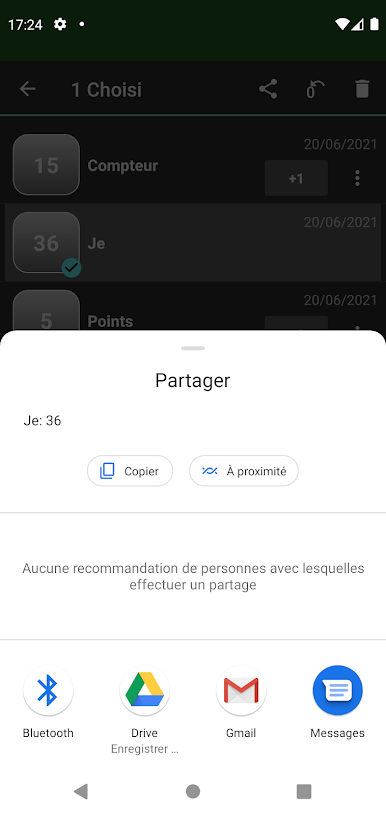
Moving to a new device or want to back things up? Import and export your counters quickly—no fuss, no data loss. -
Personal Touches
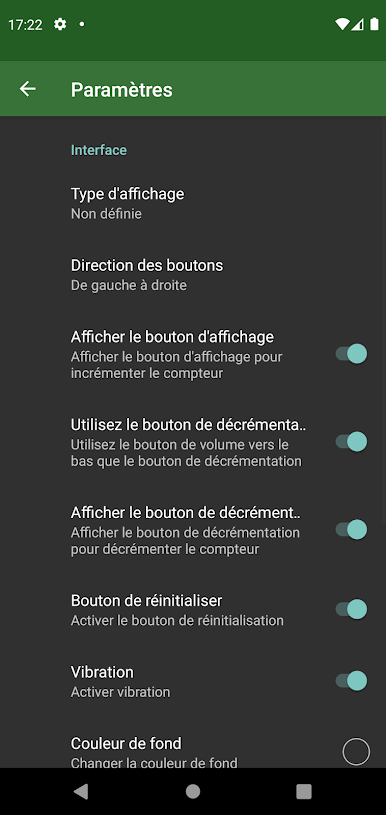
Choose your preferences and customize the app to fit your style, plus enjoy sound feedback every time you increment.
A Counter by Apperoan is in the Tools genre and works seamlessly whether you’re on your phone or enjoying a bigger screen experience with BlueStacks.
Ready to experience A Counter on a bigger screen, in all its glory? Download BlueStacks now.
Jouez à Compteur avec bouton sur PC. C'est facile de commencer.
-
Téléchargez et installez BlueStacks sur votre PC
-
Connectez-vous à Google pour accéder au Play Store ou faites-le plus tard
-
Recherchez Compteur avec bouton dans la barre de recherche dans le coin supérieur droit
-
Cliquez pour installer Compteur avec bouton à partir des résultats de la recherche
-
Connectez-vous à Google (si vous avez ignoré l'étape 2) pour installer Compteur avec bouton
-
Cliquez sur l'icône Compteur avec bouton sur l'écran d'accueil pour commencer à jouer

