

Qsync Pro
เล่นบน PC ผ่าน BlueStacks - Android Gaming Platform ที่ได้รับความไว้วางใจจากเกมเมอร์ 500 ล้านคนทั่วโลก

Page Modified on: Aug 26, 2024
Run Qsync Pro on PC or Mac
What’s better than using Qsync Pro by QNAP? Well, try it on a big screen, on your PC or Mac, with BlueStacks to see the difference.
About the App
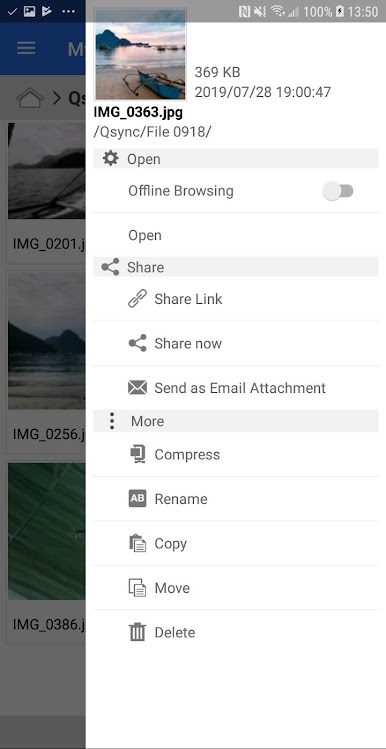
Need easy, on-the-go access to your files stashed on your QNAP NAS? Qsync Pro has your back. Whether you’re caught up in work or just need that one elusive document, this productivity app makes syncing and managing files between your NAS and your phone feel seamless. If you want hassle-free syncing and a sleek interface, you’ll appreciate how QNAP put everything at your fingertips—even if you’re using BlueStacks on your laptop.
App Features
-
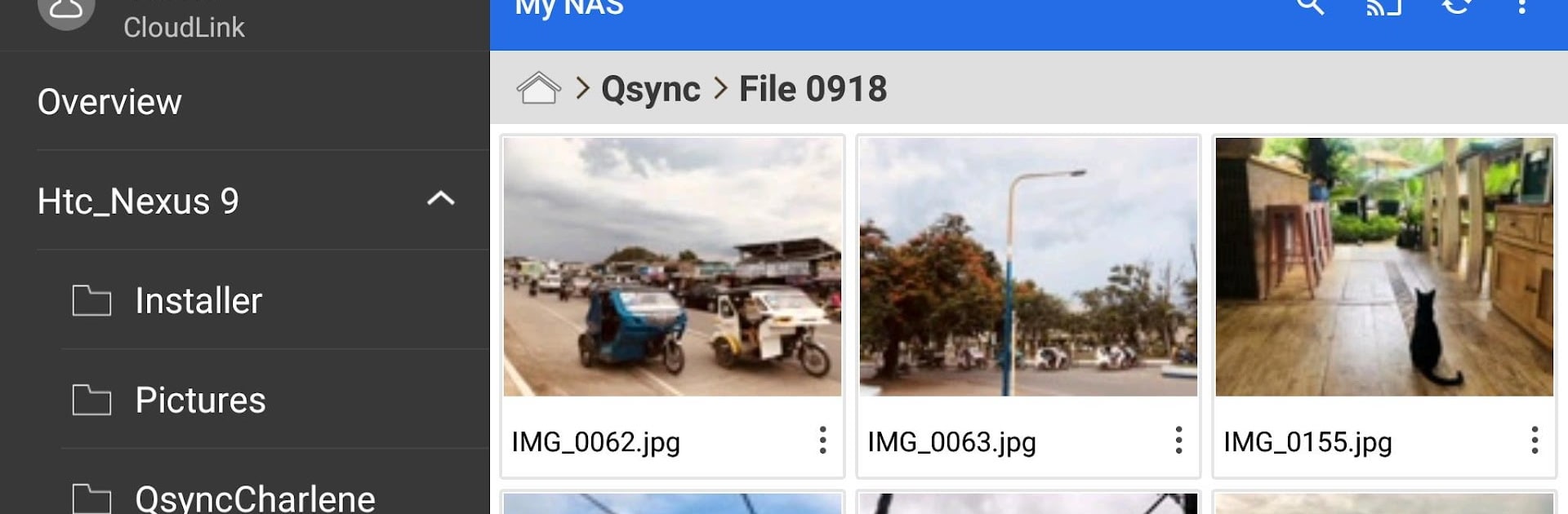
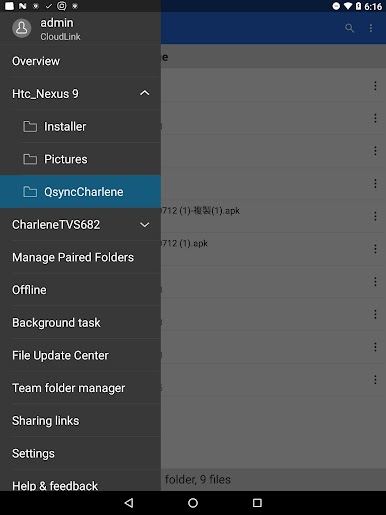
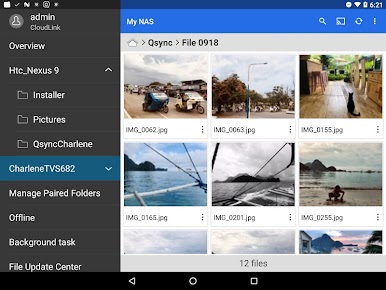
Fresh Look & Simple Navigation
The redesigned interface is clean, modern, and easy to move around in. Finding the right folder or setting takes seconds—not a scavenger hunt. -
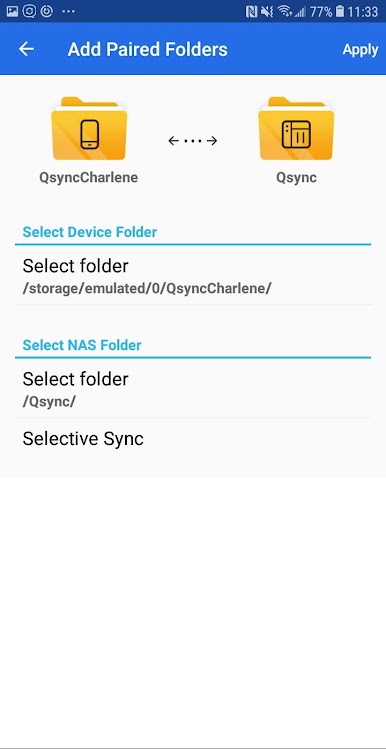
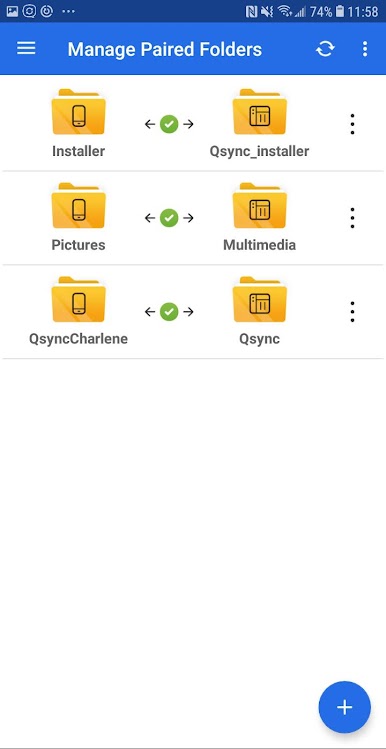
Smart Folder Pairing
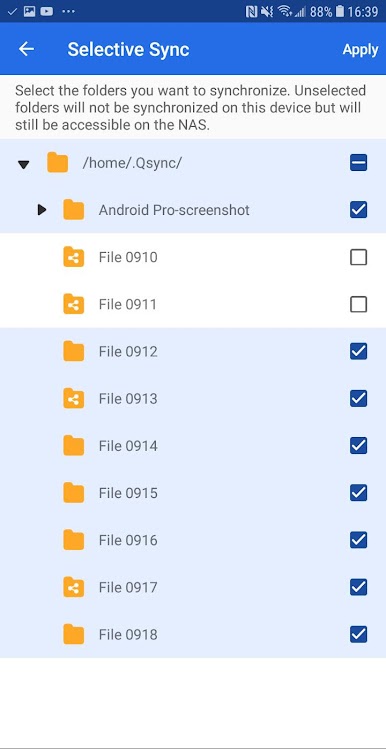
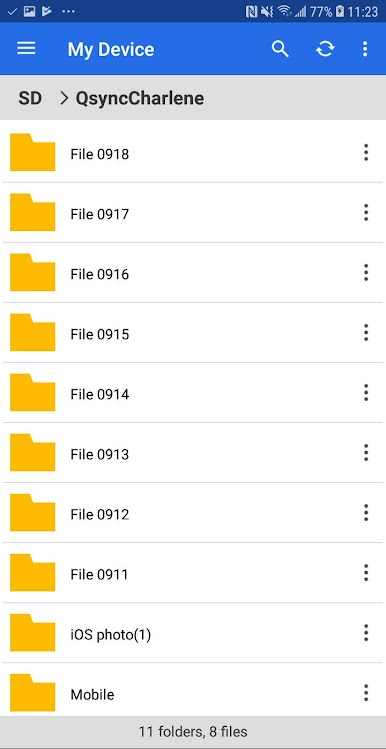
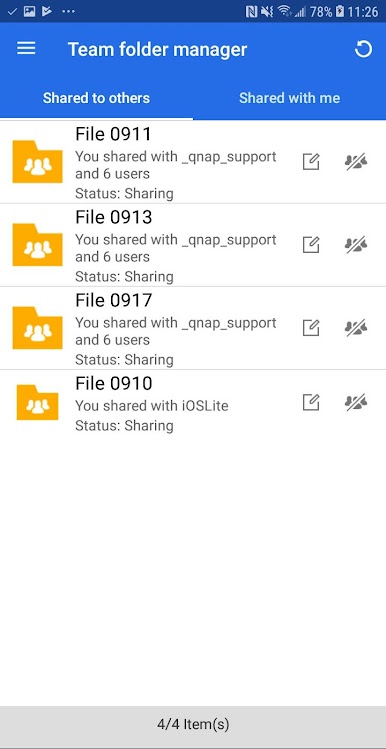
Sync up folders between your QNAP NAS and your mobile device with just a few taps. Snap a photo or save a doc, and it’ll show up right where you want. -
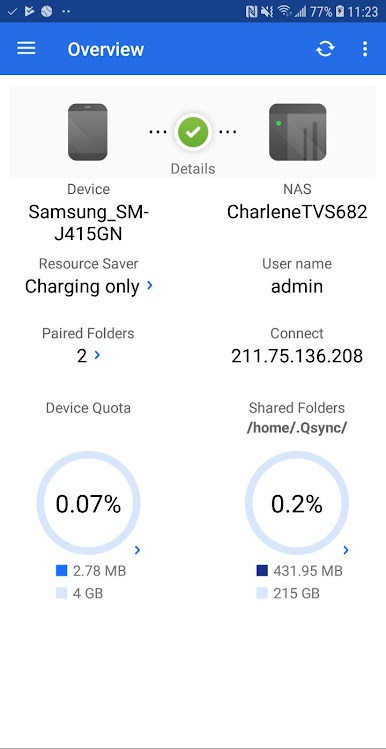
Quick Status Snapshot
Need to know what’s happening with your files? The Overview screen gives you a fast look at which devices and folders are connected, so you’re never left guessing. -
Live Sync Monitoring
The Background Tasks feature keeps tabs on everything syncing in real-time. Wondering if that big file made it over? Just check the list—no fuss. -
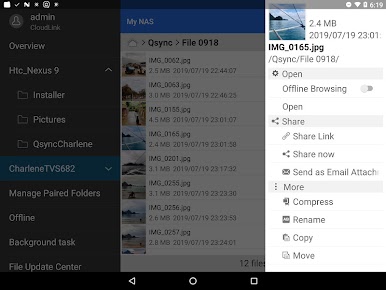
All Synced Up
Flip through the File Update Center to review every file that’s successfully made its way to your mobile. No more wondering which uploads crossed the finish line. -
Custom File Filters
Don’t want to sync every filetype? With Filter Settings, you control which extensions get included (or skipped), so your storage stays neat and organized.
BlueStacks gives you the much-needed freedom to experience your favorite apps on a bigger screen. Get it now.
เล่น Qsync Pro บน PC ได้ง่ายกว่า
-
ดาวน์โหลดและติดตั้ง BlueStacks บน PC ของคุณ
-
ลงชื่อเข้าใช้แอคเคาท์ Google เพื่อเข้าสู่ Play Store หรือทำในภายหลัง
-
ค้นหา Qsync Pro ในช่องค้นหาด้านขวาบนของโปรแกรม
-
คลิกเพื่อติดตั้ง Qsync Pro จากผลการค้นหา
-
ลงชื่อเข้าใช้บัญชี Google Account (หากยังไม่ได้ทำในขั้นที่ 2) เพื่อติดตั้ง Qsync Pro
-
คลิกที่ไอคอน Qsync Pro ในหน้าจอเพื่อเริ่มเล่น

