


Jeux préscolaires pour enfants
Jouez sur PC avec BlueStacks - la plate-forme de jeu Android, approuvée par + 500M de joueurs.

Page Modifiée le: Oct 11, 2025
Play Preschool Learning Games on PC
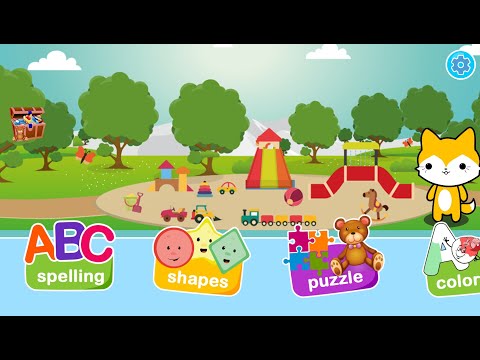
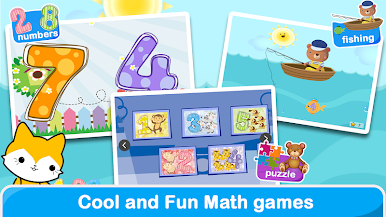
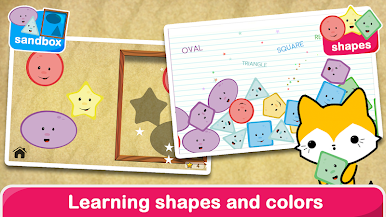
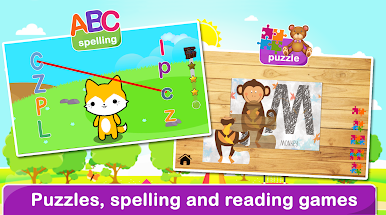
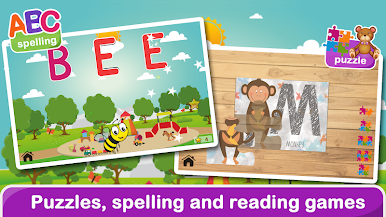
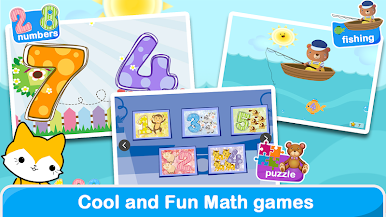
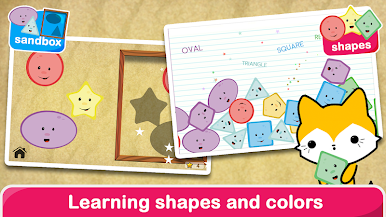
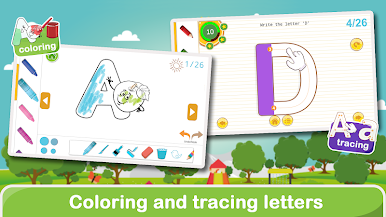
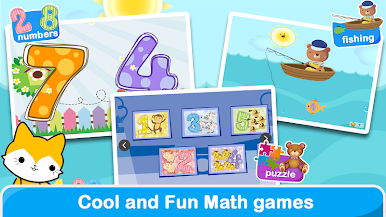
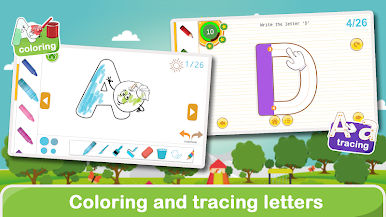
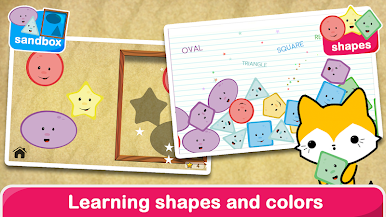
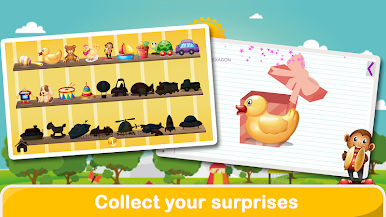
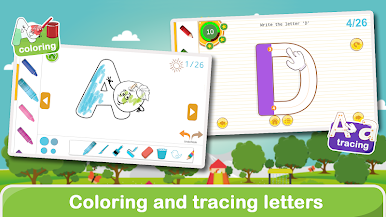
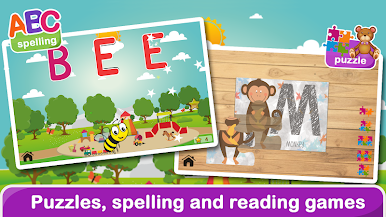
Your child will love discovering colors, shapes, numbers, and letters through 16 interactive mini-games designed especially for ages 2–5.
👶 Play & Learn
Every game helps your child build early skills while having fun — sort shapes, learn ABCs, count numbers, and match colors. These simple activities encourage logical thinking, memory, and fine-motor coordination.
🎨 Safe for Kids
No ads. No external links. No distractions.
Our games are created by parents and educators who believe children should learn in a safe, calm environment. Perfect for independent play or shared screen time with family.
🧩 What’s Inside
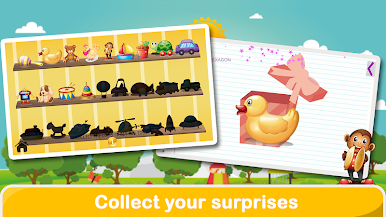
• 16 preschool learning games
• Colors, shapes, ABC, and 123 activities
• Memory and logic puzzles
• Sorting and matching mini-games
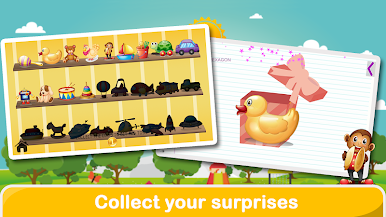
• Fun sound effects and animations
🌟 Why Parents Love It
• Ad-free and safe for kids
• Simple and intuitive controls
• Perfect for toddlers ages 2–5
• Helps prepare for preschool and kindergarten
📅 Subscription Info
• Monthly plan: $4.99 with a 3-day free trial
• 6-month and yearly options available
• Cancel anytime from your Google Play account
Start your child’s learning adventure today with Preschool Learning Games —
a fun, educational, and ad-free app made with love by Queleas Games ❤️
Privacy Policy: http://queleas.com/privacy.aspx
Terms of Use: http://queleas.com/terms.aspx
Jouez à Jeux préscolaires pour enfants sur PC. C'est facile de commencer.
-
Téléchargez et installez BlueStacks sur votre PC
-
Connectez-vous à Google pour accéder au Play Store ou faites-le plus tard
-
Recherchez Jeux préscolaires pour enfants dans la barre de recherche dans le coin supérieur droit
-
Cliquez pour installer Jeux préscolaires pour enfants à partir des résultats de la recherche
-
Connectez-vous à Google (si vous avez ignoré l'étape 2) pour installer Jeux préscolaires pour enfants
-
Cliquez sur l'icône Jeux préscolaires pour enfants sur l'écran d'accueil pour commencer à jouer

