


Frenchy - Correcteur français
เล่นบน PC ผ่าน BlueStacks - Android Gaming Platform ที่ได้รับความไว้วางใจจากเกมเมอร์ 500 ล้านคนทั่วโลก

Page Modified on: Feb 13, 2024
Play Frenchy: French Checker on PC
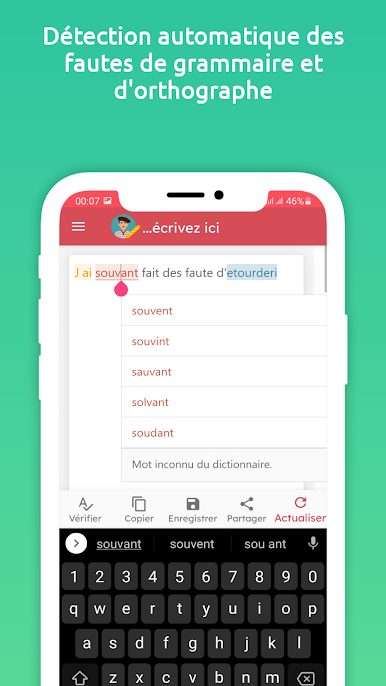
When several corrections are possible, you are prompted to choose one of them. There are cases when mistakes are skipped in order to limit the display of warnings or when the suggested corrections are not perfectly adapted to the context. Therefore, we advise you not to rely exclusively on the results delivered by our tool and to review the text yourself after the correction.
features:
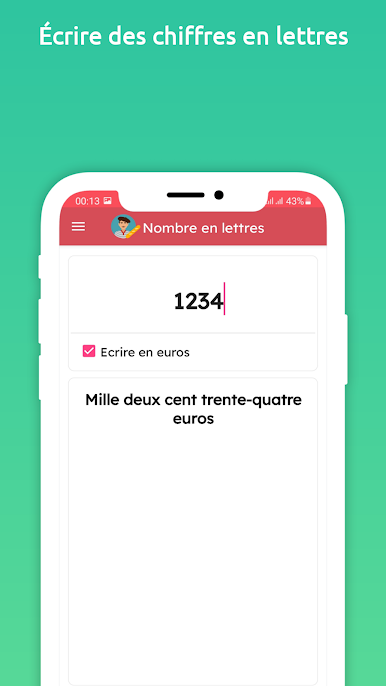
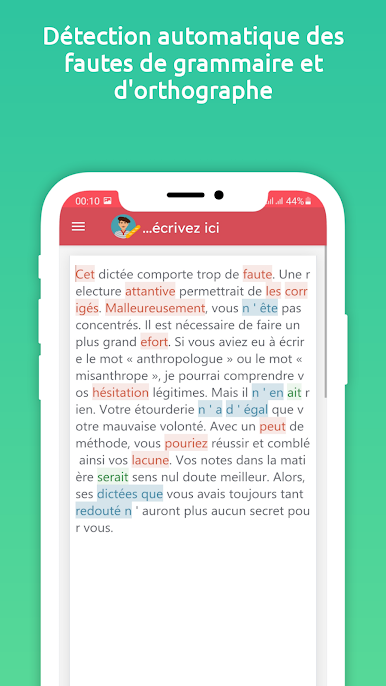
- French Grammar checker/corrector
- French Spelling and punctuation checker/corrector
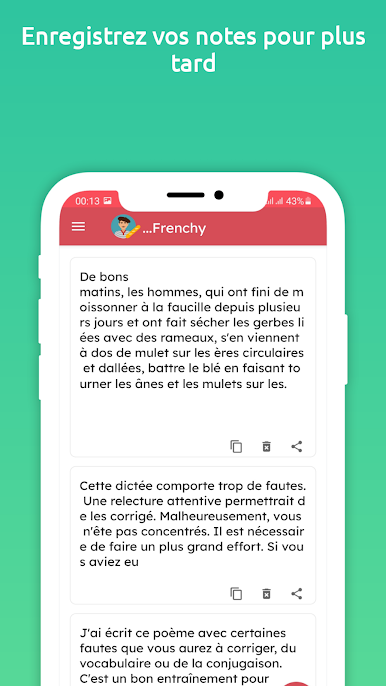
- Save the corrected text
- Share the corrected text (Email, SMS, Twitter, Facebook messenger, other apps.)
How to use:
1: Enter the text that you want to check for grammar, spelling, and punctuation mistakes.
2: Click the correct button below.
3: Click on underlined words to get a list of proper wording alternatives, suggestions, and explanations.
4: Click on the share button to send the text to other apps
5: Clicking the Save button saves all changes.
Improve Your Skills
– See short, clear explanations for every correction
– Helps you understand your mistakes and avoid them in the future
เล่น Frenchy - Correcteur français บน PC ได้ง่ายกว่า
-
ดาวน์โหลดและติดตั้ง BlueStacks บน PC ของคุณ
-
ลงชื่อเข้าใช้แอคเคาท์ Google เพื่อเข้าสู่ Play Store หรือทำในภายหลัง
-
ค้นหา Frenchy - Correcteur français ในช่องค้นหาด้านขวาบนของโปรแกรม
-
คลิกเพื่อติดตั้ง Frenchy - Correcteur français จากผลการค้นหา
-
ลงชื่อเข้าใช้บัญชี Google Account (หากยังไม่ได้ทำในขั้นที่ 2) เพื่อติดตั้ง Frenchy - Correcteur français
-
คลิกที่ไอคอน Frenchy - Correcteur français ในหน้าจอเพื่อเริ่มเล่น

