

Coil32
Jouez sur PC avec BlueStacks - la plate-forme de jeu Android, approuvée par + 500M de joueurs.

Page Modifiée le: Dec 11, 2025
Run Coil32 on PC or Mac
Get freedom from your phone’s obvious limitations. Use Coil32, made by Valery Kustarev, a Tools app on your PC or Mac with BlueStacks, and level up your experience.
About the App
Coil32 is the go-to tool for anyone who loves building or tinkering with their own inductors. Whether you’re a radio hobbyist, an audiophile always chasing that perfect sound, or just someone curious about electronics, this app helps take the guesswork out of your coil projects. It’s straightforward, reliable, and made to make those calculations way less of a headache.
App Features
-
Versatile Coil Calculations
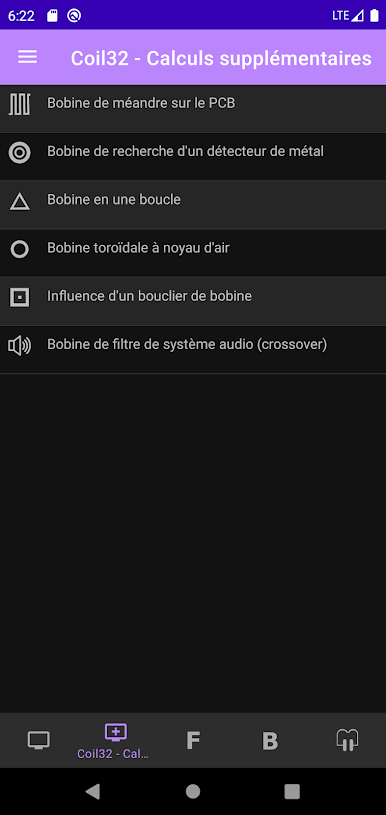
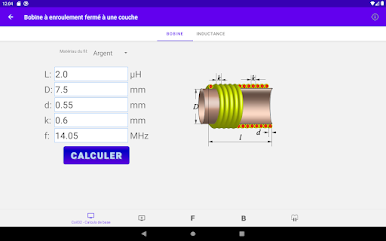
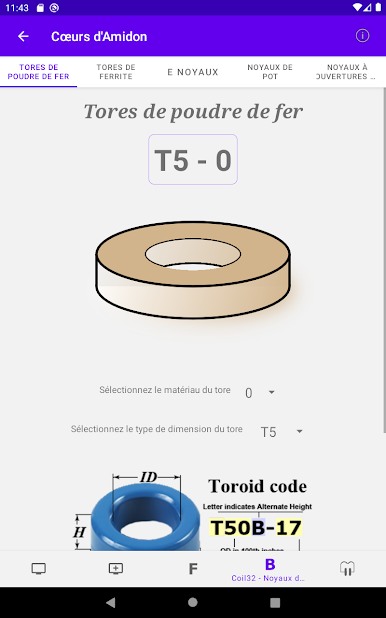
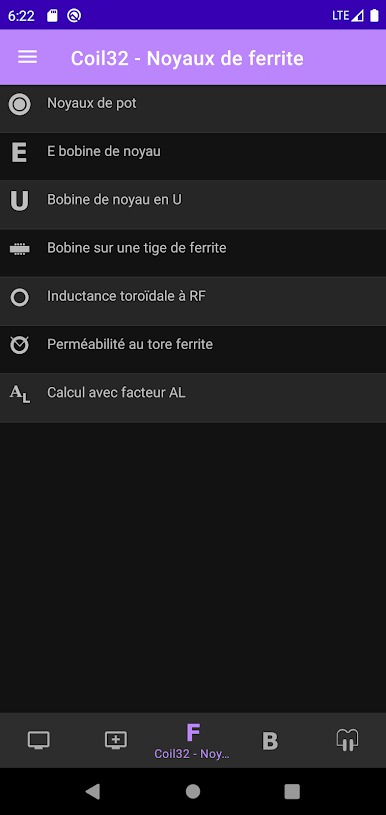
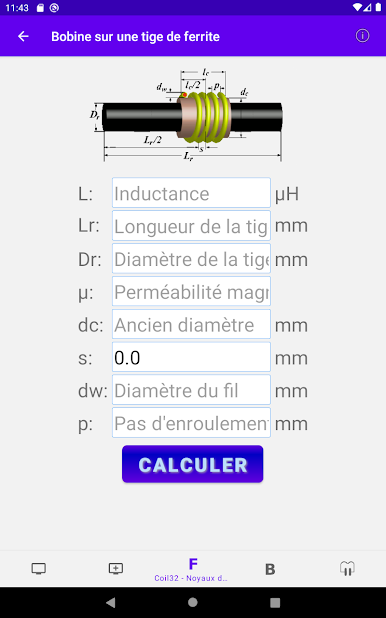
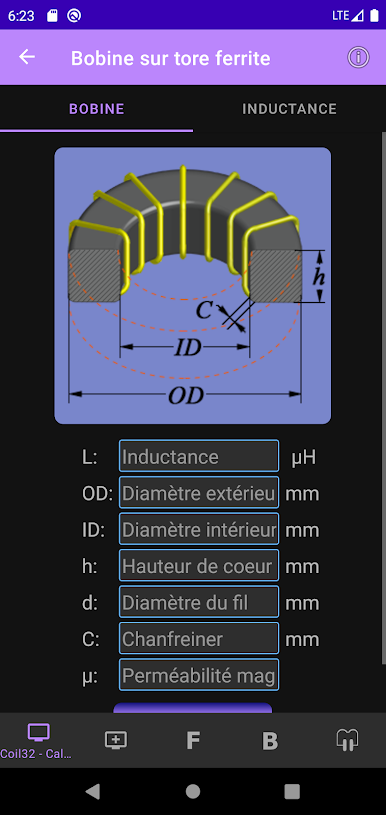
Work with just about any kind of inductor you’re dreaming up—single-layer, multi-layer, air core, toroidal ferrite chokes, or even flat PCB coils. Coil32 has formulas for all sorts of shapes and materials. -
Quick Number of Turns Finder
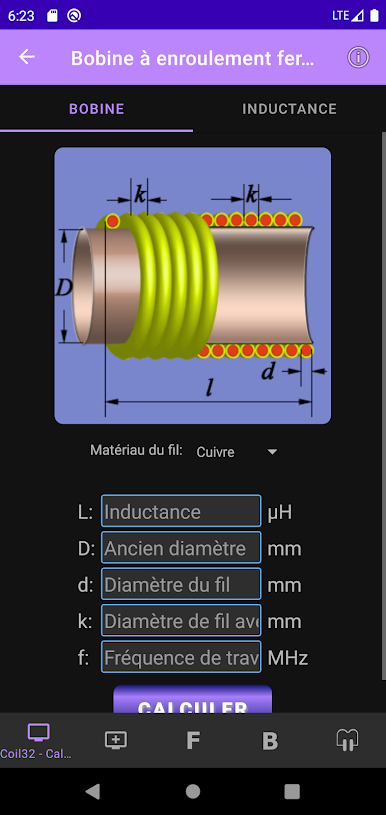
Not sure how many times you need to wind that wire? Just plug in what you know, and Coil32 instantly sorts out how many turns your coil needs for the exact inductance you want. -
Reverse Inductance Calculation
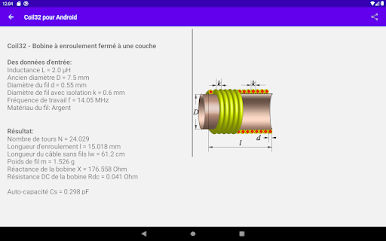
Got a coil already built, but you’re not sure what its inductance is? Enter the measurements and Coil32 does the math for you—no more squinting at charts or scribbling notes. -
Perfect for Hobbyists
Designed with HAMs, DIYers, and experimenters in mind, Coil32 lets you fiddle and fine-tune designs on the fly, whether you’re building something from scratch or modifying an old favorite. -
Handy for Audiophiles and RF Fans
From crystal-clear audio projects to radio circuits, if your work involves inductors, you’ll find Coil32’s tools handy for getting the most accurate results. -
Works Smoothly on BlueStacks
Prefer doing your calculations on a bigger screen? Coil32 plays nicely on BlueStacks, making measuring and planning your projects even easier.
Let your next electronics build start off right with Coil32’s practical, no-fuss approach to coil calculations.
Ready to experience Coil32 on a bigger screen, in all its glory? Download BlueStacks now.




Jouez à Coil32 sur PC. C'est facile de commencer.
-
Téléchargez et installez BlueStacks sur votre PC
-
Connectez-vous à Google pour accéder au Play Store ou faites-le plus tard
-
Recherchez Coil32 dans la barre de recherche dans le coin supérieur droit
-
Cliquez pour installer Coil32 à partir des résultats de la recherche
-
Connectez-vous à Google (si vous avez ignoré l'étape 2) pour installer Coil32
-
Cliquez sur l'icône Coil32 sur l'écran d'accueil pour commencer à jouer

