

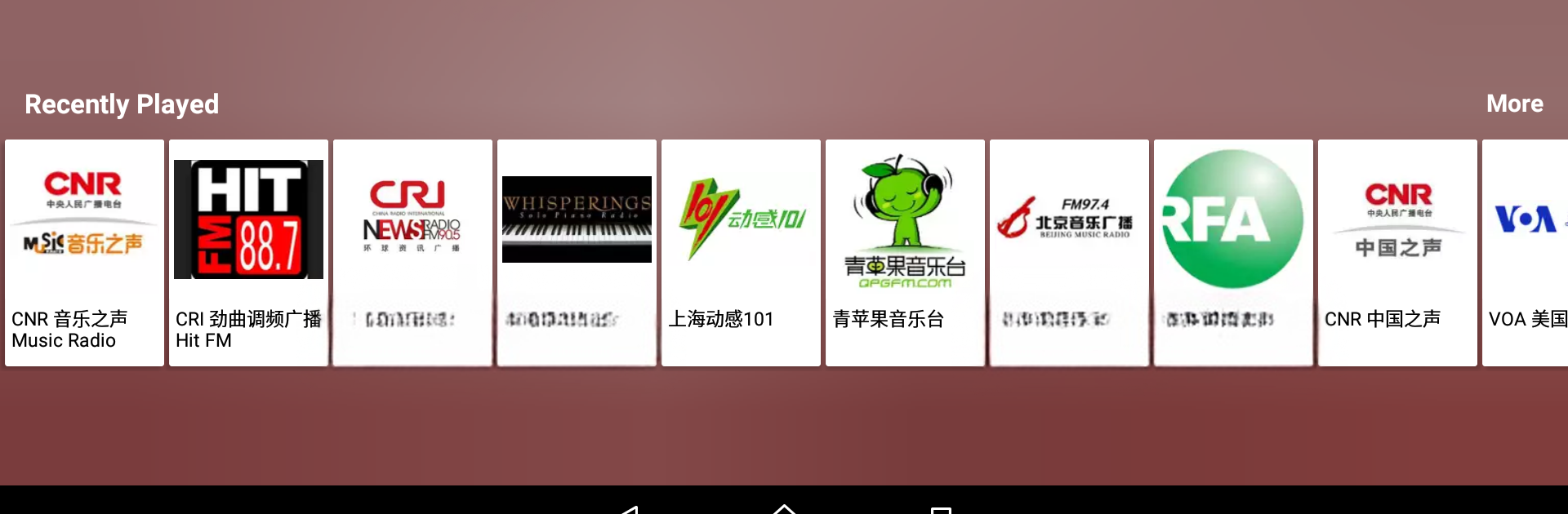
收音机FM 中国广播电台 新闻夜秀
เล่นบน PC ผ่าน BlueStacks - Android Gaming Platform ที่ได้รับความไว้วางใจจากเกมเมอร์ 500 ล้านคนทั่วโลก

Page Modified on: Jul 13, 2025
Run Radio FM China on PC or Mac
Upgrade your experience. Try Radio FM China, the fantastic Music & Audio app from Radios Online – FM AM Radio Stations, from the comfort of your laptop, PC, or Mac, only on BlueStacks.
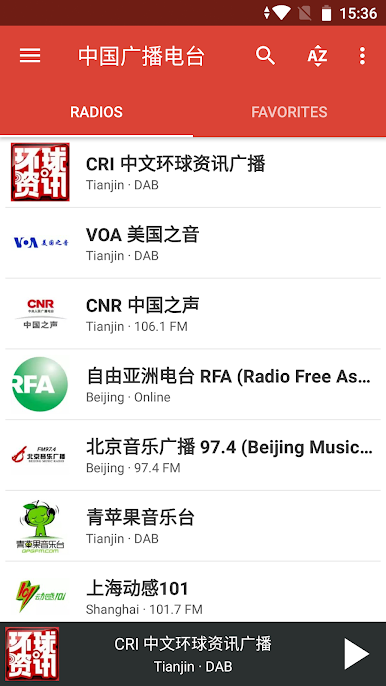
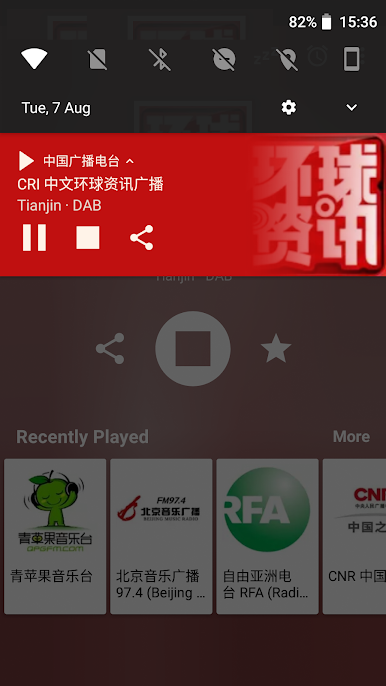
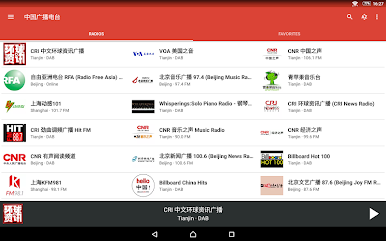
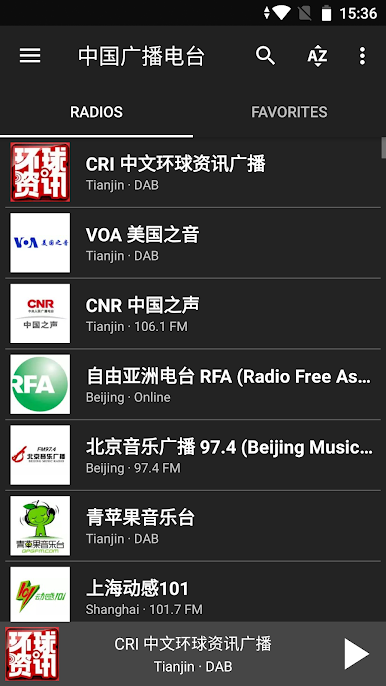
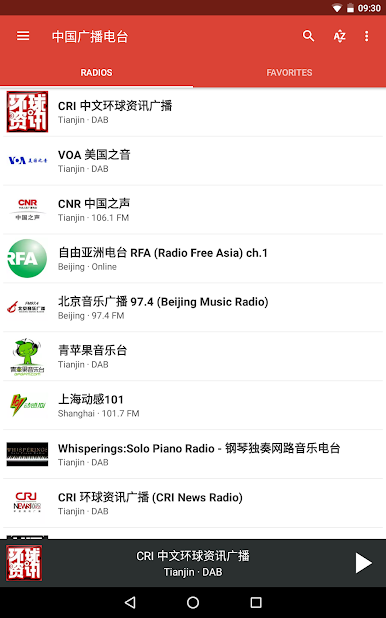
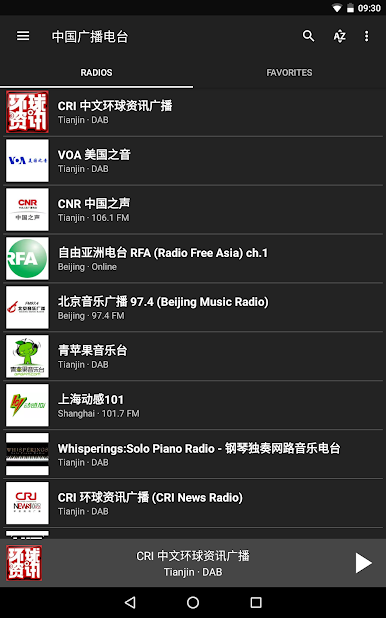
So, Radio FM China is one of those apps where someone can just scroll through a giant list of Chinese radio stations and tune in to whatever catches their interest — music, news, traffic, old hits, even stuff like classical or jazz. It’s all set up so there’s no need to mess with a physical radio or search for streaming links online. On PC, especially through BlueStacks, it feels a bit more like running an old-school radio through your desktop — just open up the app, type into the search, and pick out a station. There’s everything from Beijing pop channels and K-pop to talk shows and sports radio, plus a batch of regional stations for places like Shanghai, Guangzhou, Nanjing, and more.
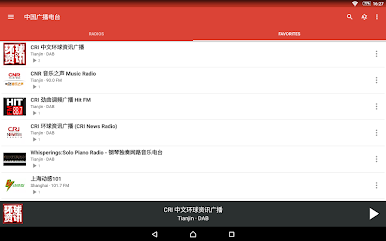
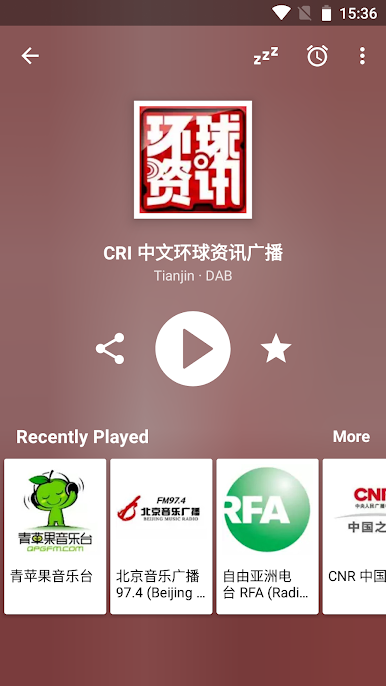
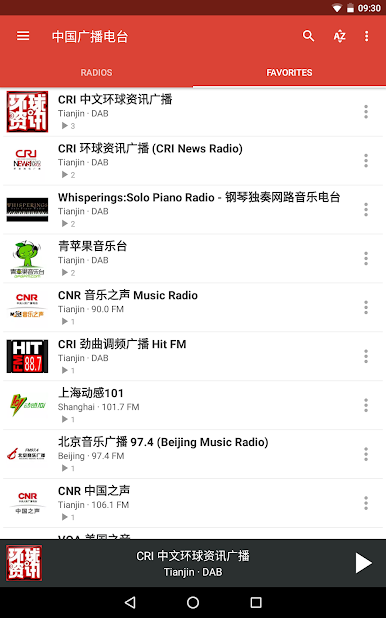
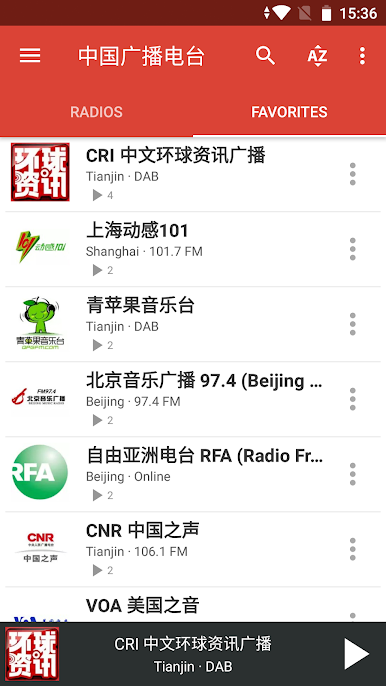
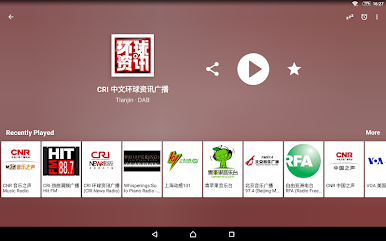
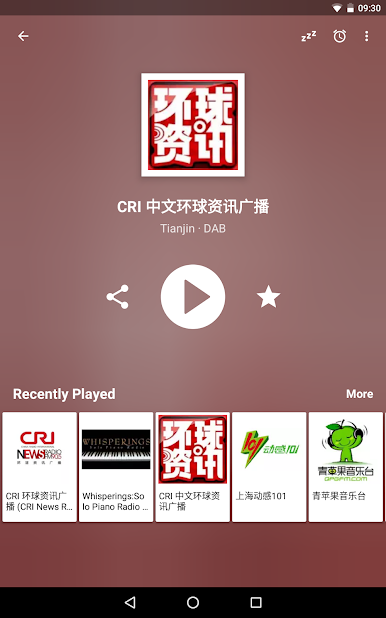
The app lets you save favorites, which is handy because there are so many options it’d be tough to remember where to find the good stations otherwise. It keeps track of what you’ve listened to lately, which is honestly useful if someone bounces around a lot or forgets which show they liked. Not really complicated to use — just start it up and play whatever sounds interesting. The variety’s kind of impressive, with local language stations, English global broadcasts, dedicated channels for traffic or travel info, even specialty stuff like anime soundtracks and folk opera. Anyone curious about Chinese music, needing something for background noise, or just wanting the feeling of flipping through a real radio dial will probably get a kick out of it, especially since it doesn’t matter where someone is in the world. Feels like a little window into everyday Chinese broadcasts, but without needing to search every channel by hand.
Switch to BlueStacks and make the most of your apps on your PC or Mac.
เล่น 收音机FM 中国广播电台 新闻夜秀 บน PC ได้ง่ายกว่า
-
ดาวน์โหลดและติดตั้ง BlueStacks บน PC ของคุณ
-
ลงชื่อเข้าใช้แอคเคาท์ Google เพื่อเข้าสู่ Play Store หรือทำในภายหลัง
-
ค้นหา 收音机FM 中国广播电台 新闻夜秀 ในช่องค้นหาด้านขวาบนของโปรแกรม
-
คลิกเพื่อติดตั้ง 收音机FM 中国广播电台 新闻夜秀 จากผลการค้นหา
-
ลงชื่อเข้าใช้บัญชี Google Account (หากยังไม่ได้ทำในขั้นที่ 2) เพื่อติดตั้ง 收音机FM 中国广播电台 新闻夜秀
-
คลิกที่ไอคอน 收音机FM 中国广播电台 新闻夜秀 ในหน้าจอเพื่อเริ่มเล่น

