

Falcross Infinite Nonograms
Jouez sur PC avec BlueStacks - la plate-forme de jeu Android, approuvée par + 500M de joueurs.

Page Modifiée le: Mar 2, 2025
Play Falcross Infinite Nonograms on PC or Mac
Falcross Infinite Nonograms brings the Puzzle genre to life, and throws up exciting challenges for gamers. Developed by Arman Dezfuli-Arjomandi, this Android game is best experienced on BlueStacks, the World’s #1 app player for PC and Mac users.
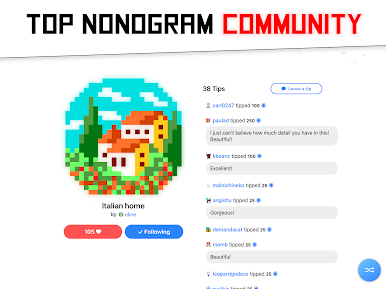
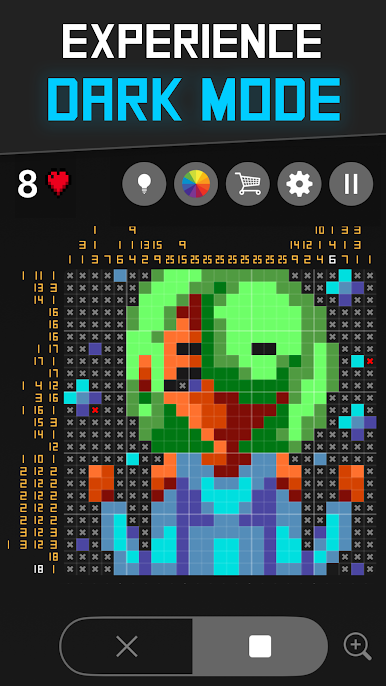
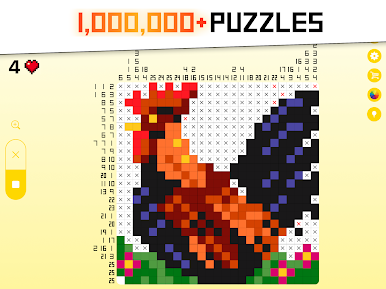
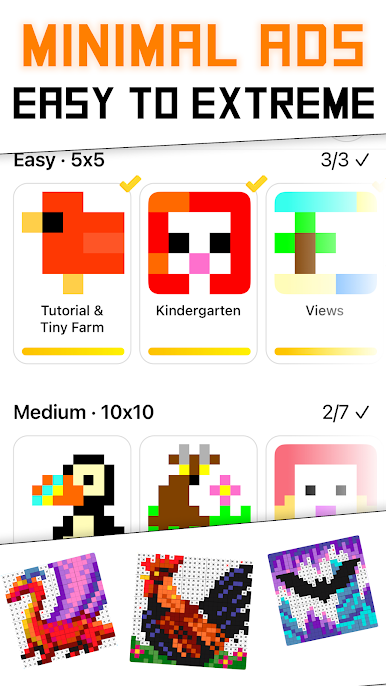
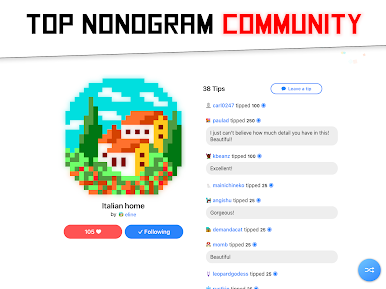
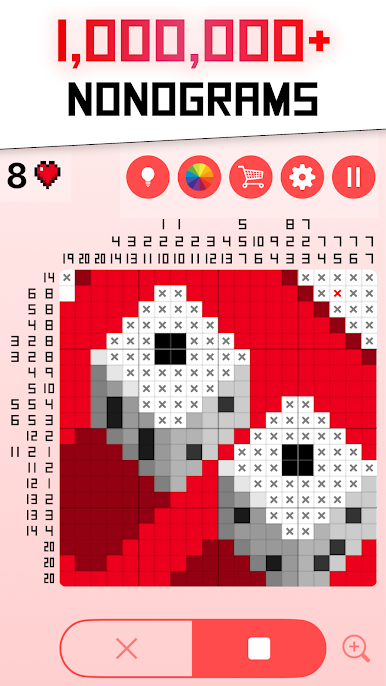
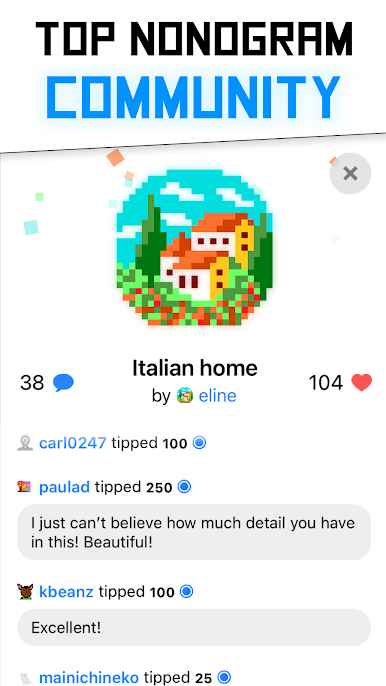
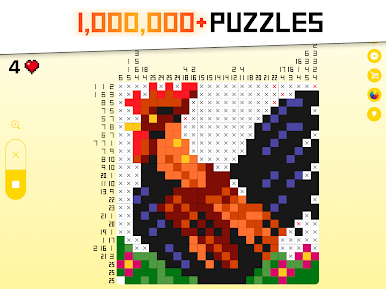
Falcross Infinite Nonograms is basically endless picross, the kind where numbers on the edges tell players which squares to fill in and a tiny pixel picture appears when the grid is solved. It feels calm and methodical, almost like sorting pieces on a quiet table, then a little image clicks into place and there is that nice “oh, there it is” moment. Difficulty ranges from gentle warmups to big brain burners, and there are a ton of puzzles from community artists, with new ones rolling in all the time, so the well does not run dry.
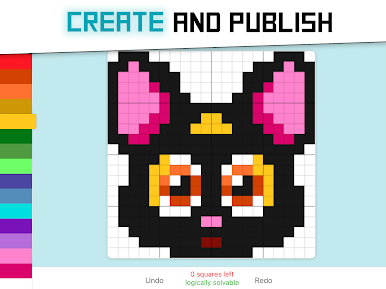
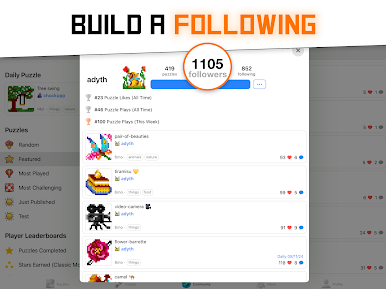
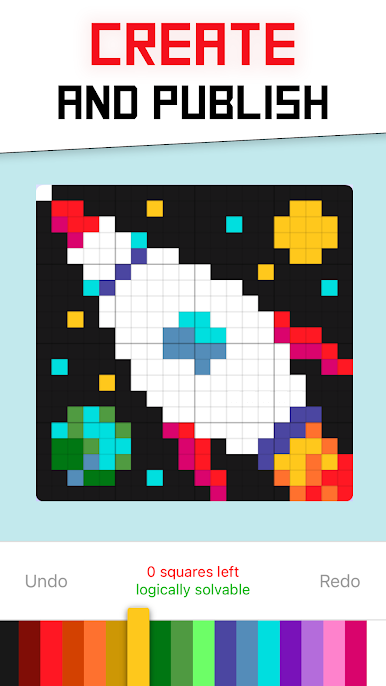
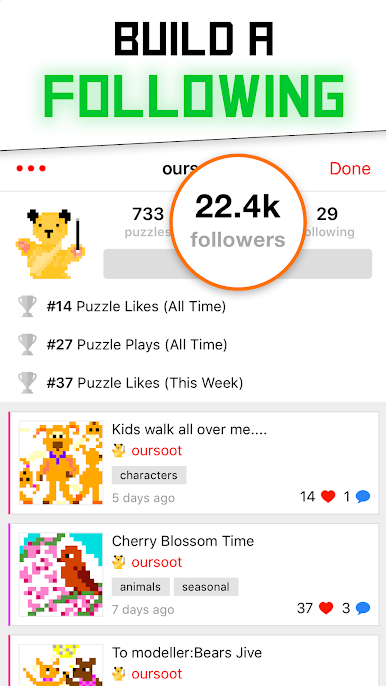
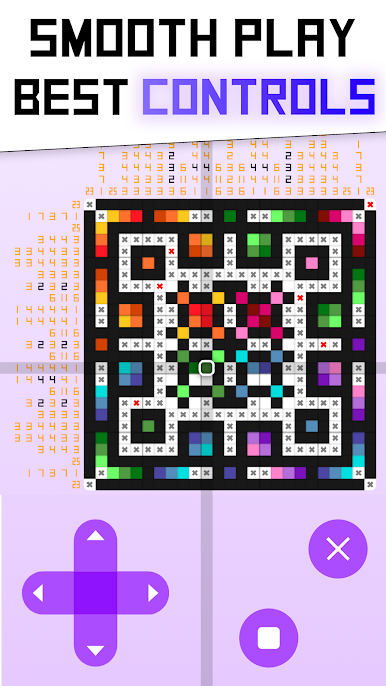
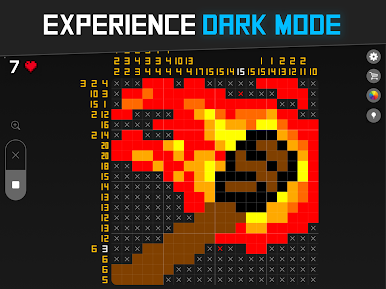
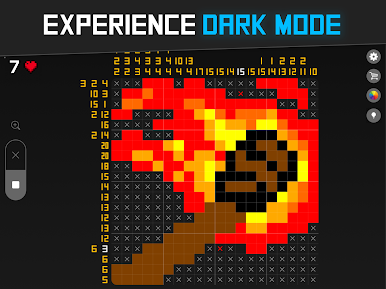
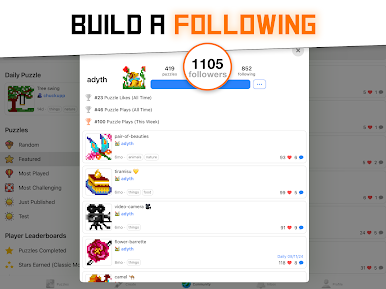
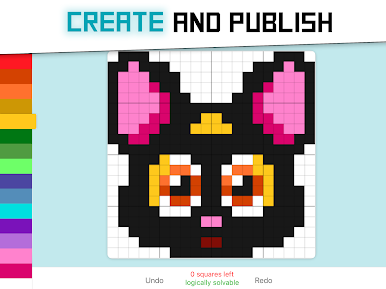
Controls are simple and get out of the way, and on PC with BlueStacks the bigger screen plus mouse clicks make marking cells fast and accurate. Dark mode helps with late-night solving, and everything works offline, so it is easy to chip away at a grid on a commute or in a dead Wi-Fi zone. Ads are minimal and do not break focus. The built-in editor is a standout, letting players create their own nonograms, publish them, and slowly gather followers if the designs are clever. The whole thing has a cozy tone and a bit of goofy humor about stats and the one-person dev behind it. For anyone who enjoys steady logic puzzles and tidy pixel art reveals, it scratches that itch for ages without shouting for attention.
Ready to top the leaderboard? We bet you do. Let precise controls and sharp visuals optimized on BlueStacks lead you to victory.
Jouez à Falcross Infinite Nonograms sur PC. C'est facile de commencer.
-
Téléchargez et installez BlueStacks sur votre PC
-
Connectez-vous à Google pour accéder au Play Store ou faites-le plus tard
-
Recherchez Falcross Infinite Nonograms dans la barre de recherche dans le coin supérieur droit
-
Cliquez pour installer Falcross Infinite Nonograms à partir des résultats de la recherche
-
Connectez-vous à Google (si vous avez ignoré l'étape 2) pour installer Falcross Infinite Nonograms
-
Cliquez sur l'icône Falcross Infinite Nonograms sur l'écran d'accueil pour commencer à jouer

