


Ring - Always Home
Jouez sur PC avec BlueStacks - la plate-forme de jeu Android, approuvée par + 500M de joueurs.

Page Modifiée le: Nov 27, 2025
Play Ring - Always Home on PC
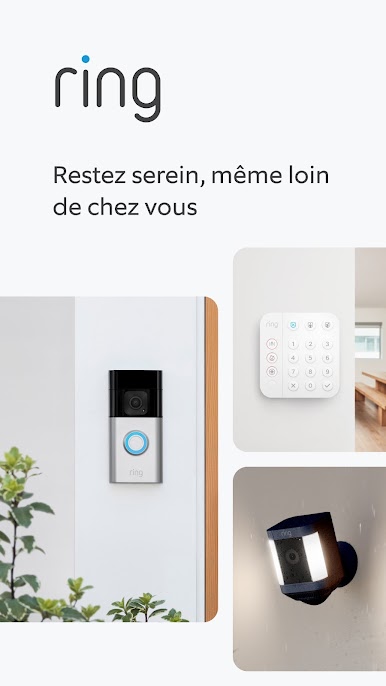
Ring Smart Lights let you control and schedule lighting easily. Some models can even notify you about motion nearby, and trigger other compatible Ring devices to record.
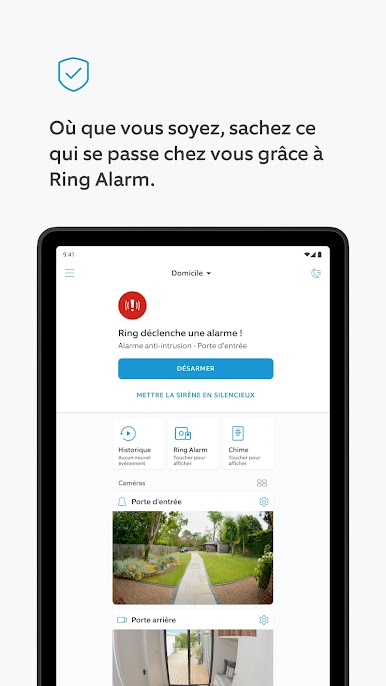
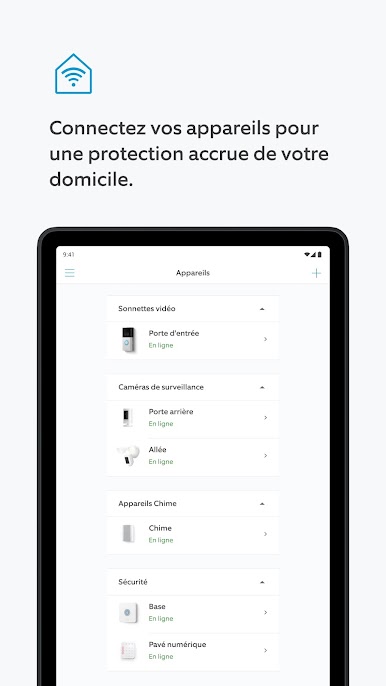
Ring Alarm systems let you monitor entrances and indoor spaces, and detect certain safety hazards. Enroll in Ring Alarm Professional Monitoring* (compatible Ring Home Plan subscription required) to request dispatch of emergency responders when your Ring Alarm is triggered.
Whether you’re halfway around the world or just out shopping , with Ring, you’re always home.
*Professional Monitoring is an add-on plan that first requires a compatible Ring subscription. Both sold separately. Service available within the U.S. (all 50 states, but not U.S. territories) and in Canada (excluding Quebec). Ring does not own its monitoring center. Smoke and carbon monoxide monitoring is not available for business or commercially zoned addresses. See Ring Alarm licenses at: ring.com/licenses. Additional fees may be required for permits, false alarms, or Alarm Verified Guard Response, depending on your local jurisdiction.
What you can do with the Ring app:
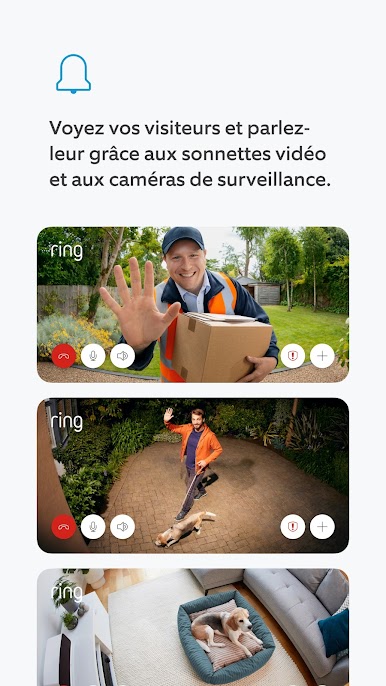
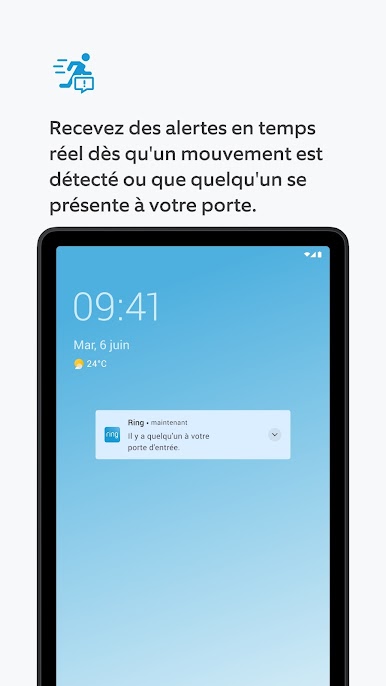
- Get real-time doorbell and motion alerts on your smartphone or tablet
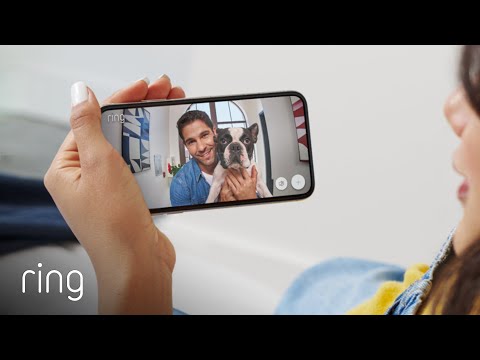
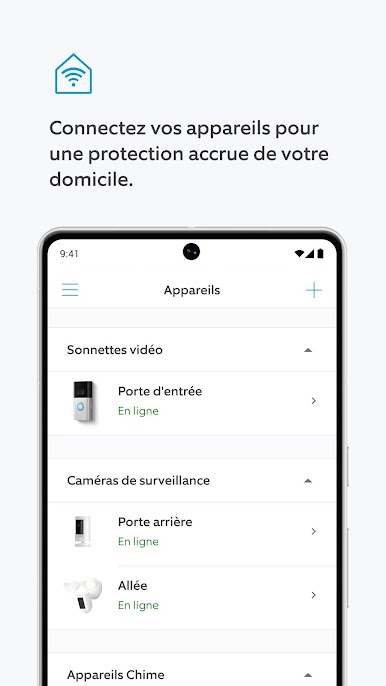
- See and speak with visitors with HD Video and Two-Way Talk
- Get real-time alerts when your Alarm sensors are triggered




Jouez à Ring - Always Home sur PC. C'est facile de commencer.
-
Téléchargez et installez BlueStacks sur votre PC
-
Connectez-vous à Google pour accéder au Play Store ou faites-le plus tard
-
Recherchez Ring - Always Home dans la barre de recherche dans le coin supérieur droit
-
Cliquez pour installer Ring - Always Home à partir des résultats de la recherche
-
Connectez-vous à Google (si vous avez ignoré l'étape 2) pour installer Ring - Always Home
-
Cliquez sur l'icône Ring - Always Home sur l'écran d'accueil pour commencer à jouer

