

GTA: Liberty City Stories
เล่นบน PC ผ่าน BlueStacks - Android Gaming Platform ที่ได้รับความไว้วางใจจากเกมเมอร์ 500 ล้านคนทั่วโลก

Page Modified on: Feb 23, 2026
เล่น GTA: Liberty City Stories บน PC และ Mac
GTA: Liberty City Stories ได้นำแนวเกมแนวผจญภัยให้กลับมามีชีวิตและนำความท้าทายสุดเร้าใจครั้งใหม่มาให้เหล่าเกมเมอร์กันอีกครั้ง พัฒนาโดย Rockstar Games, เกมแอนดรอยด์นี้จะให้ประสบการณ์ที่ดีที่สุดบนการเล่นผ่าน BlueStacks, แอปเพลเยอร์อันดับ #1 ของโลกสำหรับผู้ใช้ PC และ Mac
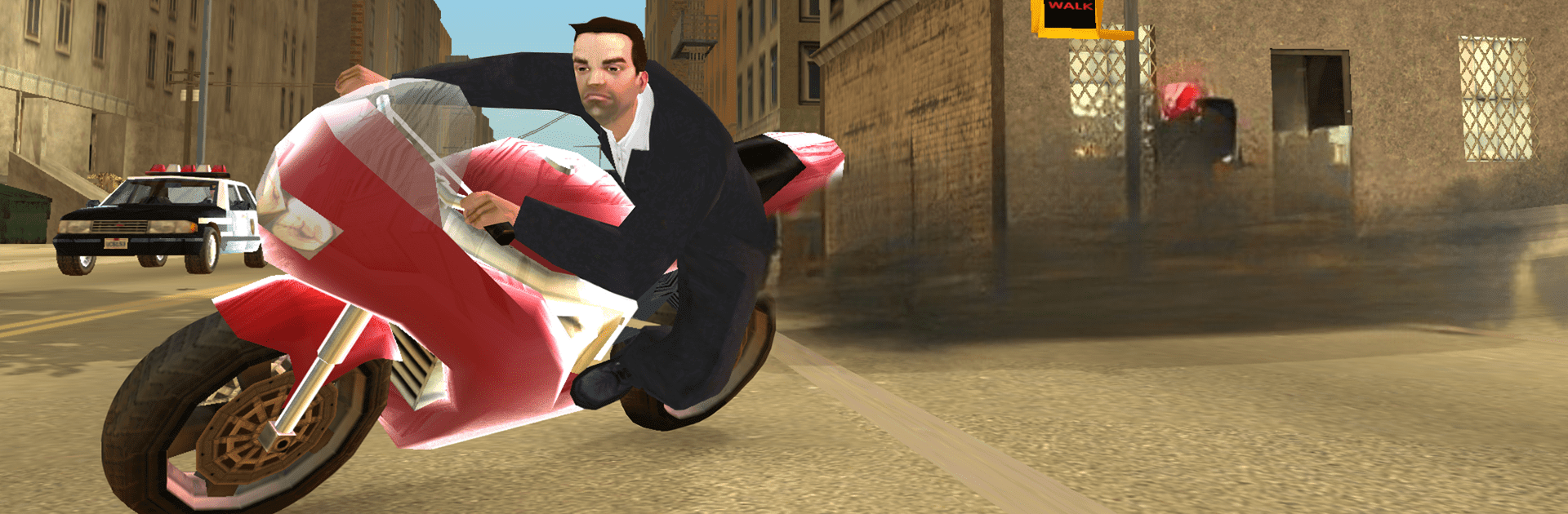
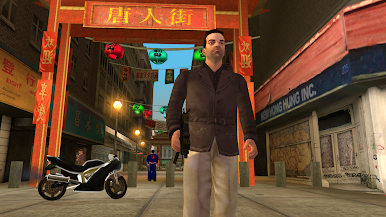
GTA: Liberty City Stories เล่นบน PC ผ่าน BlueStacks แล้วรู้สึกได้เลยว่าความรู้สึกเกมโอเพนเวิลด์ของ Grand Theft Auto กลับมาเต็มที่อีกครั้ง ตัวเกมให้บรรยากาศสไตล์เมือง Liberty City ยุค 2000s ที่ทุกอย่างดูวุ่นวาย มีแก๊งมาเฟีย มีเรื่องราวการต่อสู้ระหว่างตระกูล คอรัปชั่น ยาเสพติด แล้วแต่ละภารกิจก็ทำให้รู้สึกว่าต้องเอาตัวรอดจริง ๆ ตัวละครเอก Toni Cipriani กลับมาในเมืองแบบอยู่ในโลกอาชญากรรมเต็มตัว ต้องเจอทั้งนักฆ่า หัวหน้าแก๊ง นักการเมืองจอมตุกติก หรือแม้กระทั่งแม่ตัวเอง แต่ละคำสั่งก็วุ่น ๆ ช่วงแรกอาจยังจับทางไม่ถูก แต่พอเล่นไปเรื่อย ๆ จะเริ่มเข้าใจบรรยากาศเมือง ความสัมพันธ์ตัวละคร และโลกใต้ดินที่แต่ละอย่างซับซ้อน
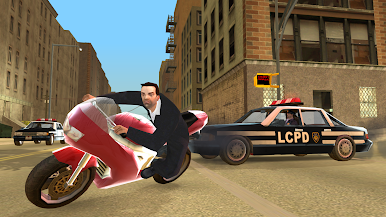
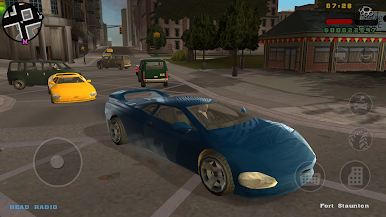
เกมเพลย์เองก็ยังคงสไตล์ GTA คือ ขับรถ ยิงปืน ทำภารกิจ ที่สุดท้ายแล้วมีแต่ความปั่นป่วนเต็มเมือง พอเล่นบน BlueStacks บังคับด้วยเมาส์กับคีย์บอร์ดมันควบคุมง่ายขึ้น กราฟิกกับเสียงก็ให้อารมณ์โคตรดี ถึงจะเป็นเวอร์ชั่นปรับใหม่จากของเก่า แต่รายละเอียดเล็ก ๆ ในเมืองหรือเสียงวิทยุในรถยังครบอยู่ ใครที่ชอบแนวเกมอาชญากรรม เนื้อเรื่องหนัก ๆ กึ่งหนังมาเฟีย เกมนี้ให้บรรยากาศแบบนั้นครบ แถมจังหวะเล่นก็สลับผลัดกันฮาเพราะบทพูดกับเหตุการณ์ขำ ๆ ในแต่ละฉาก ตัวเกมไม่ได้เน้นภาพโมเดิร์นจัด ๆ แต่เนื้อเรื่องกับเมืองที่มีชีวิตจริง ๆ ทำให้นั่งเล่นได้นานแบบไม่เบื่อเลย
เริ่มต้นการเดินทางตอนนี้ ดาวน์โหลดเกมบน BlueStacks, ช่วยเพื่อน ๆ ของคุณ และออกผจญภัยครั้งใหม่ไปพร้อมกัน

เล่น GTA: Liberty City Stories บน PC ได้ง่ายกว่า
-
ดาวน์โหลดและติดตั้ง BlueStacks บน PC ของคุณ
-
ลงชื่อเข้าใช้แอคเคาท์ Google เพื่อเข้าสู่ Play Store หรือทำในภายหลัง
-
ค้นหา GTA: Liberty City Stories ในช่องค้นหาด้านขวาบนของโปรแกรม
-
คลิกเพื่อติดตั้ง GTA: Liberty City Stories จากผลการค้นหา
-
ลงชื่อเข้าใช้บัญชี Google Account (หากยังไม่ได้ทำในขั้นที่ 2) เพื่อติดตั้ง GTA: Liberty City Stories
-
คลิกที่ไอคอน GTA: Liberty City Stories ในหน้าจอเพื่อเริ่มเล่น

