


Workout Tracker - WOD Logging
Jouez sur PC avec BlueStacks - la plate-forme de jeu Android, approuvée par + 500M de joueurs.

Page Modifiée le: Feb 10, 2024
Play Workout Tracker - WOD Logging on PC
What's new (version 1.4.6):
- Bug fixes and stability improvements.
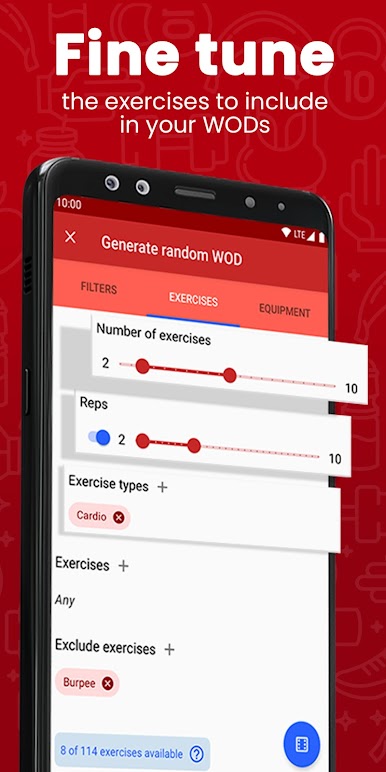
Choose from over 200 benchmark WODs (girl, hero, open) or add your own custom WODs. Build your custom WODs based off standard measurement types (for time, EMOM, AMRAP, ...) and over 100 movements.
Features:
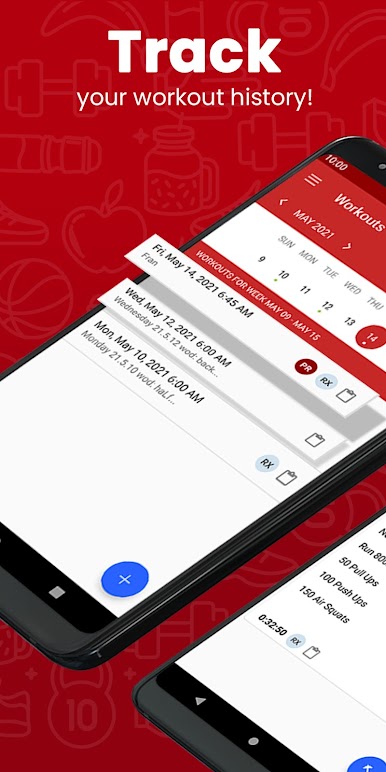
- Record and view current and past workouts
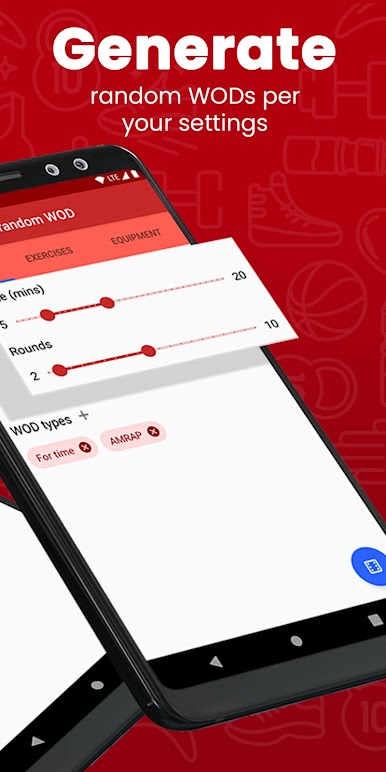
- Random WOD generator
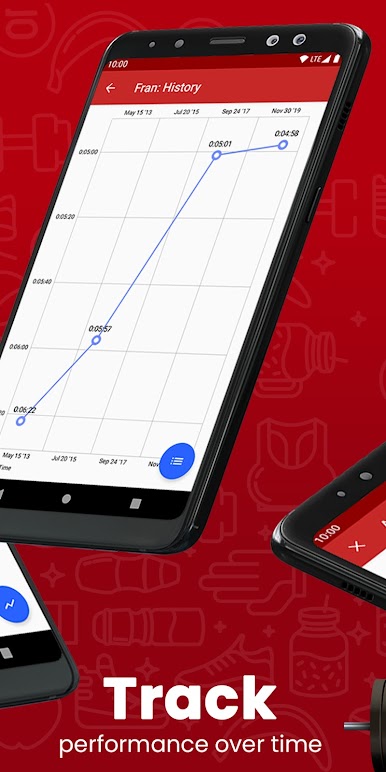
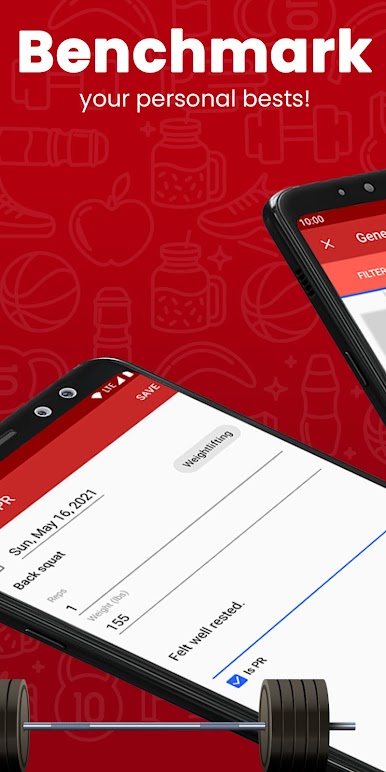
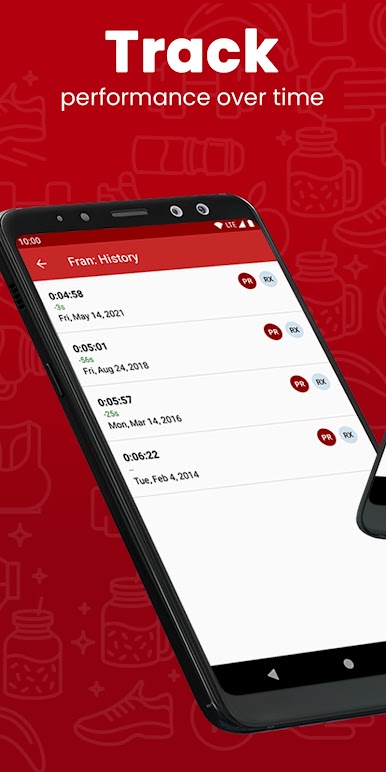
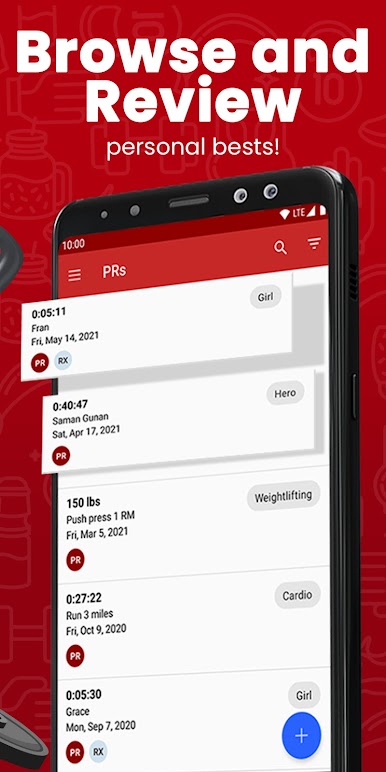
- Track PR history and progress on benchmark WODs
- Easily browse your PRs history with filter/search feature
- Convenient calendar view
- Comprehensive and flexible custom WOD builder
- PR history in graphical chart view
- Backup / restore data across devices
- Choose lbs or kgs for weight units
- Integrates with your box's WOD RSS feed
- Daily WOD alert!
- Customize with your own custom exercises
- Save, re-use, and track history against your custom WODs
- Search and filter to easily review workouts and PRs
Not affiliated with CrossFit®, Inc.

Jouez à Workout Tracker - WOD Logging sur PC. C'est facile de commencer.
-
Téléchargez et installez BlueStacks sur votre PC
-
Connectez-vous à Google pour accéder au Play Store ou faites-le plus tard
-
Recherchez Workout Tracker - WOD Logging dans la barre de recherche dans le coin supérieur droit
-
Cliquez pour installer Workout Tracker - WOD Logging à partir des résultats de la recherche
-
Connectez-vous à Google (si vous avez ignoré l'étape 2) pour installer Workout Tracker - WOD Logging
-
Cliquez sur l'icône Workout Tracker - WOD Logging sur l'écran d'accueil pour commencer à jouer

